Microsoft pulled the =COPILOT() function from Excel after just a year. Here’s why it failed and what formula automation tools actually work.
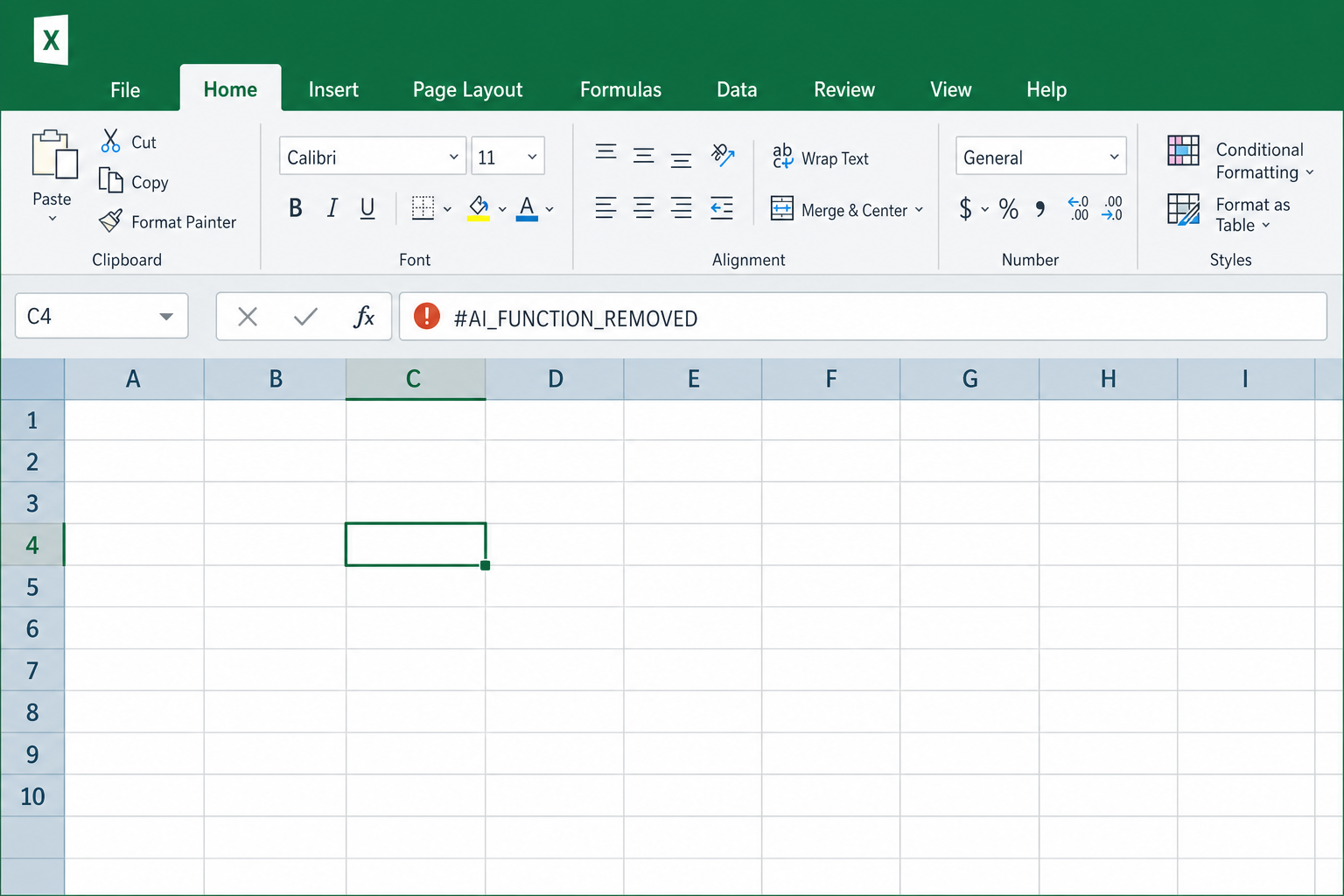

Microsoft pulled the =COPILOT() function from Excel after just a year. Here’s why it failed and what formula automation tools actually work.

Adobe’s new AI Assisted Editor in Photoshop puts every generative AI tool in one smart panel — here’s how it works and how to use it to edit faster.
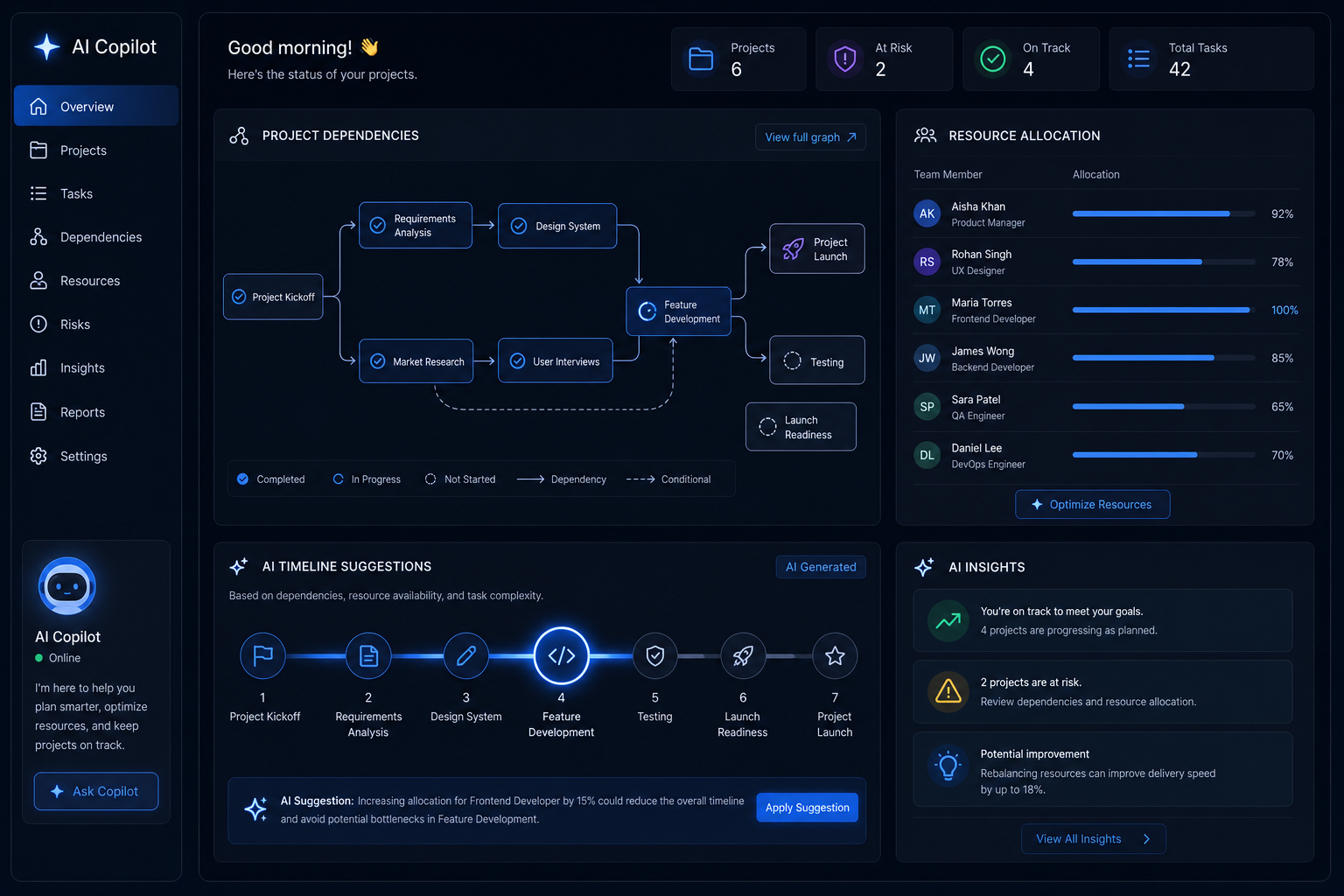
AI copilots now handle project dependencies, resource conflicts, and timeline clashes automatically. Here’s how intelligent scheduling is replacing the manual Gantt chart grind.
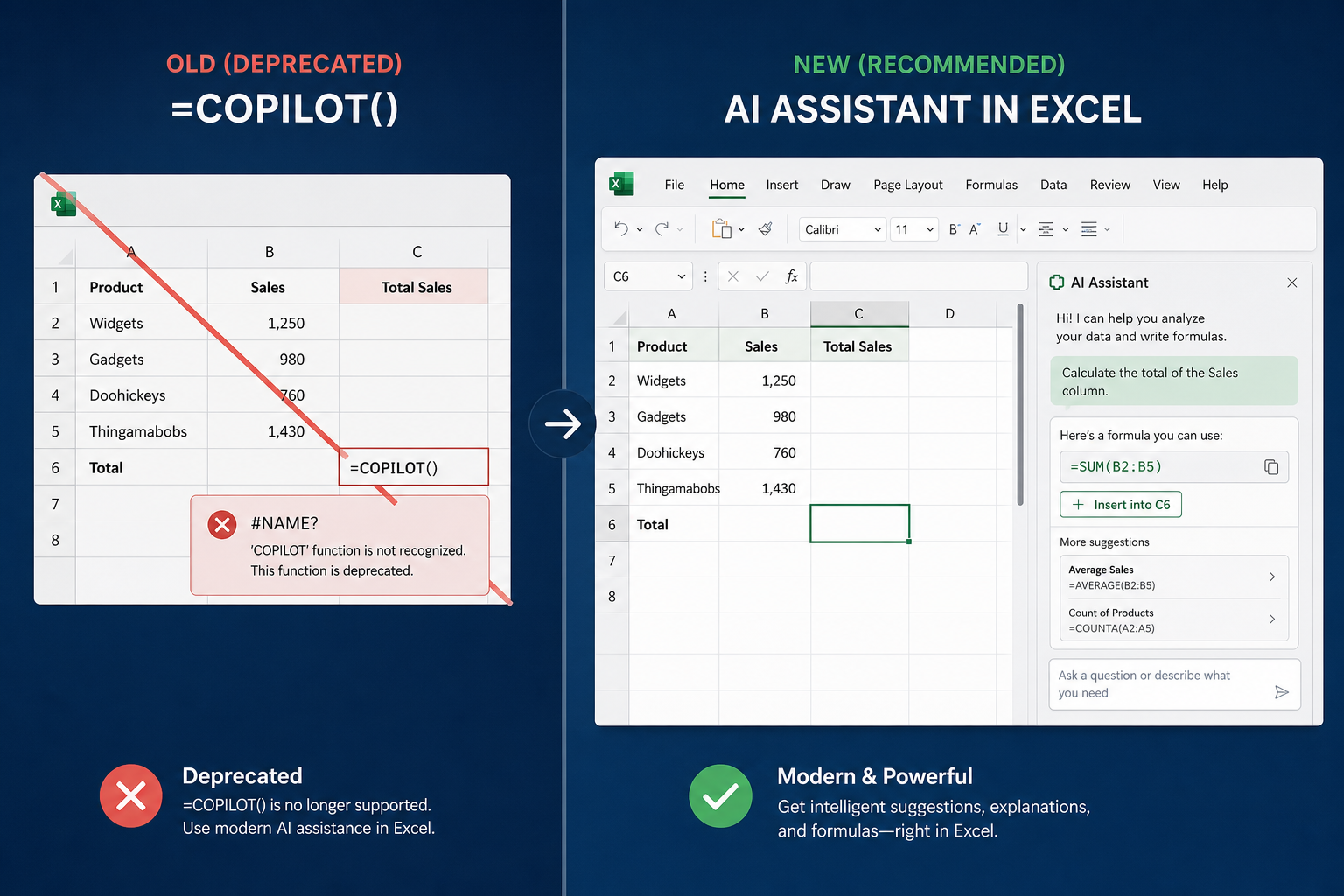
Microsoft is pulling the plug on Excel’s =COPILOT() function on 14 September 2026. Here’s why it failed and which AI tools now handle formula automation better.
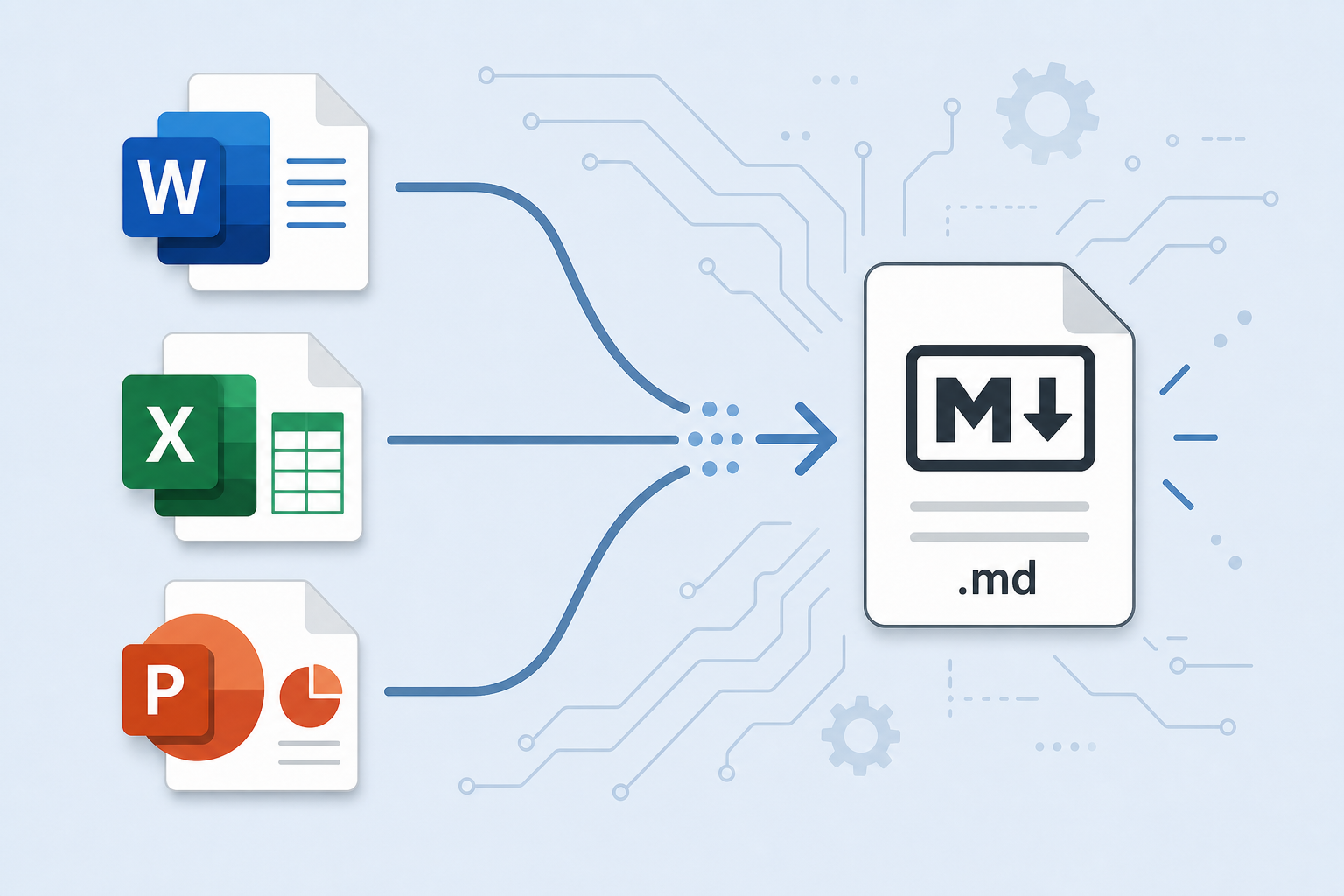
Anydoc converts Word, Excel, and PowerPoint files to Markdown, PDF, and more in milliseconds. Here’s how conversion-first workflows can save you serious time.

After 28 years, Google is experimenting with removing its iconic Search button — replacing it with AI-powered alternatives. Here’s what the shift really means.

OfficeCLI lets AI agents programmatically read, write, and edit Word, Excel, and PowerPoint files — opening a new era of document workflow automation at scale.

AI icon generator design tools are transforming how UI and UX designers work — cutting hours from the concept phase. Here’s how to use them with CorelDRAW for polished, production-ready results.

Microsoft’s secret lightweight Windows 11 AI OS has leaked — here’s what we know about Project Aion, the Edge-powered variant that could reshape the future of the Windows platform.

Microsoft Build 2026 made Windows the go-to developer platform with WSL containers, Intelligent Terminal, AI APIs, and the Surface RTX Spark Dev Box. Here’s what matters for your workflow.
Apply the code EXTRA10 at the cart or checkout page to get your 10% Discount.
Enjoy Safe & Secure payment via PayPal or Stripe!
One-time use per customer!
