Skip the advanced tutorials. Here are the handful of Excel formulas that actually cover 90% of everyday office work.
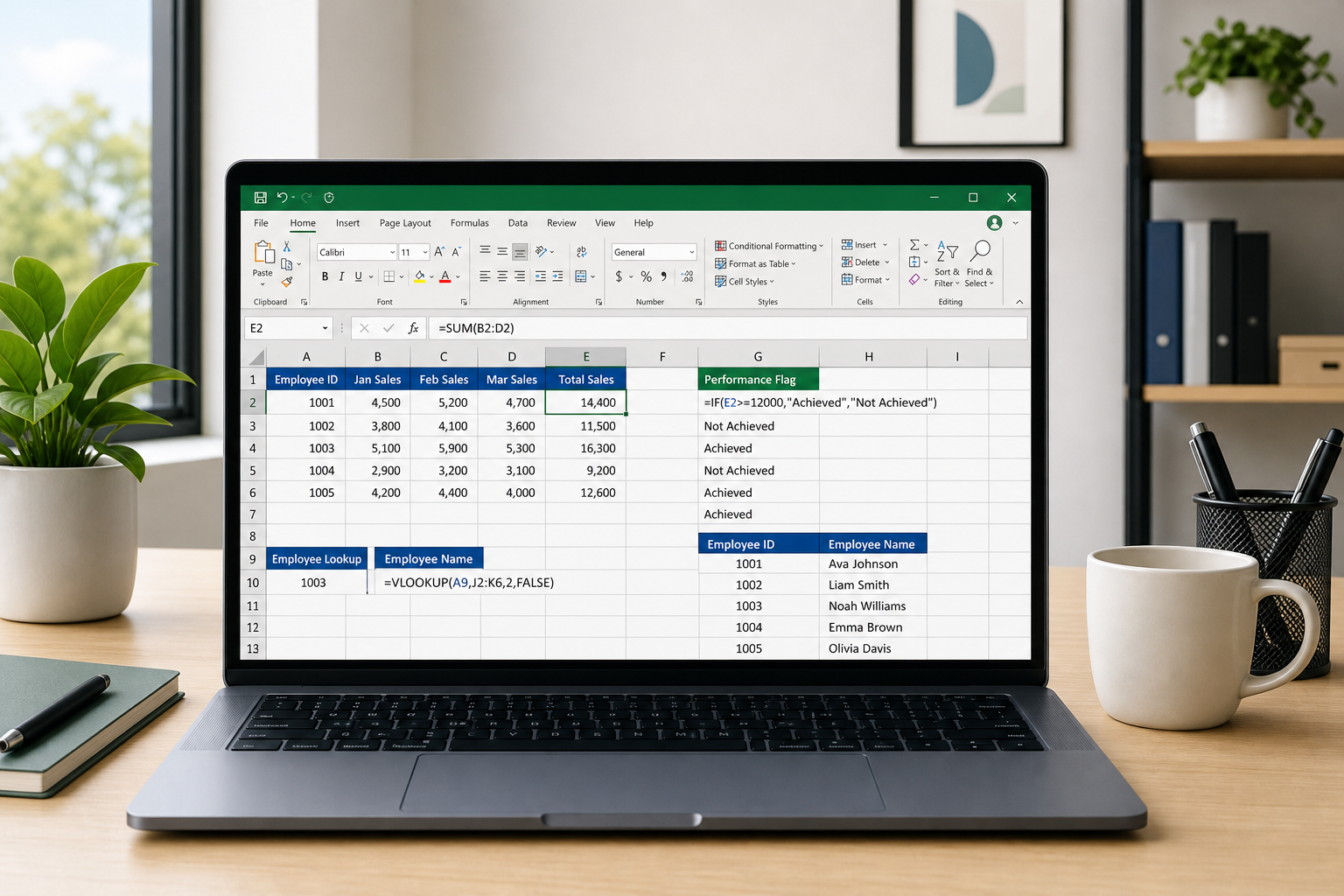

Skip the advanced tutorials. Here are the handful of Excel formulas that actually cover 90% of everyday office work.
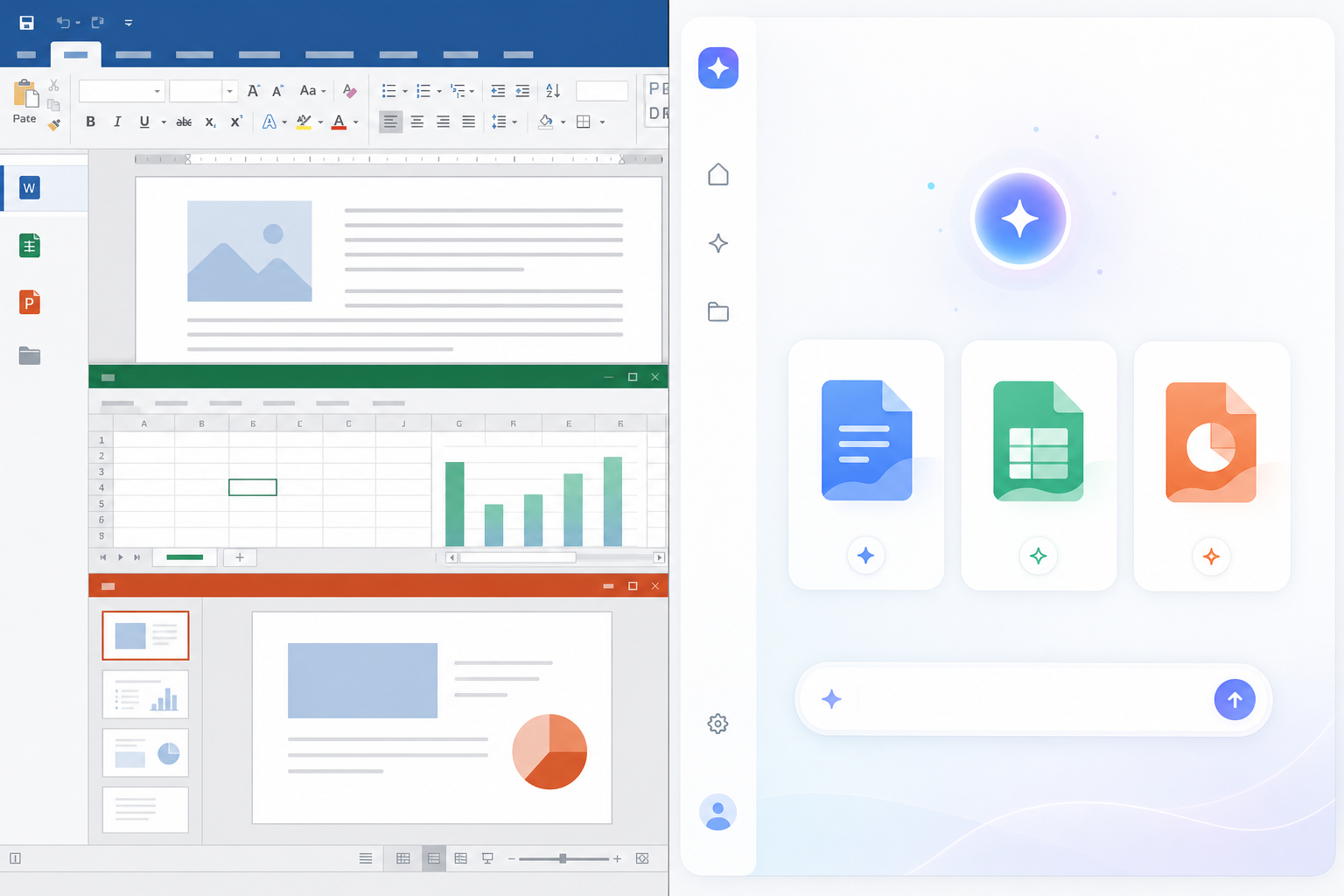
Free, AI-built clones of Word, Excel, and PowerPoint are spreading online. Here’s what they can actually do — and where they still fall short.
New open-source clones promise to replace Word, Excel, and PowerPoint. We test how they actually handle formulas, formatting, and real documents.
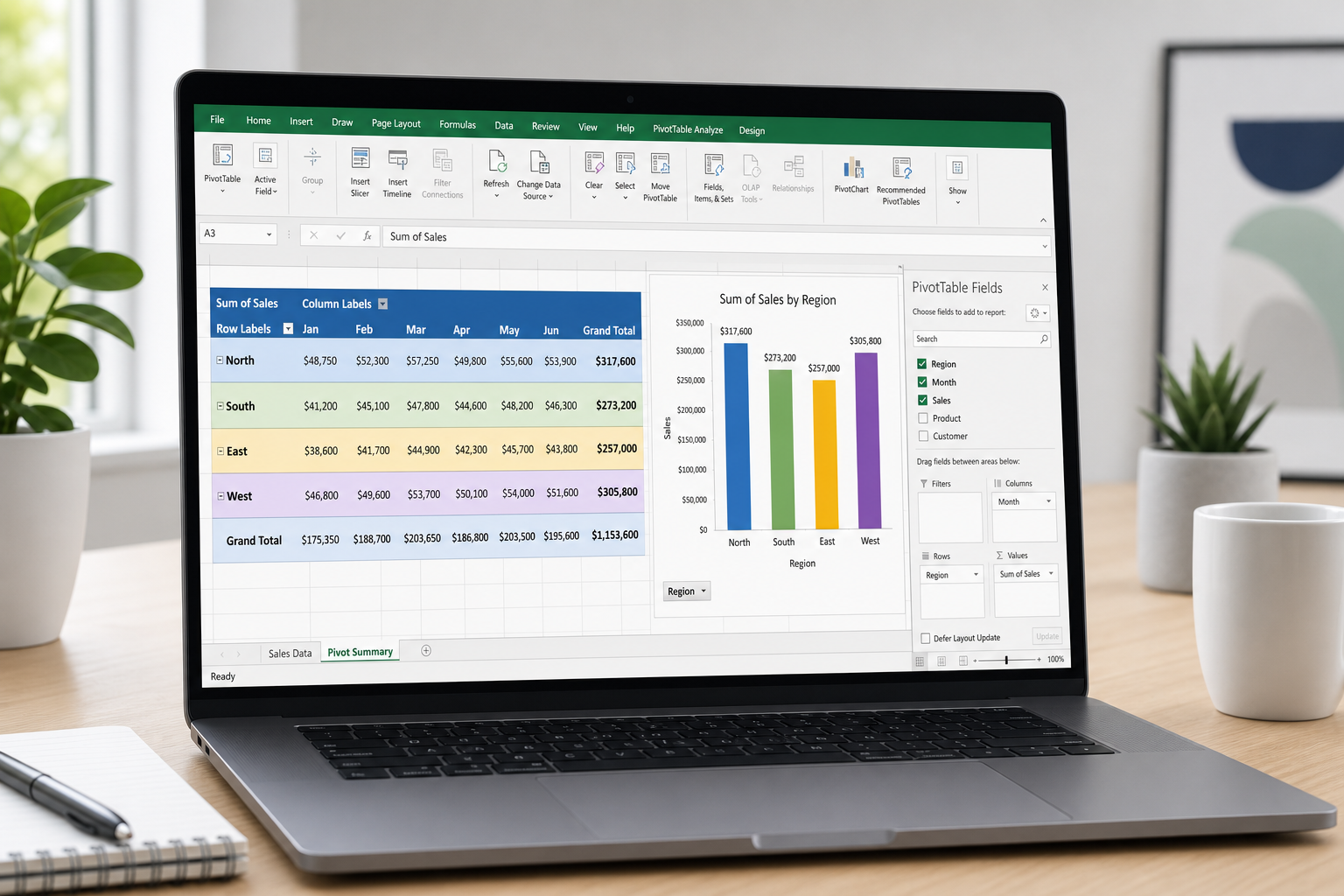
Turn a messy spreadsheet into a clear summary in minutes. A no-jargon walkthrough on building and grouping Excel pivot tables, plus mistakes to skip.
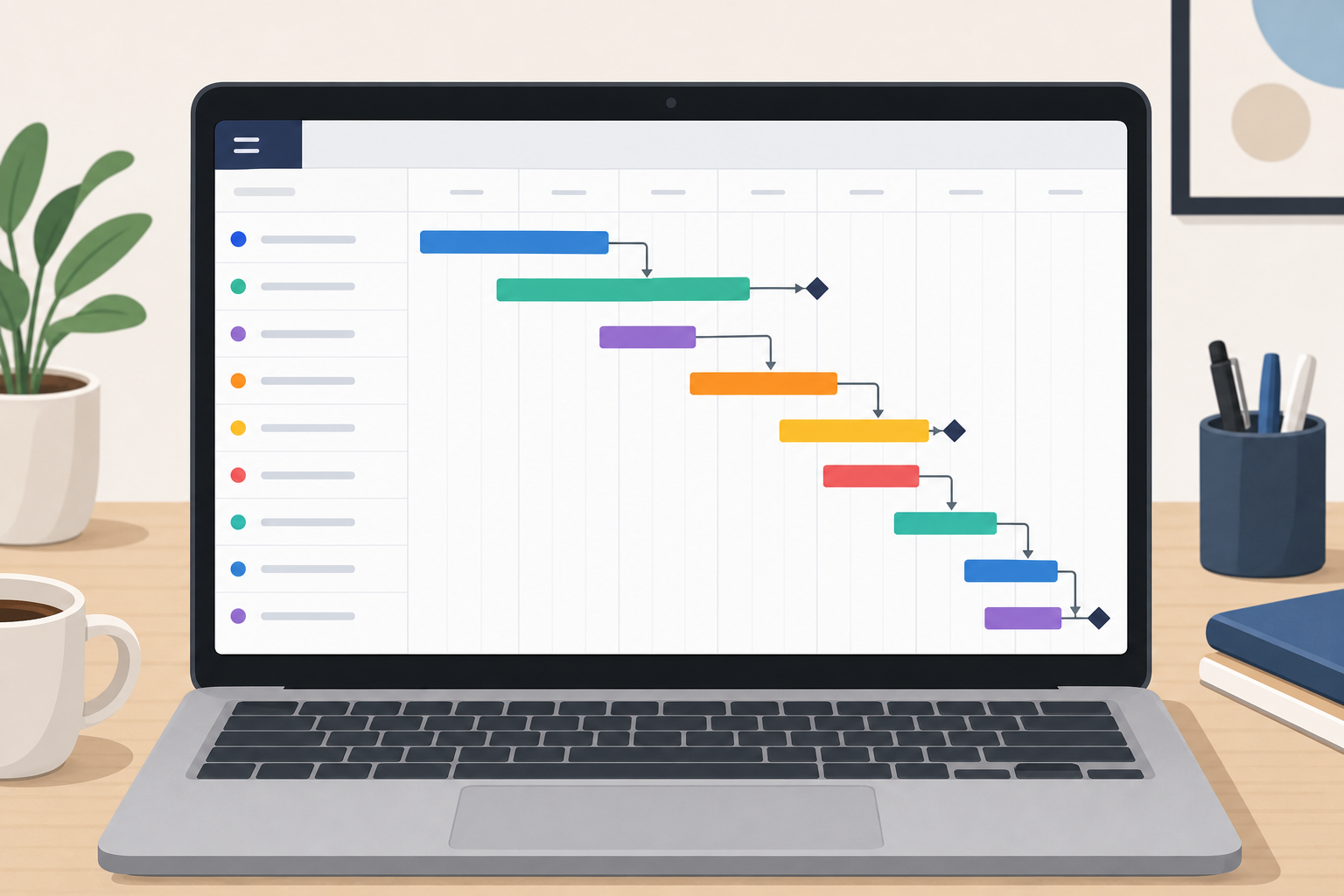
A step-by-step look at downloading, customizing, and actually using a gantt chart template for real projects—dependencies, milestones, and all.
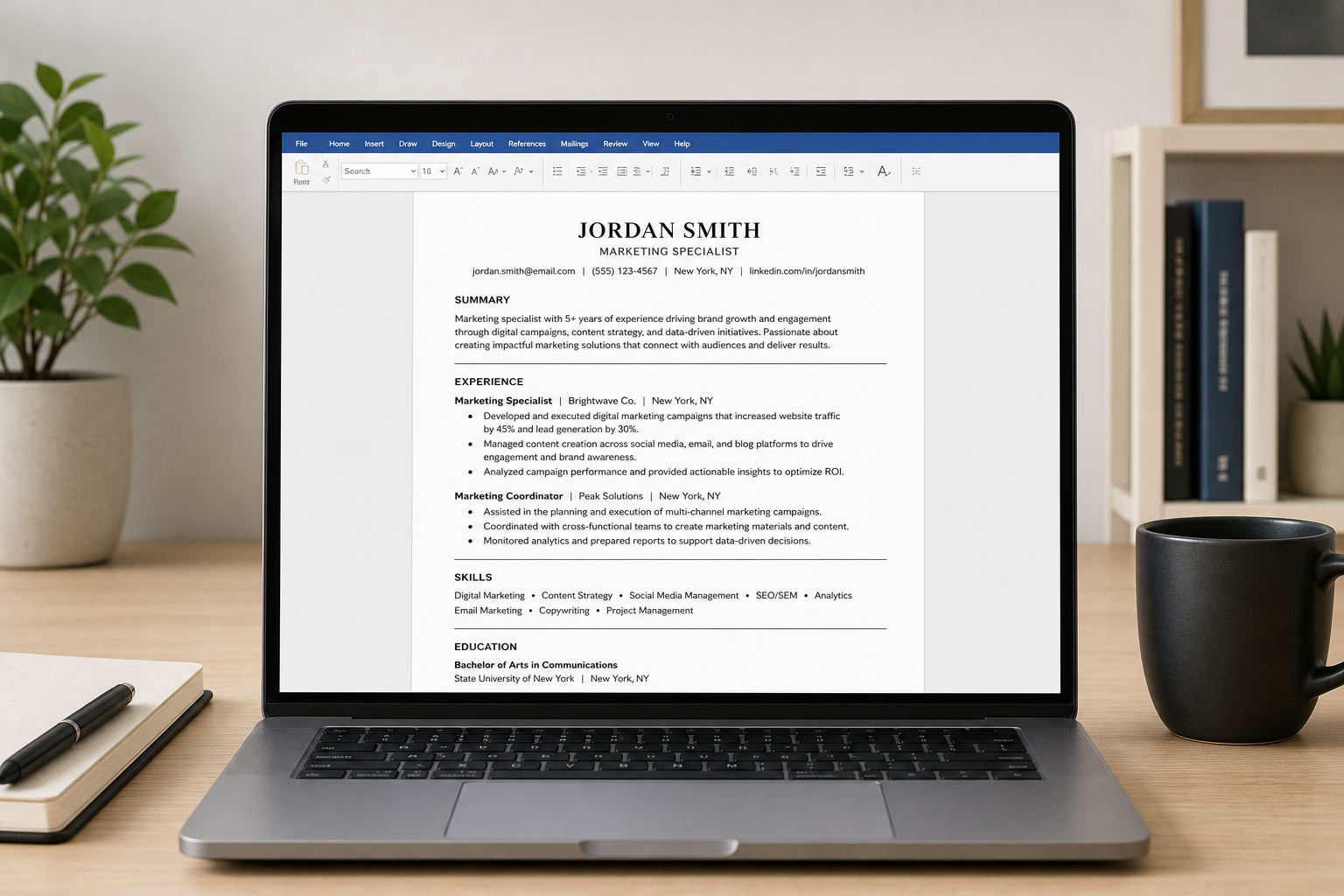
Not every Word resume template survives an applicant tracking system. Here’s how to pick and customize one that actually gets read.
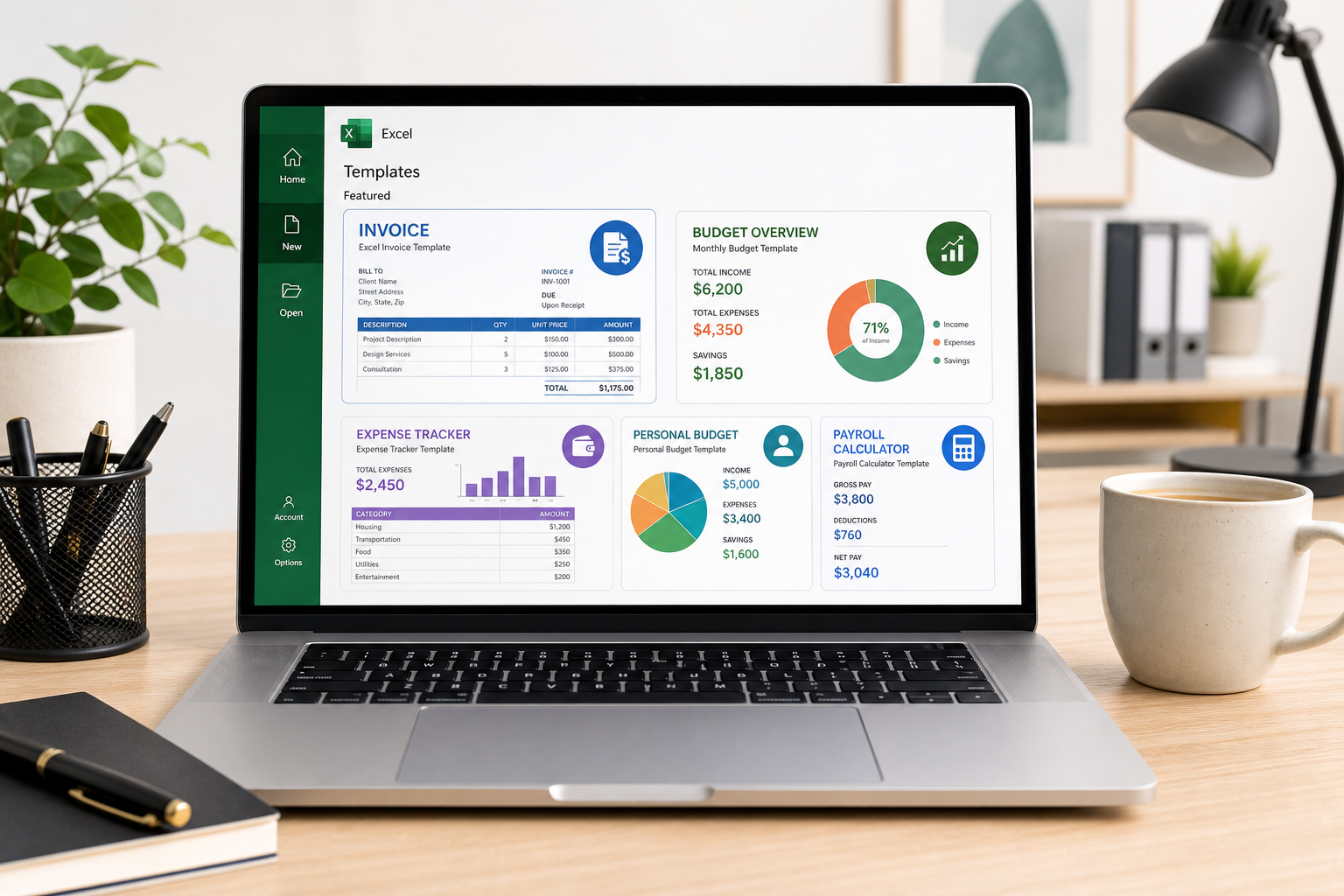
Ready-to-use spreadsheet templates for invoicing, budgeting, inventory, and cash flow—plus how to customize them and connect them to Office.
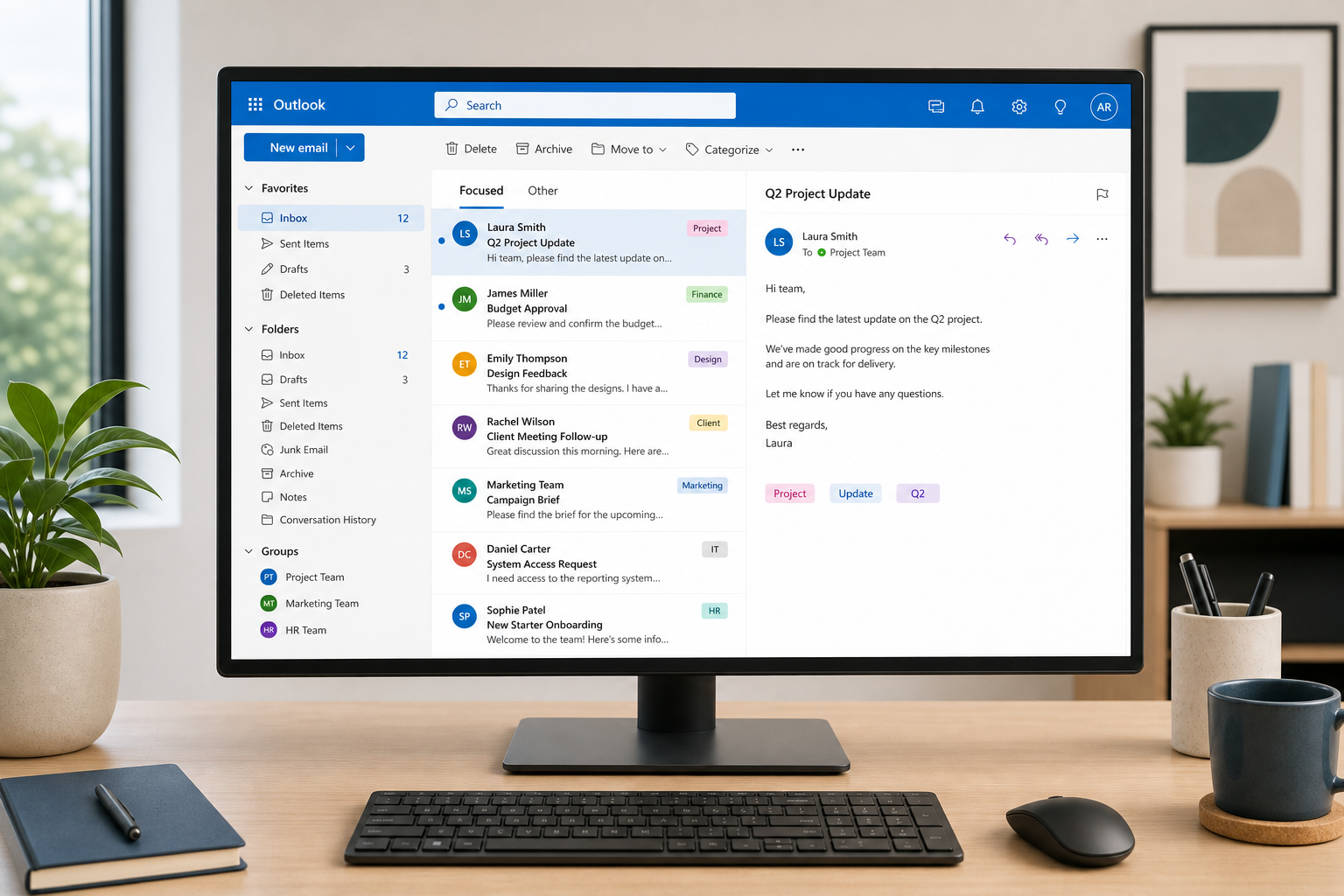
Practical Outlook management tactics — folder automation, search operators, smarter rules, and Teams integration — to tame a chaotic inbox for good.
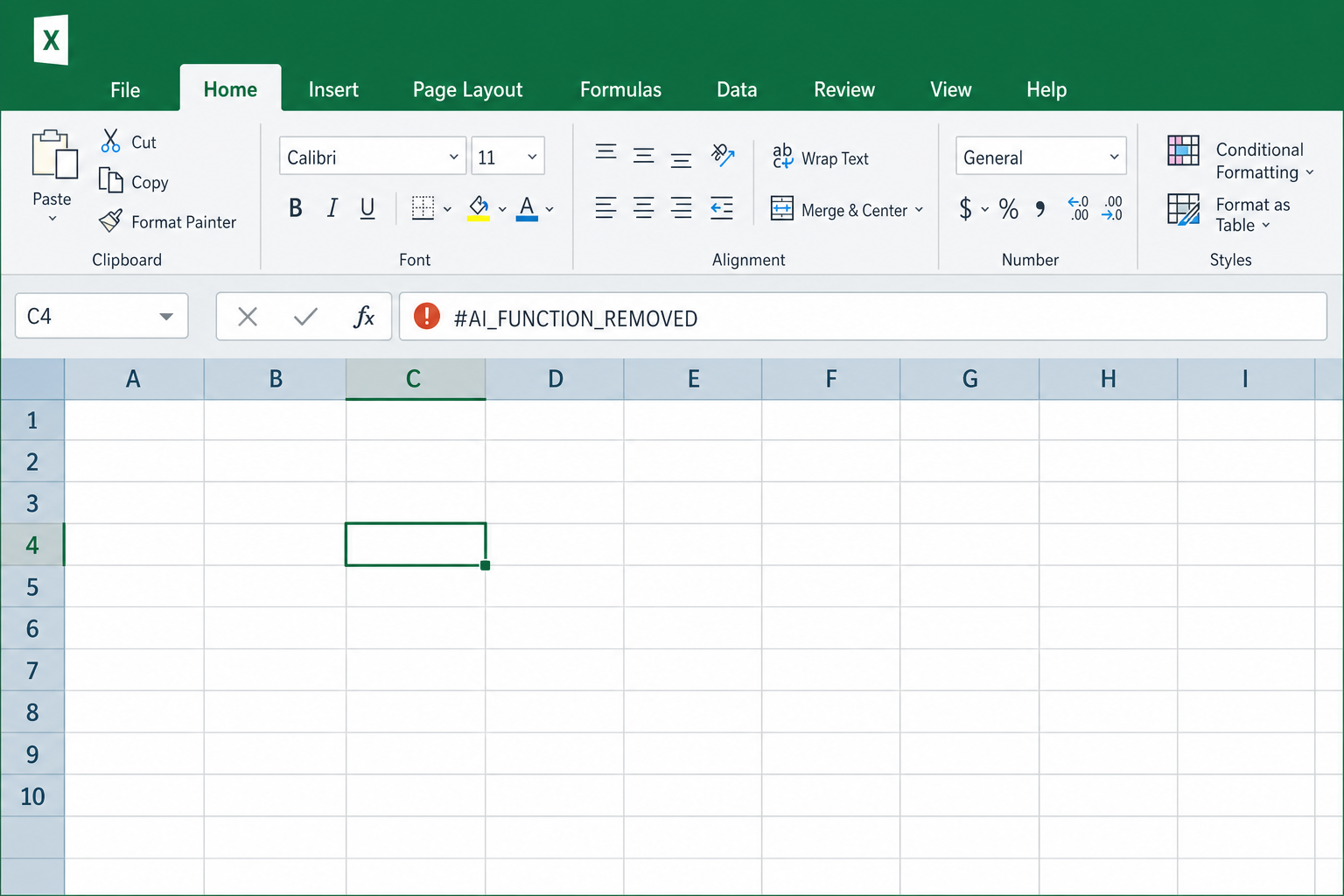
Microsoft pulled the =COPILOT() function from Excel after just a year. Here’s why it failed and what formula automation tools actually work.
Excel’s copy-paste stopped working after a September 2026 update. Here’s exactly what broke, who’s affected, and how to fix it without losing data.
Apply the code EXTRA10 at the cart or checkout page to get your 10% Discount.
Enjoy Safe & Secure payment via PayPal or Stripe!
One-time use per customer!
