Administrator or standard? Here’s exactly what each Windows account type can do and which one you should actually be using every day.
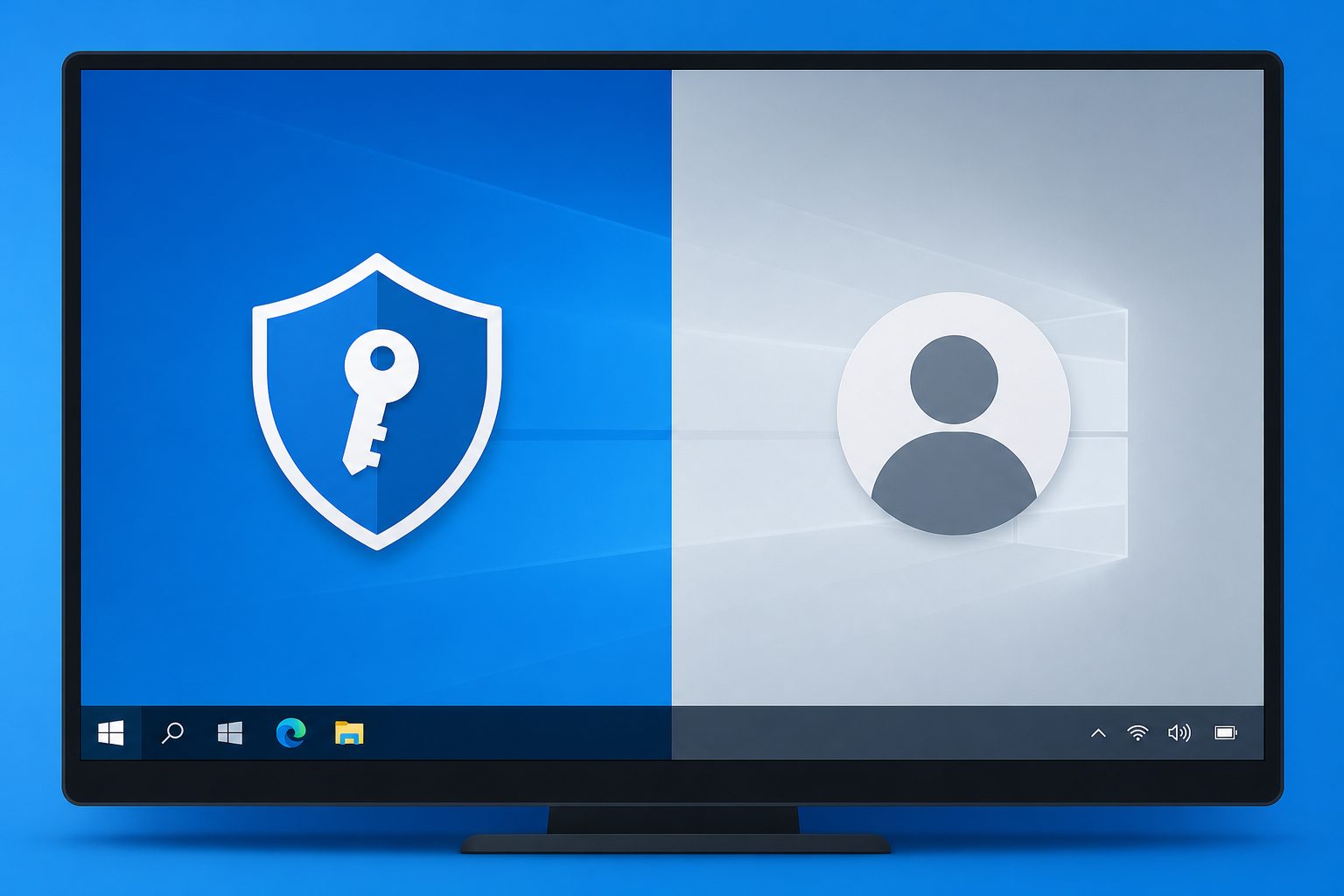

Administrator or standard? Here’s exactly what each Windows account type can do and which one you should actually be using every day.
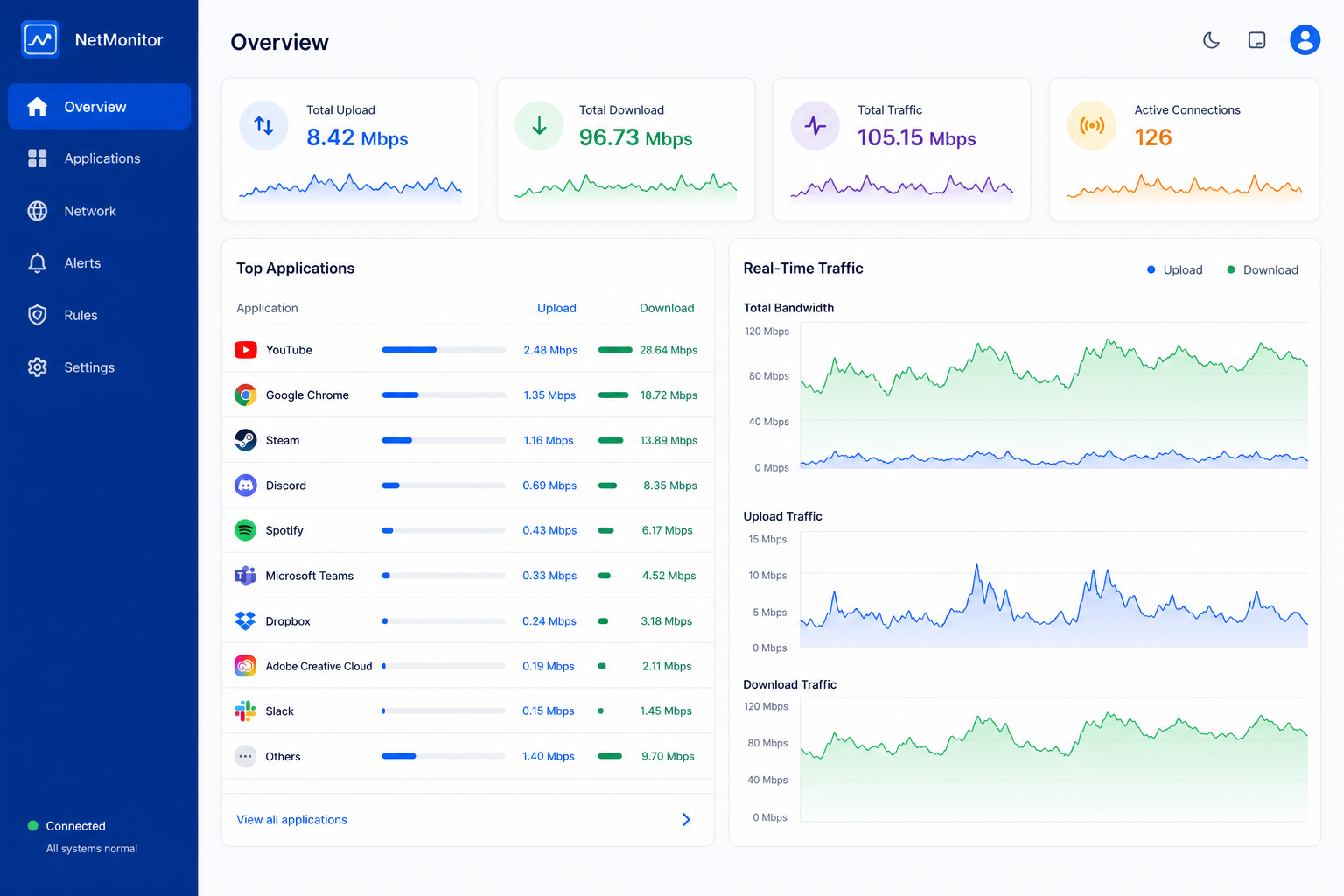
Want to see which apps are eating your bandwidth? Here’s a practical look at lightweight network monitoring tools built for Windows 11.

Not sure which windows power plan fits your PC? Here’s when to use Balanced, High Performance, or Power Saver — and how to build your own.
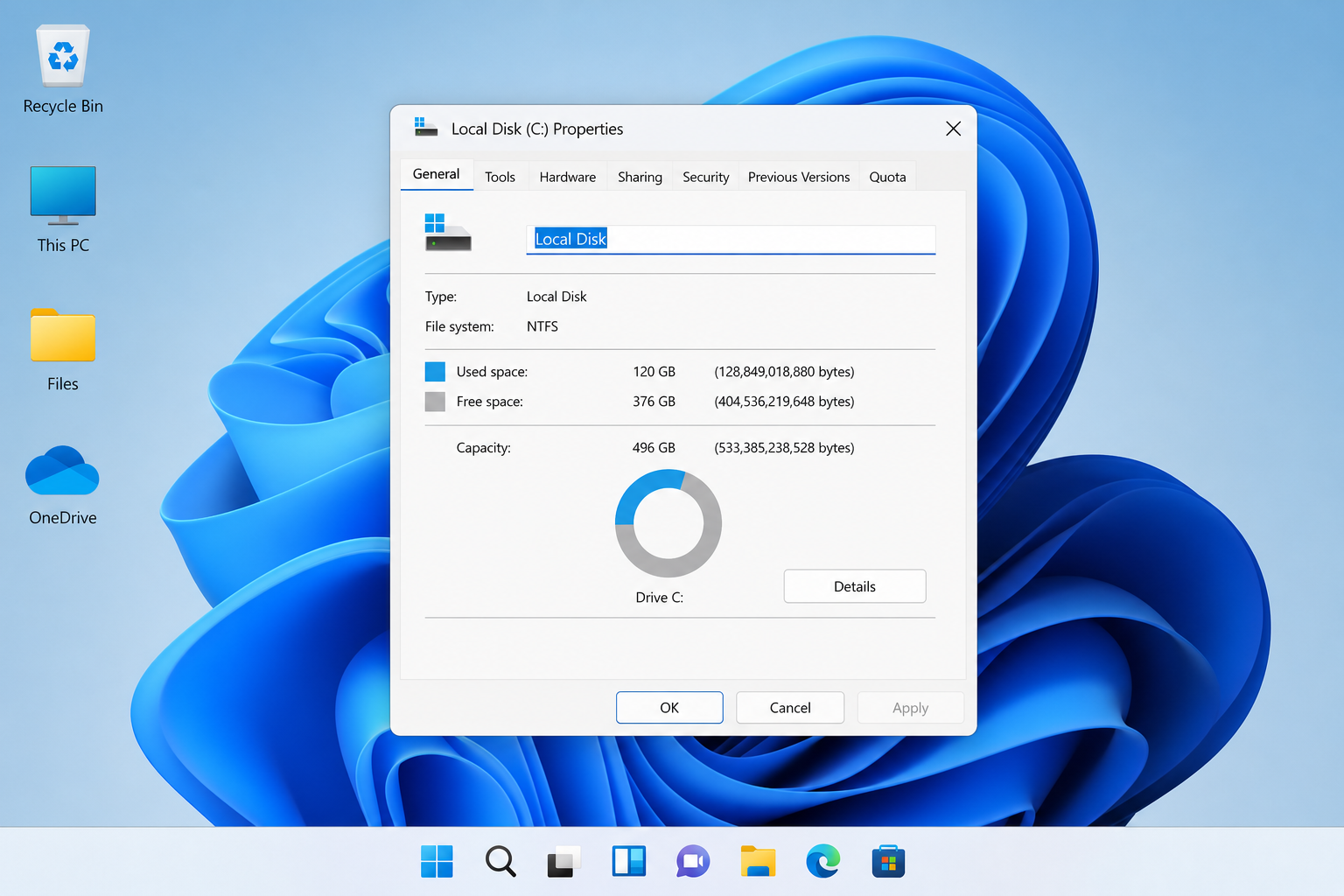
Your drive shows less storage than the box promised? Here’s the real math behind binary vs decimal, system partitions, and how to check true space.
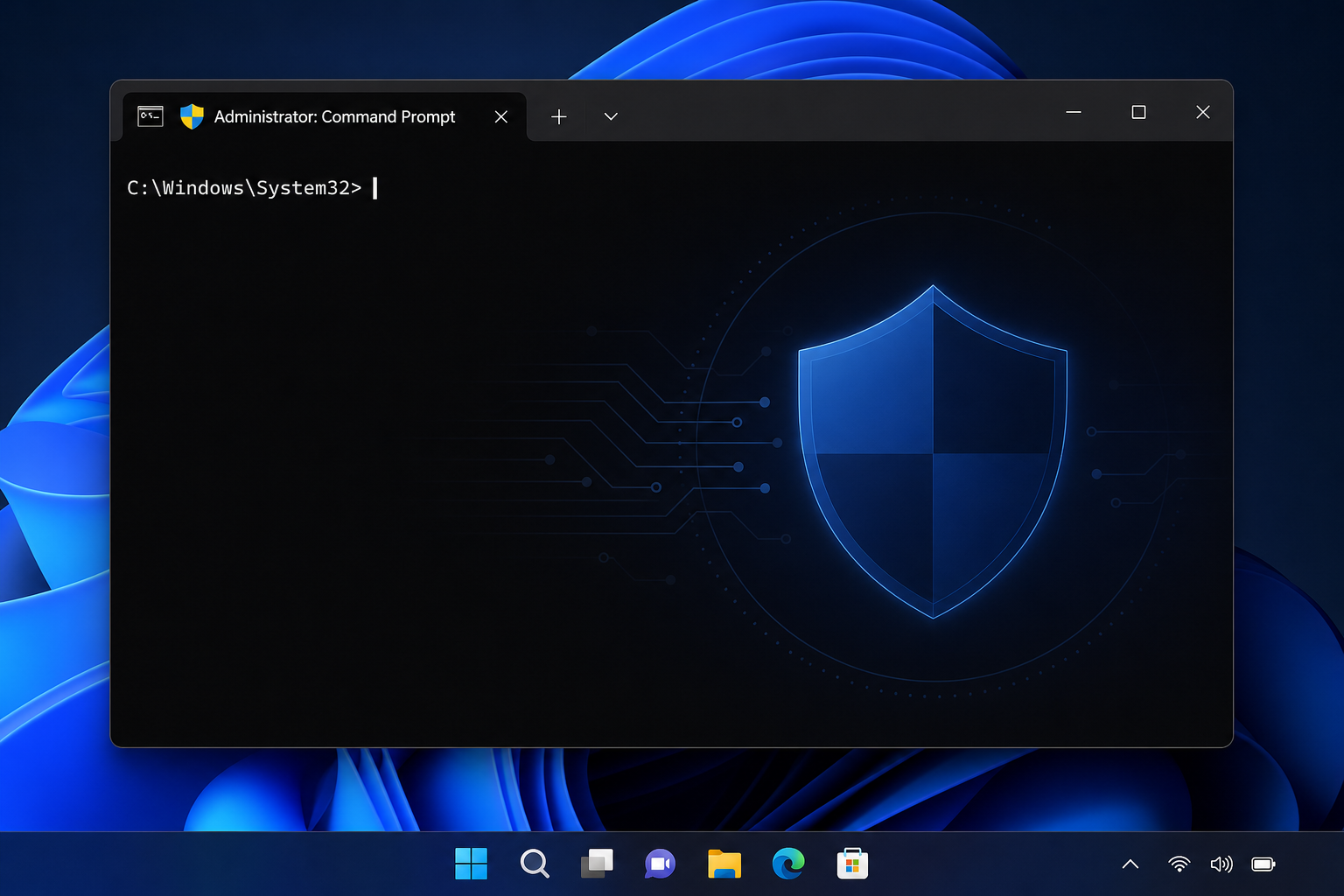
wsudo brings a UAC-free sudo for Windows experience to the command line. Here’s how it works and what IT pros should check before trusting it.
New open-source clones promise to replace Word, Excel, and PowerPoint. We test how they actually handle formulas, formatting, and real documents.

Cumulative updates keep breaking Always On VPN and standard VPN tunnels on Windows. Here’s how to diagnose and fix the drops without uninstalling patches.

Locked out of Windows? Here’s the calm, step-by-step way to recover a local or Microsoft account without losing your files.

A practical guide to automatic night light scheduling in Windows — setup steps, color temperature tips, and fixes for scheduling glitches.
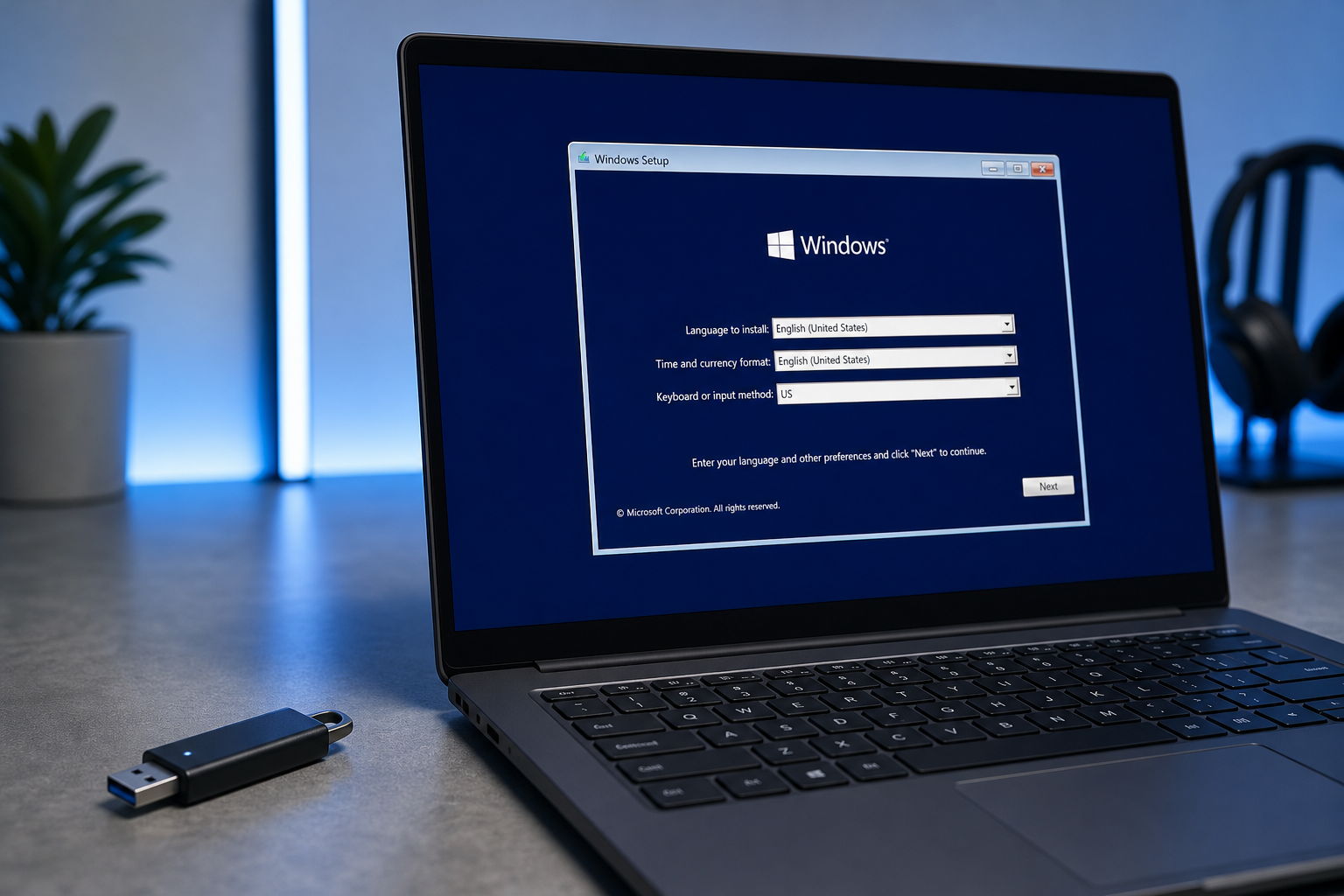
Official tool or third-party app? Here’s how to pick the right Windows edition and build clean, uncorrupted installation media every time.
Apply the code EXTRA10 at the cart or checkout page to get your 10% Discount.
Enjoy Safe & Secure payment via PayPal or Stripe!
One-time use per customer!
