Not every startup program deserves a spot on boot. Here’s how to tell the essentials from the clutter using Task Manager and beyond.
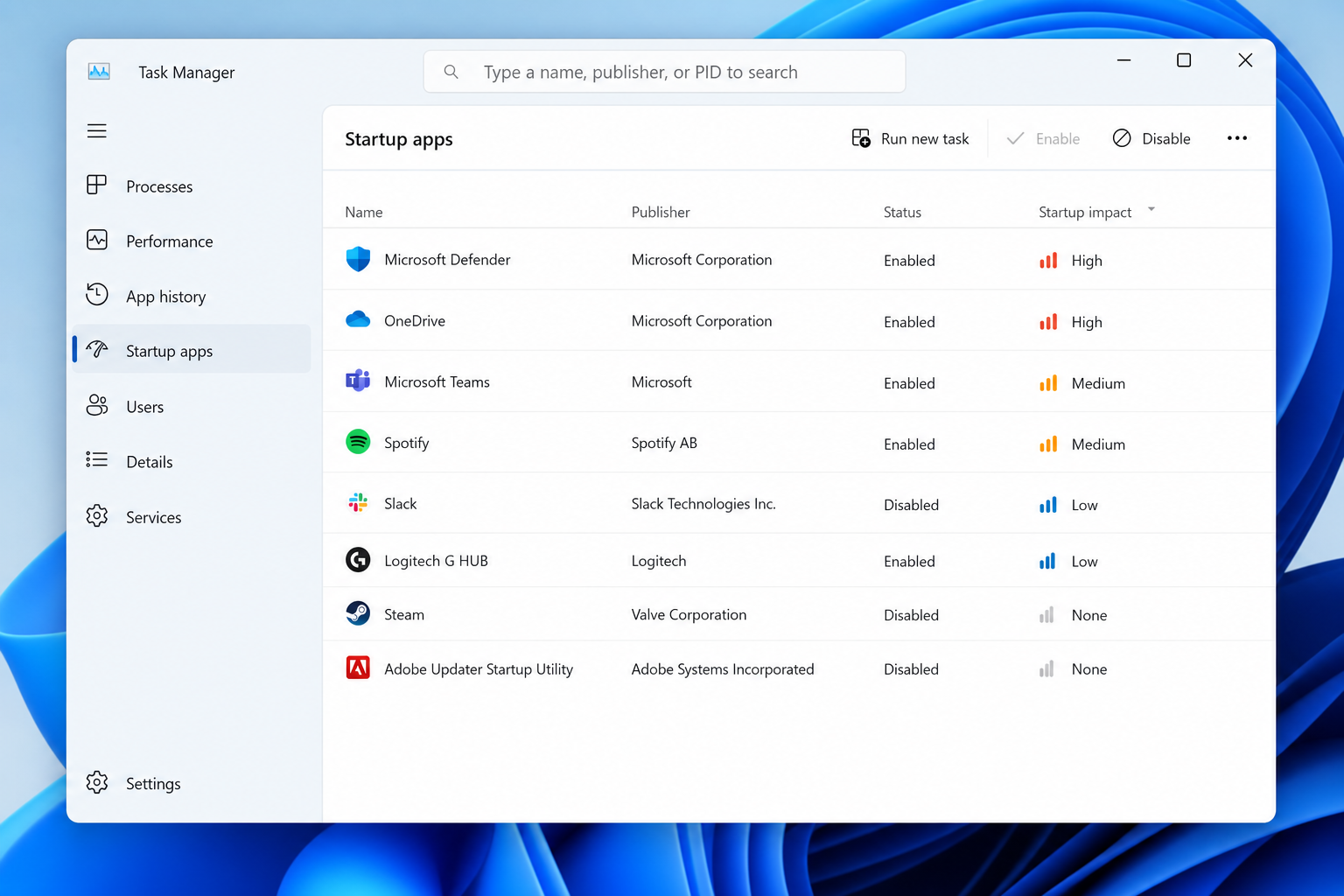

Not every startup program deserves a spot on boot. Here’s how to tell the essentials from the clutter using Task Manager and beyond.
Bloatware slowing down your PC? Here’s the low-risk way to debloat Windows 11 using built-in tools only — no sketchy scripts, no broken updates.

Is your PC frozen on an update screen? Here’s a plain-language checklist to get Windows Update unstuck without deep technical know-how.
Microsoft and PC makers are pulling back on Copilot+ PC branding. Here’s what the retreat really means and what to check before you buy.
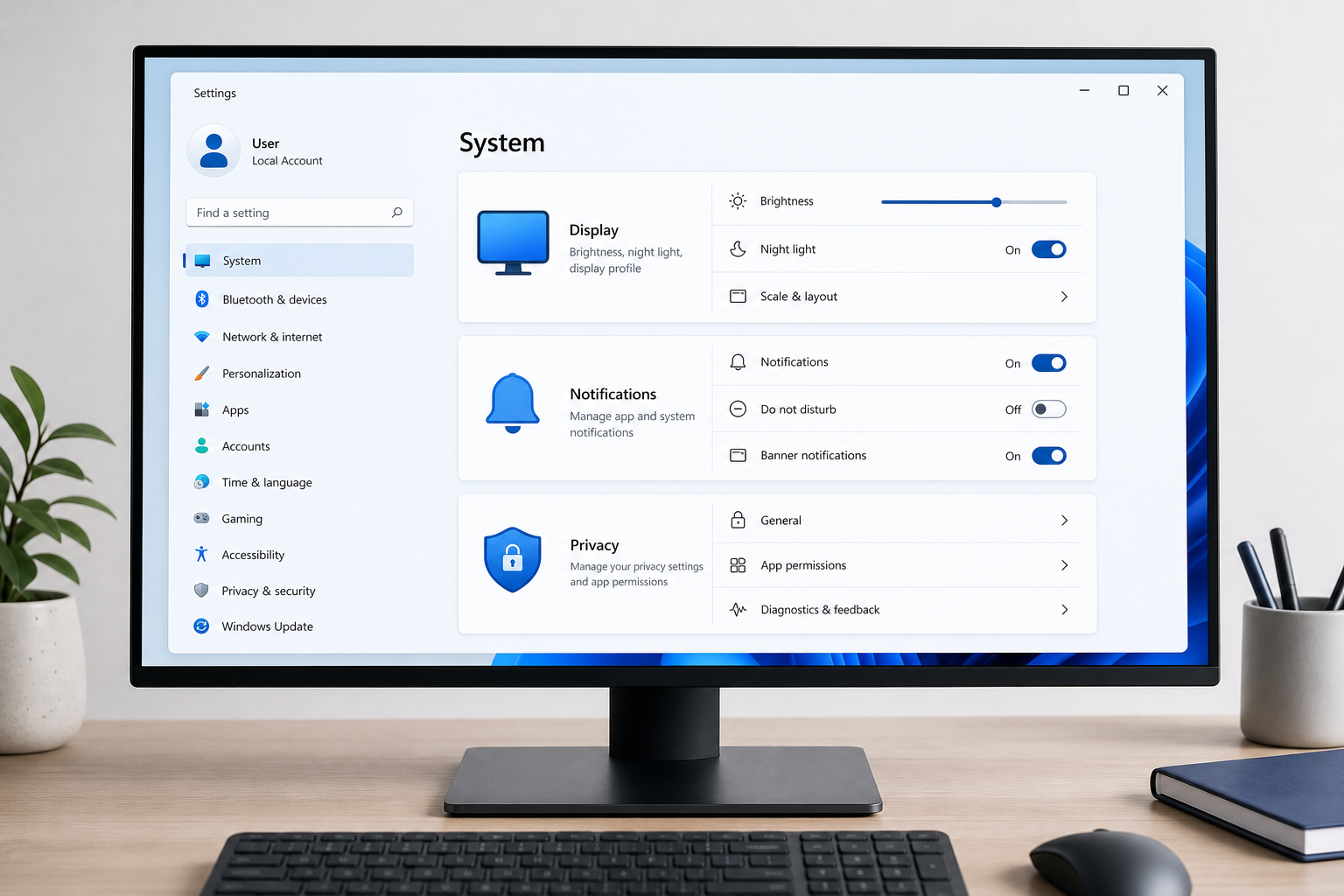
Tired of notification spam and a messy File Explorer? These Windows 11 settings changes fix the everyday friction points in under 10 minutes.
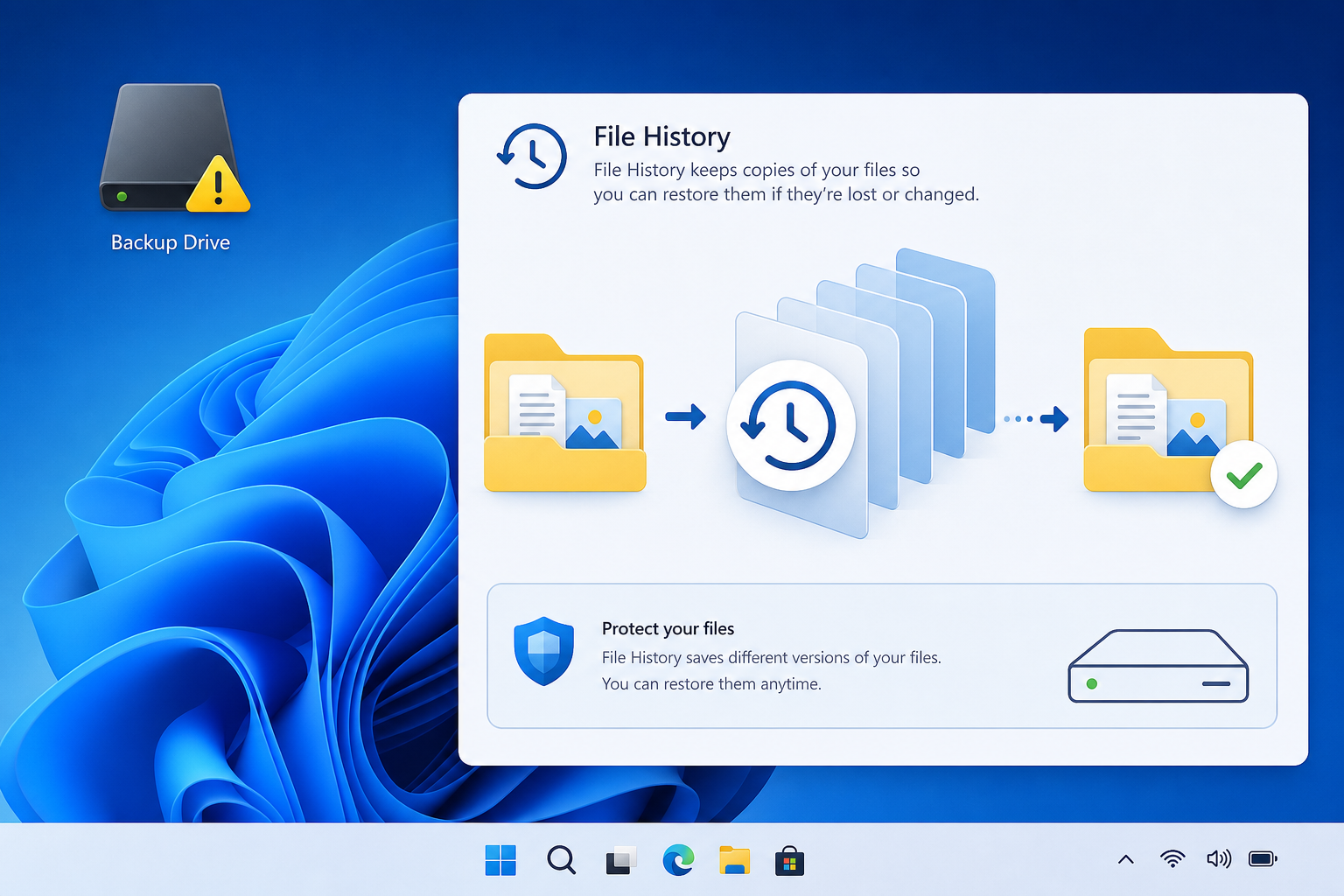
A September security patch quietly broke Windows File History for many users. Here’s what went wrong and how to get your backups running again.

A dangling COM object registration sounds obscure, but it’s a real Windows privilege escalation path. Here’s what admins actually need to check.
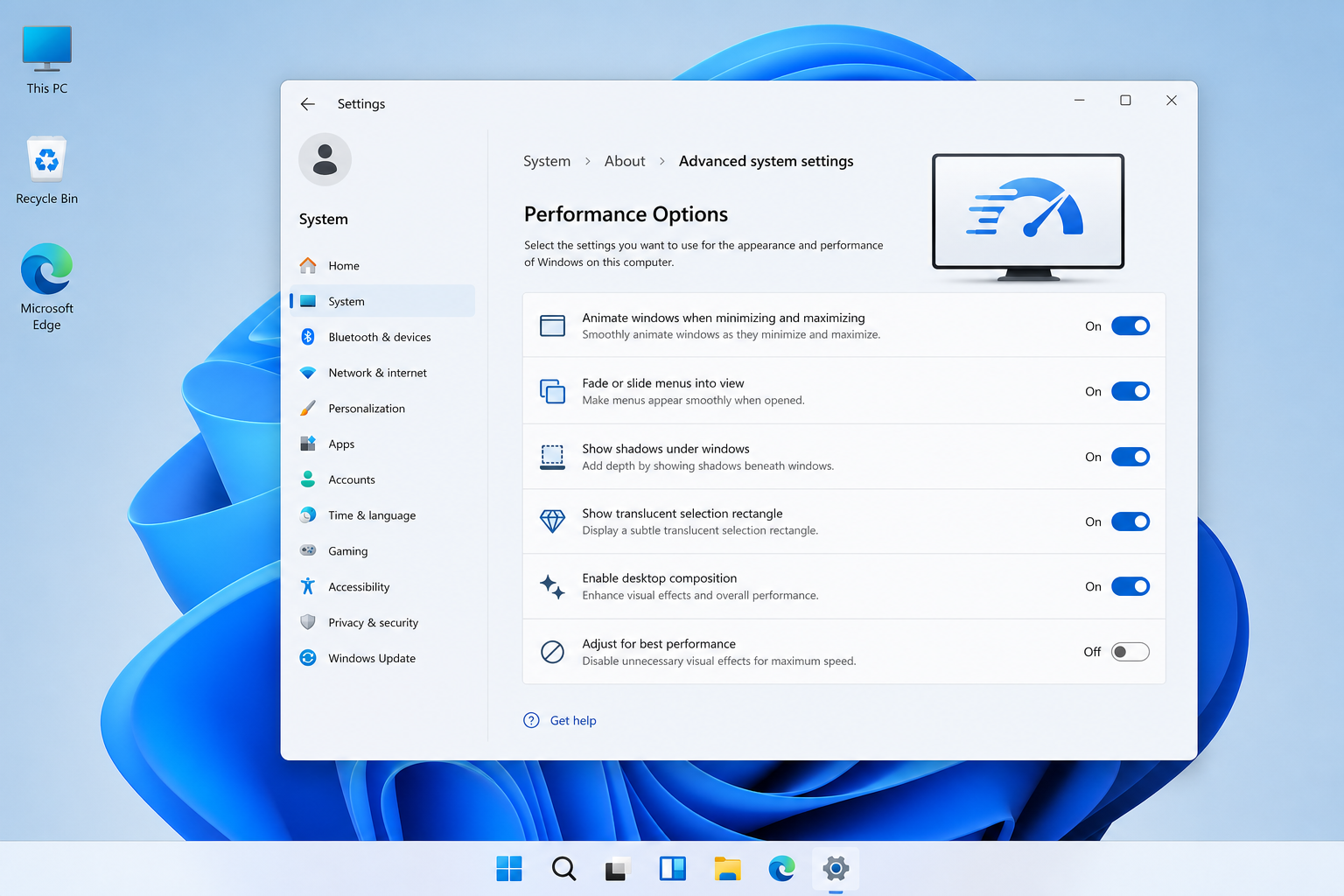
One overlooked Windows 11 setting can make your PC faster almost instantly. Here’s why it works and how to switch it on safely.
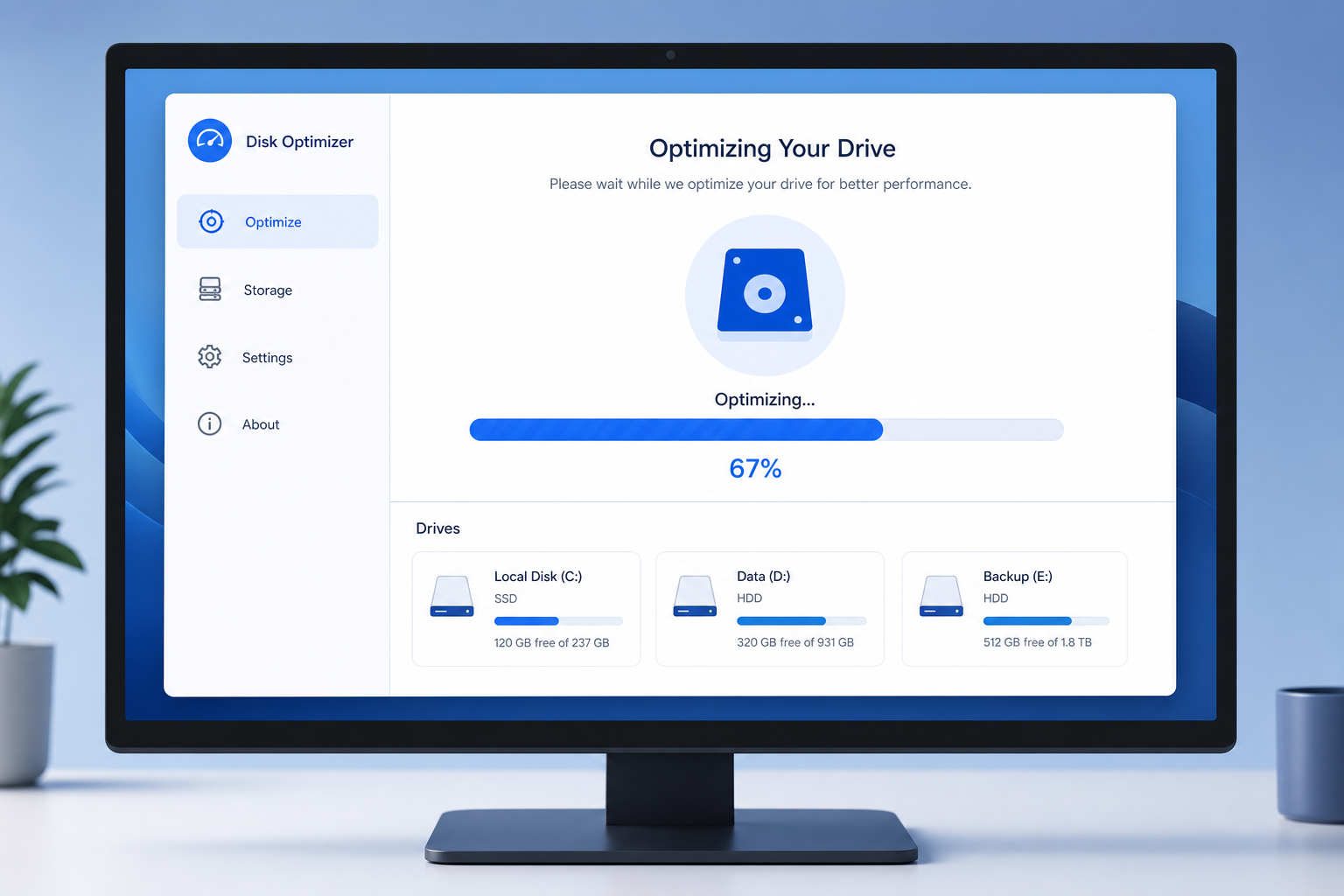
No download, no subscription — here’s how Windows’ own maintenance tool cleans, defrags, and optimizes your PC safely.

Microsoft’s own explanation of shutdown vs restart reveals why one clears far more processes and drivers than the other — and when to use each.
Apply the code EXTRA10 at the cart or checkout page to get your 10% Discount.
Enjoy Safe & Secure payment via PayPal or Stripe!
One-time use per customer!
