Set night light to follow sunset or your own hours, pick a comfortable strength, and fix the common problems: wrong times, greyed-out toggles and uneven monitors.


Set night light to follow sunset or your own hours, pick a comfortable strength, and fix the common problems: wrong times, greyed-out toggles and uneven monitors.
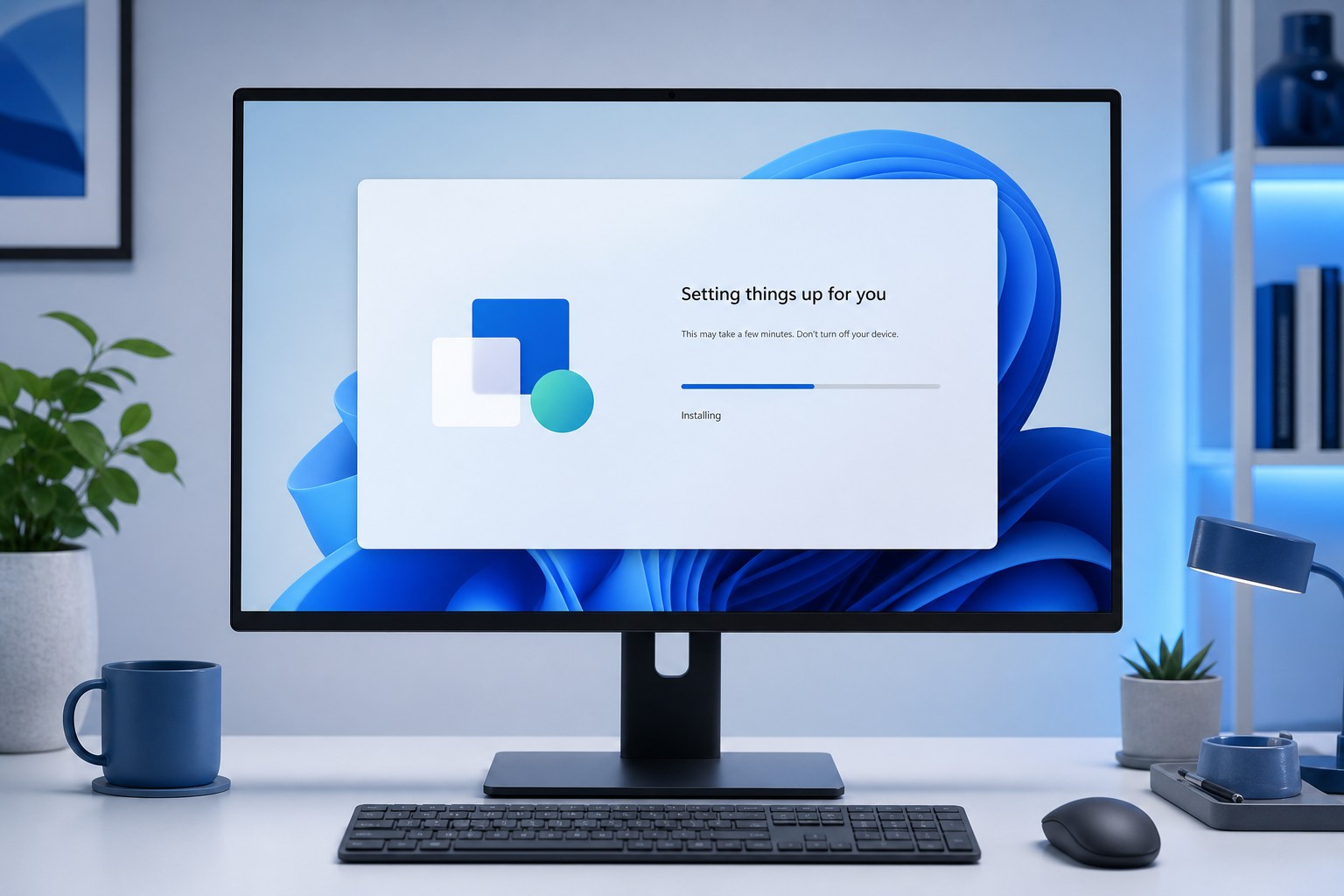
How to do a Windows 11 clean install without losing activation: what to check first, Microsoft’s setup steps, and how to fix activation if it doesn’t come back.
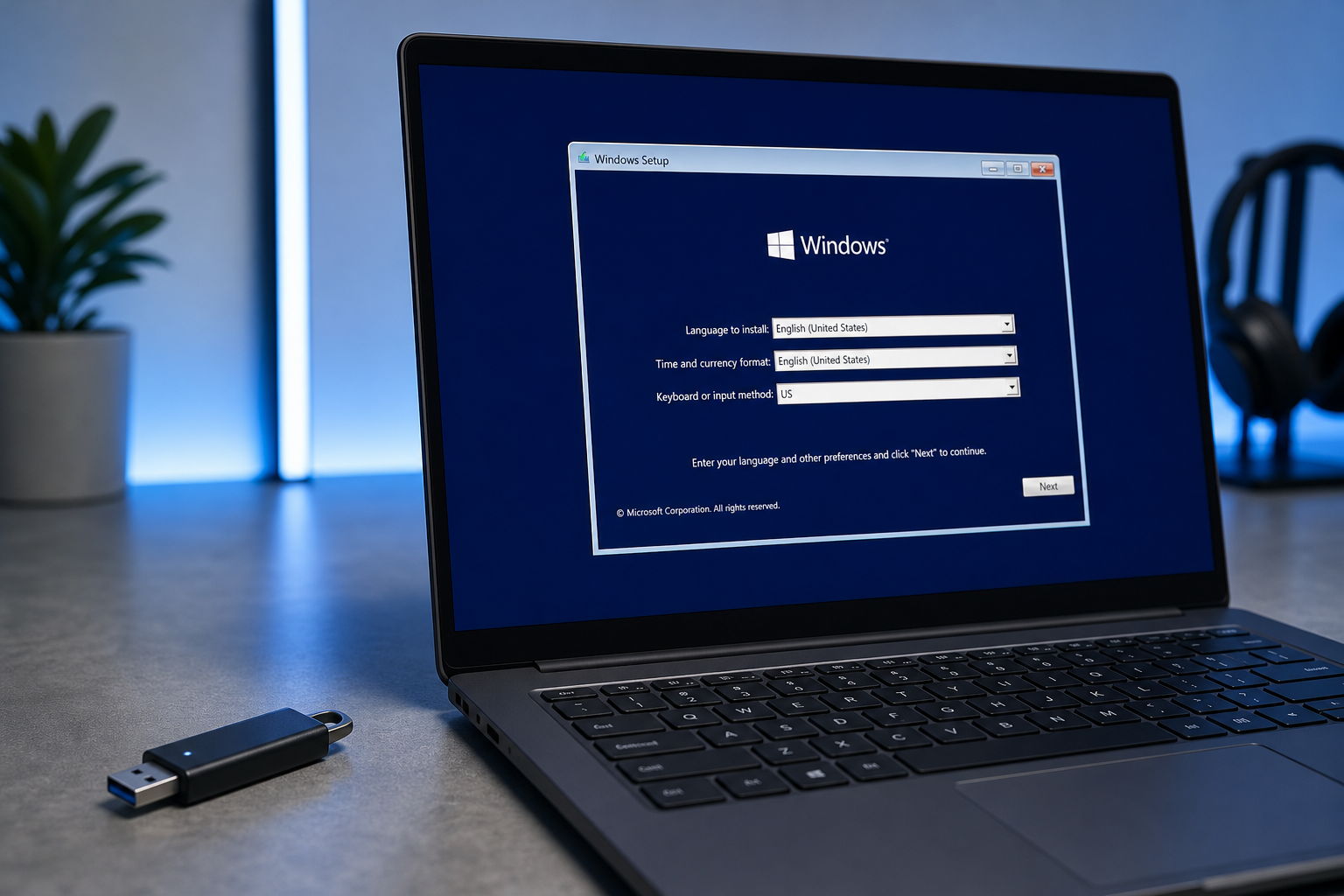
Official tool or third-party app? Here’s how to pick the right Windows edition and build clean, uncorrupted installation media every time.
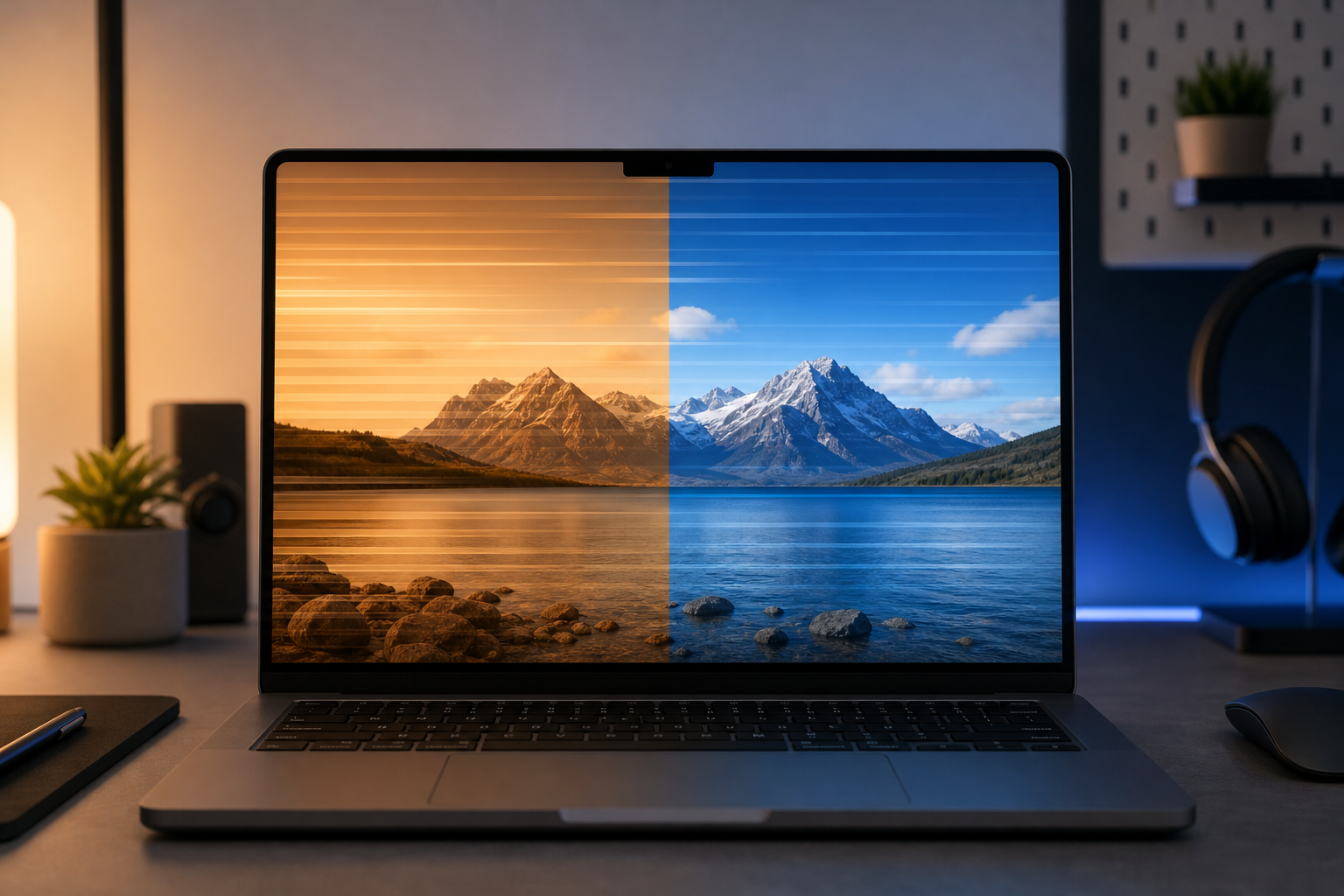
Screen flashing between warm and normal colours? Here’s how to find the cause with Microsoft’s Task Manager test and fix the driver, app or setting behind it.
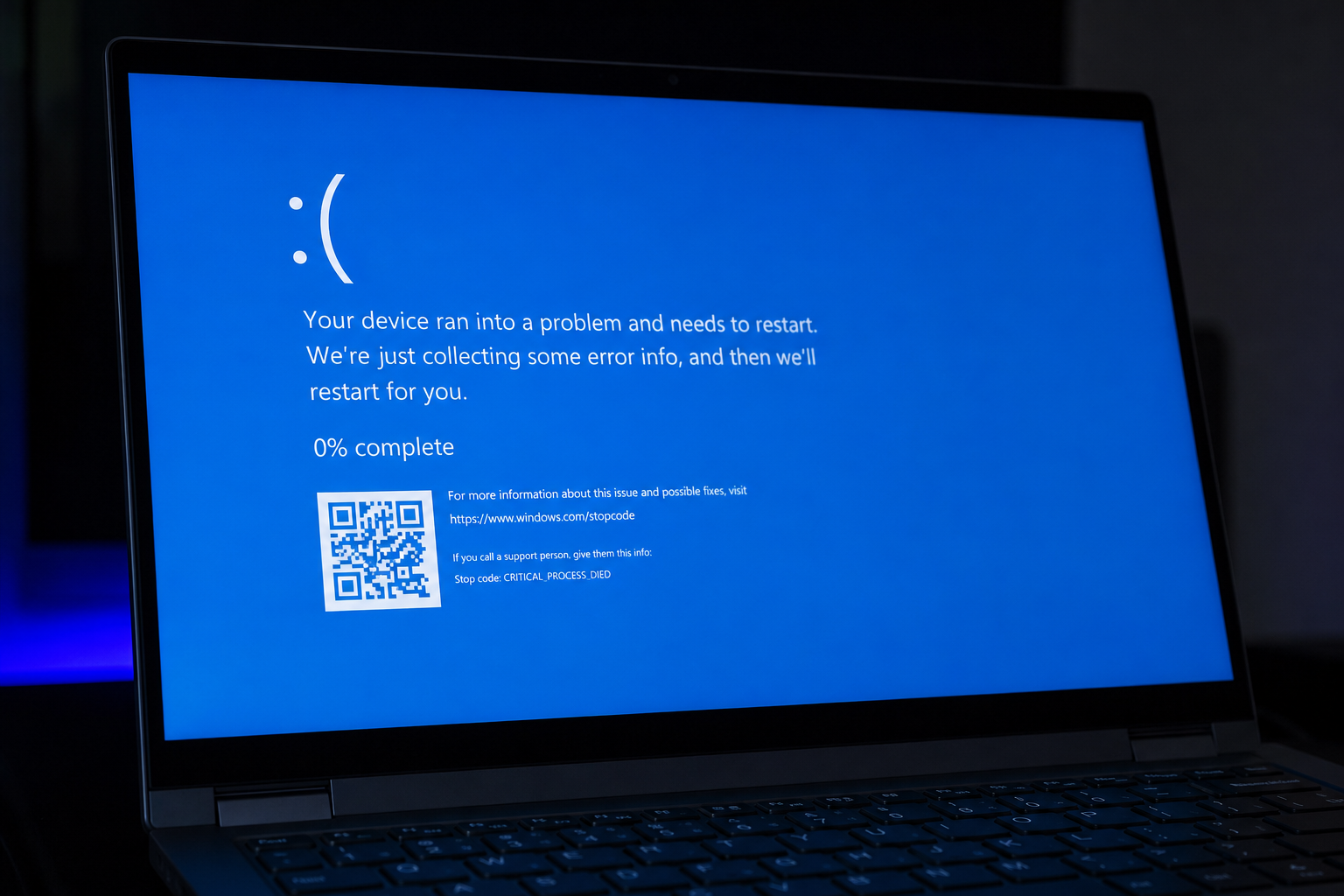
The QR code on a Windows blue screen opens a general help page. Here’s what it shows, why newer PCs don’t have it, and how to find the real cause of a crash.
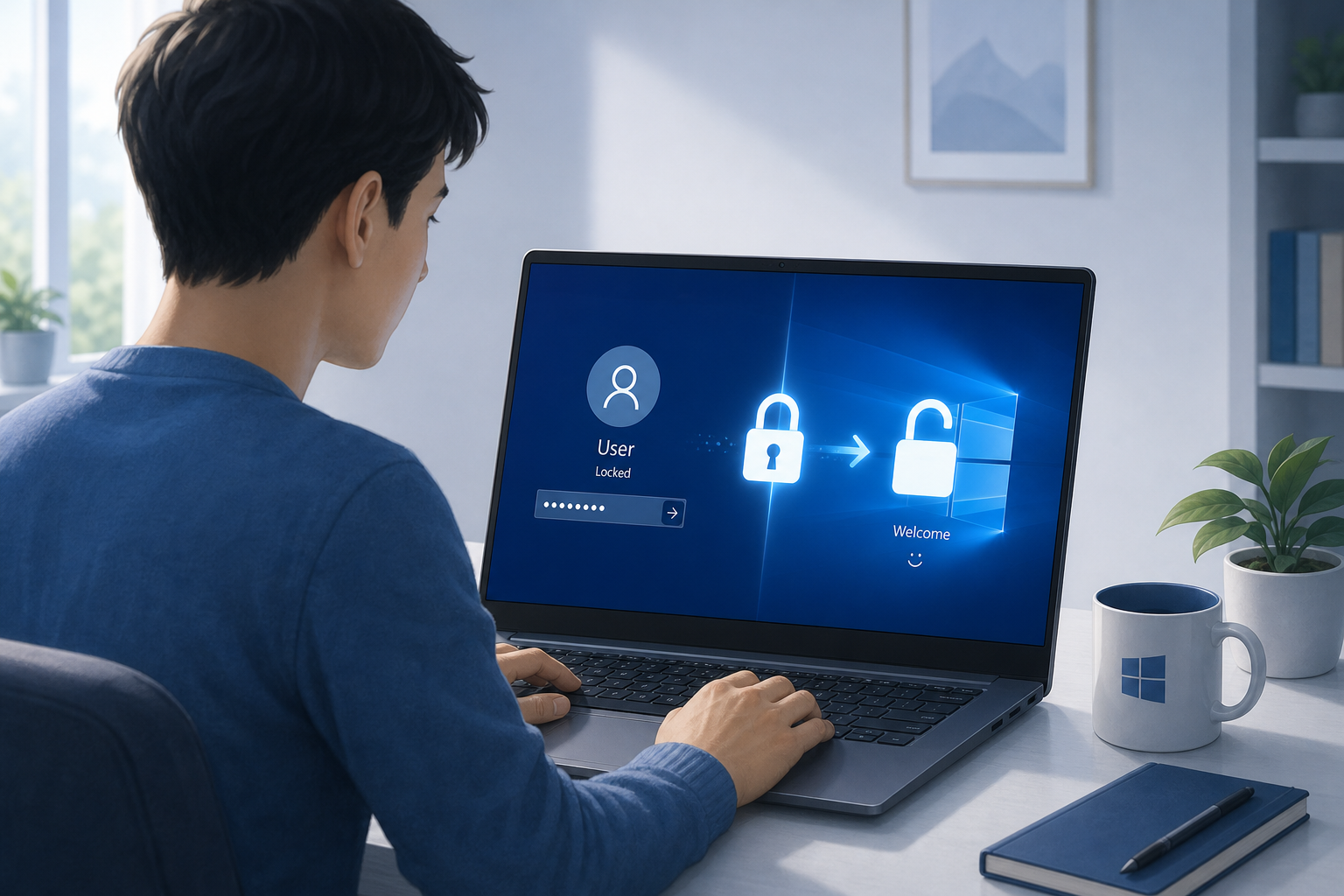
Locked out of Windows? This calm, step-by-step guide covers password resets, recovery keys, and admin tricks to fix an account lockout fast.
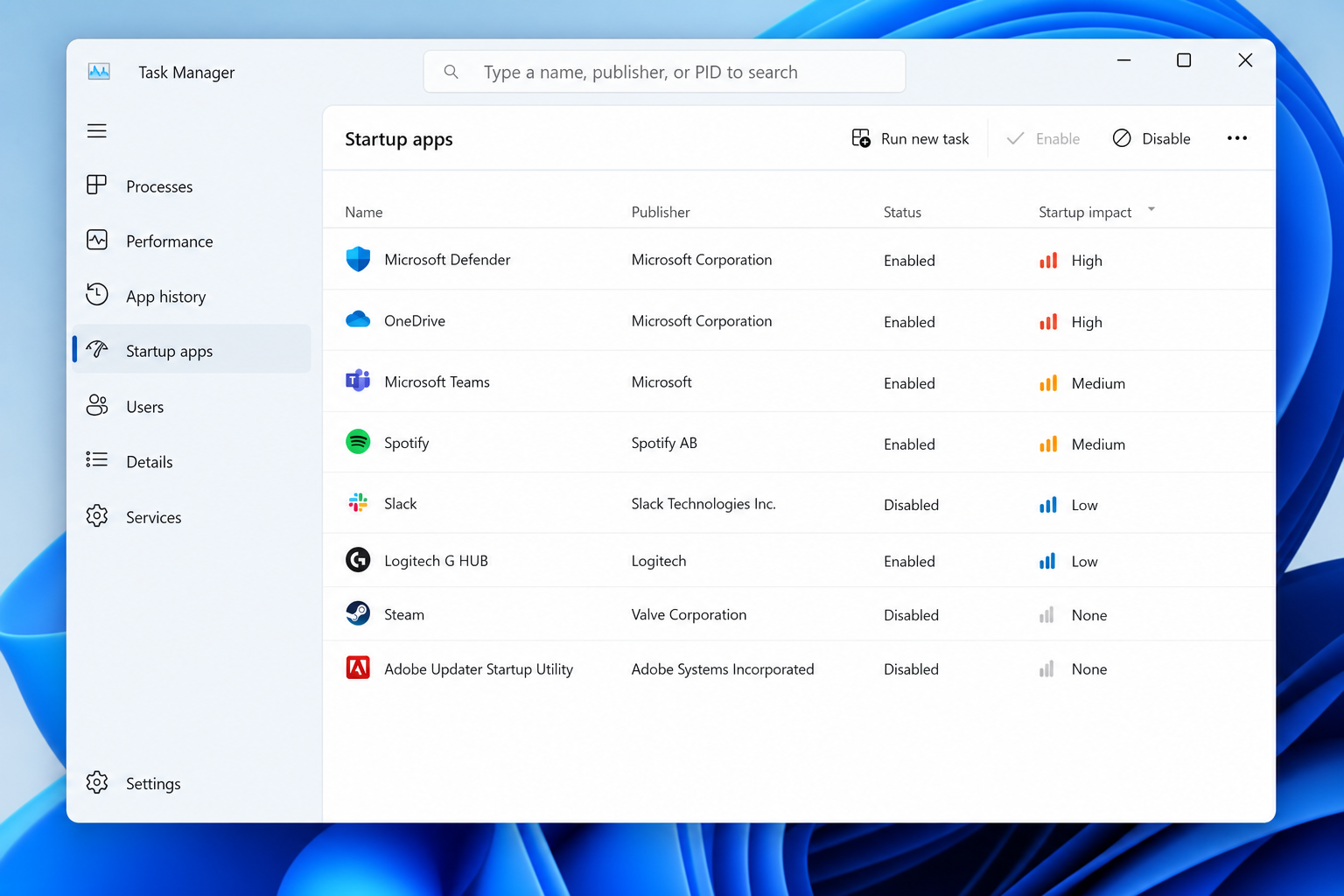
Not every app needs to start with Windows. Here’s how to tell the essentials from the clutter using Task Manager, Settings, Task Scheduler and Autoruns.
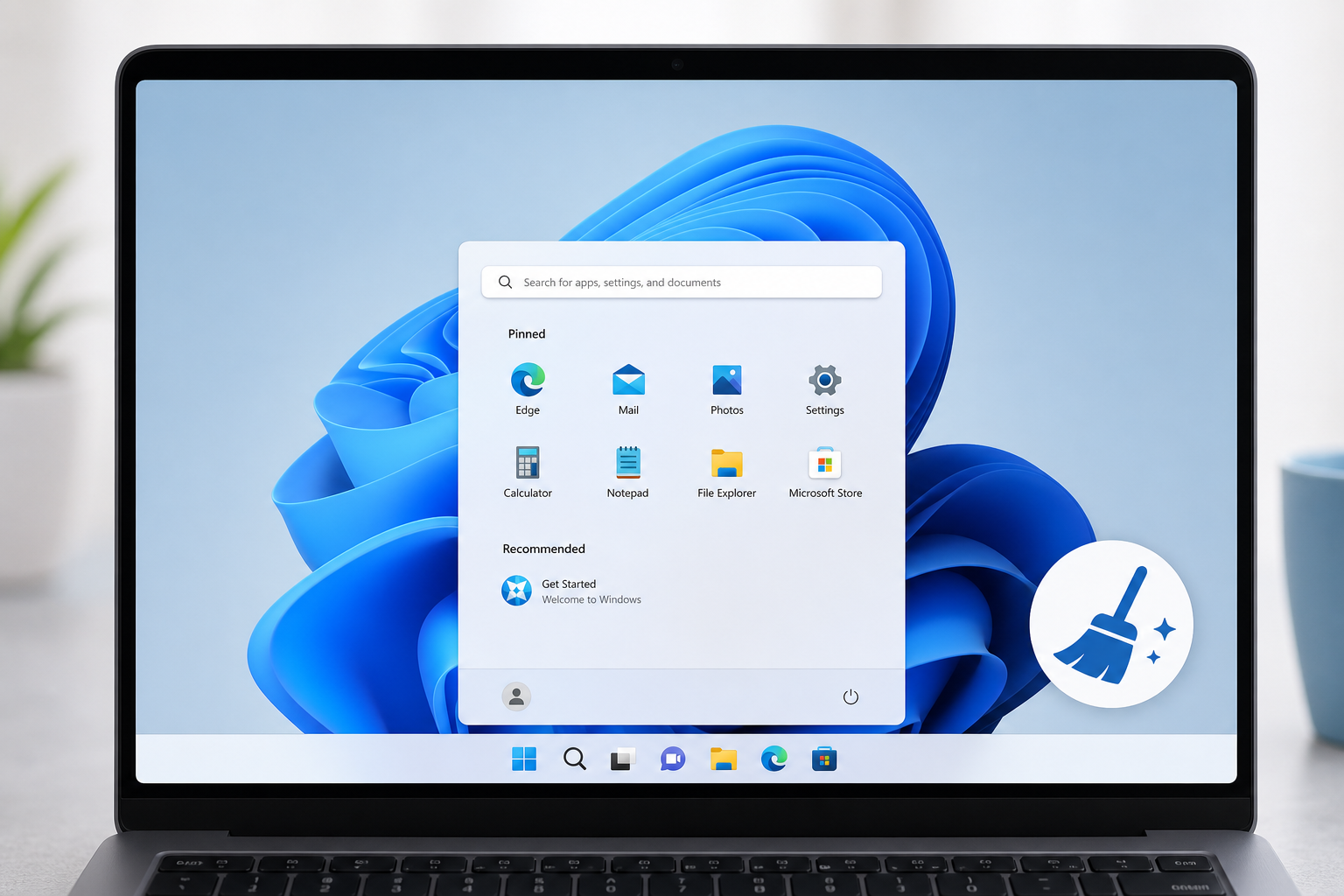
Bloatware slowing down your PC? Here’s the low-risk way to debloat Windows 11 using built-in tools only — no sketchy scripts, no broken updates.
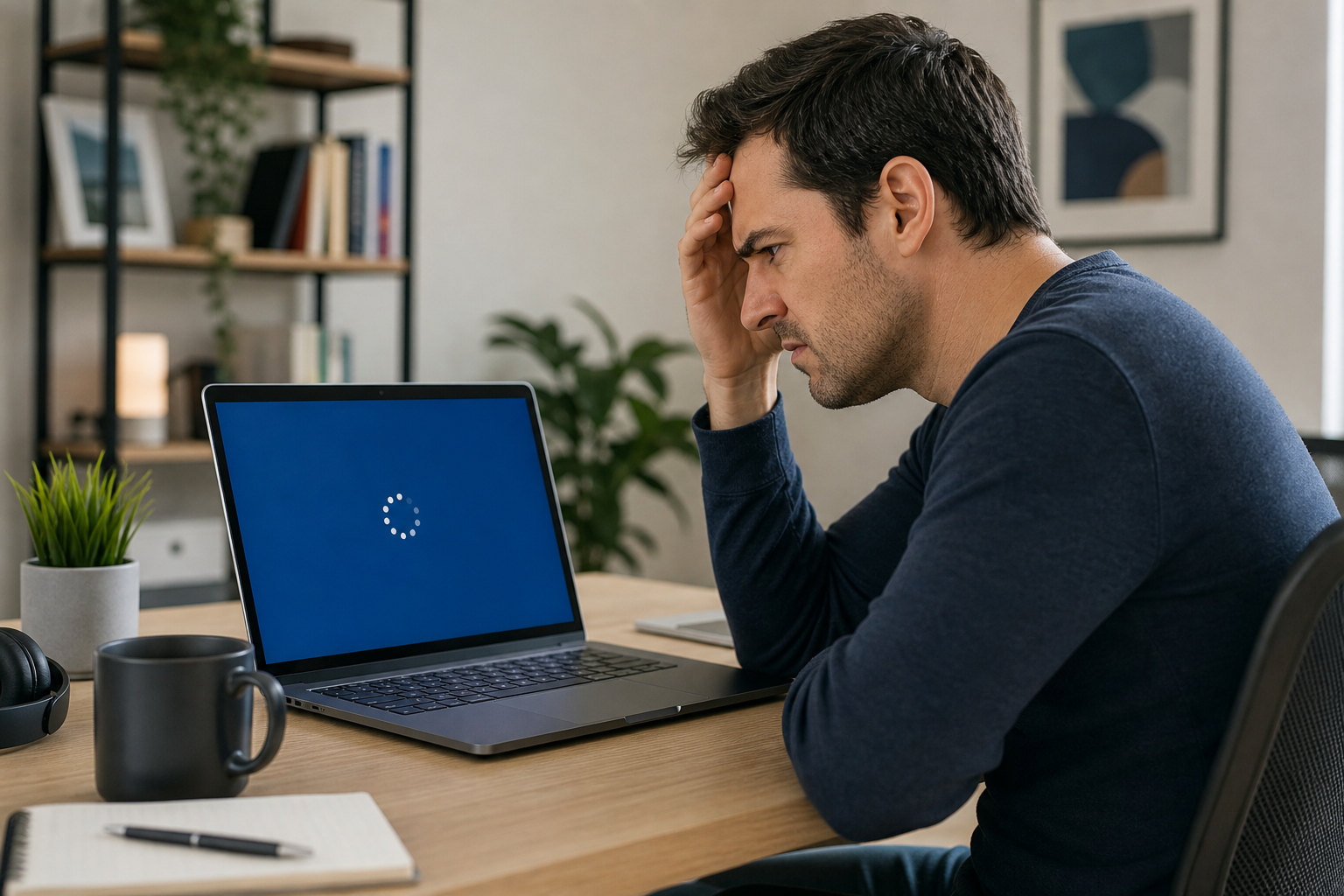
Is your PC frozen on an update screen? Here’s a plain-language checklist to get Windows Update unstuck without deep technical know-how.
Microsoft and PC makers are pulling back on Copilot+ PC branding. Here’s what the retreat really means and what to check before you buy.
Apply the code EXTRA10 at the cart or checkout page to get your 10% Discount.
Enjoy Safe & Secure payment via PayPal or Stripe!
One-time use per customer!
