
Microsoft and its hardware partners are quietly stepping back from the Copilot+ PC label on new laptops, even though the underlying hardware and features haven’t gone anywhere. If you’re shopping for a new machine or deciding whether to upgrade, the disappearance of the badge doesn’t mean the technology is gone — it means the marketing term is losing its usefulness, and you need to know what to look for in its place.
What’s Actually Happening to the Copilot+ PC Brand
Several PC makers, and Microsoft itself, have started dropping the Copilot+ PC name from marketing materials and product pages for newer devices, even on machines that still meet every technical requirement for the category. Reporting on the shift notes that Microsoft’s own Surface team has confirmed new Surface devices are no longer being marketed under the Copilot+ PC name, despite supporting all the same on-device AI features. That’s a meaningful signal: when the company that invented a label stops using it on its own flagship hardware, the brand has effectively run its course.
This isn’t a recall or a feature removal. The neural processing units (NPUs), the on-device AI capabilities like Recall and Click to Do, and the underlying Windows 11 AI stack are all still there. What’s changing is how loudly manufacturers are willing to shout about it on a sticker.
Why the Copilot+ PC Badge Lost Its Shine
The core problem is that the badge promised more than it consistently delivered, and buyers noticed. A few specific issues piled up:
- Marketing emphasized AI features that many users never opened or didn’t find useful day-to-day.
- Early messaging around Recall triggered serious privacy backlash, which cast a shadow over the entire branding effort.
- The term became a catch-all for a wide range of hardware, from entry-level laptops to premium workstations, diluting what it was supposed to signal.
- Reviewers and tech press increasingly pointed out that the “AI PC” story was more marketing than measurable benefit for typical workloads.
None of that means on-device AI is worthless. It means a sticker promising an AI-powered future isn’t a substitute for understanding what a machine can actually do.
AI-PC Marketing Fatigue Is a Bigger Industry Story
The retreat from Copilot+ PC branding fits a wider pattern across the PC industry. Nearly every major manufacturer spent the past couple of years attaching “AI” to product names, press releases, and retail displays, often before software caught up to the hardware claims. When a term gets applied to almost everything, it stops helping buyers make decisions — and that’s exactly the fatigue showing up here. Shoppers have grown more skeptical of blanket AI labeling, and manufacturers are responding by letting the hardware specs speak for themselves again rather than leaning on a tagline.
What the Copilot+ PC Requirements Actually Were
It still helps to know the baseline Microsoft set, because those technical requirements haven’t disappeared along with the name. According to Microsoft’s own documentation, a Copilot+ PC needed:
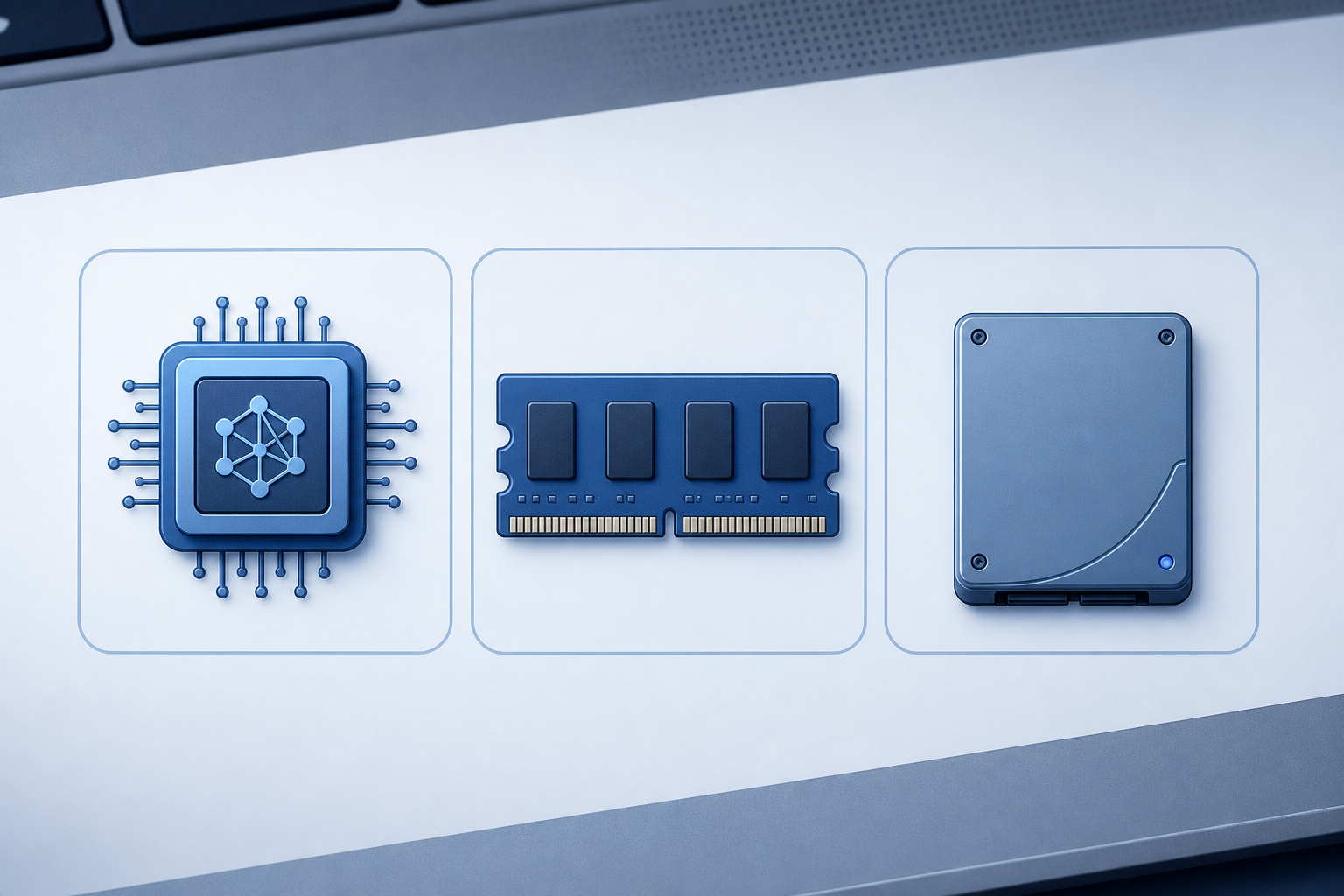
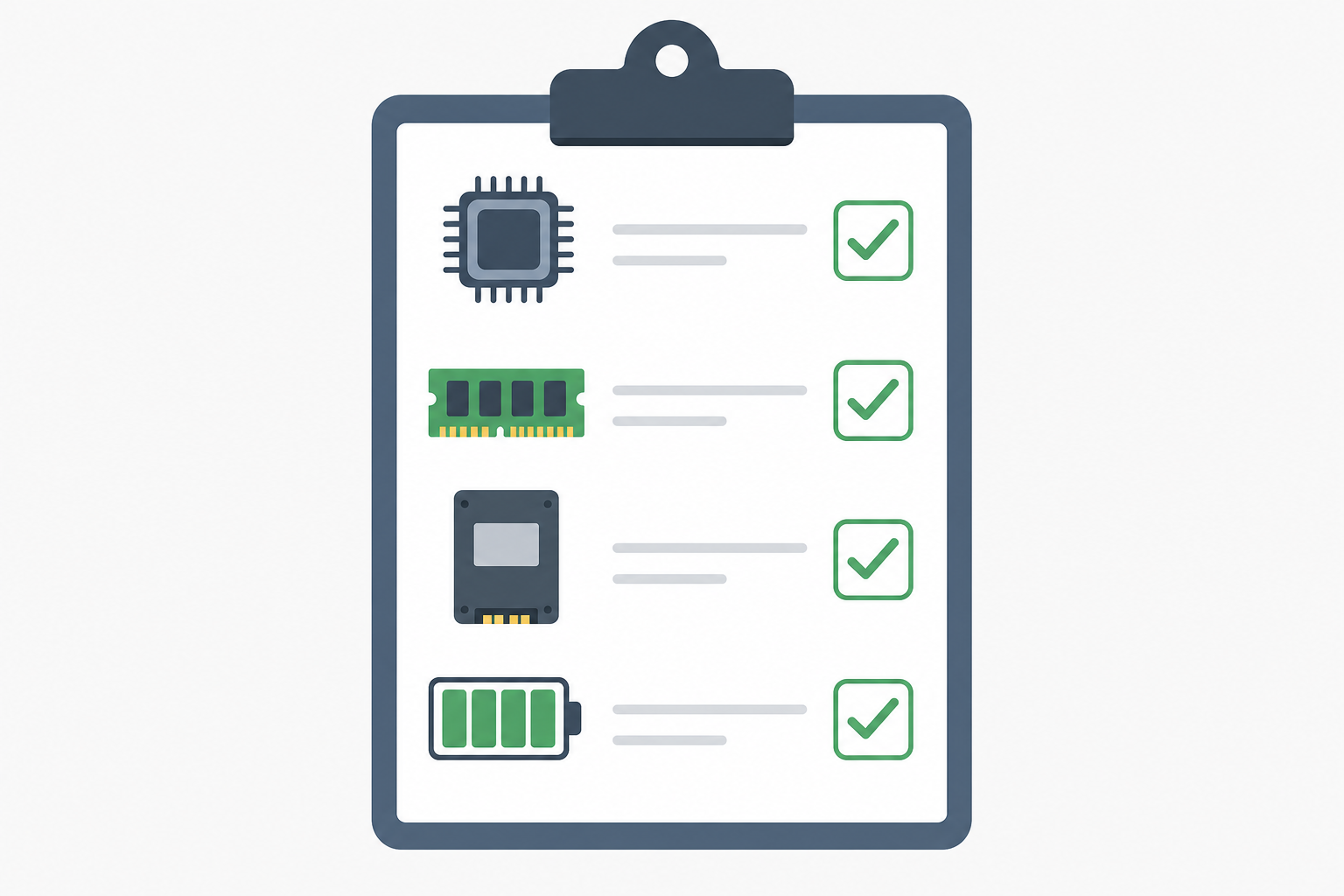
- An NPU capable of at least 40 TOPS (trillion operations per second)
- A minimum of 16GB of RAM
- At least 256GB of storage
- Windows 11, version 24H2 or newer
That NPU threshold is the part worth remembering. It’s the actual technical line that separates a machine that can run on-device AI features locally from one that can’t, regardless of what the box calls it.
What Buyers Should Check Instead of the Copilot+ PC Badge
Instead of hunting for a Copilot+ PC sticker, focus on the specs and software details that determine real-world performance and longevity. A badge can be removed from marketing materials overnight; a processor’s NPU rating and your Windows edition can’t be marketed away.
Check the NPU Rating Directly
Look up the specific chip in a laptop’s spec sheet and confirm its NPU TOPS rating rather than trusting a logo. Intel, AMD, and Qualcomm all publish these figures, and many retailers list them in the product description.
Confirm Your Windows 11 Edition and Build
On-device AI features are tied to specific Windows 11 builds, not just hardware. If you’re running an older installation, you may need to update before certain features appear even on fully capable hardware. If you’re setting up a new PC or reinstalling, a genuine Windows 11 Home license or a Windows 11 license key from a trusted seller gets you a clean, activatable copy to build on.
Decide Whether You Actually Need the AI Features
Be honest about your workflow before paying a premium for AI-specific hardware. If you mostly use a PC for browsing, office work, or light creative tasks, a well-specced machine without a heavy NPU focus may serve you just as well — and often costs less.
Prioritize RAM, Storage, and Battery Life Over Labels
These fundamentals affect daily use far more consistently than any AI branding. A machine with 16GB+ RAM, a fast SSD, and solid battery life will feel better to use than one chosen purely because of a marketing tier.
Does This Affect Existing Copilot+ PC Owners?
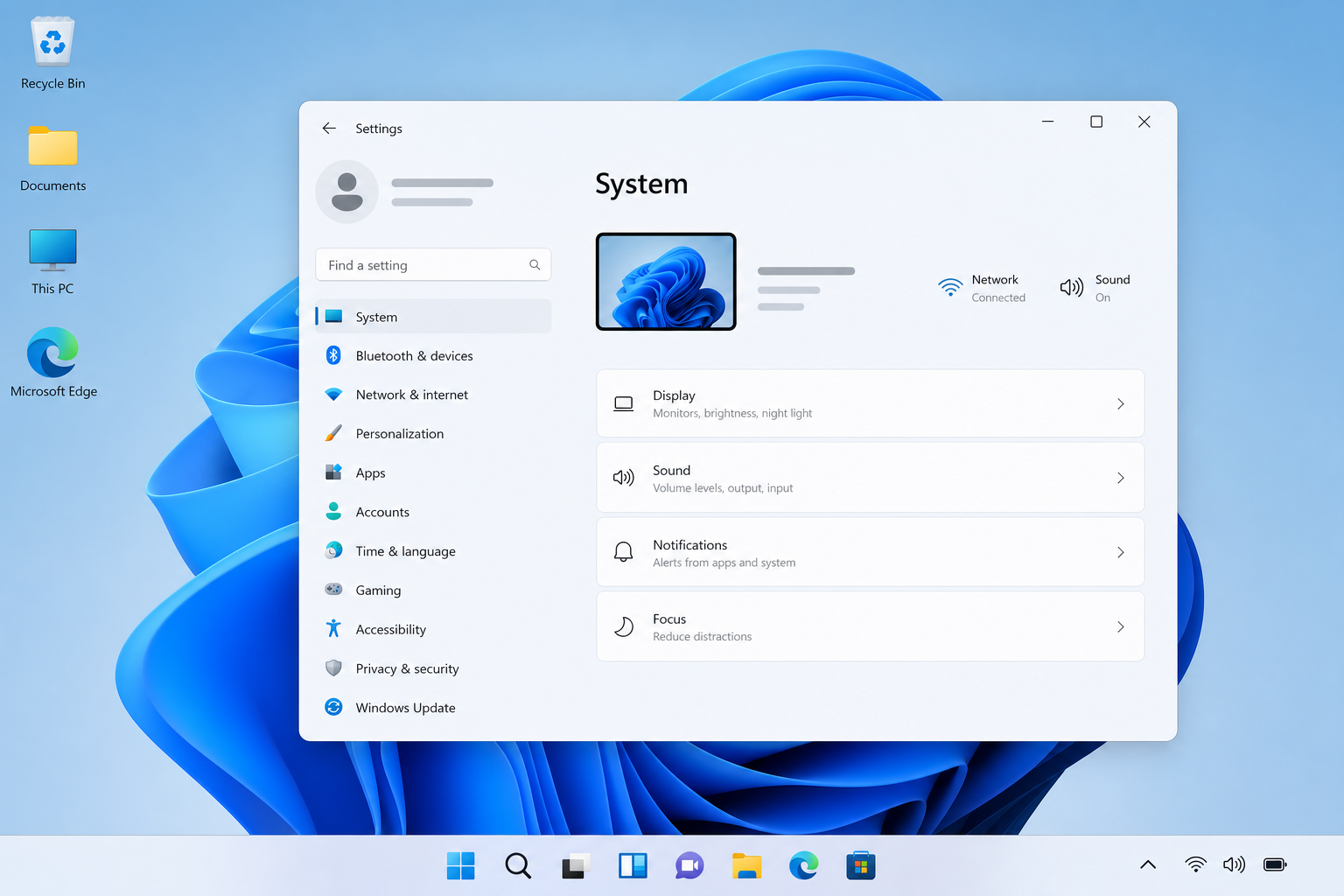
No — if you already own a device that was sold as a Copilot+ PC, nothing changes for you. The hardware capabilities, NPU, and associated Windows features remain fully functional and supported. The branding pullback is forward-looking, affecting how new devices are marketed, not what existing owners can do with machines they’ve already purchased.
What This Means for Windows 11 Upgrades Going Forward
Expect spec sheets to matter more than marketing tiers as this shift continues. Manufacturers will likely keep shipping NPUs and on-device AI features — the hardware investment is already made — but you’ll see less emphasis on a unifying brand name and more emphasis on individual feature names like Recall, Click to Do, or Windows Studio Effects. That’s arguably better for buyers: it forces comparison based on what a feature actually does rather than whether a device carries a particular logo.
If you’re planning a Windows 11 upgrade or a new PC purchase, treat the Copilot+ PC question as one line item among several, not the headline. Check the Windows 11 Home edition options available to you, confirm the NPU spec if on-device AI genuinely matters for your work, and weigh that against RAM, storage, and price. For more background on how the standard editions compare day to day, it’s worth reading through the practical differences between Windows 11 Home and Pro before you decide which license fits your setup.
For a deeper technical breakdown of the original branding push and the retreat from it, Windows Central’s reporting lays out how Microsoft and its partners arrived at this point.
FAQ
Is the Copilot+ PC label completely gone?
Not entirely, but it’s being used far less in marketing for new devices. Some retailers and product pages still reference it, while others — including Microsoft’s own Surface lineup — have moved away from it even on machines with identical hardware capabilities.
Do I lose any features if a PC isn’t marketed as a Copilot+ PC?
No, as long as the hardware still meets the technical requirements — an NPU rated at 40+ TOPS, sufficient RAM, and a supported Windows 11 build — the actual AI features work the same regardless of what the marketing calls the device.
What’s the minimum NPU rating for on-device AI features?
Microsoft’s published requirement is an NPU capable of at least 40 TOPS, alongside 16GB of RAM and 256GB of storage, running Windows 11 version 24H2 or newer.
Should I avoid buying a PC just because it doesn’t have the badge?
No. Focus on the actual specification sheet instead of the branding. A capable machine without the label will perform identically to one that carries it, as long as the underlying hardware matches the requirements.
Does this change affect Windows 11 licensing or pricing?
No, this is purely a hardware marketing shift. Your Windows 11 license requirements and activation process stay the same whether or not the PC was ever marketed under the Copilot+ PC name.
Why did AI PC marketing cause fatigue among buyers?
Years of near-universal AI labeling across the PC industry made the term feel meaningless to many shoppers, especially when the promised features didn’t noticeably change daily use. That skepticism pushed manufacturers back toward specification-based marketing.
