Tired of notification spam and a messy File Explorer? These Windows 11 settings changes fix the everyday friction points in under 10 minutes.
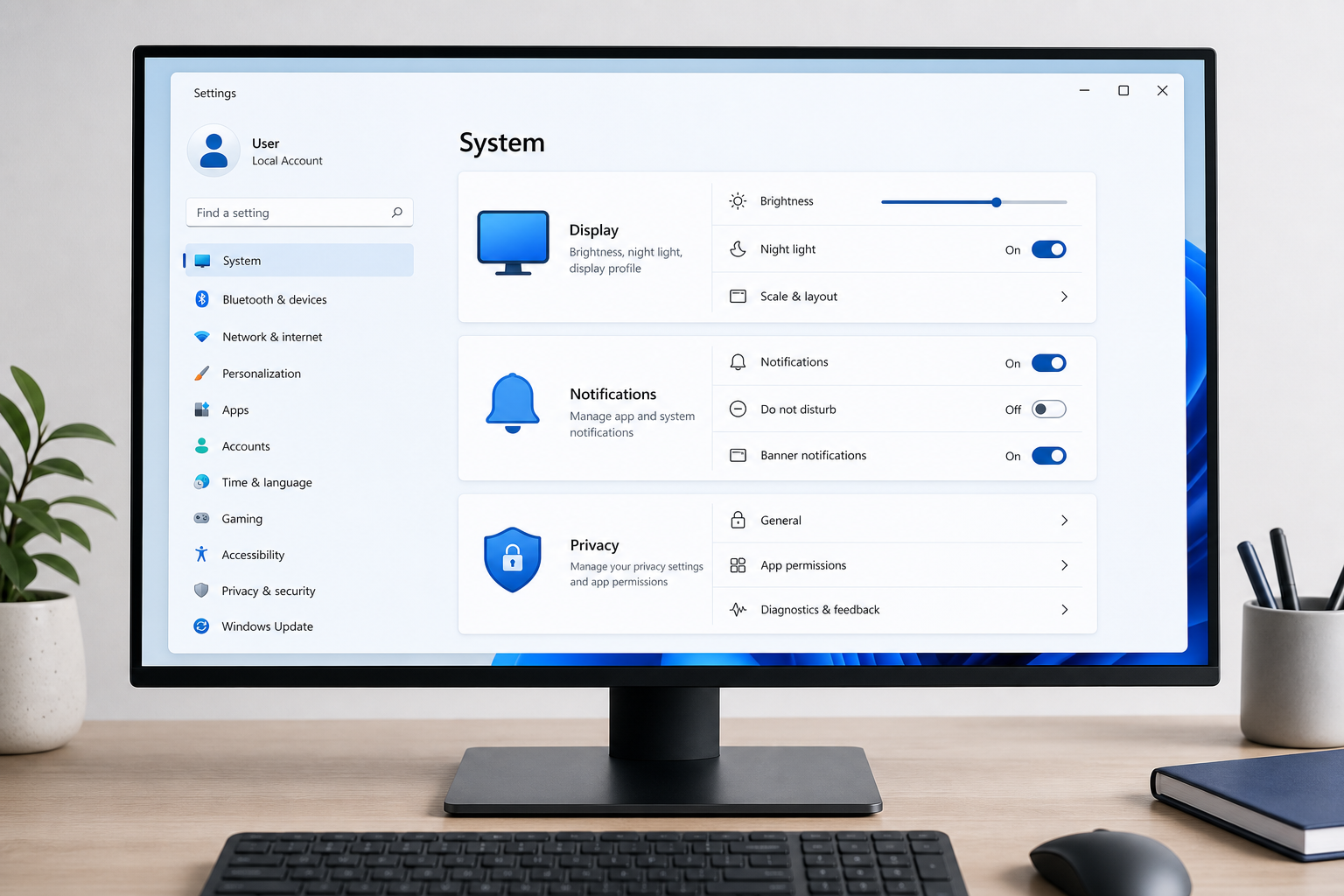

Tired of notification spam and a messy File Explorer? These Windows 11 settings changes fix the everyday friction points in under 10 minutes.
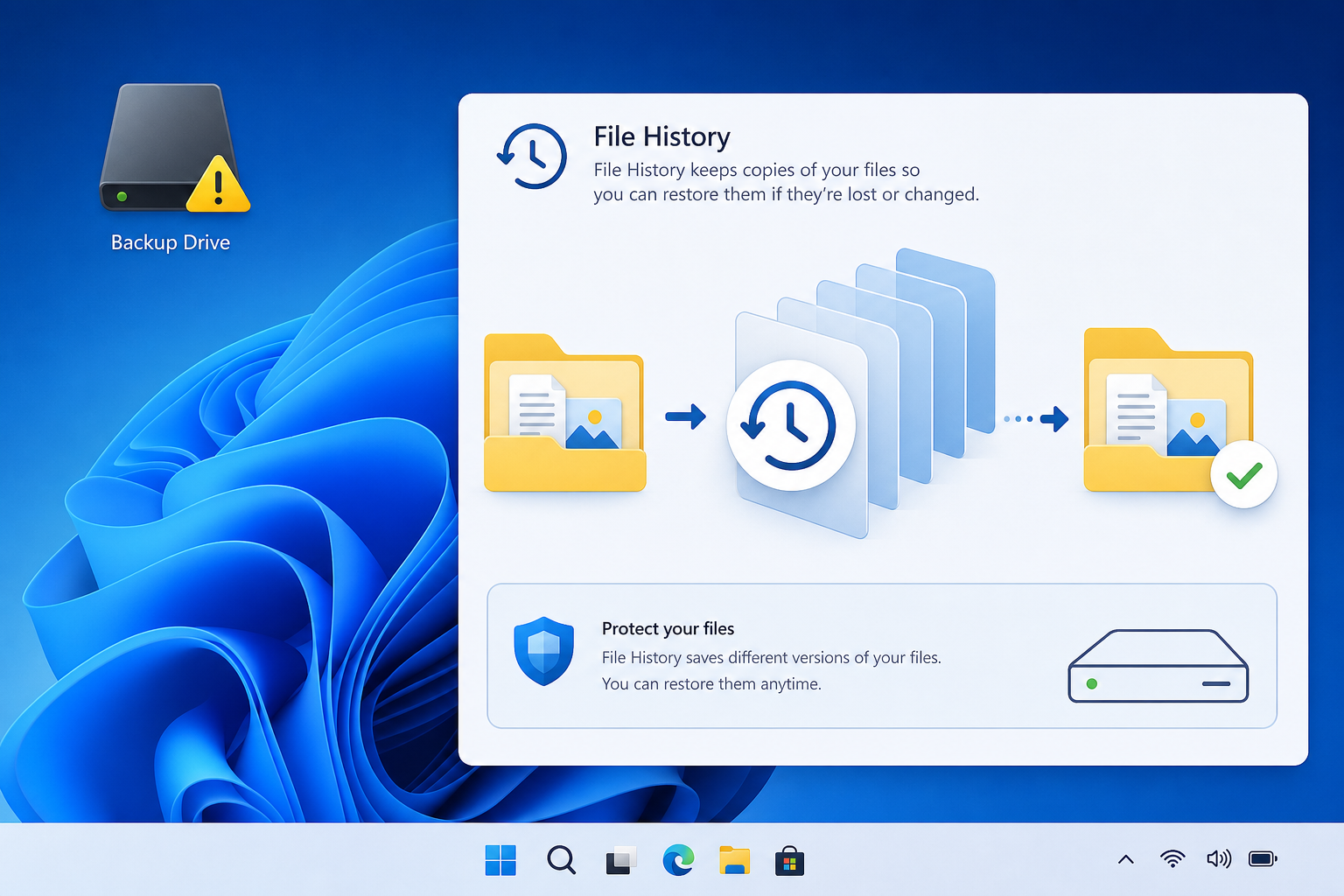
The September 2026 Windows updates broke File History backups. Microsoft has fixed it on current Windows 11 versions: here’s how to check yours and catch up.

A dangling COM object registration sounds obscure, but it’s a real Windows privilege escalation path. Here’s what admins actually need to check.
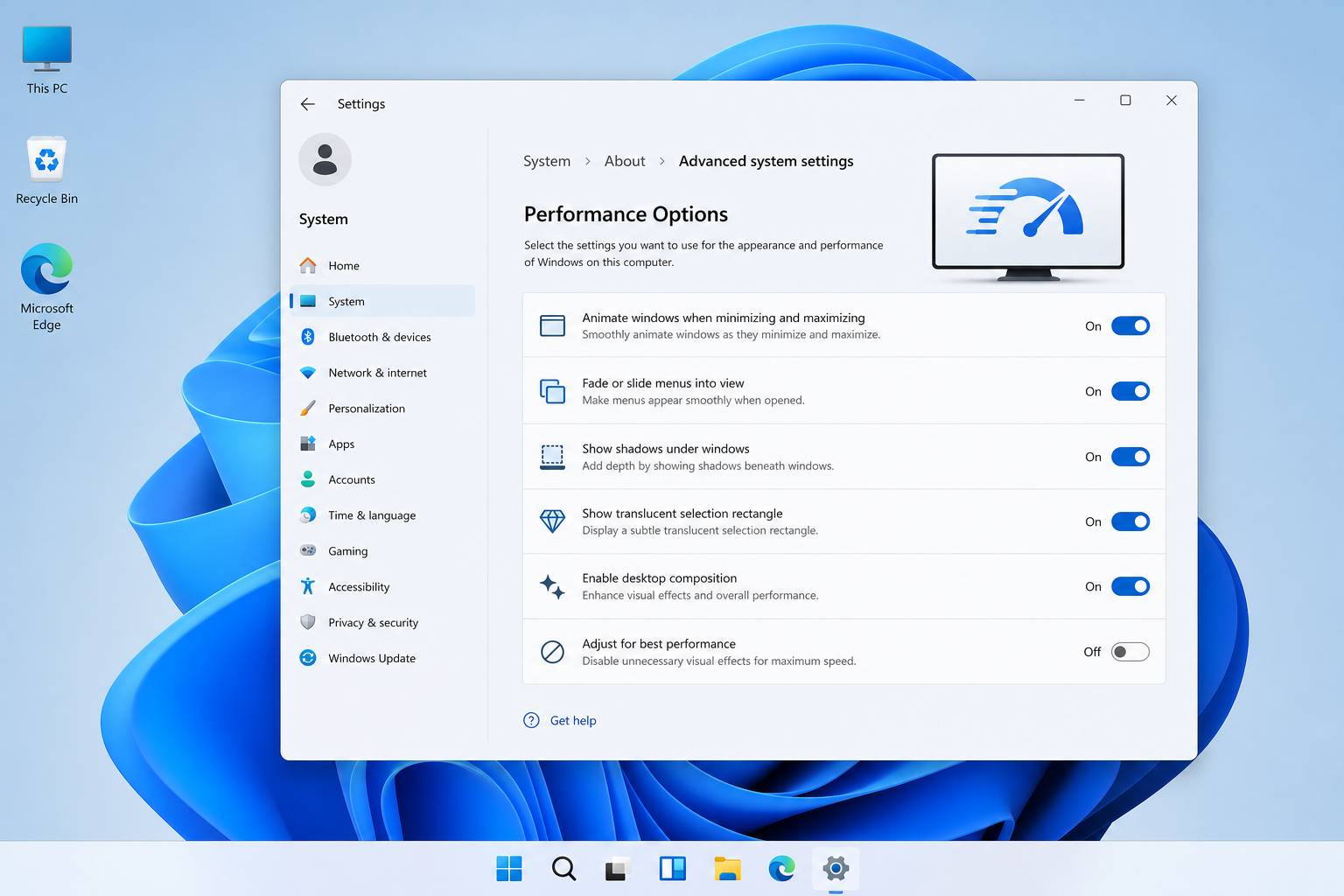
One overlooked Windows 11 setting can make your PC faster almost instantly. Here’s why it works and how to switch it on safely.
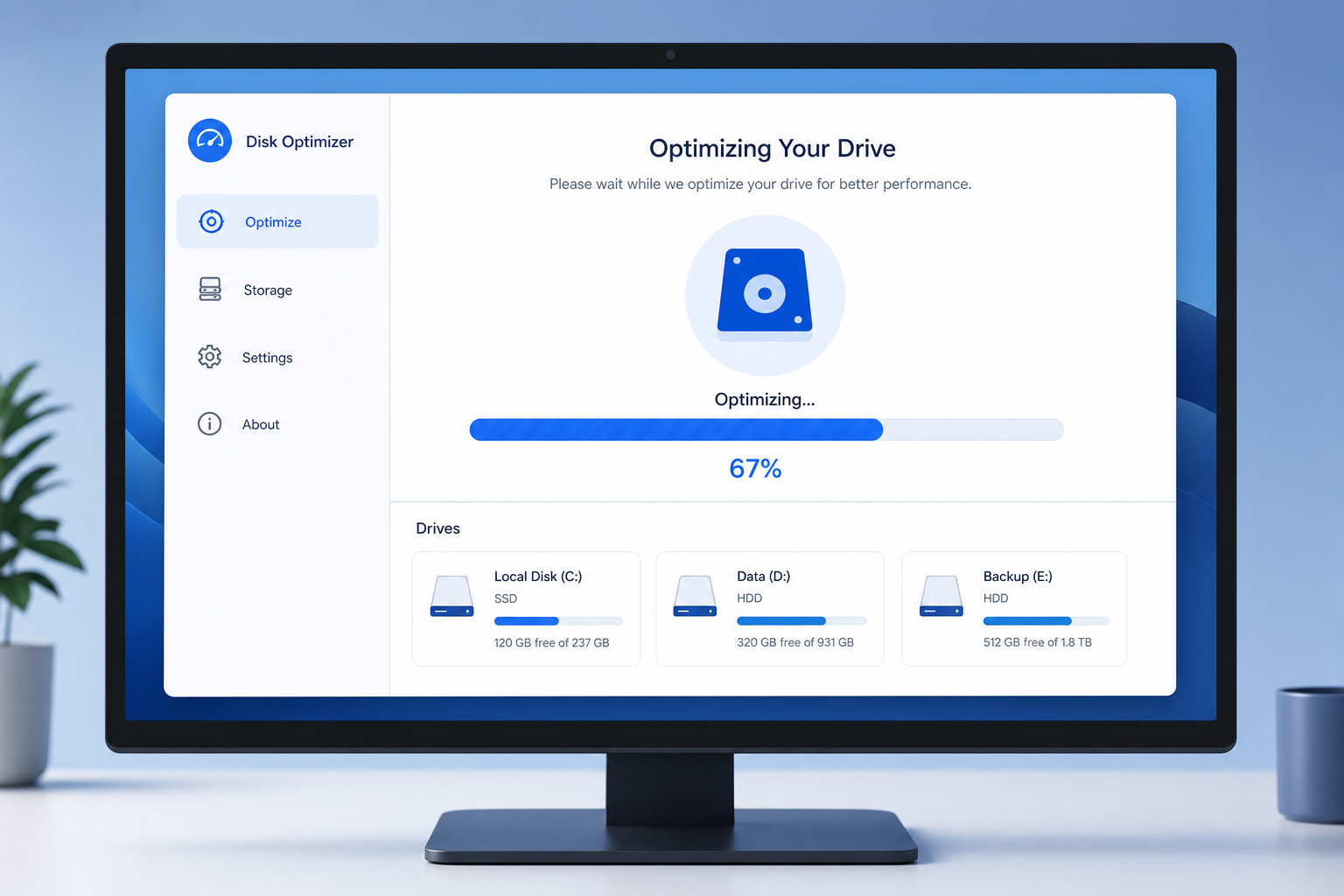
No download, no subscription — here’s how Windows’ own maintenance tool cleans, defrags, and optimizes your PC safely.

Microsoft’s own explanation of shutdown vs restart reveals why one clears far more processes and drivers than the other — and when to use each.

KB5129195 was meant to fix broken domain logins on Windows 11 — but admins confirm it doesn’t. Here’s what’s happening and the workaround to deploy now.
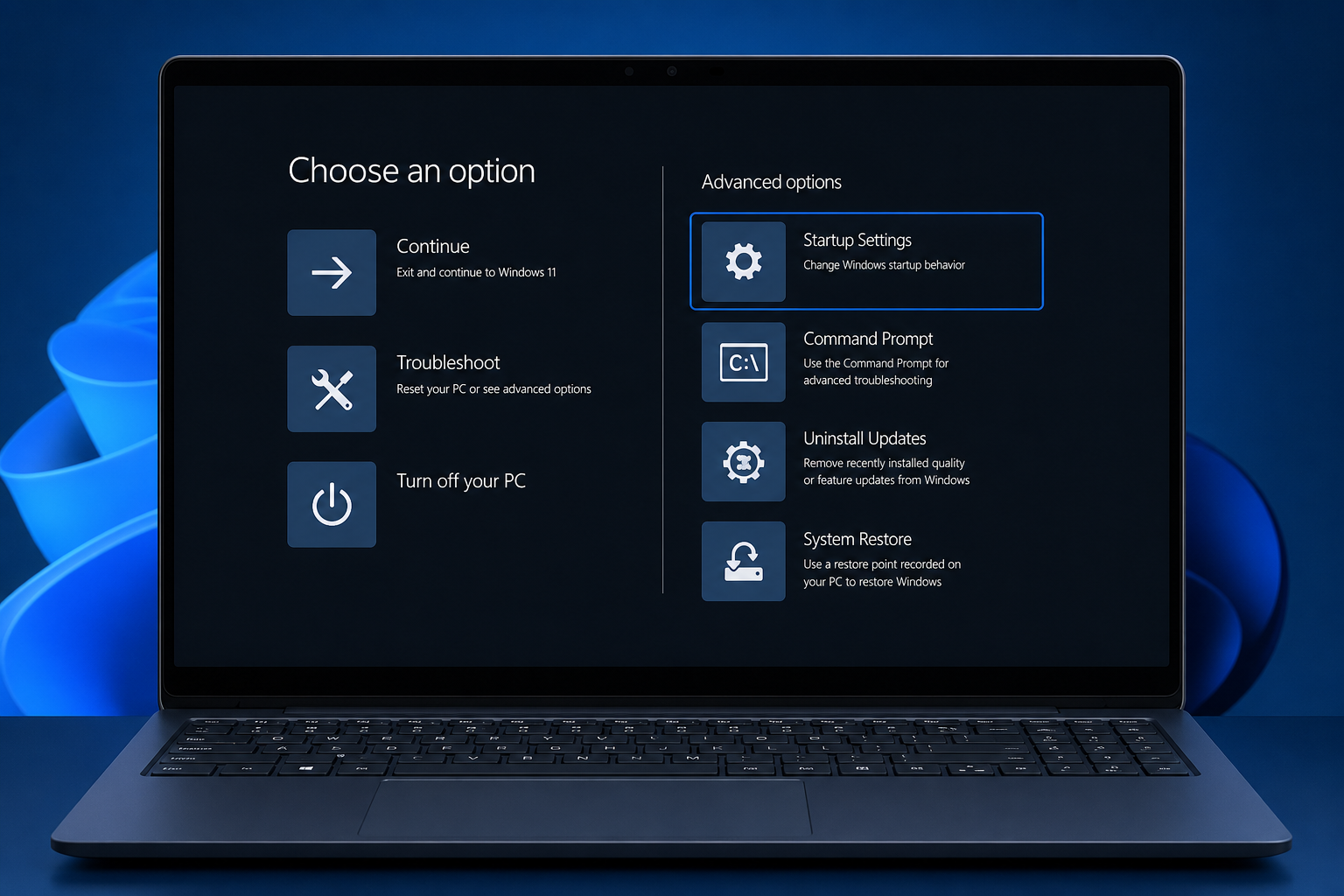
Stuck with a Windows 11 problem? Here’s every reliable way to boot into Safe Mode and get your PC diagnosed and fixed fast.
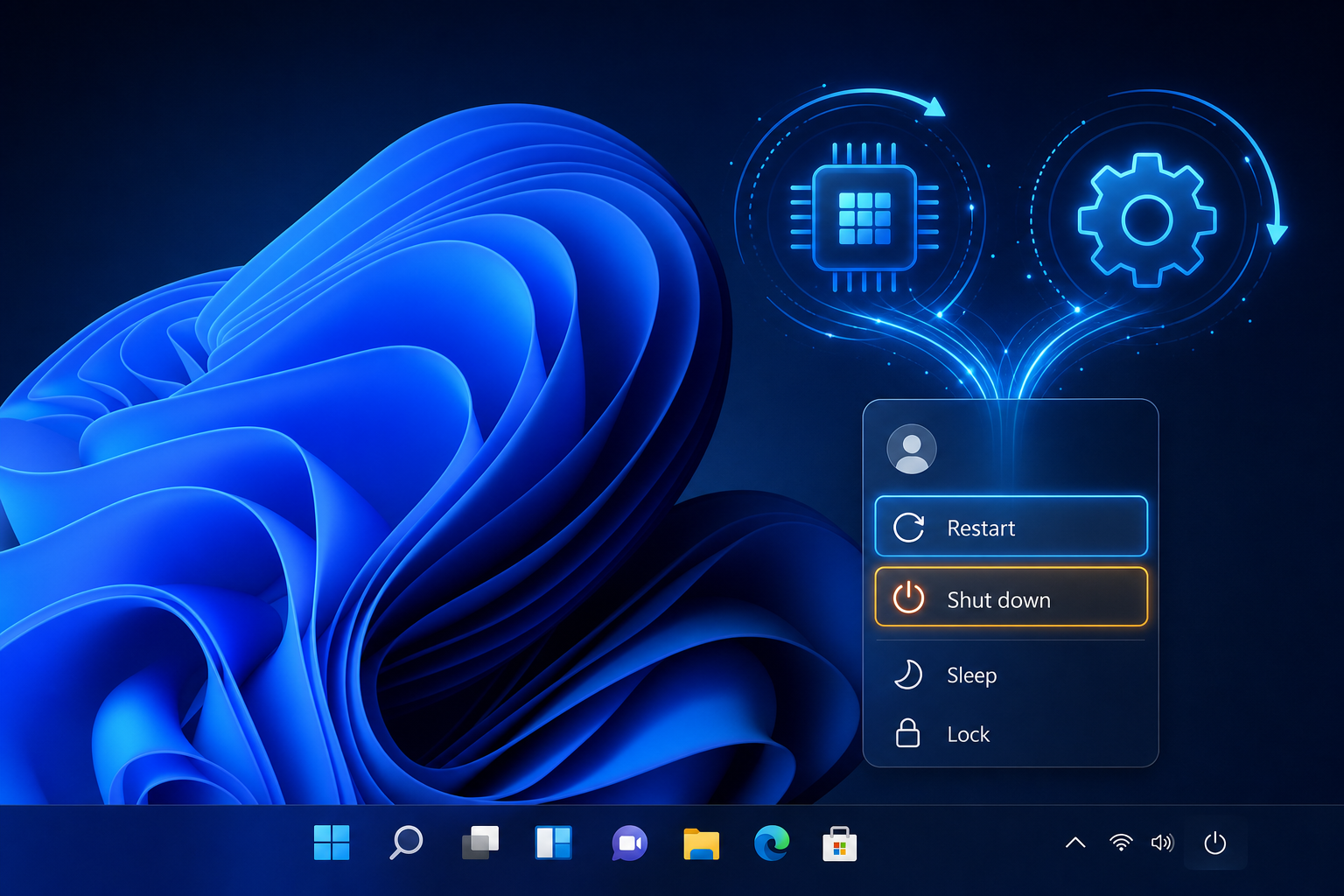
Shutting down your PC doesn’t always give it a clean slate. Here’s why restart vs shut down Windows behavior differs, and when each one actually helps.
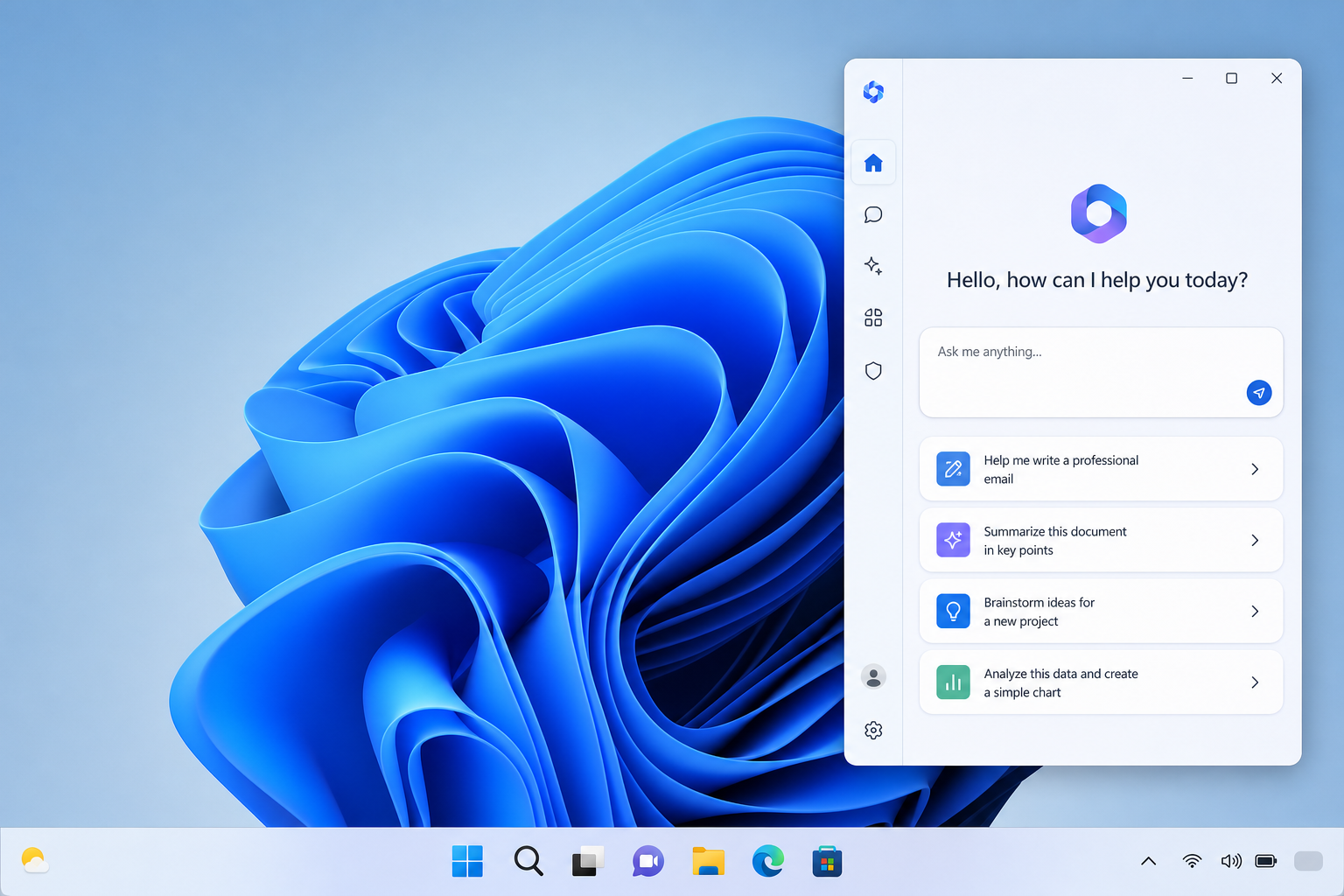
Google’s Gemini app is now a proper Windows program. Here’s how to install it, set it up the way you work, fix the Alt + Space clash and decide whether you need it alongside Copilot.
Apply the code EXTRA10 at the cart or checkout page to get your 10% Discount.
Enjoy Safe & Secure payment via PayPal or Stripe!
One-time use per customer!
