

A dangling COM object is a leftover COM registration that still points to a component no longer present or no longer trustworthy on the system — and on Windows, that leftover entry can become a privilege escalation path an attacker uses to run code as SYSTEM. If you manage Windows fleets, you don’t need to read a full vulnerability research paper to understand the exposure; you need to know what the bug class is, why it keeps reappearing, and what to check on your own machines.
This kind of issue recently drew fresh attention after Google’s Project Zero published detailed research on a Windows privilege escalation bug rooted in exactly this pattern — an incomplete fix that left a system-wide COM registration dangling and exploitable. This article breaks that research down into plain terms for IT admins, without assuming you spend your day reverse-engineering COM internals.
What Is a Dangling COM Object, Exactly?
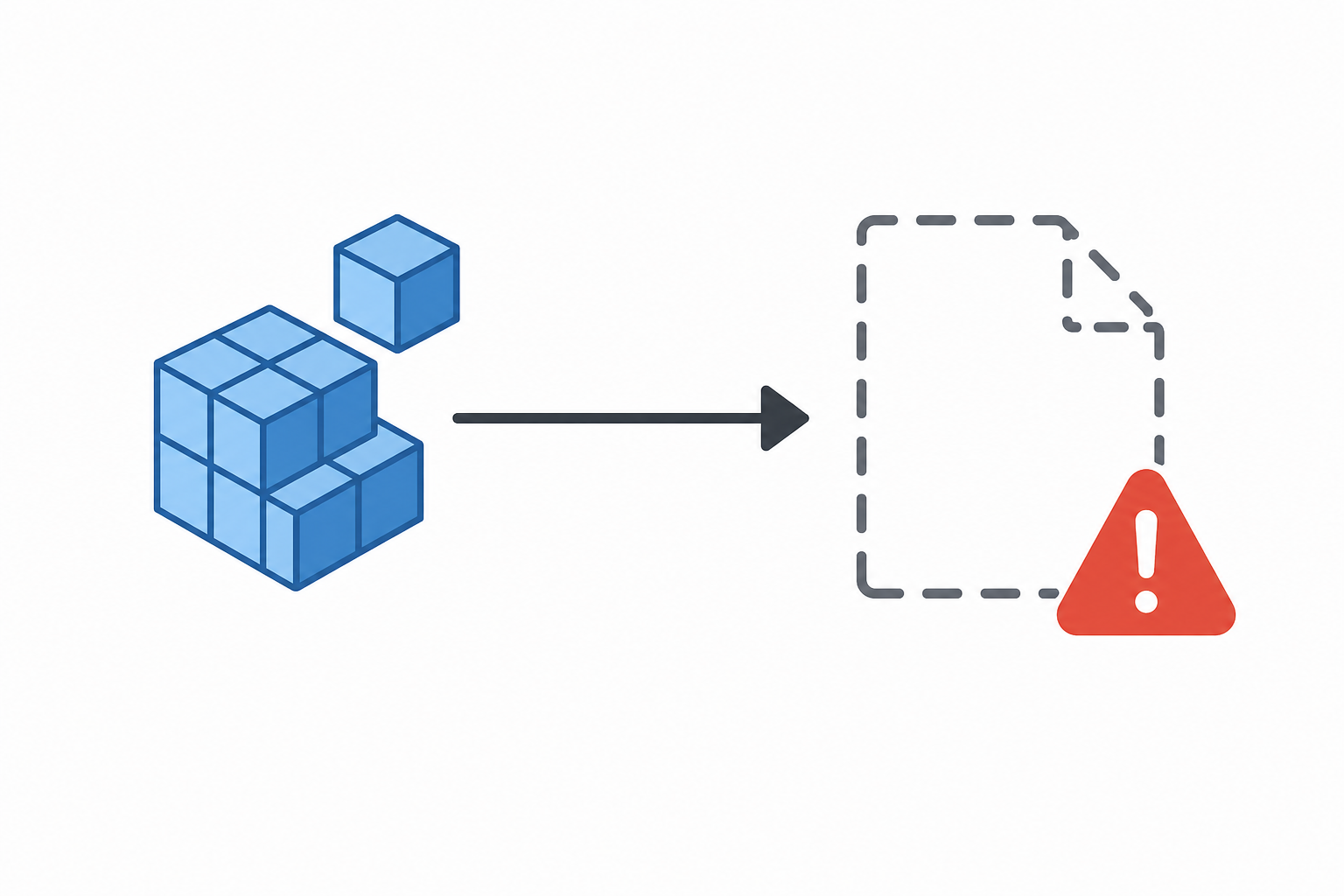
A dangling COM object is a registry entry that tells Windows “when something asks for this COM class ID, load this component” — except the component it points to has since been removed, replaced, or was never properly locked down in the first place. Windows’ Component Object Model (COM) relies on the registry to map class identifiers (CLSIDs) to the DLL or EXE that implements them. When a privileged process — often one running as SYSTEM — instantiates a COM object by CLSID, it trusts that registry mapping.
The problem starts when that mapping becomes stale or writable by a lower-privileged user. If an attacker can register their own component under that same CLSID, or point the entry at a payload they control, the next time a SYSTEM-level process tries to load that “dangling” registration, it can end up executing attacker-supplied code with SYSTEM privileges instead.
Why Dangling COM Object Registrations Keep Showing Up
This isn’t a brand-new discovery — dangling COM registrations have been a recurring theme in Windows privilege escalation research for years, precisely because COM is deeply woven into how Windows services, scheduled tasks, and inter-process communication work. A few recurring causes:
- An installer registers a COM class under HKEY_CLASSES_ROOT or HKEY_LOCAL_MACHINE, then the application is uninstalled without cleaning up the registry entry.
- A per-user COM registration under HKEY_CURRENT_USER silently overrides a system-wide entry that a privileged process still queries.
- A security fix removes the vulnerable binary but leaves the registration pointing at a path that no longer resolves to anything protected, so a non-admin user can drop a file there.
- Feature or device components (cross-device sync services, background broker processes, and similar system features) register CLSIDs that outlive the feature’s active lifecycle.
How a Dangling COM Object Becomes a Privilege Escalation Vector
A dangling COM object turns into a working exploit when three conditions line up: a low-privileged user can influence what the CLSID resolves to, a higher-privileged process instantiates that CLSID without validating it strongly enough, and the resulting code execution happens in that higher-privileged context. Put simply — a standard user account plants a malicious COM server, and a SYSTEM process unknowingly loads and runs it.
The research behind this pattern describes it as an “incomplete fix” scenario: Microsoft patches an initial vulnerability, but the patch removes the vulnerable component while leaving its COM registration intact. That registration becomes a dangling COM object that a subsequent researcher (or attacker) can repurpose. According to the published analysis, this exact chain — an earlier fix nicknamed internally, followed by a new local privilege escalation bug tracked as CVE-2026-66804 — shows how narrowly scoped patches can leave the underlying registration problem unresolved.
Typical Attack Chain, Step by Step
- Attacker (or malware with standard-user access) identifies a CLSID registered system-wide that resolves to a missing or replaceable binary.
- Attacker registers a malicious COM server under that same CLSID, either through a writable registry path or a per-user override.
- A scheduled task, service, or background broker running as SYSTEM (or another elevated account) later instantiates that CLSID as part of normal Windows activity.
- Windows loads the attacker’s component instead of the intended one, executing arbitrary code with the elevated process’s privileges.
No memory corruption, no exotic kernel exploit — just registry logic and trust assumptions being abused. That’s part of why this bug class is popular with researchers and attackers alike: it’s often easier to find and more reliable to trigger than a classic memory-safety bug.
Why This Dangling COM Object Issue Matters for IT Admins

It matters because local privilege escalation bugs are frequently the second step in a real-world intrusion, not the first. An attacker who already has a foothold as a standard user — through phishing, a compromised app, or a stolen low-privilege credential — uses a dangling COM object flaw to jump to SYSTEM, disable security tooling, install persistence, or move laterally with much stronger credentials than they started with.
For an environment with dozens or thousands of endpoints, that’s the difference between “one user’s laptop got a phishing email” and “the attacker now has domain-relevant SYSTEM access on that machine.” Since Windows has been patched for this exact issue, the priority for admins shifts to patch verification and general hygiene rather than firefighting.
Who Should Prioritize This
- Admins managing shared or multi-user Windows workstations, where standard users routinely log in without local admin rights.
- Teams running older or partially patched Windows builds, since incomplete historical fixes are exactly what creates dangling registrations.
- Anyone responsible for endpoint detection and response (EDR) tuning, since privilege escalation via COM abuse often doesn’t trigger antivirus signature matches.
How to Check for Dangling COM Object Exposure
Start by confirming your Windows builds are current, since Microsoft has shipped fixes for the specific CVE this research describes. Beyond patching, a few practical checks reduce your general exposure to this bug class:
- Audit HKEY_CLASSES_ROOT and HKEY_LOCAL_MACHINE\SOFTWARE\Classes for CLSID entries pointing to paths that no longer exist — these are candidate dangling COM object registrations.
- Restrict write access to registry paths and file locations that privileged COM servers load from; standard users should never be able to write to a path a SYSTEM process will later execute.
- Review uninstall routines for internally developed or third-party software to confirm COM registrations are actually removed, not just the binaries.
- Enable and monitor Sysmon or equivalent logging for unexpected process creation chains where a low-integrity process appears to spawn a SYSTEM-level child via COM activation.
None of this requires exotic tooling — it’s registry hygiene and patch discipline, applied consistently across your fleet.
Patch Management Is Still the First Line of Defense
Running a fully licensed, up-to-date, and correctly activated copy of Windows is the baseline that makes every other mitigation actually work — unpatched or improperly licensed systems are far more likely to miss the security updates that close bugs like this one. If you’re standing up new machines or reimaging endpoints, sourcing a genuine Windows 11 Pro Retail key ensures the device receives official Microsoft updates without activation workarounds that can interfere with patching. For environments already running layered protection, pairing Windows Update with dedicated endpoint tools — like the options in the store’s Avast Pro Antivirus lineup — adds a detection layer for the post-exploitation behavior these bugs enable, even though antivirus alone won’t stop the COM abuse itself.
Dangling COM Object Research vs. Real-World Risk

It’s worth separating the research narrative from your day-to-day risk calculus. Project Zero’s writeups exist to push vendors toward more complete fixes, and the fact that a dangling COM object registration survived an earlier patch is a useful lesson for defenders: a CVE being “fixed” doesn’t always mean every artifact of the original bug was cleaned up. That’s a reason to keep monitoring advisories even after you’ve applied a given month’s updates, not a reason to panic about every COM entry on a machine.
For most organizations, the realistic exposure is low if patching is current and standard users don’t have unnecessary write access to system paths. The risk rises sharply in environments with delayed patch cycles, heavy use of legacy or unsupported software, or shared machines where many different accounts log in over time.
Frequently Asked Questions
What does “dangling” mean in a dangling COM object?
It means the registration is orphaned — the registry still lists a CLSID mapping to a component, but that component is missing, removed, or replaceable, so the mapping no longer points to something trustworthy.
Is a dangling COM object the same as a DLL hijacking vulnerability?
They’re closely related but not identical. DLL hijacking typically abuses search-order behavior when an application loads a library; a dangling COM object abuses the registry-based CLSID-to-component mapping that COM activation relies on. Both exploit missing or replaceable files, but through different loading mechanisms.
Does this affect Windows 10 and Windows 11 equally?
COM is a core Windows subsystem present across supported versions, so the underlying bug class can appear on both Windows 10 and Windows 11. Specific CVEs are version- and build-dependent, which is why checking your current patch level against Microsoft’s advisory is the reliable way to confirm exposure.
Can standard antivirus software detect this kind of privilege escalation?
Traditional signature-based antivirus often misses it, since the technique abuses legitimate Windows registry logic rather than dropping obviously malicious files. Behavioral EDR tools and careful logging of unexpected privilege transitions catch it more reliably than signature scanning alone.
What’s the single most effective mitigation?
Keeping Windows fully patched closes the specific CVEs researchers disclose, while restricting standard users from writing to paths that privileged COM servers load from prevents the broader bug class from being exploitable in the first place.
Where can I read the original technical research?
Google’s Project Zero published Project Zero’s technical writeup this article is based on, including the specific CVE identifier and exploitation chain, for readers who want the full engineering-level breakdown.
