Administrator or standard? Here’s exactly what each Windows account type can do and which one you should actually be using every day.

Administrator or standard? Here’s exactly what each Windows account type can do and which one you should actually be using every day.
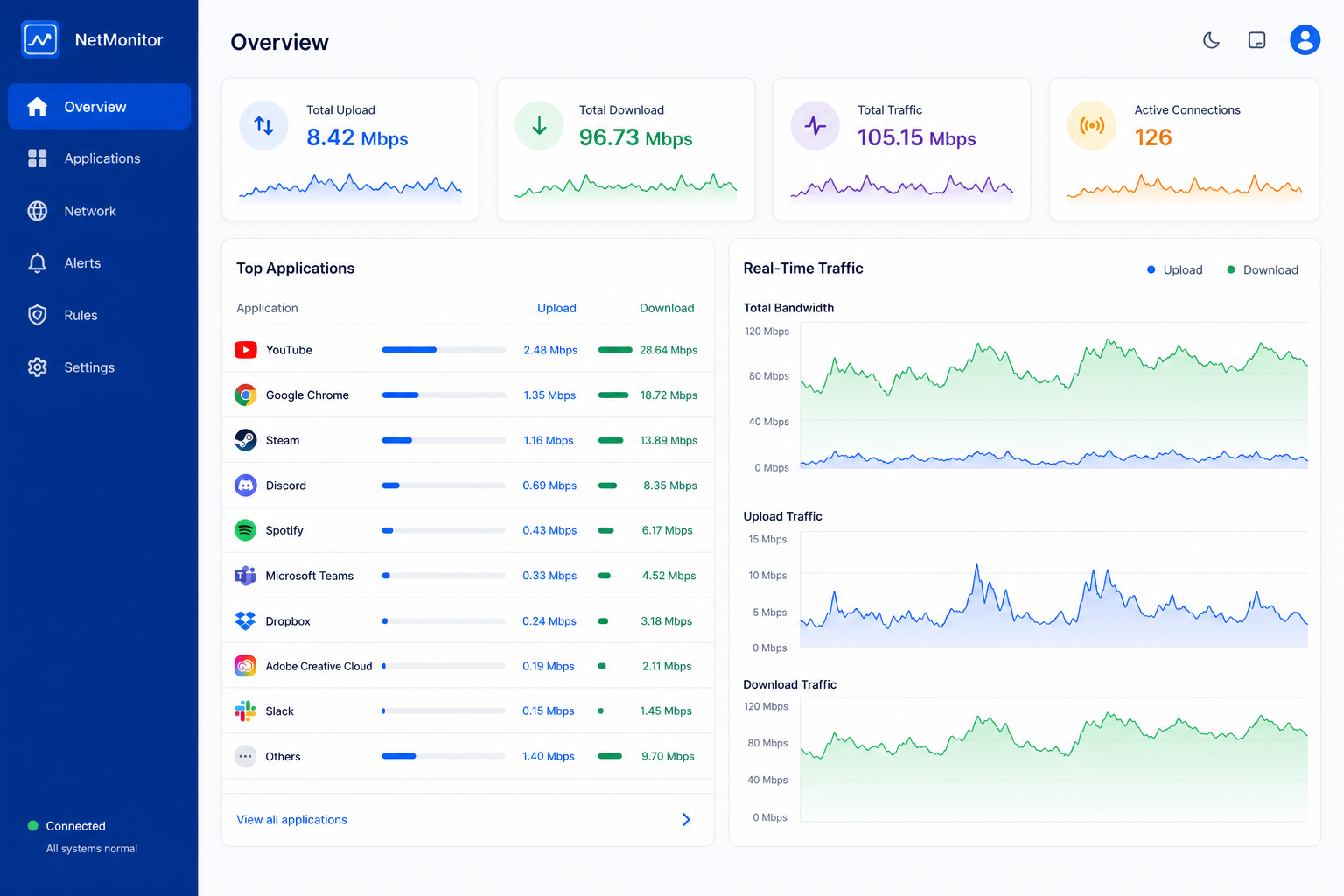
Want to see which apps are eating your bandwidth? Here’s a practical look at lightweight network monitoring tools built for Windows 11.
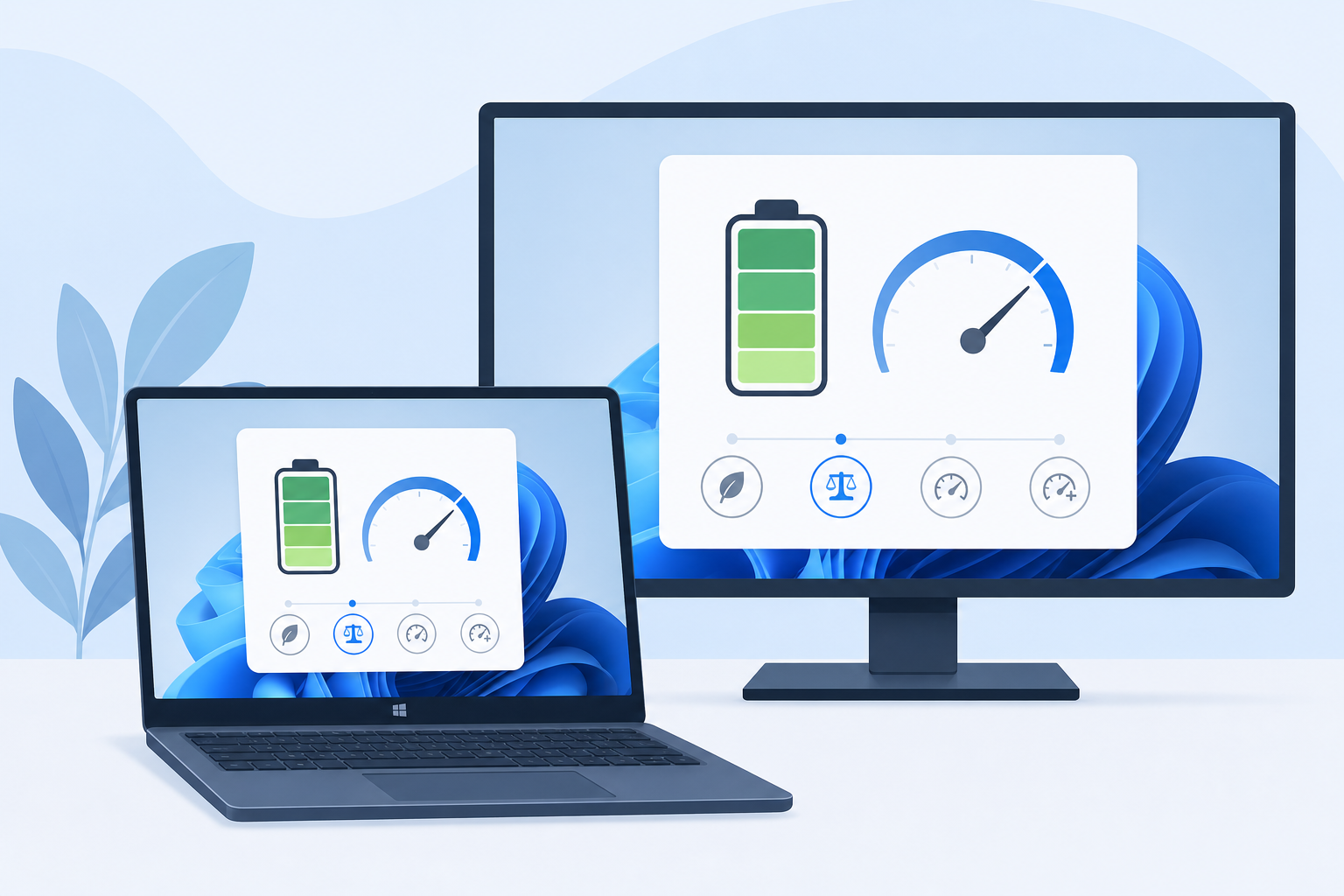
Not sure which windows power plan fits your PC? Here’s when to use Balanced, High Performance, or Power Saver — and how to build your own.
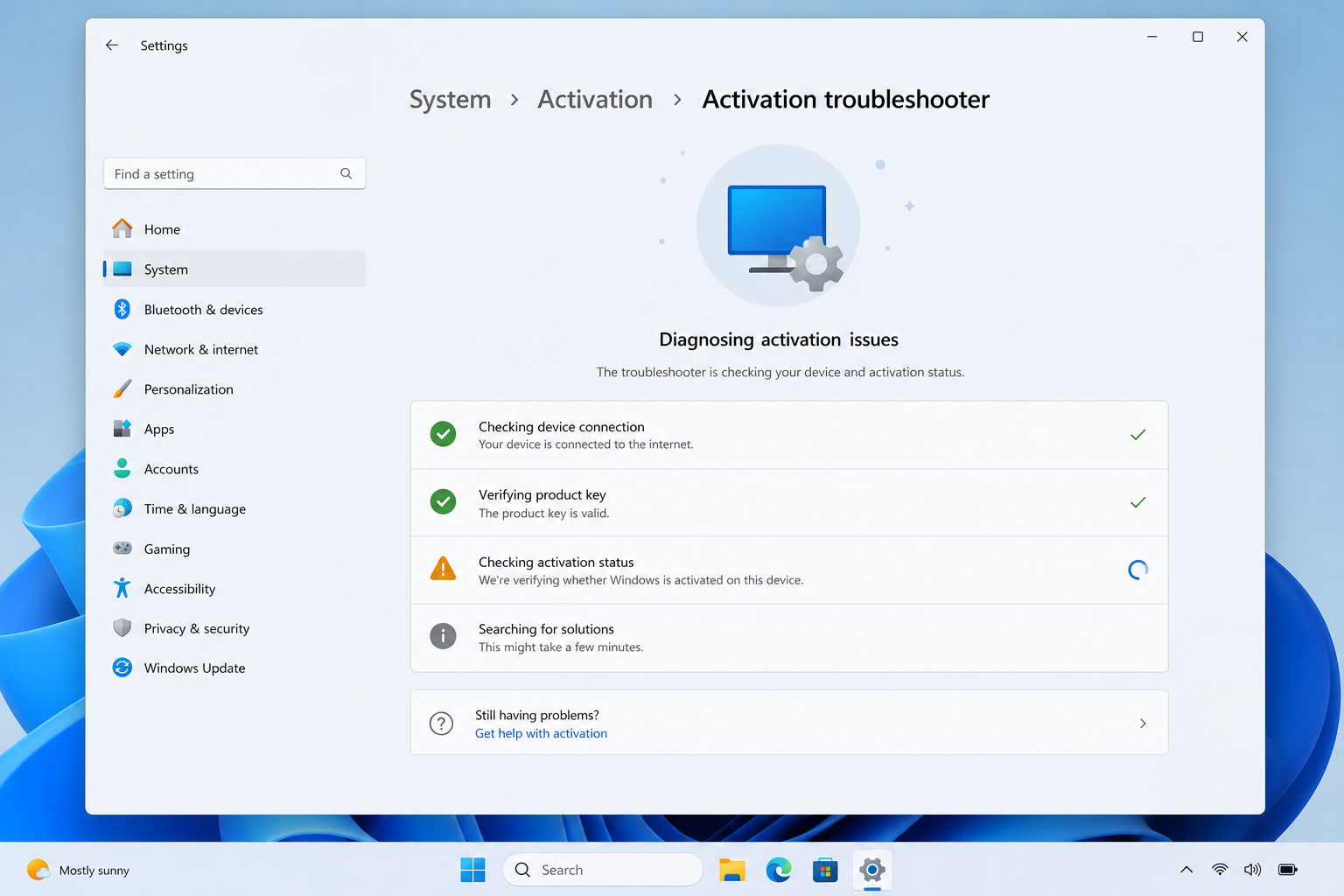
Activation failed after an update or hardware swap? Here’s how to run the Windows Activation Troubleshooter and decode exactly what the error means.
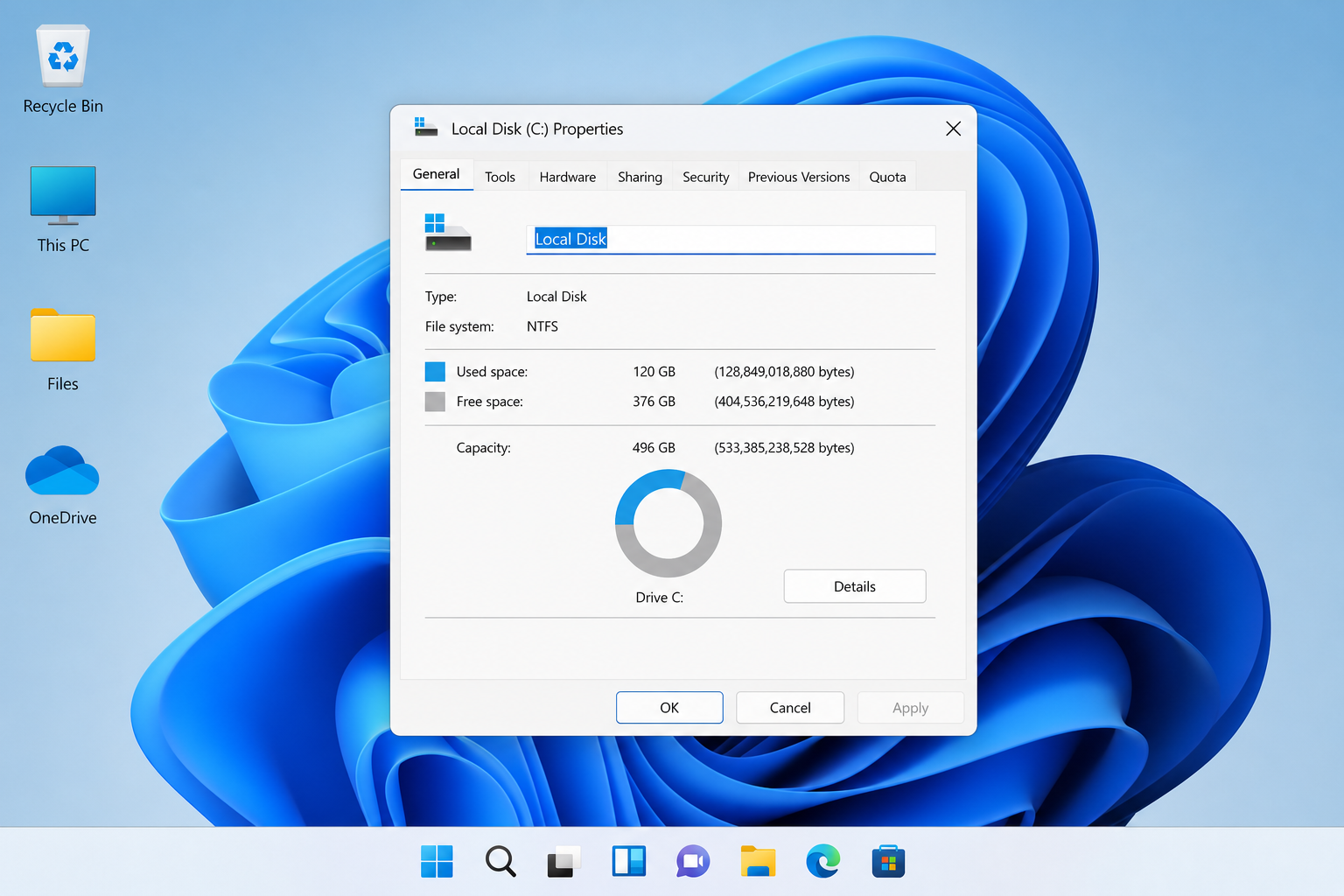
Your drive shows less storage than the box promised? Here’s the real math behind binary vs decimal, system partitions, and how to check true space.
wsudo brings a UAC-free sudo for Windows experience to the command line. Here’s how it works and what IT pros should check before trusting it.

Set night light to follow sunset or your own hours, pick a comfortable strength, and fix the common problems: wrong times, greyed-out toggles and uneven monitors.
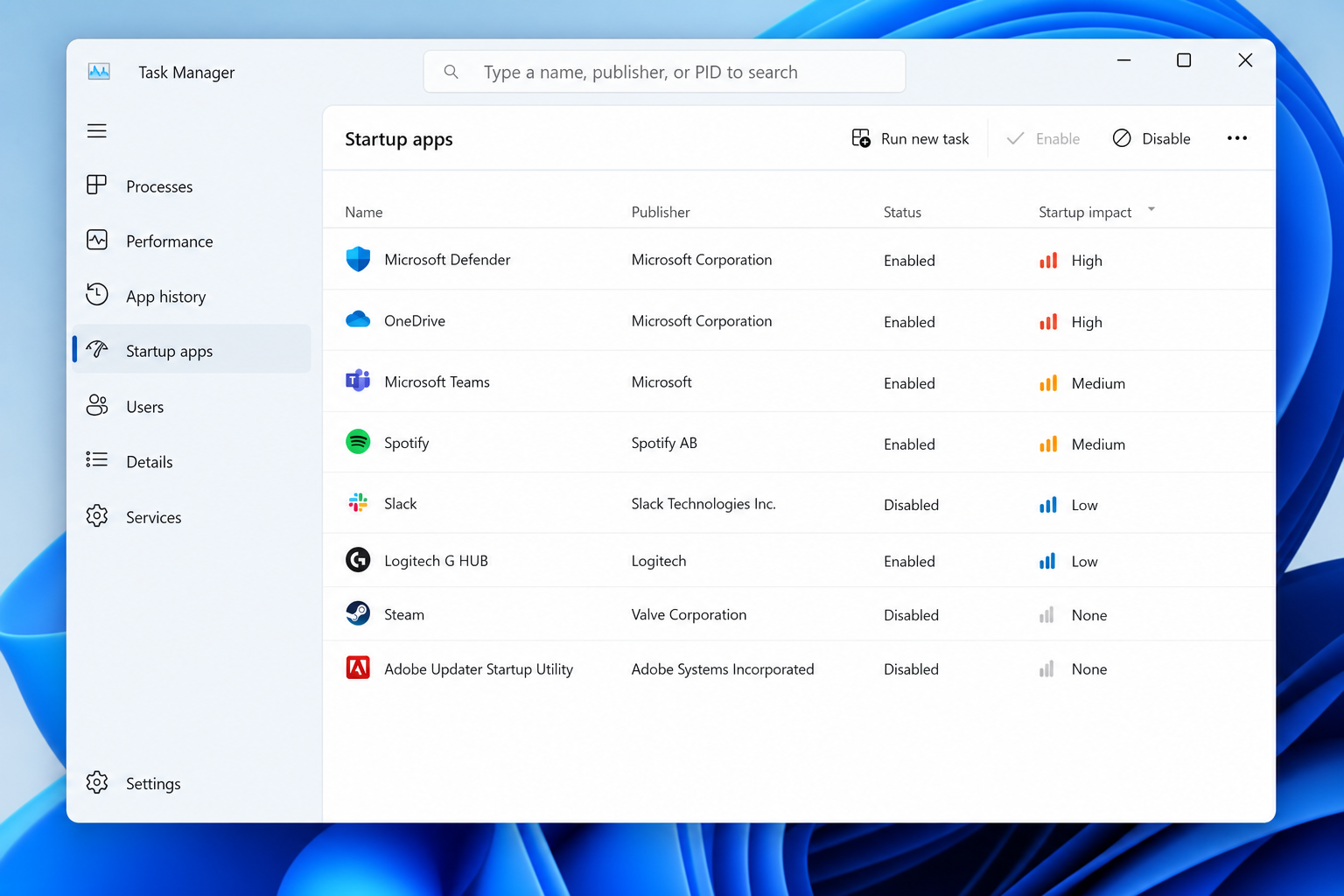
Not every app needs to start with Windows. Here’s how to tell the essentials from the clutter using Task Manager, Settings, Task Scheduler and Autoruns.

Is your PC frozen on an update screen? Here’s a plain-language checklist to get Windows Update unstuck without deep technical know-how.
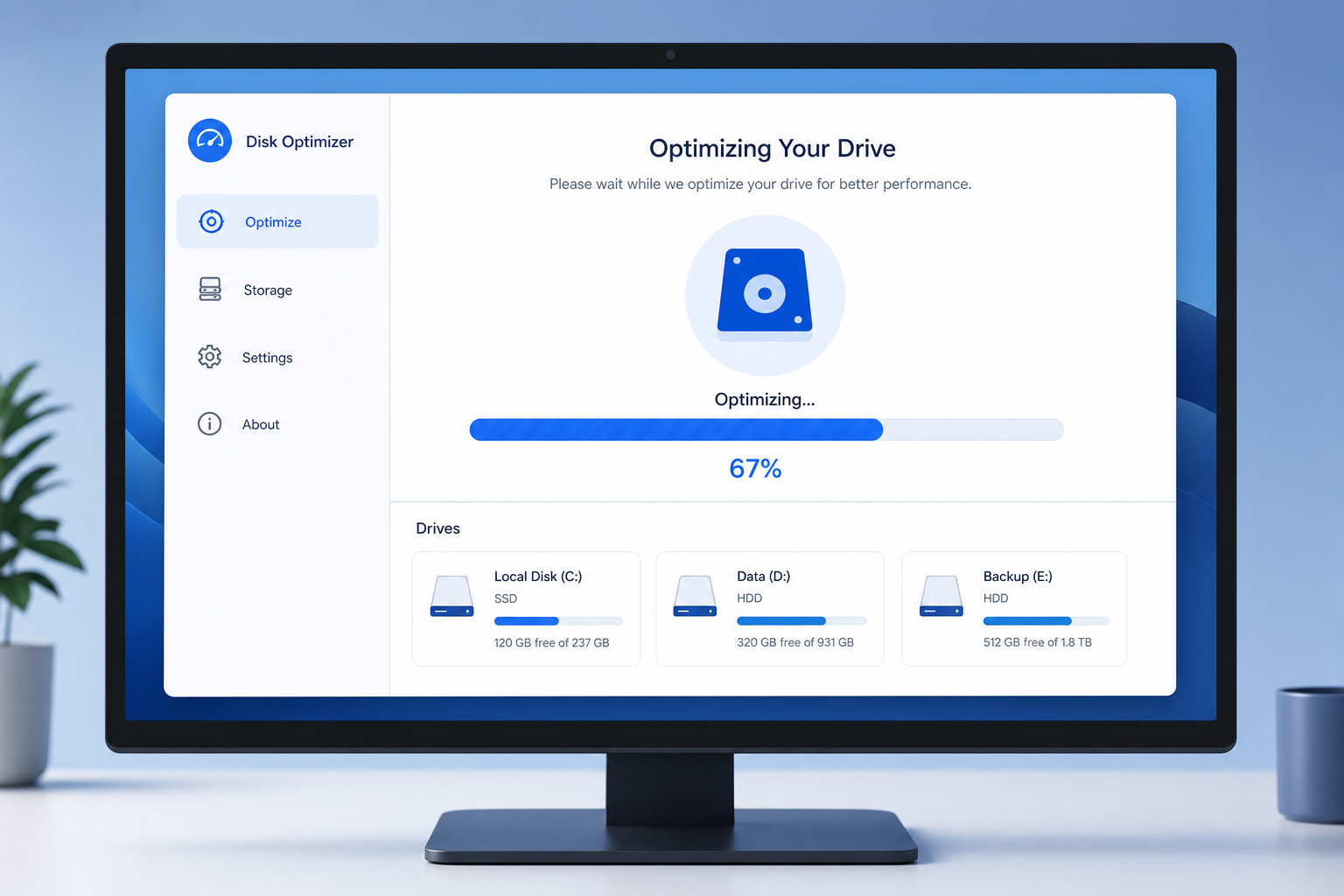
No download, no subscription — here’s how Windows’ own maintenance tool cleans, defrags, and optimizes your PC safely.
Apply the code EXTRA10 at the cart or checkout page to get your 10% Discount.
Enjoy Safe & Secure payment via PayPal or Stripe!
One-time use per customer!
