Your drive shows less storage than the box promised? Here’s the real math behind binary vs decimal, system partitions, and how to check true space.
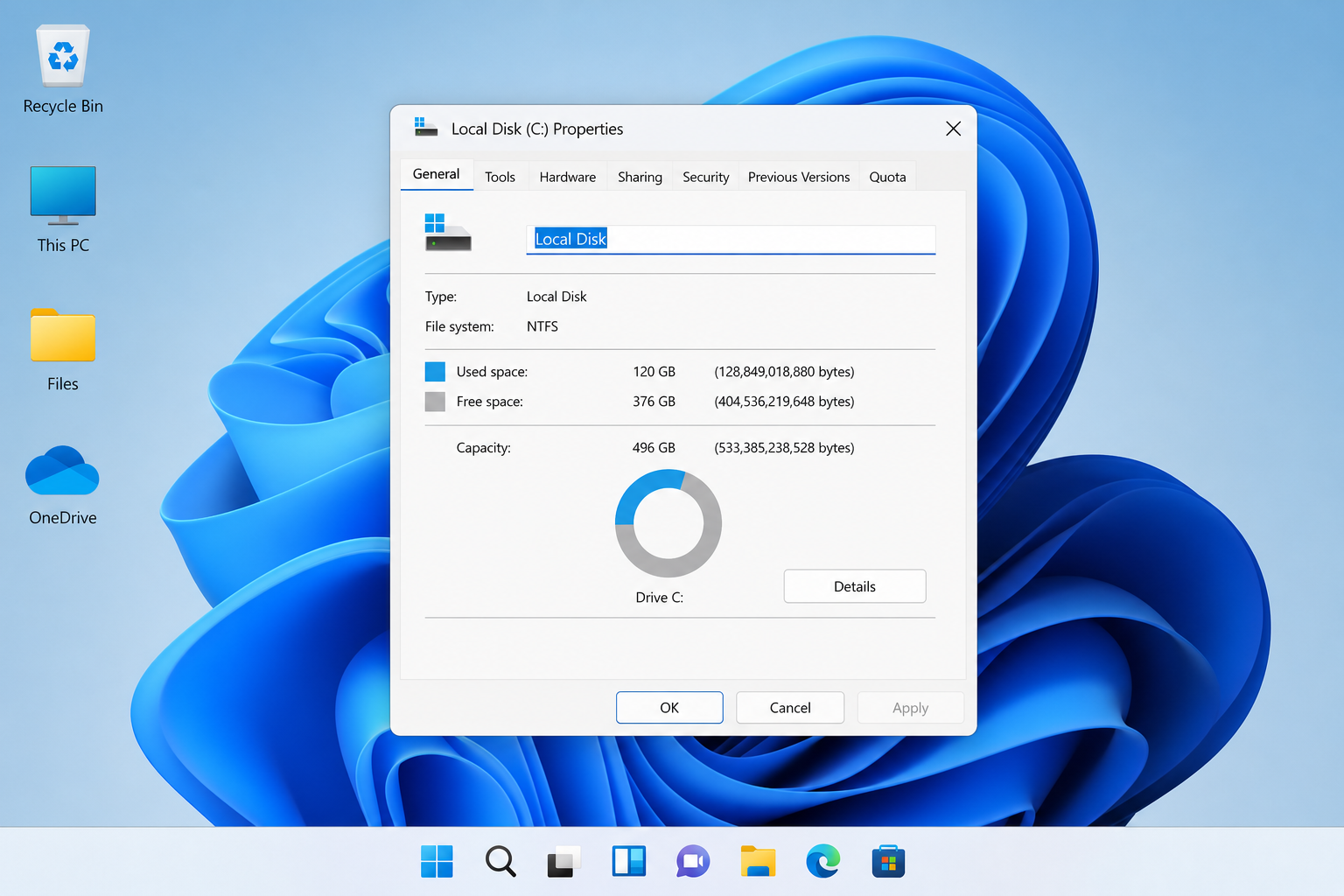

Your drive shows less storage than the box promised? Here’s the real math behind binary vs decimal, system partitions, and how to check true space.
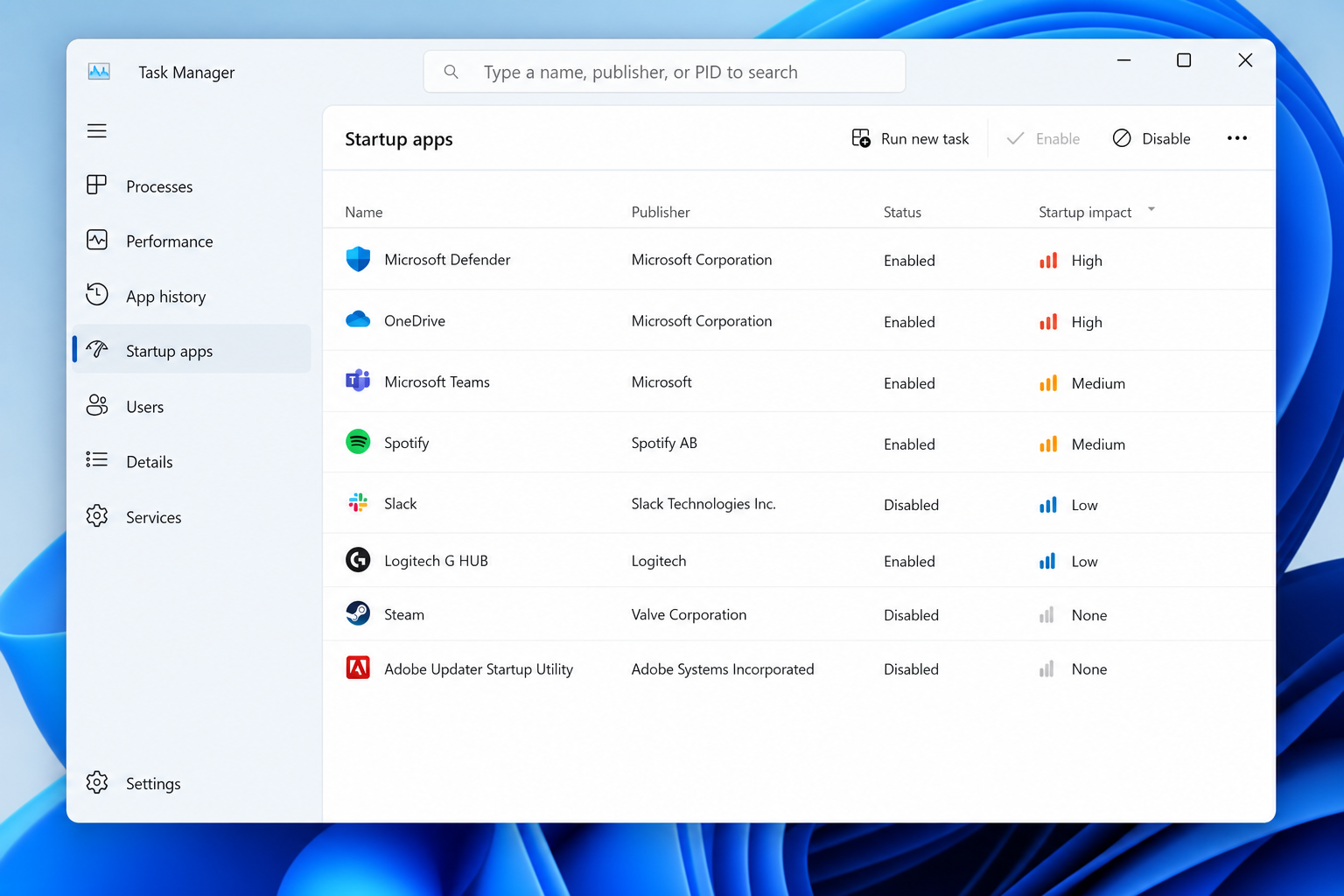
Not every app needs to start with Windows. Here’s how to tell the essentials from the clutter using Task Manager, Settings, Task Scheduler and Autoruns.
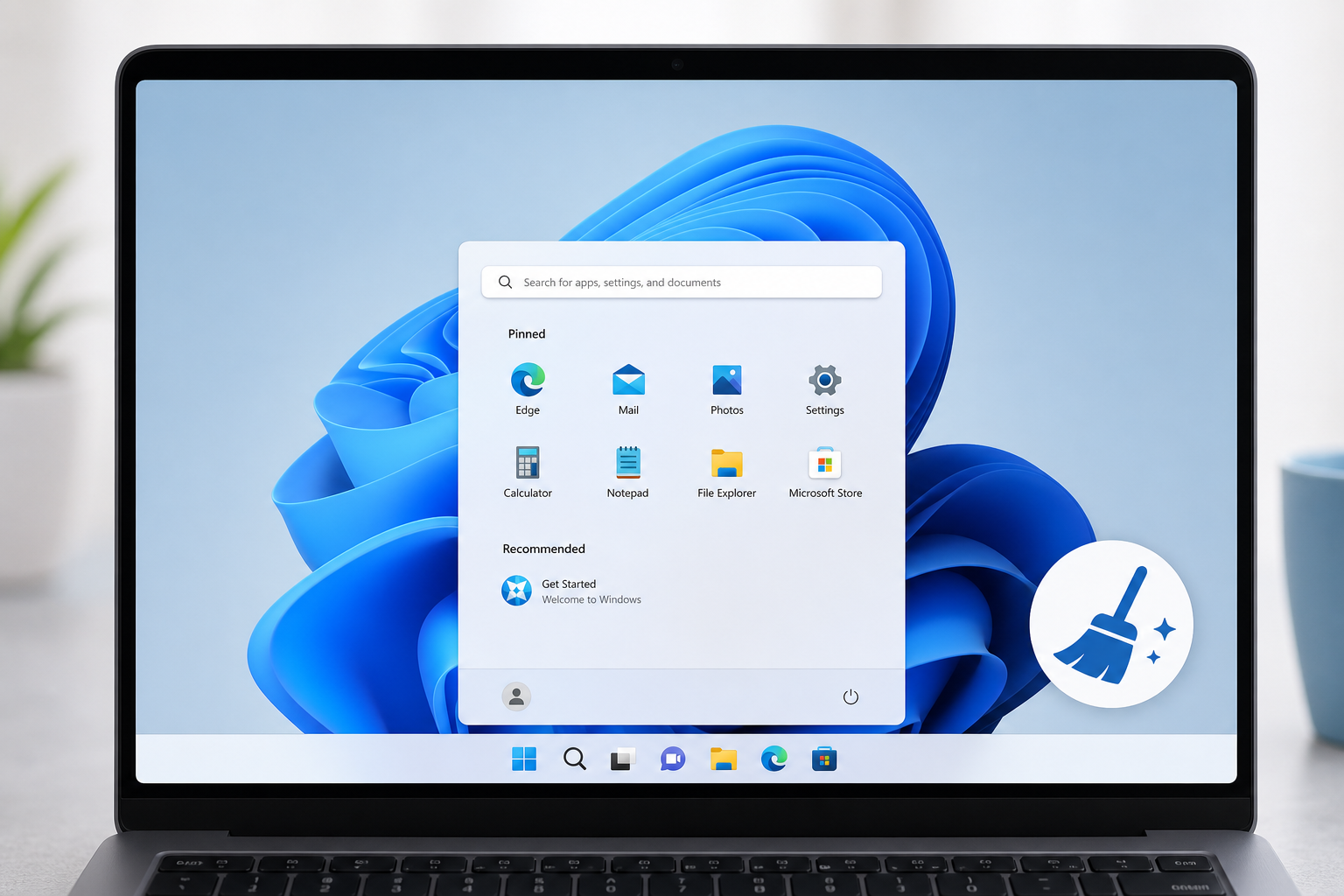
Bloatware slowing down your PC? Here’s the low-risk way to debloat Windows 11 using built-in tools only — no sketchy scripts, no broken updates.

Is your PC frozen on an update screen? Here’s a plain-language checklist to get Windows Update unstuck without deep technical know-how.
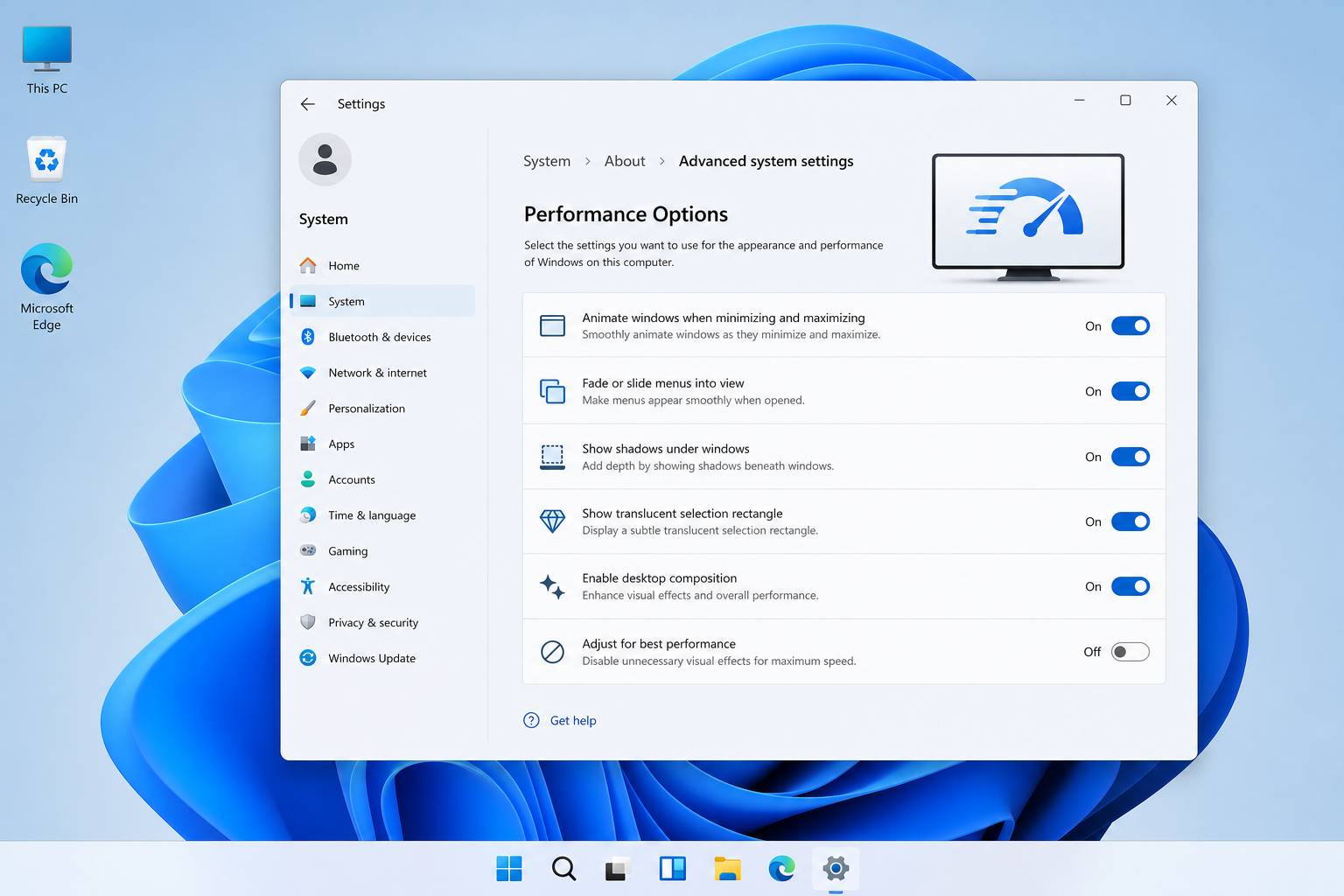
One overlooked Windows 11 setting can make your PC faster almost instantly. Here’s why it works and how to switch it on safely.
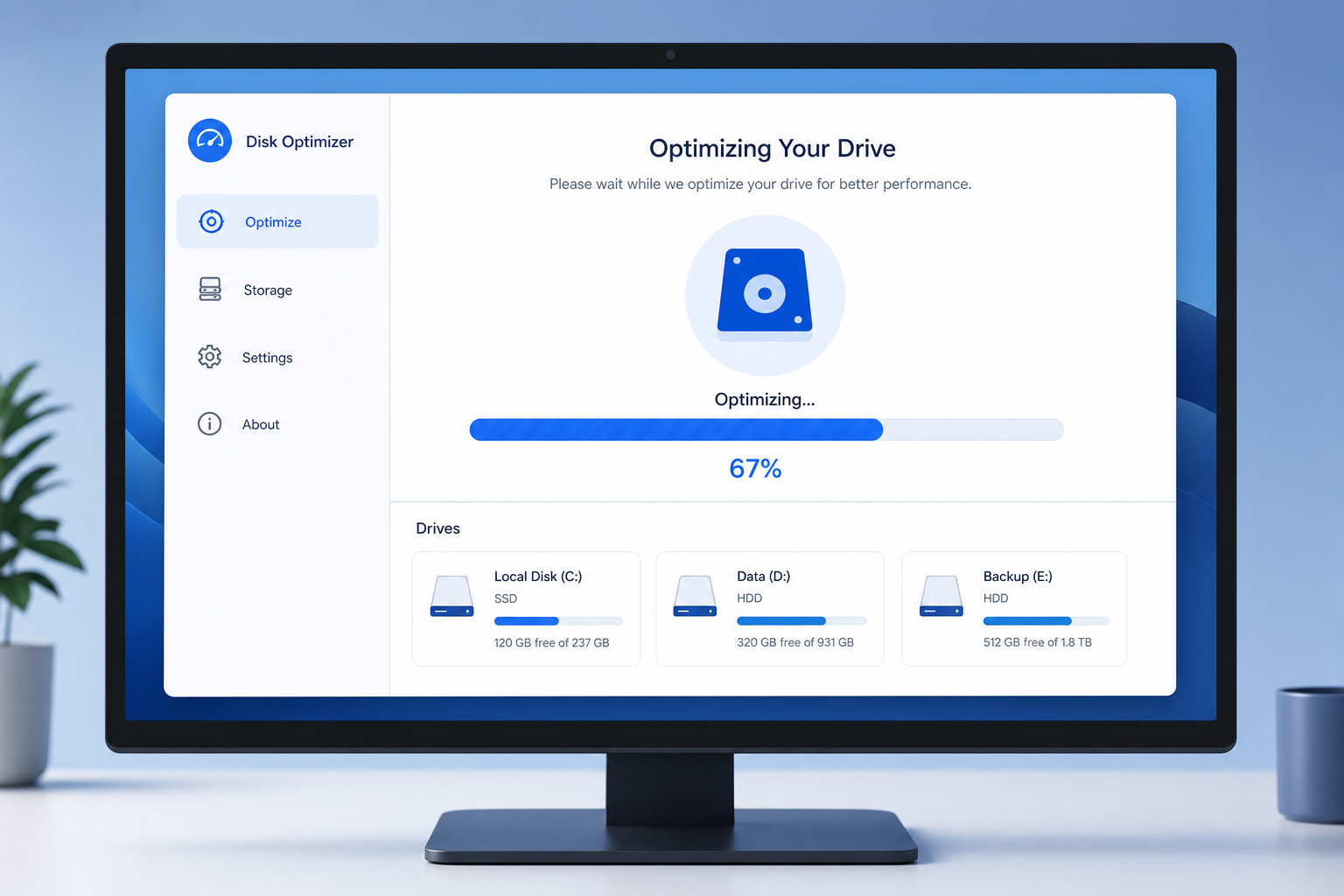
No download, no subscription — here’s how Windows’ own maintenance tool cleans, defrags, and optimizes your PC safely.
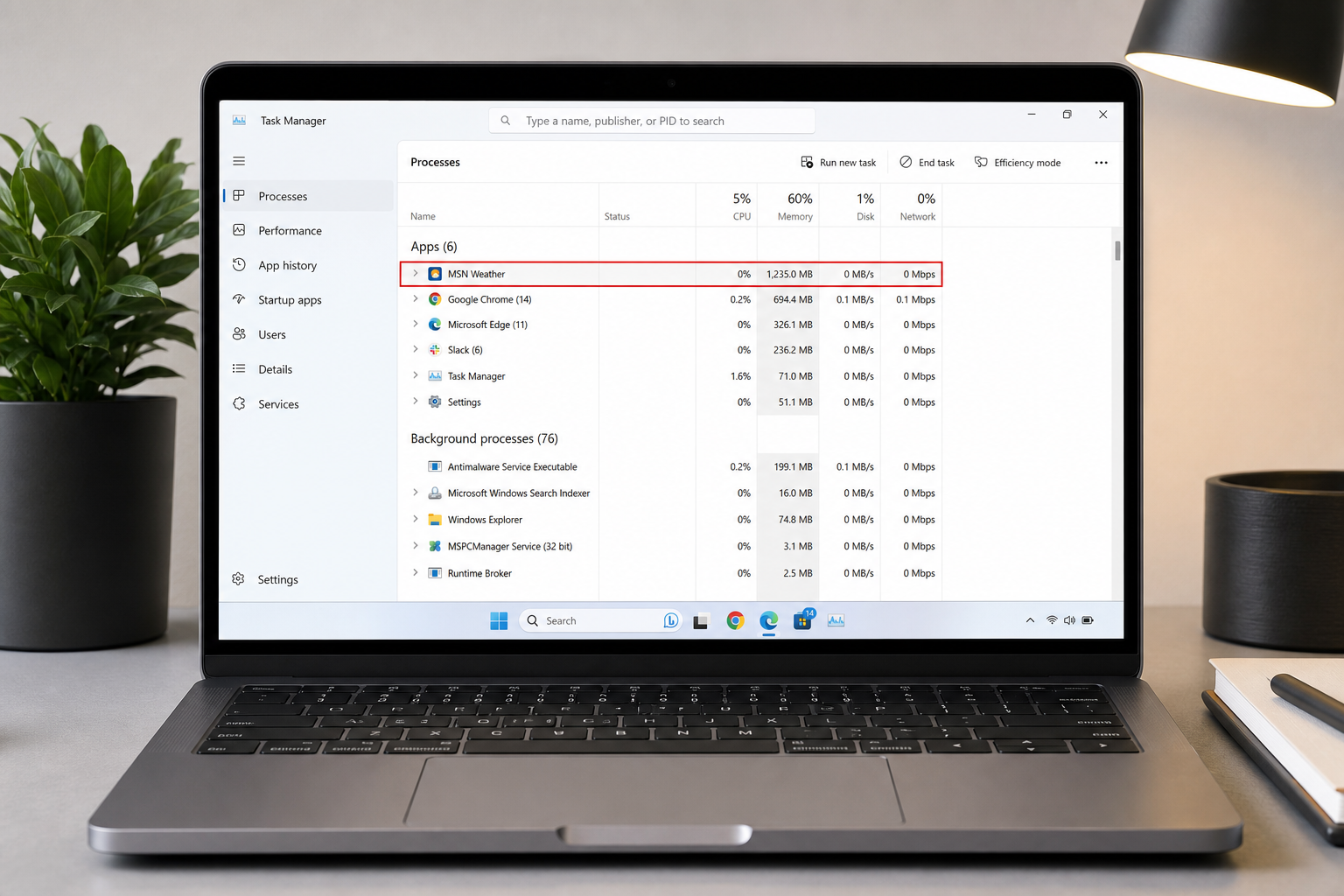
Microsoft’s built-in weather app is a Chromium-based web wrapper that quietly consumes over 1.2GB of RAM. Here’s why it happens and exactly how to stop it.
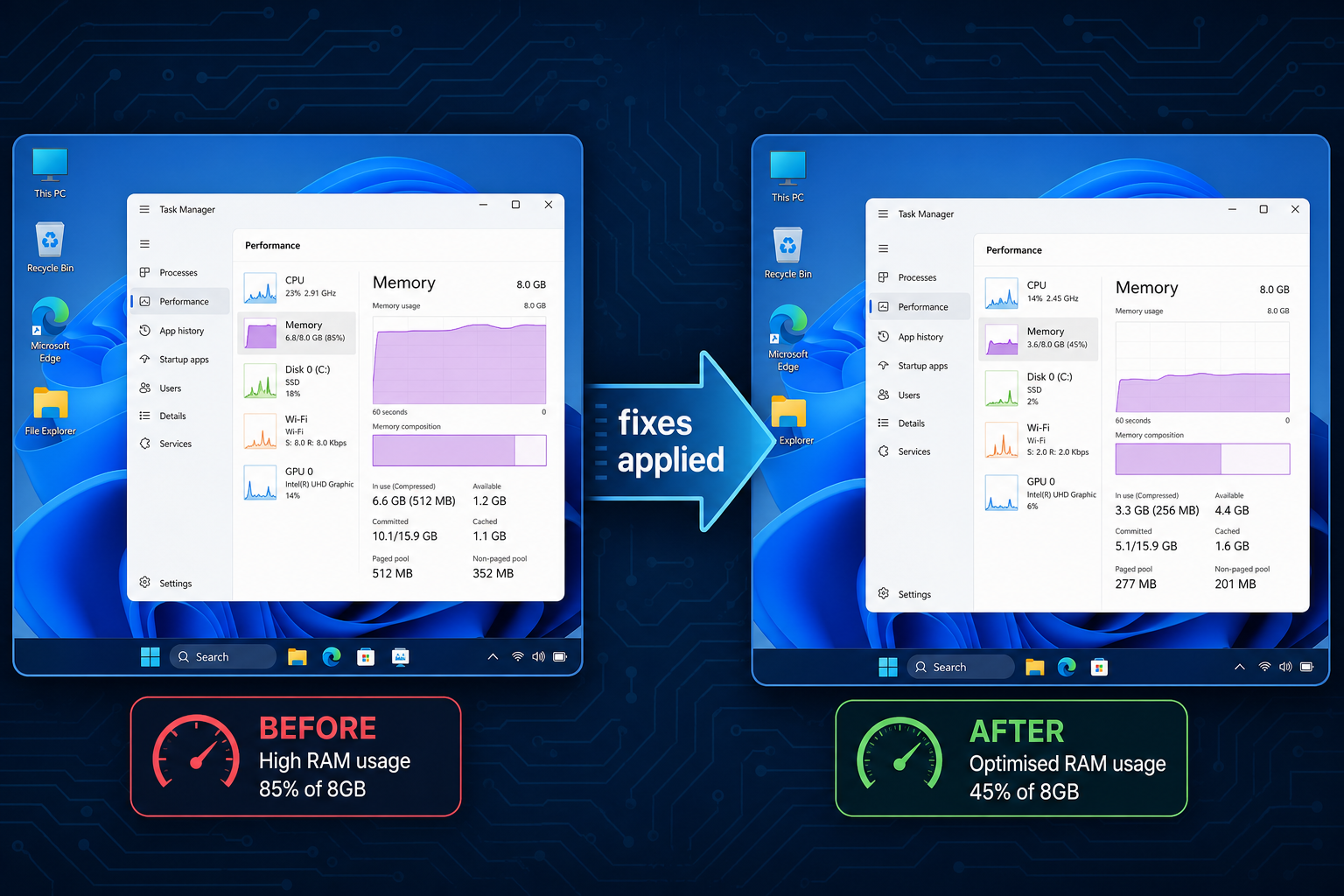
Windows 11 was built with 16GB in mind. If you’re running 8GB, here’s exactly why it stutters — and the concrete fixes that actually help.

A Windows 11 bug let a hidden log file grow to hundreds of gigabytes. Microsoft has fixed it: here’s how to check your PC and clean up safely.
Apply the code EXTRA10 at the cart or checkout page to get your 10% Discount.
Enjoy Safe & Secure payment via PayPal or Stripe!
One-time use per customer!
