Strong scanning or bloated extras? Here’s how to tell the best antivirus for Mac apart from suites padded with features you’ll never use.

Strong scanning or bloated extras? Here’s how to tell the best antivirus for Mac apart from suites padded with features you’ll never use.
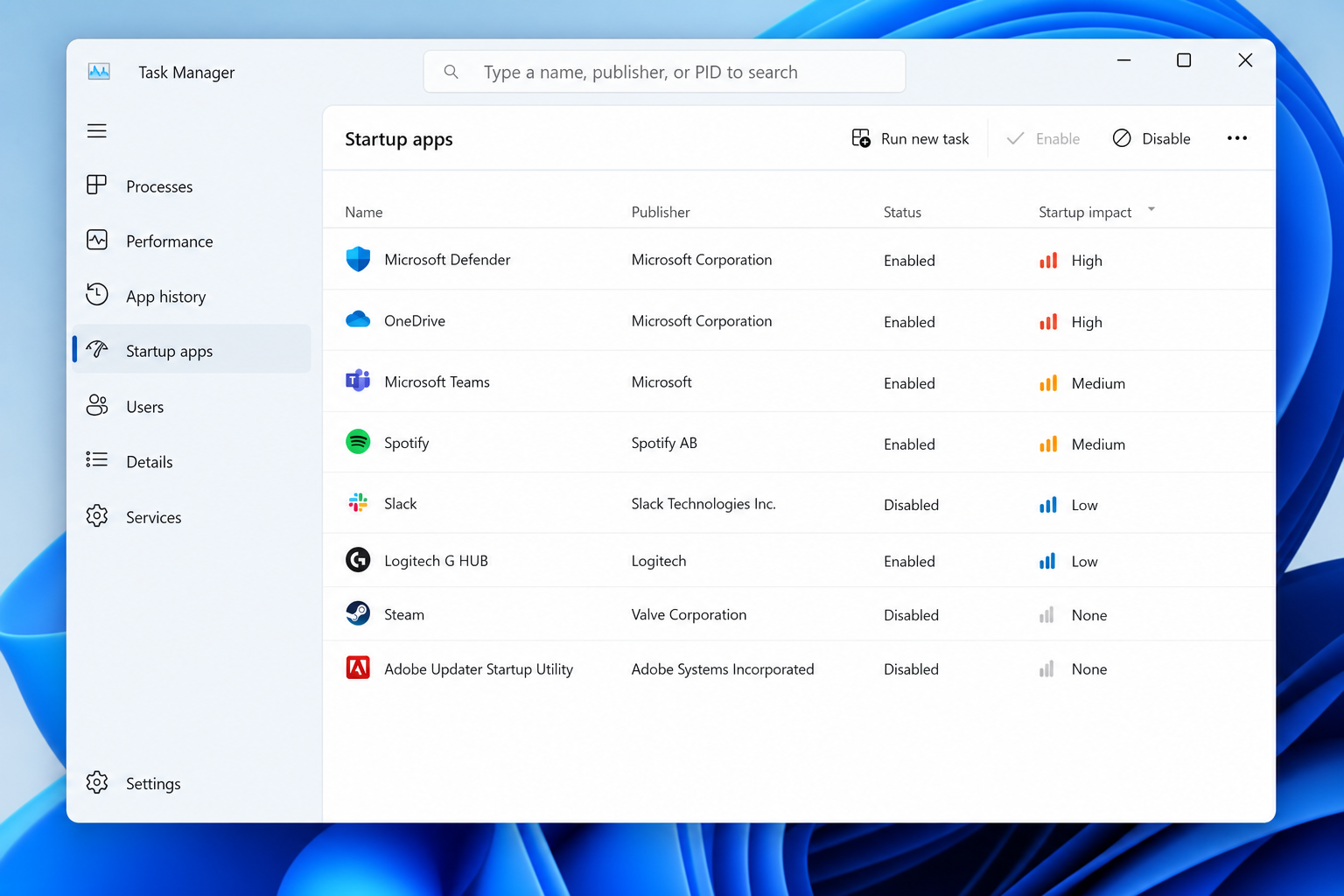
Not every startup program deserves a spot on boot. Here’s how to tell the essentials from the clutter using Task Manager and beyond.
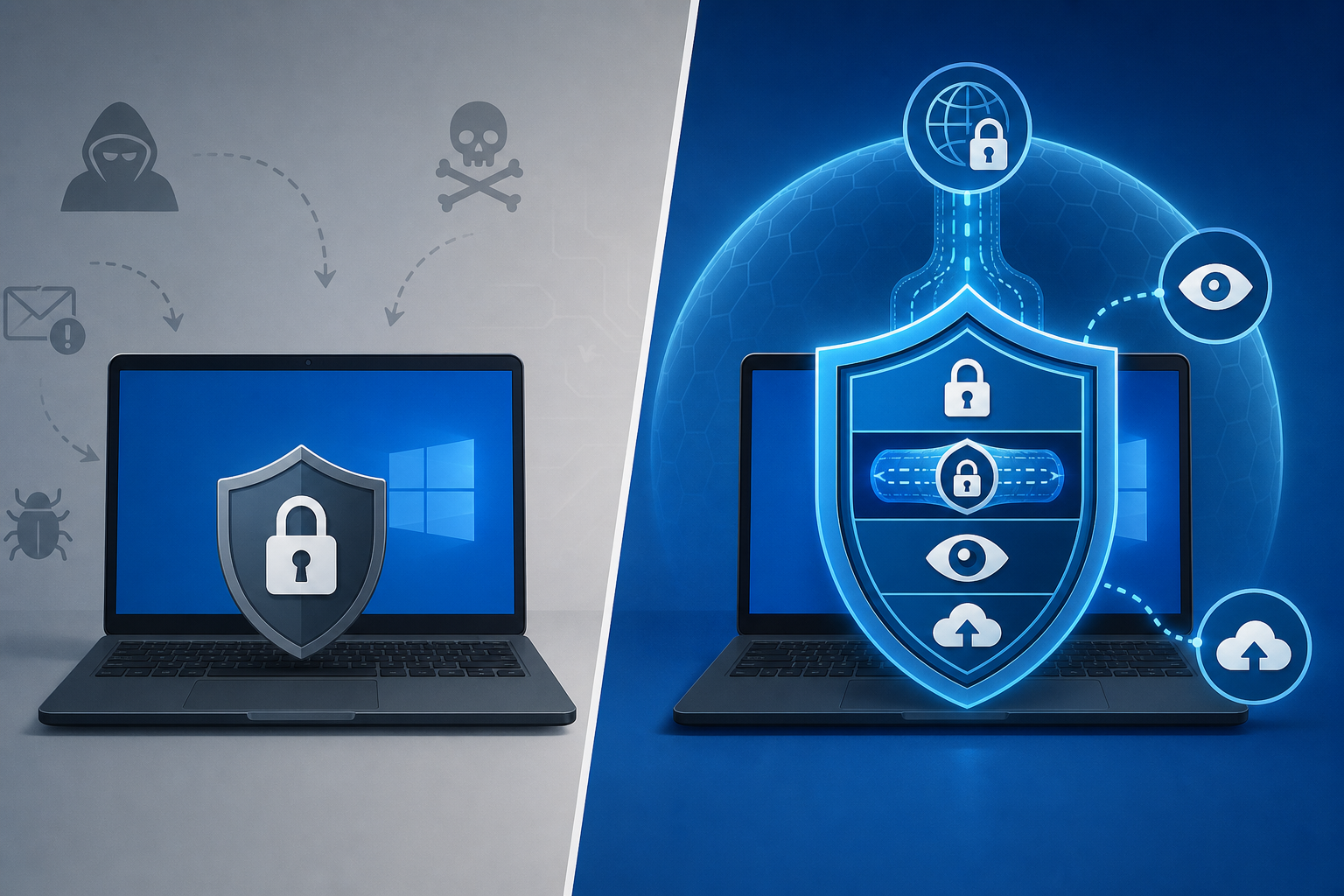
Free antivirus stops known malware, but it has real gaps. Here’s what you actually give up versus a paid security suite — and whether upgrading is worth it.
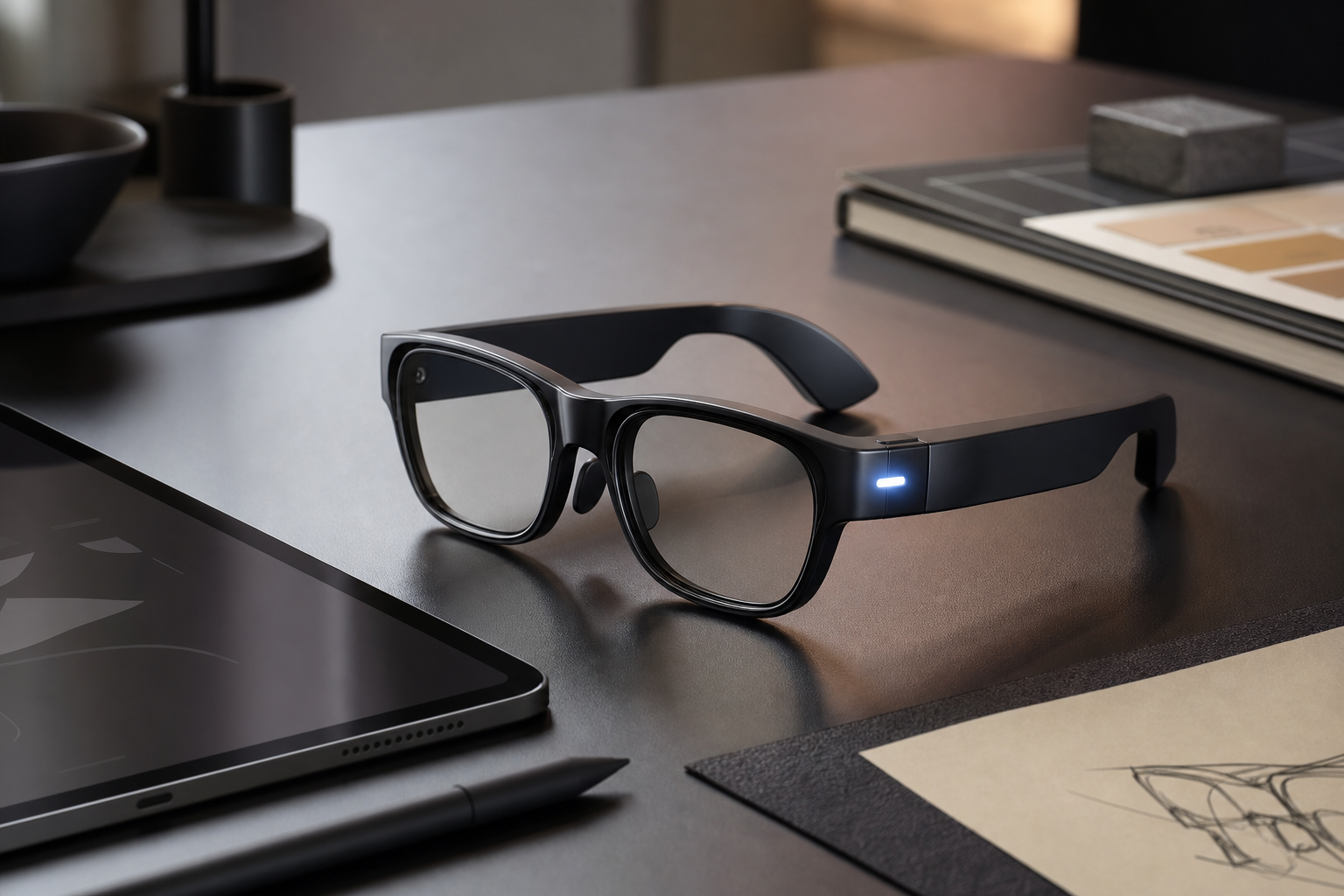
Smart glasses put a camera on every face in the room. Here’s how thoughtful design can preserve privacy without gutting what makes them useful.
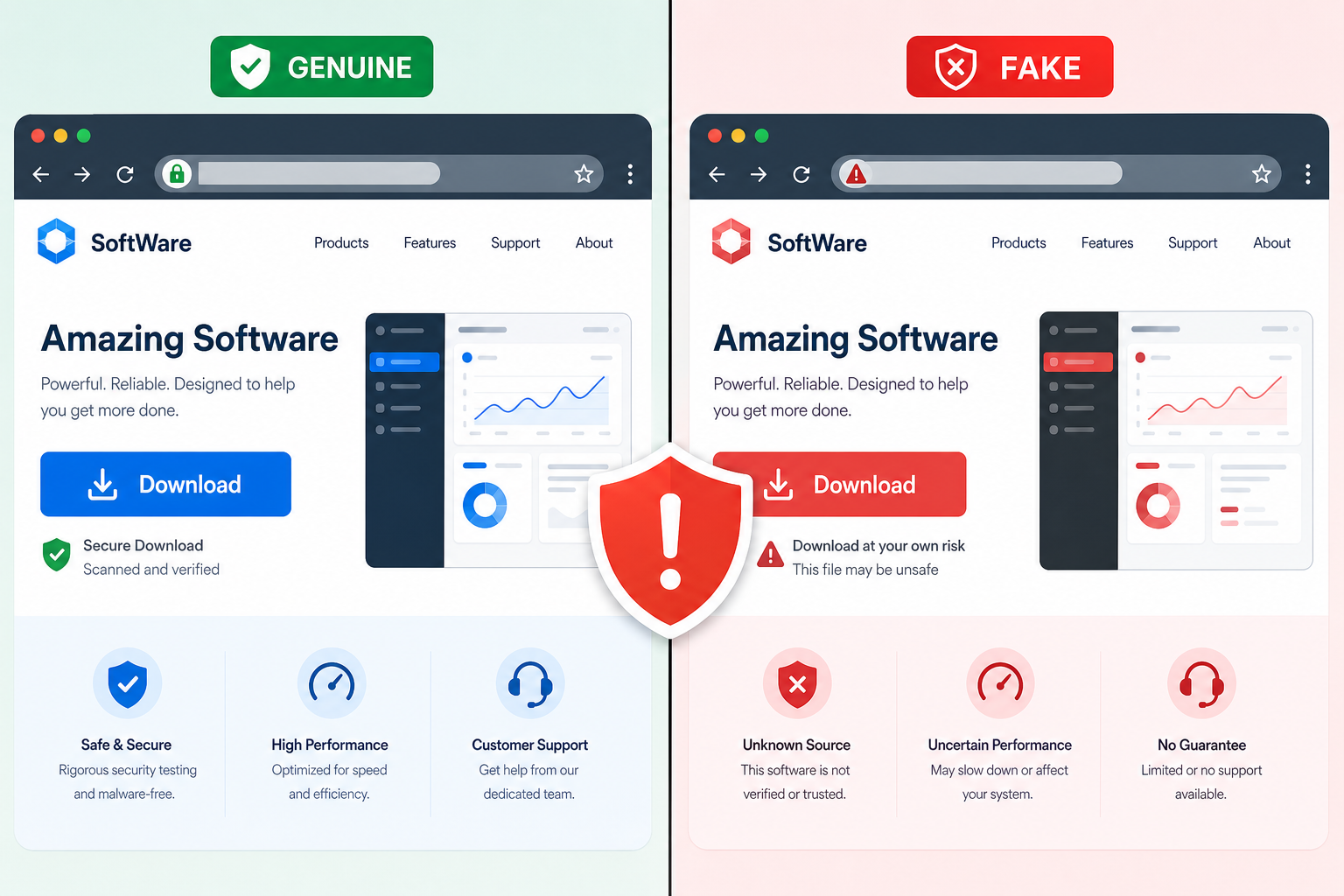
Fake download pages for popular apps are injecting backdoors during install. Here’s how the multi-stage attack works — and how to verify what you’re really installing.
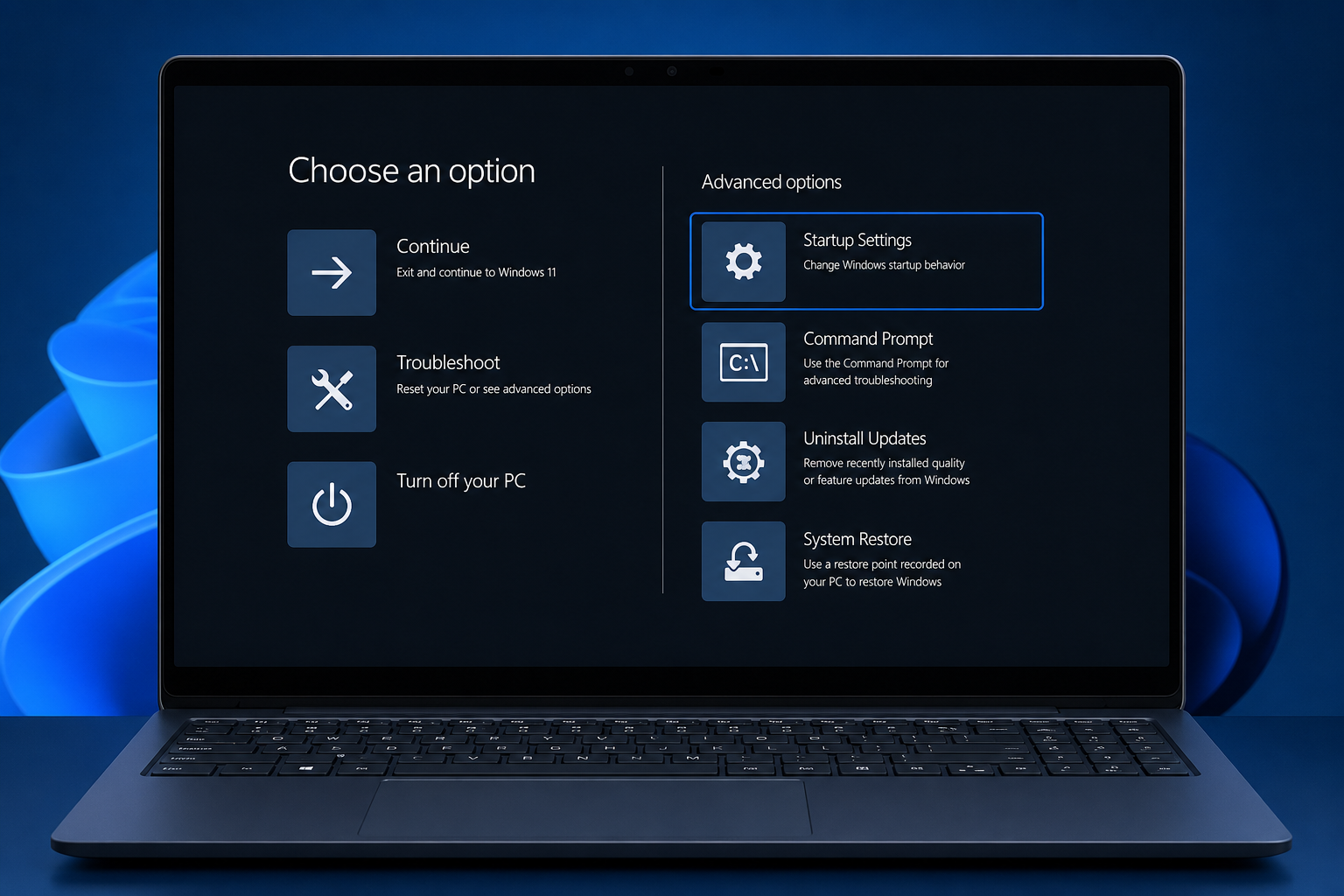
Stuck with a Windows 11 problem? Here’s every reliable way to boot into Safe Mode and get your PC diagnosed and fixed fast.
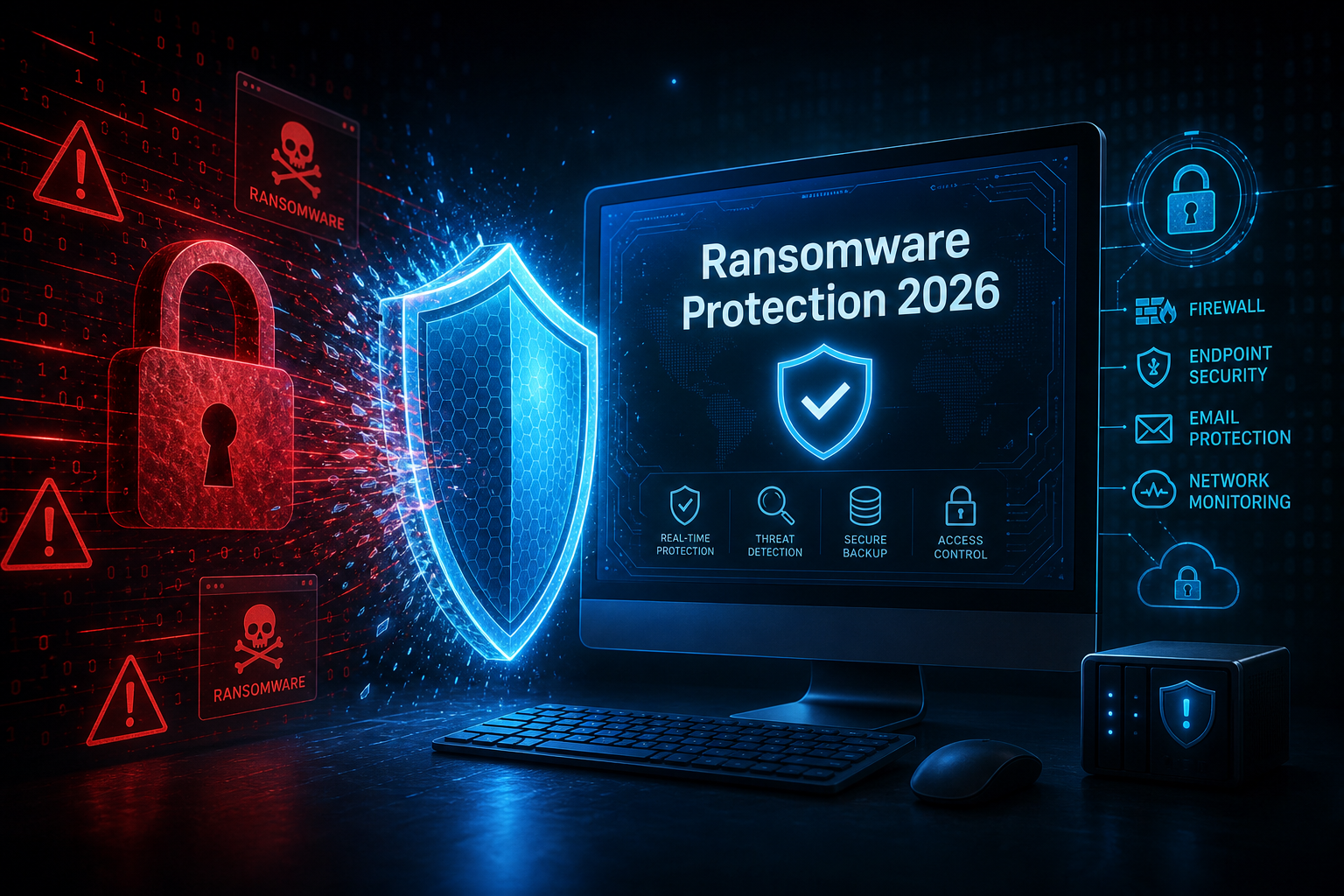
Signature-based antivirus was never built to stop encrypting malware. In 2026, real ransomware protection means behavioral engines, zero-trust controls, and rollback — here’s what to look for.

Check Point Research revealed that Windows Defender’s own signed driver can be weaponised to kill security software at boot — no physical access required. Here’s what you need to know.
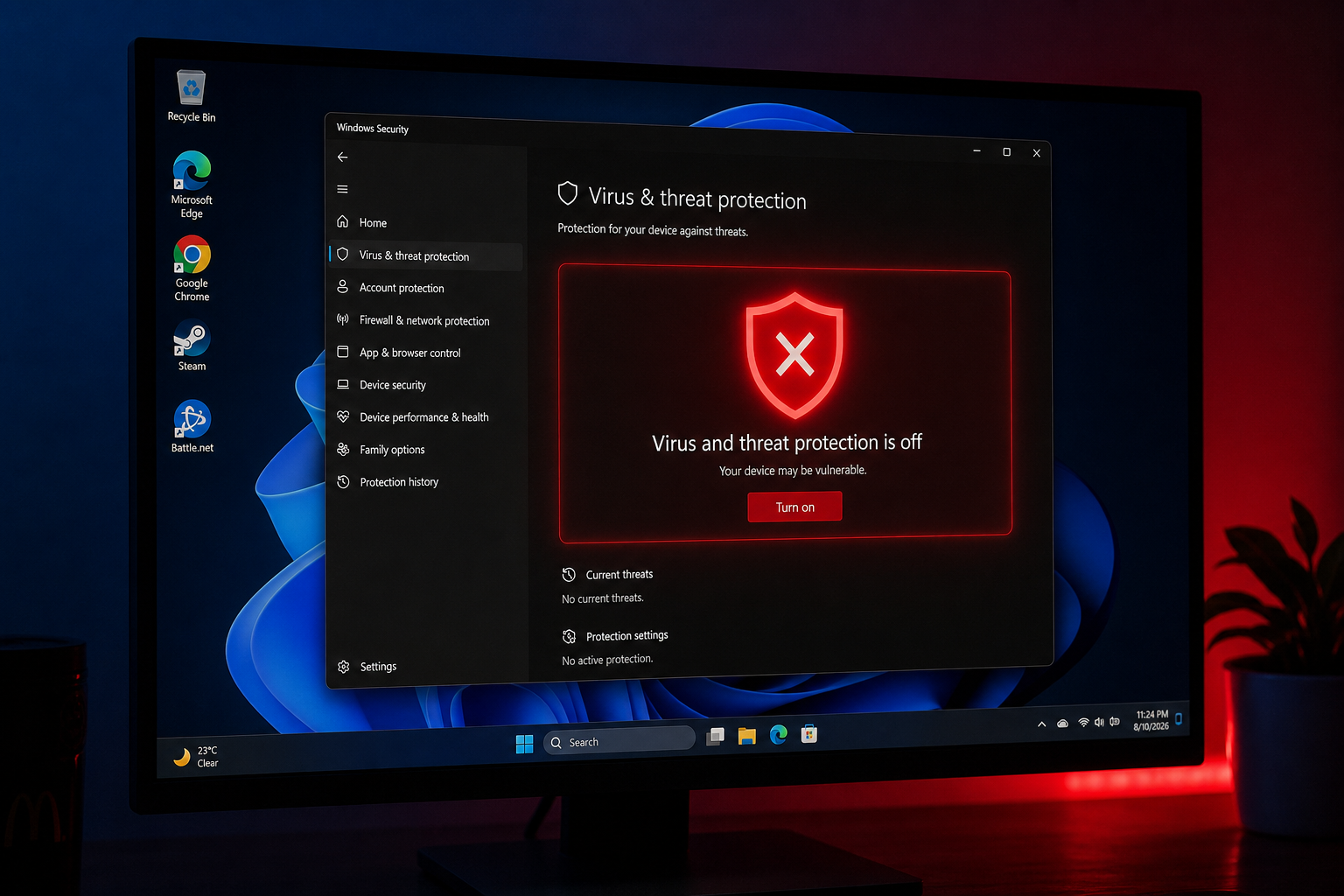
Since August 18 2026, a faulty security intelligence update has been crashing Windows Defender during quick scans. Here’s the root cause and the three-step official fix.
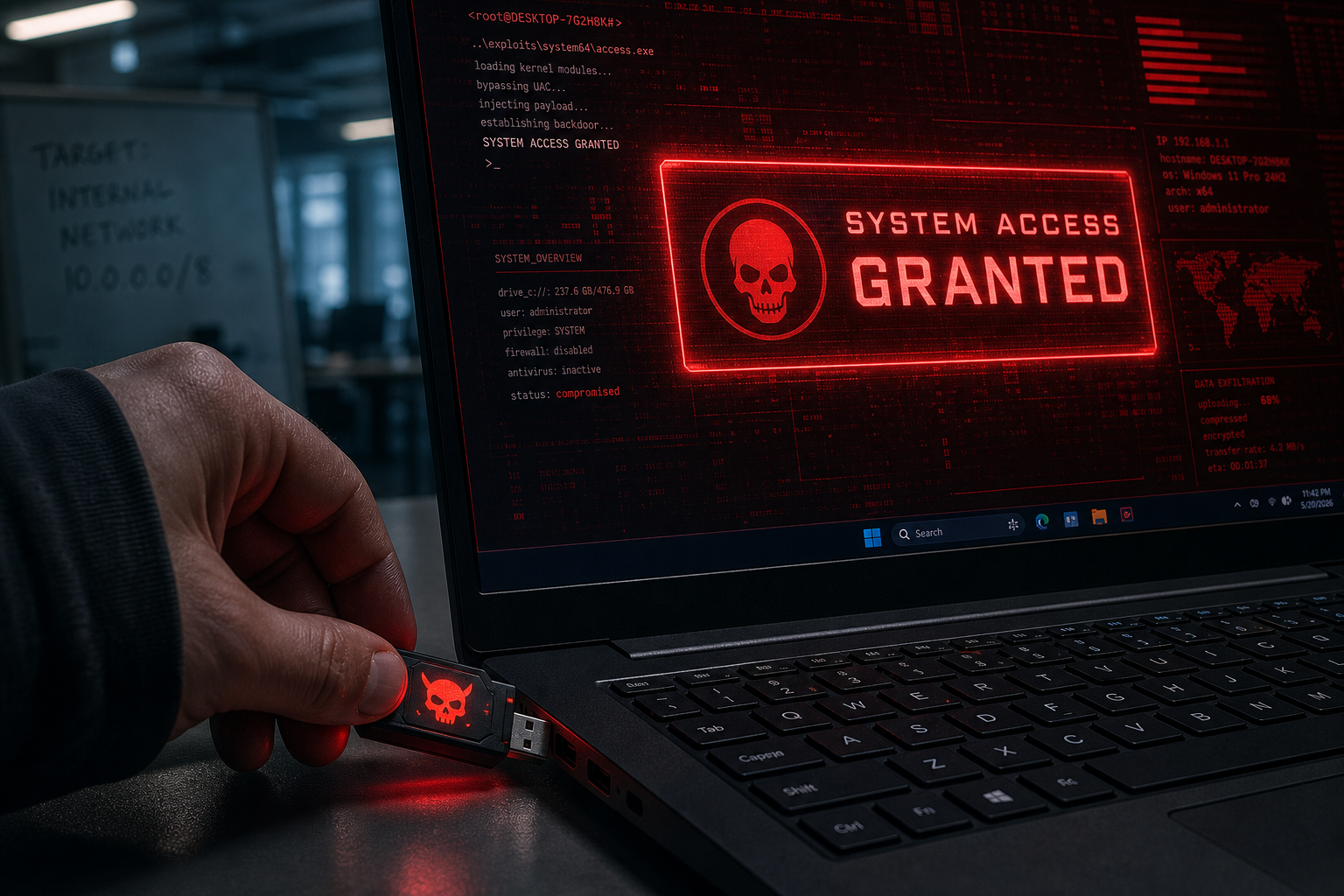
Fake USB devices can silently escalate to SYSTEM-level access on Windows with zero user interaction. Here’s how the Plug and Pwn attack works and how to defend against it.
Apply the code EXTRA10 at the cart or checkout page to get your 10% Discount.
Enjoy Safe & Secure payment via PayPal or Stripe!
One-time use per customer!
