Never opened CorelDRAW before? This plain-language walkthrough covers the interface, basic vector shapes, and your very first logo project.
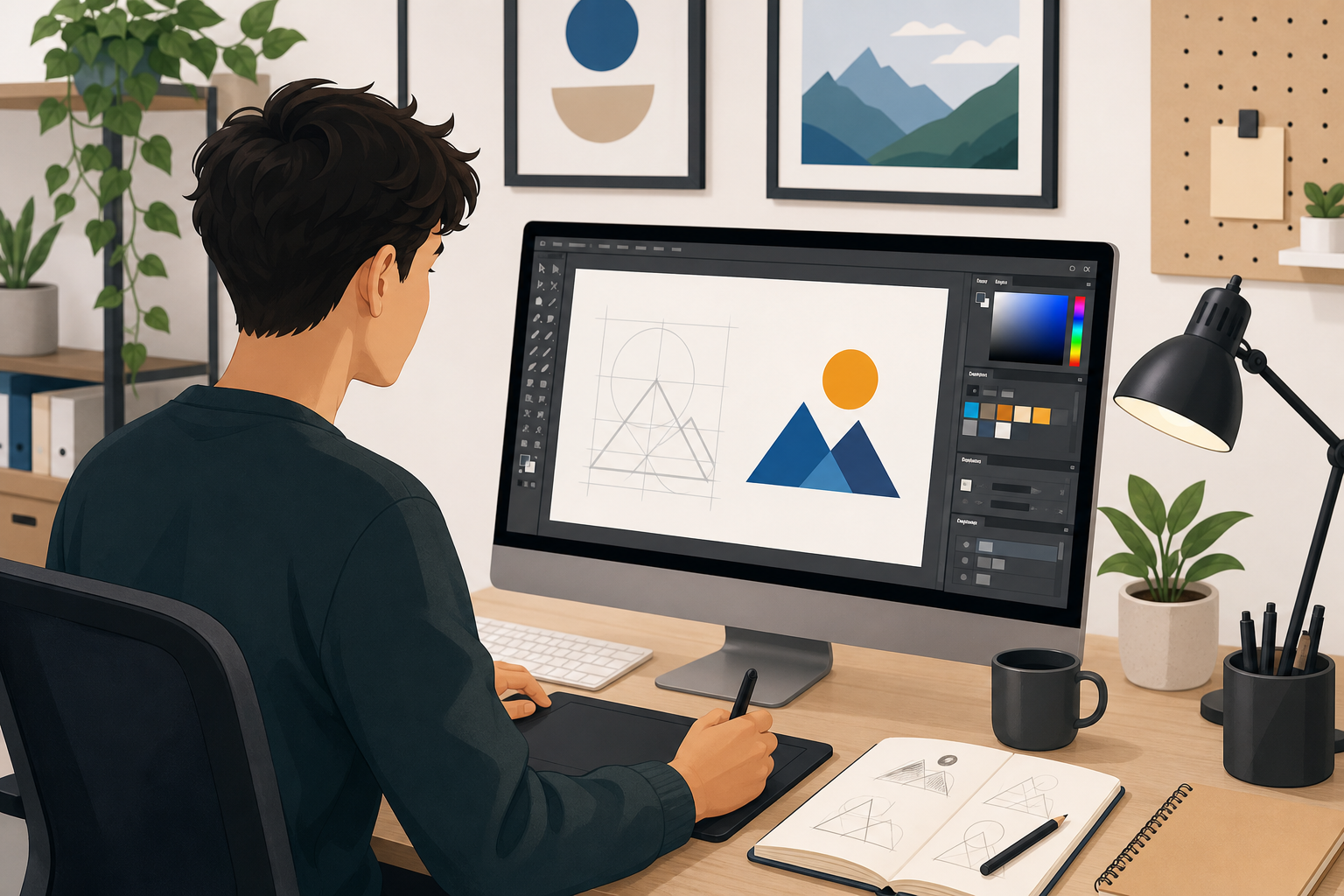

Never opened CorelDRAW before? This plain-language walkthrough covers the interface, basic vector shapes, and your very first logo project.
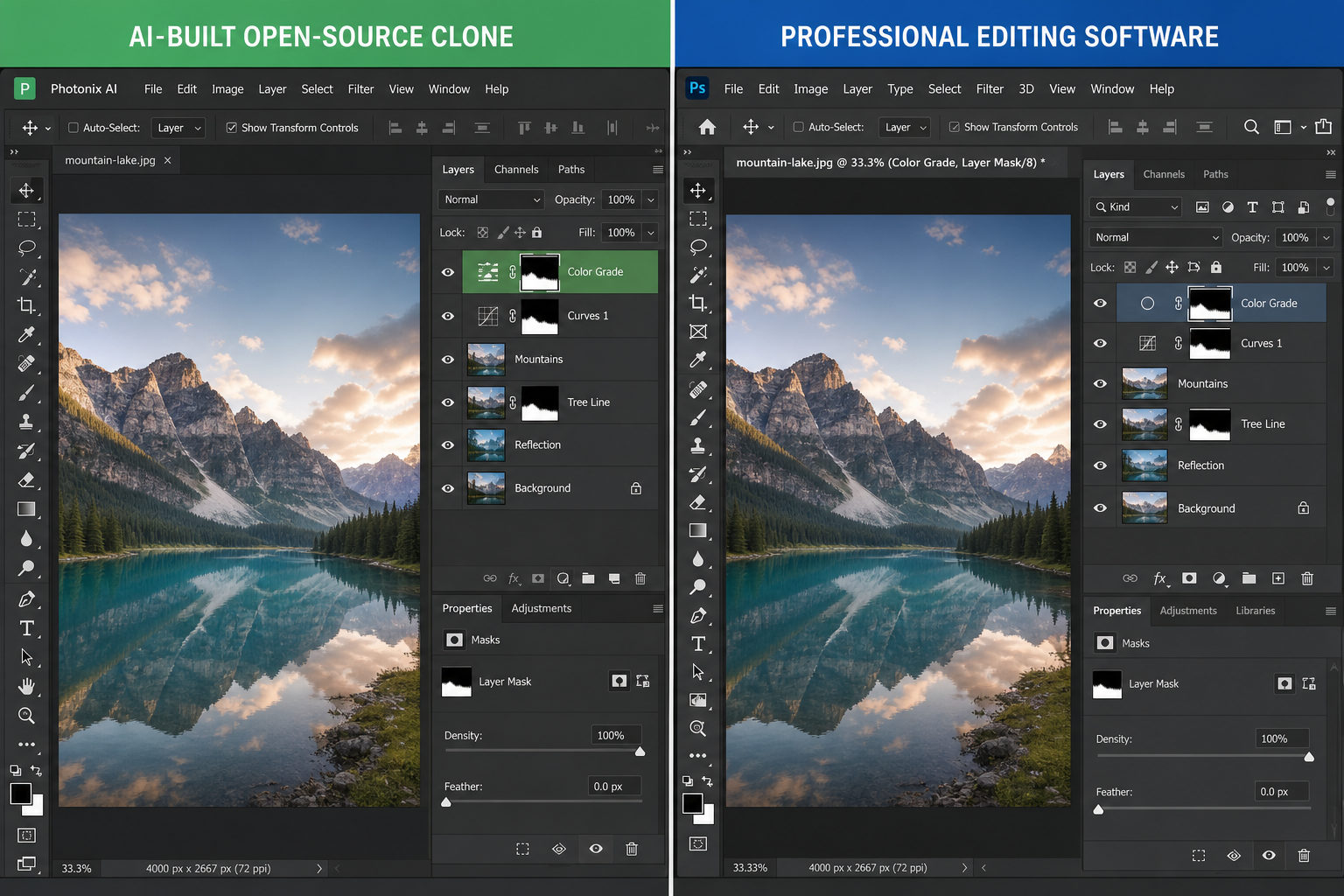
An AI-assisted project called ArtCraft has rebuilt Photoshop-style apps for free. Here’s what’s real, what’s still missing, and how they compare with established free and paid editors.
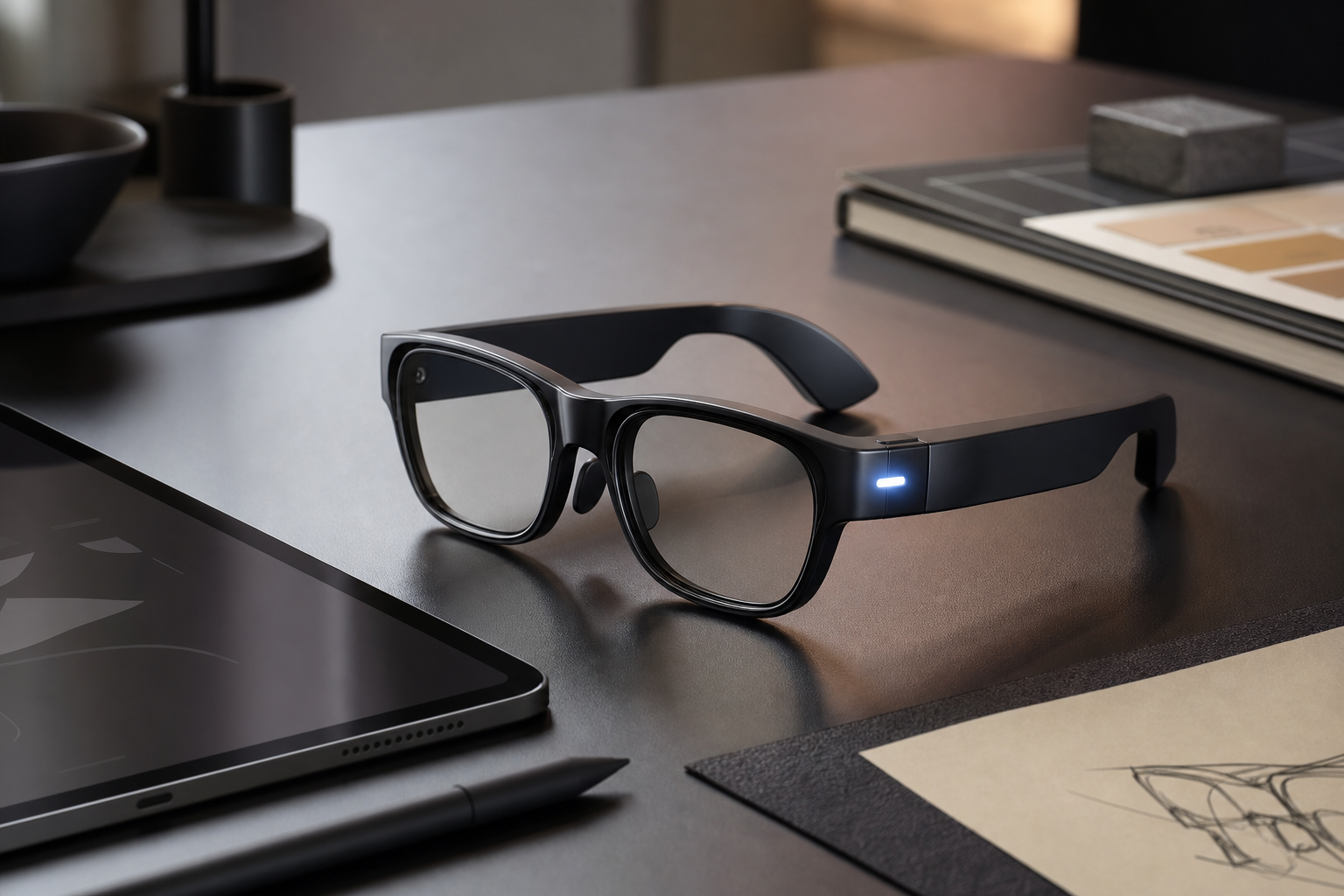
Smart glasses put a camera on every face in the room. Here’s how thoughtful design can preserve privacy without gutting what makes them useful.
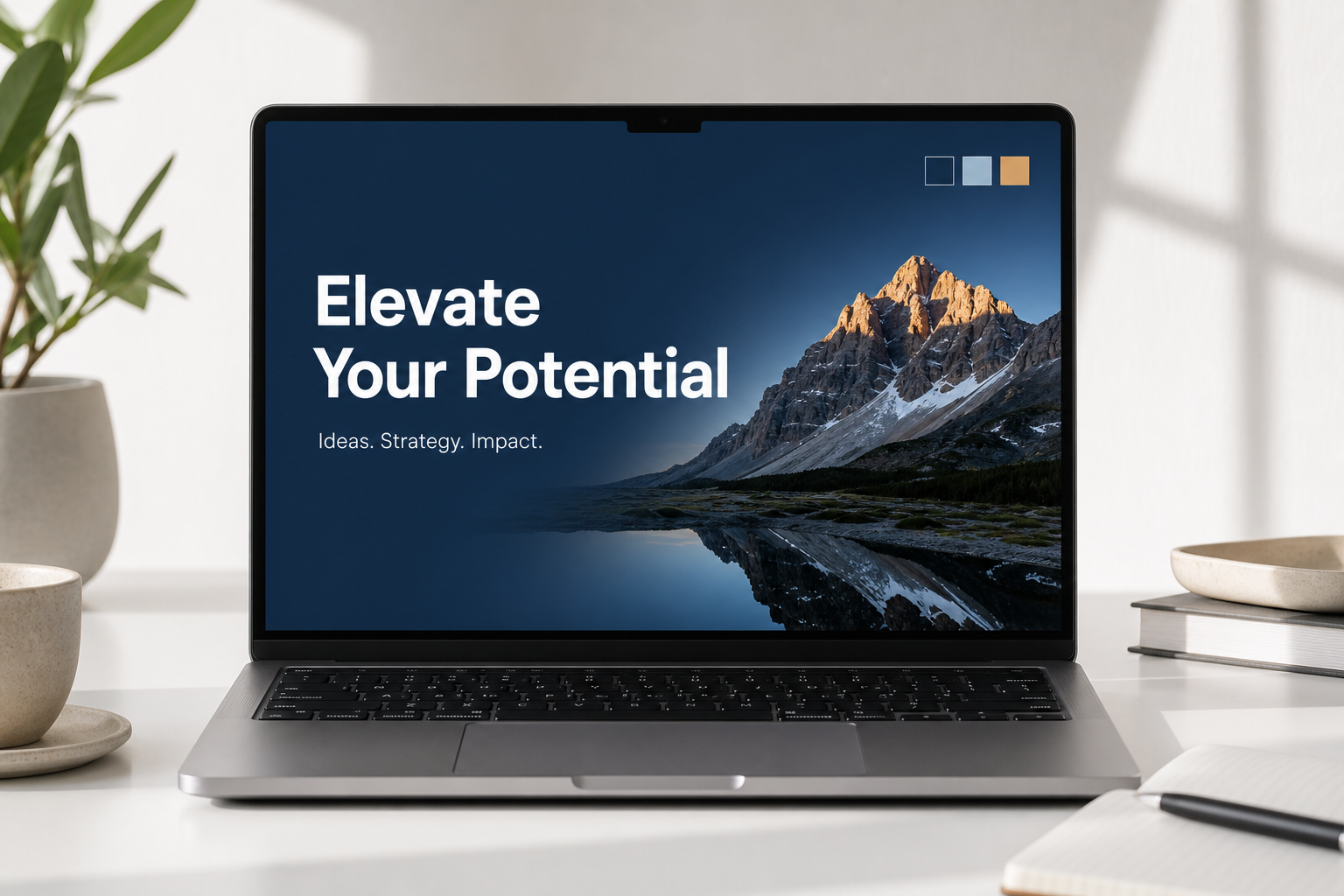
Dated templates are killing your credibility. Here’s how to apply modern layout, typography, colour, and animation principles to create PowerPoint slides that actually impress in 2026.
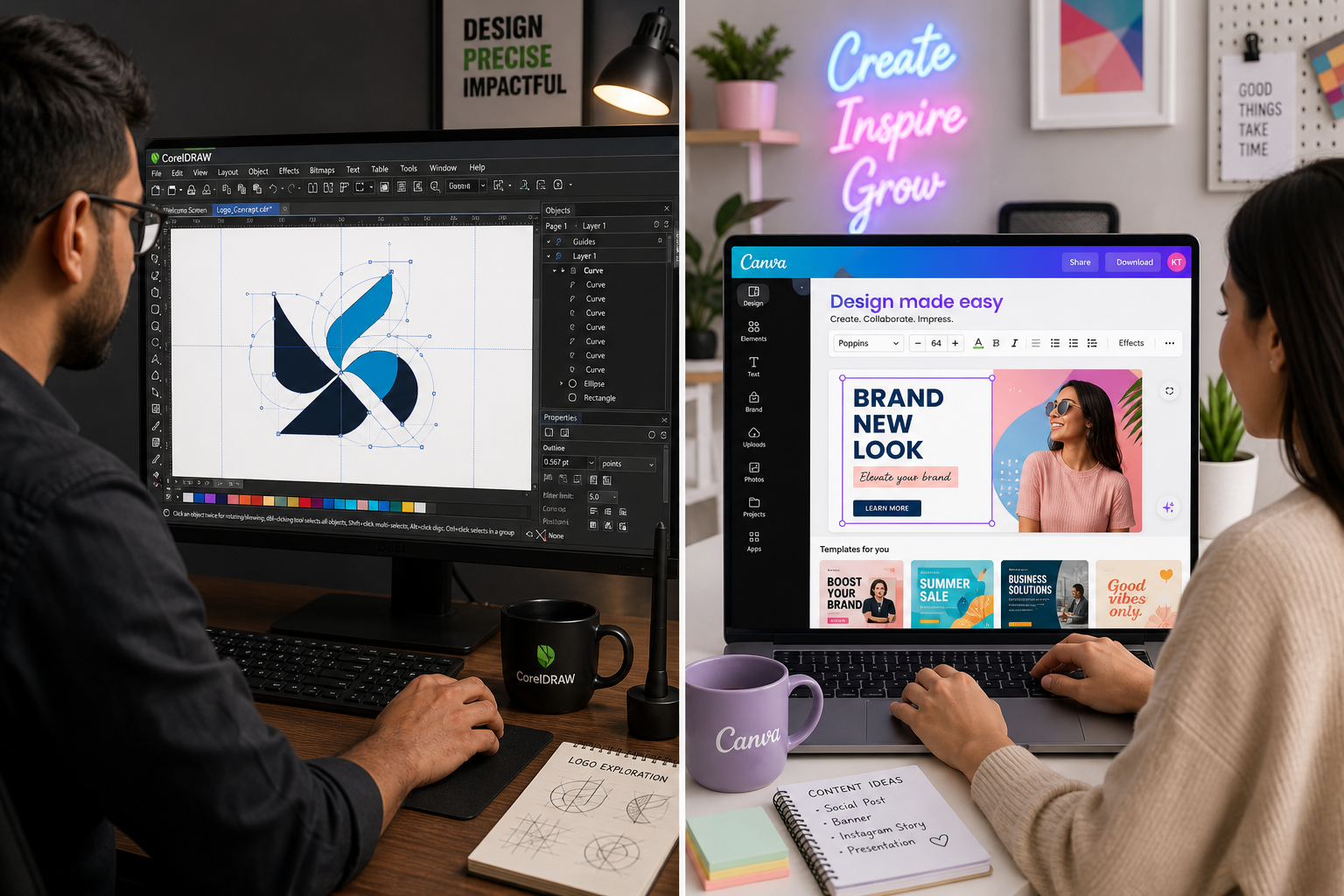
CorelDRAW is built for precise vector and print work, Canva for fast templates and teamwork. Here’s how they compare in 2026, including prices and Canva’s free Affinity app.
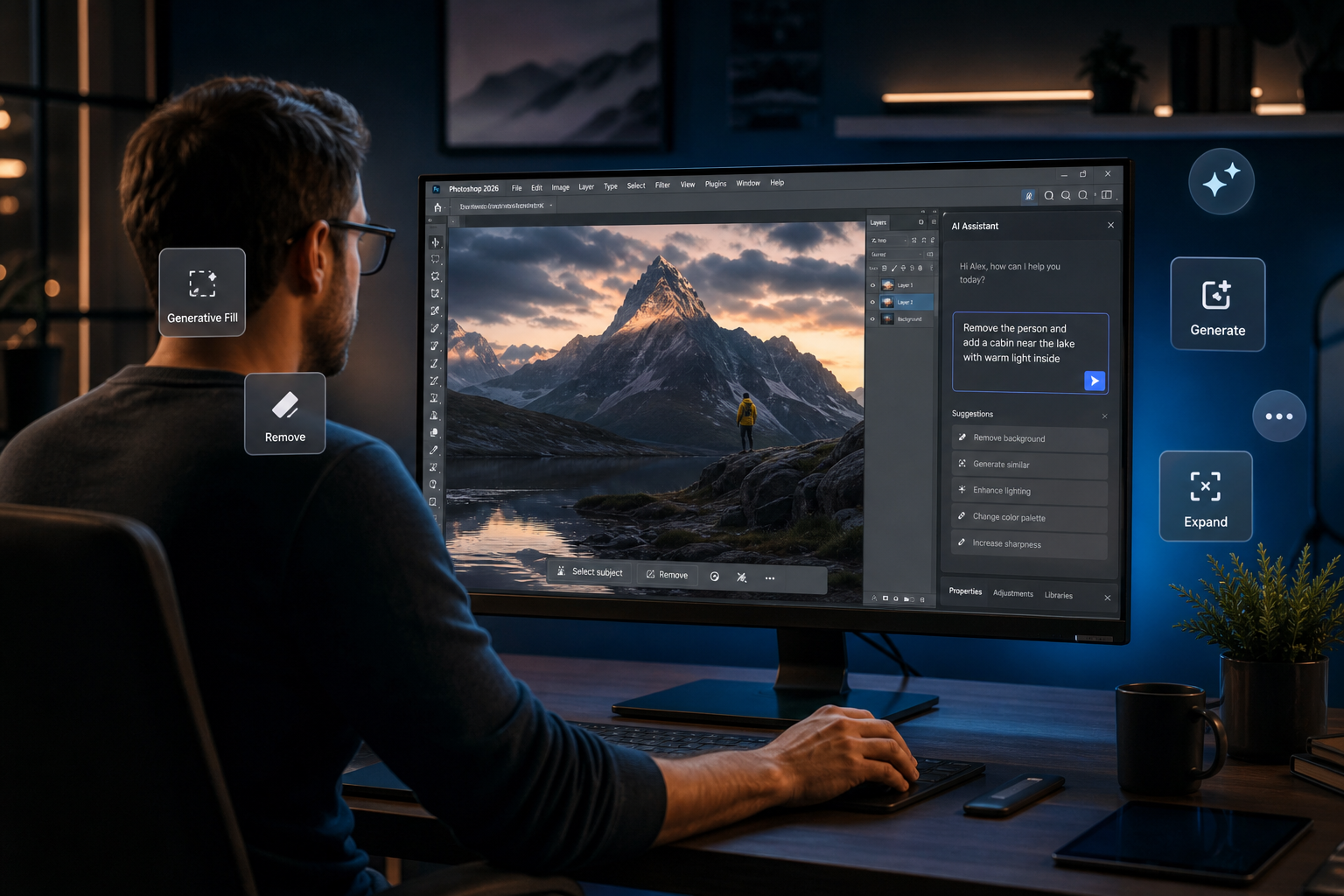
Adobe’s new AI Assisted Editor in Photoshop puts every generative AI tool in one smart panel — here’s how it works and how to use it to edit faster.
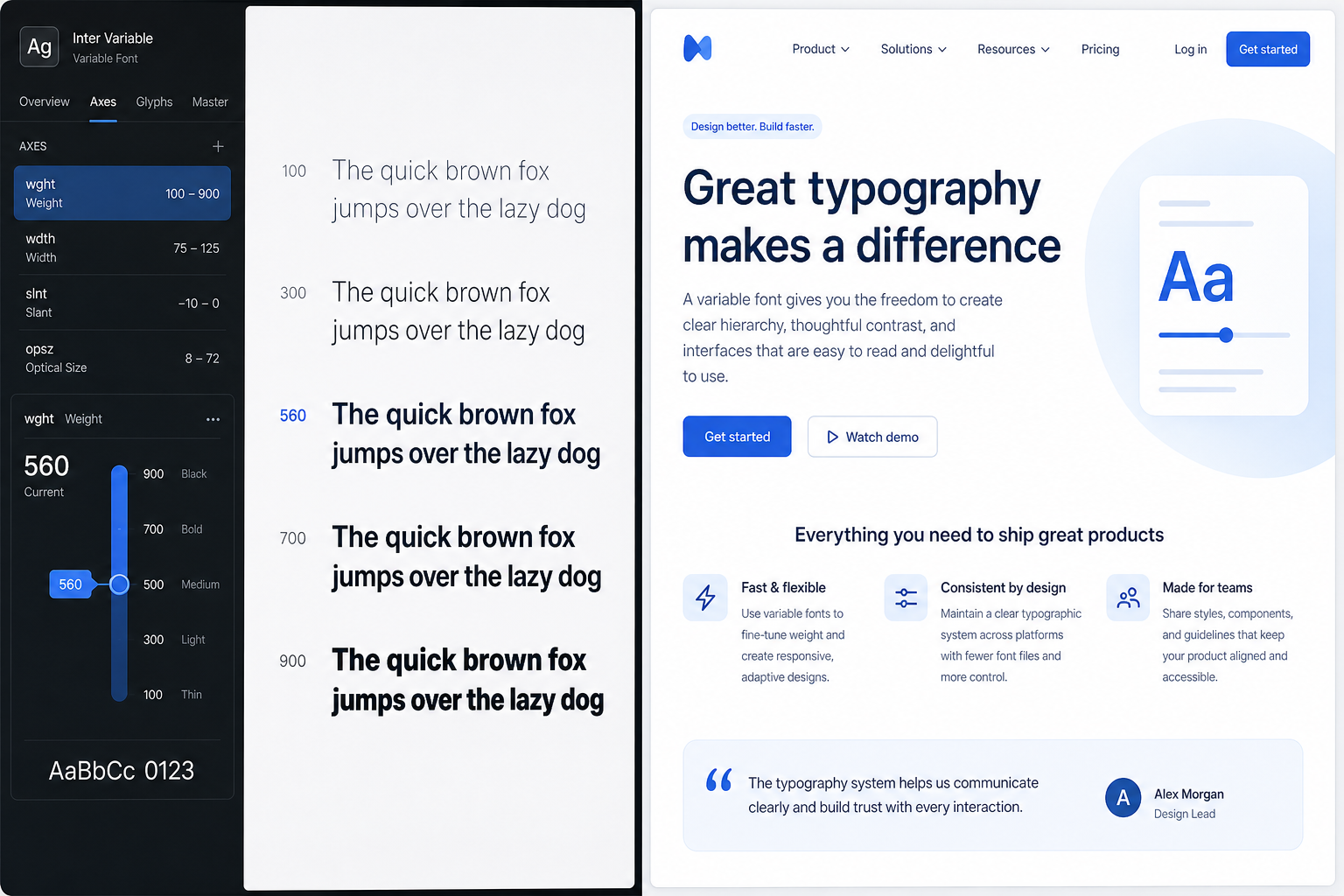
From variable fonts to WCAG contrast ratios, modern typography is doing far more than looking good — it’s driving performance, inclusivity, and UX outcomes across every screen.
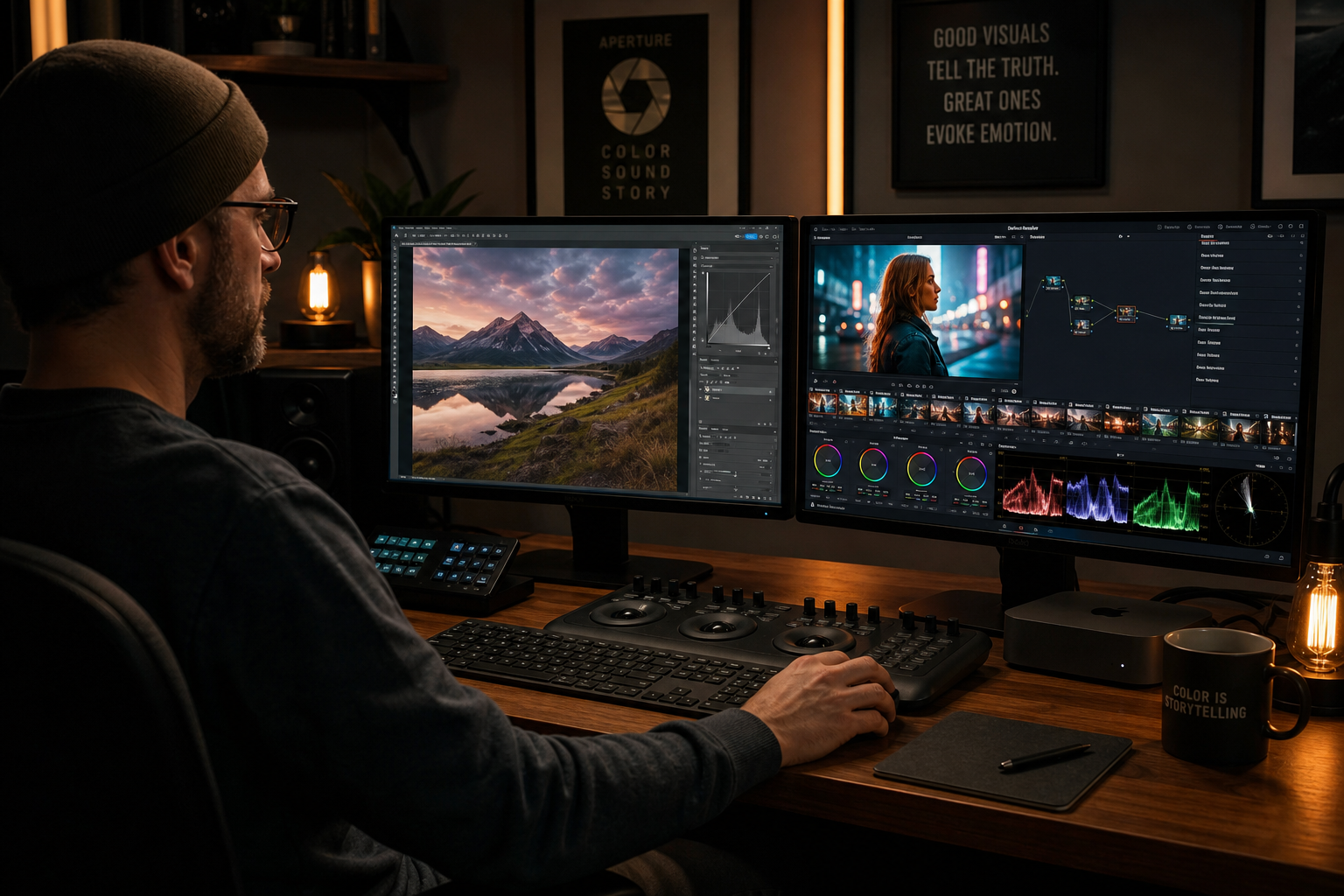
From Photoshop Curves to Lightroom presets and DaVinci Resolve’s node-based pipeline — here’s how to build a professional colour-grading workflow that keeps every image consistent.

From Adobe Premiere Pro to DaVinci Resolve, we tested the top video editors of 2026 with motion designers in mind — covering vector graphics integration, AI tools, and real workflow value.
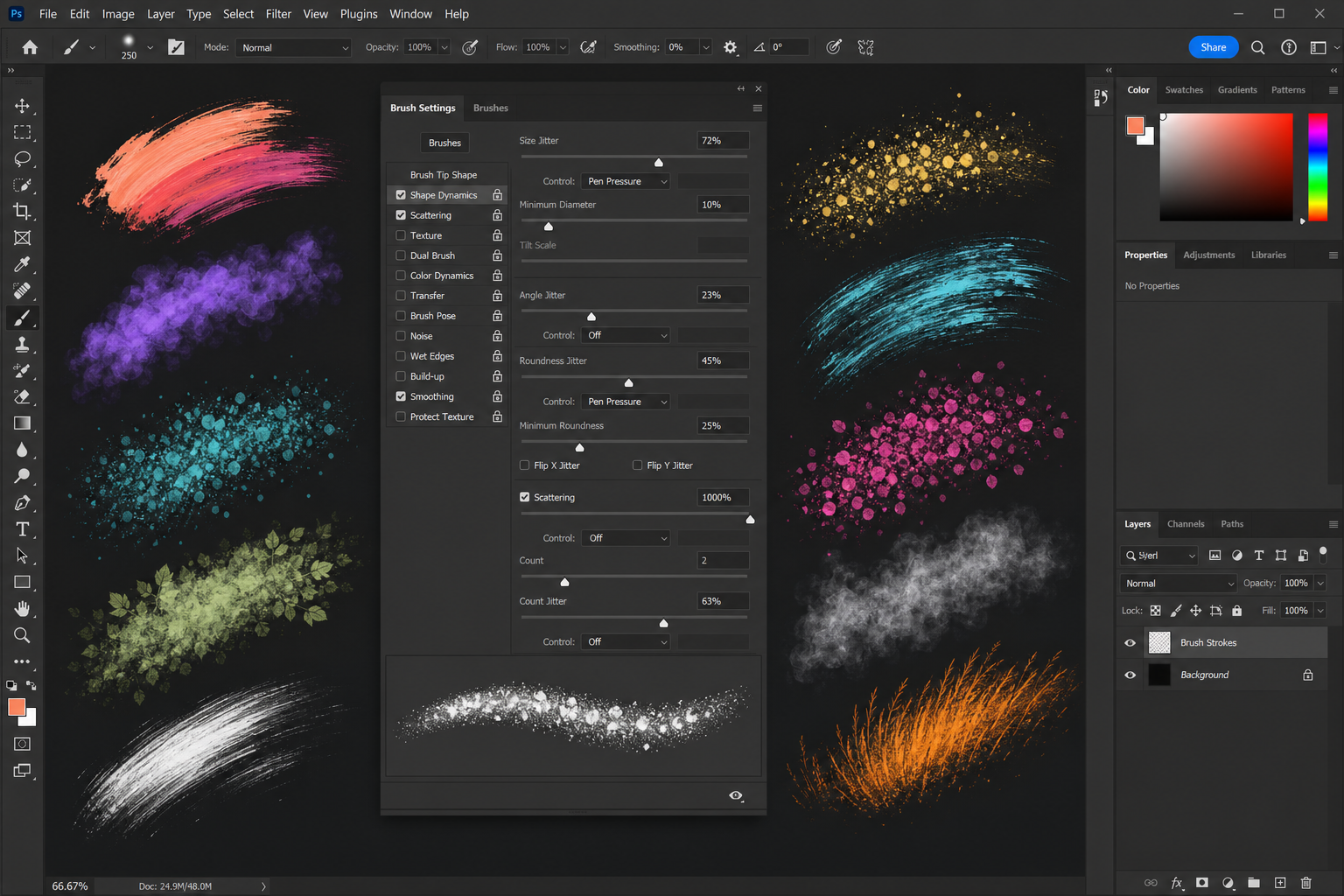
From shape dynamics to scattering and texture, mastering Photoshop brush settings customization turns a basic tool into a powerhouse for painting, retouching, and special effects.
Apply the code EXTRA10 at the cart or checkout page to get your 10% Discount.
Enjoy Safe & Secure payment via PayPal or Stripe!
One-time use per customer!
