CorelDRAW delivers deep vector power; Canva offers AI-assisted speed. In 2026, the gap matters more than ever — here’s how to choose the right tool for your creative workflow.
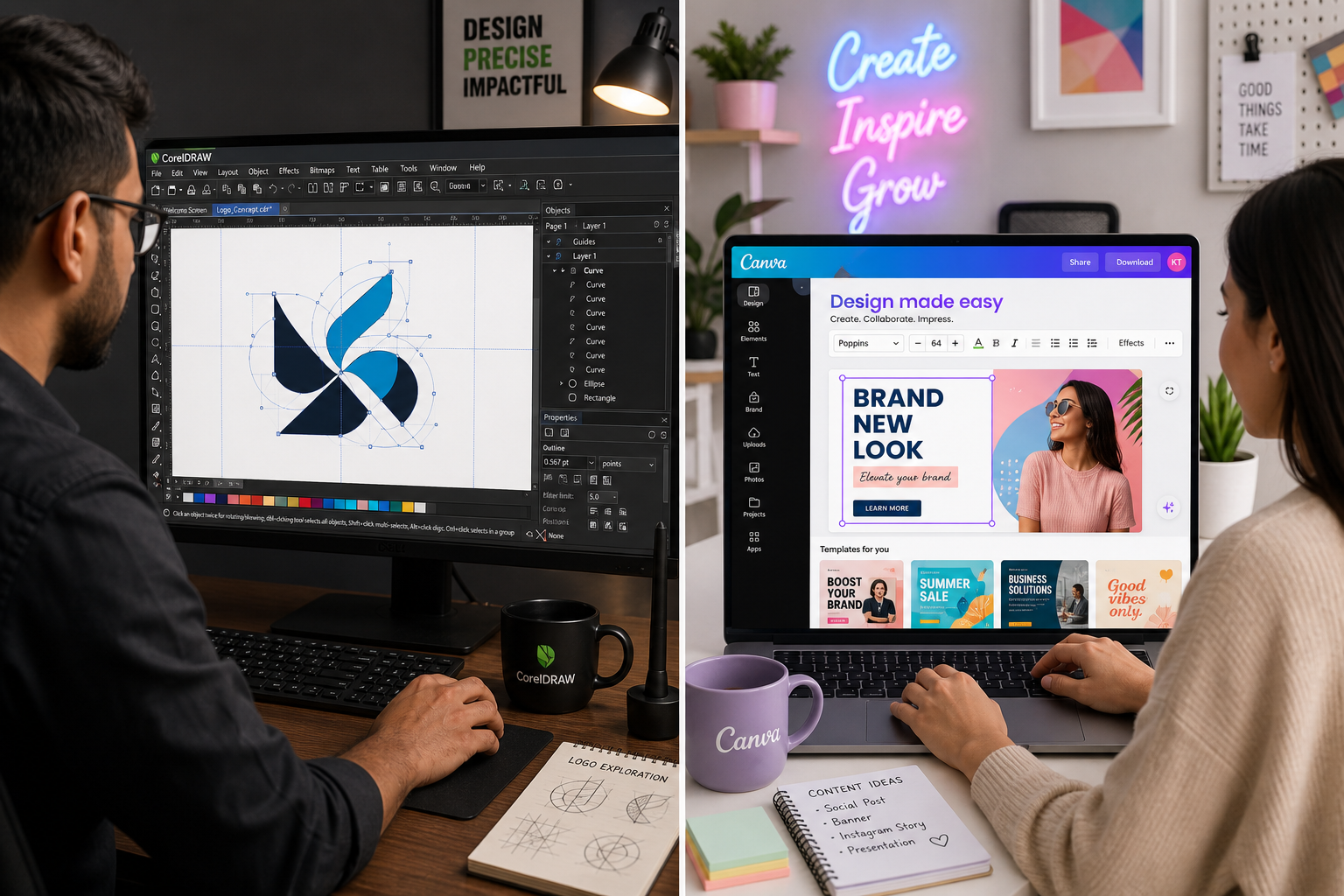

CorelDRAW delivers deep vector power; Canva offers AI-assisted speed. In 2026, the gap matters more than ever — here’s how to choose the right tool for your creative workflow.
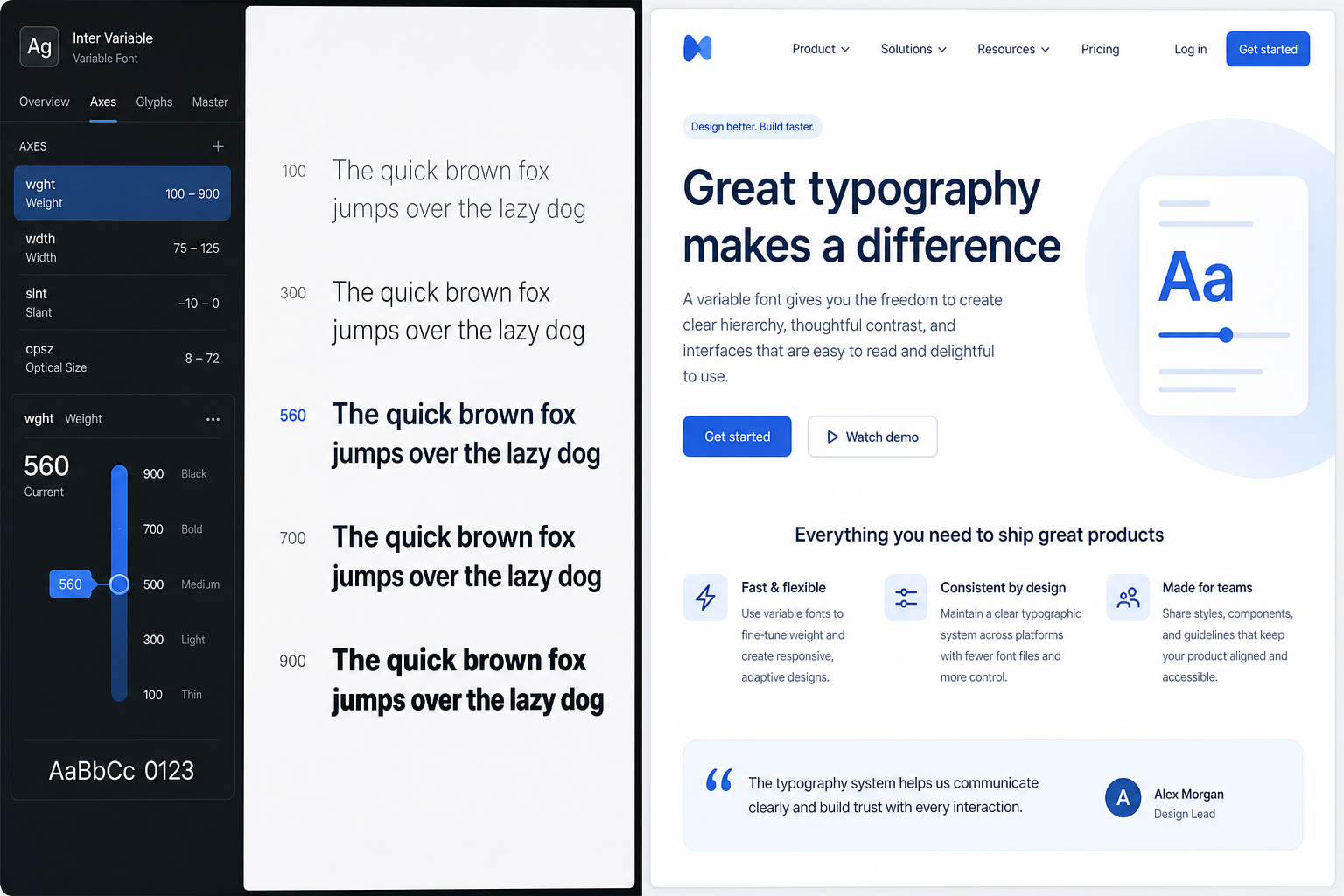
From variable fonts to WCAG contrast ratios, modern typography is doing far more than looking good — it’s driving performance, inclusivity, and UX outcomes across every screen.

From Adobe Premiere Pro to DaVinci Resolve, we tested the top video editors of 2026 with motion designers in mind — covering vector graphics integration, AI tools, and real workflow value.
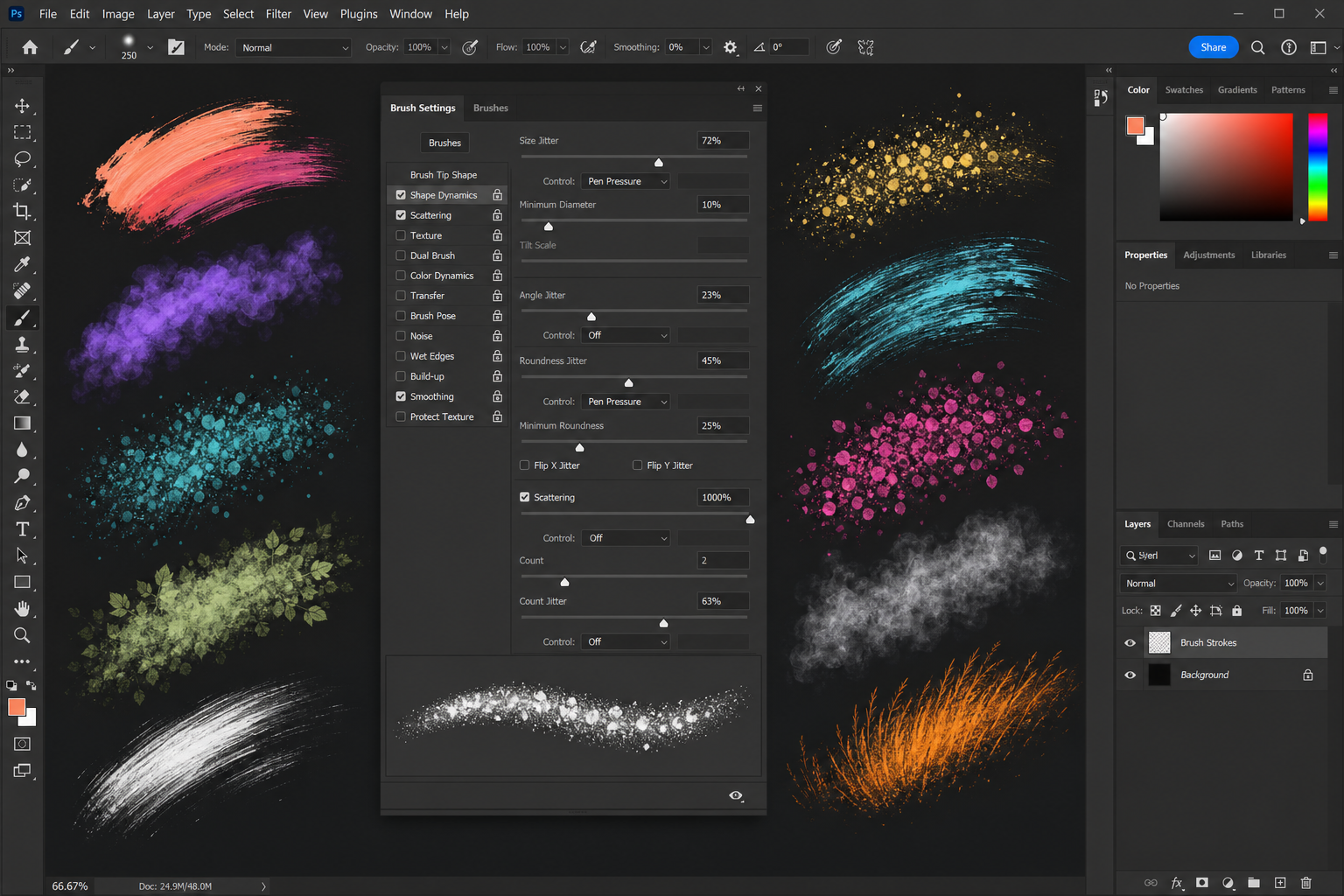
From shape dynamics to scattering and texture, mastering Photoshop brush settings customization turns a basic tool into a powerhouse for painting, retouching, and special effects.

AI icon generator design tools are transforming how UI and UX designers work — cutting hours from the concept phase. Here’s how to use them with CorelDRAW for polished, production-ready results.
Apply the code EXTRA10 at the cart or checkout page to get your 10% Discount.
Enjoy Safe & Secure payment via PayPal or Stripe!
One-time use per customer!
