Built-in Word export or an online converter? Here’s how to handle word to pdf conversion without wrecking fonts, images, or layout.
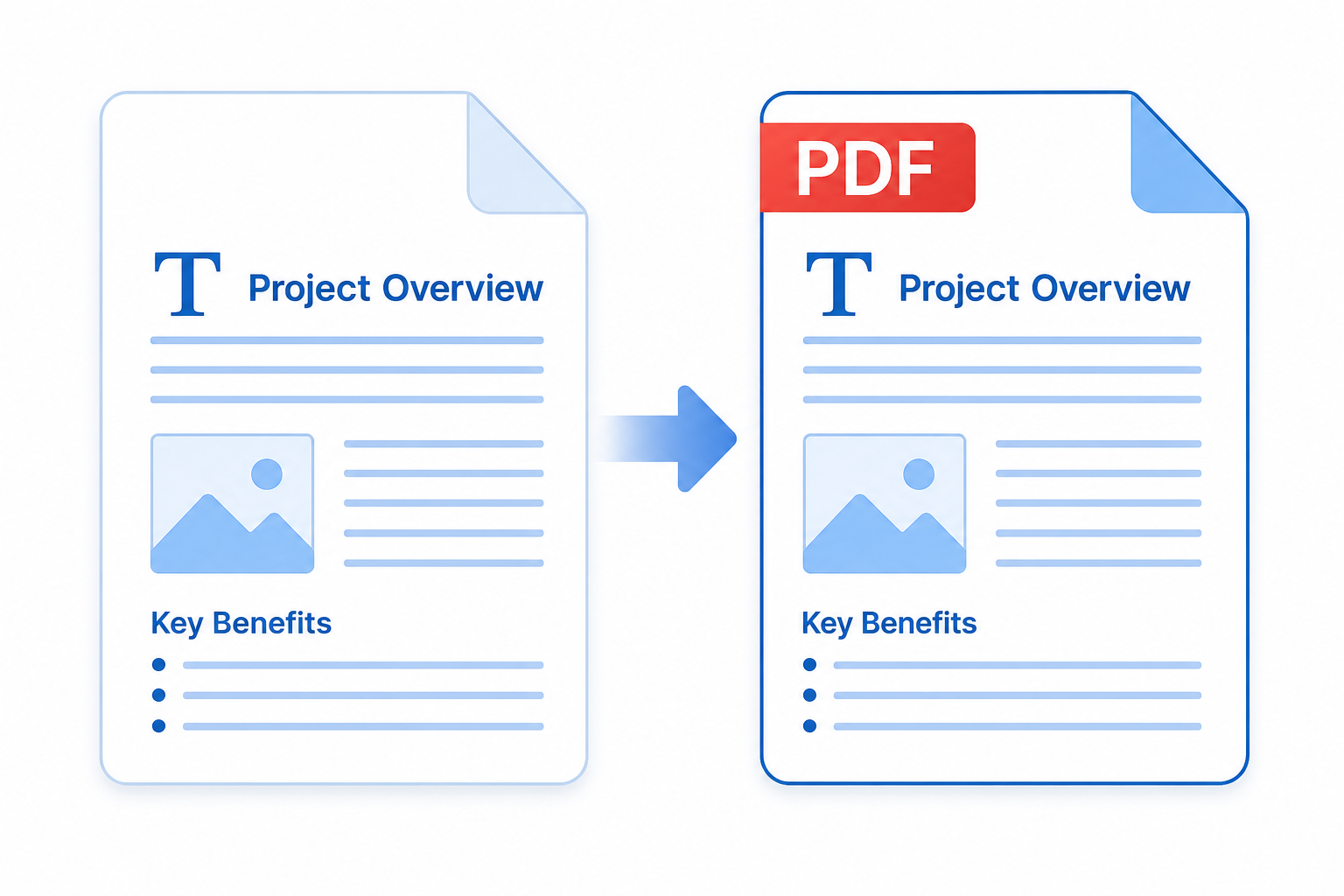

Built-in Word export or an online converter? Here’s how to handle word to pdf conversion without wrecking fonts, images, or layout.
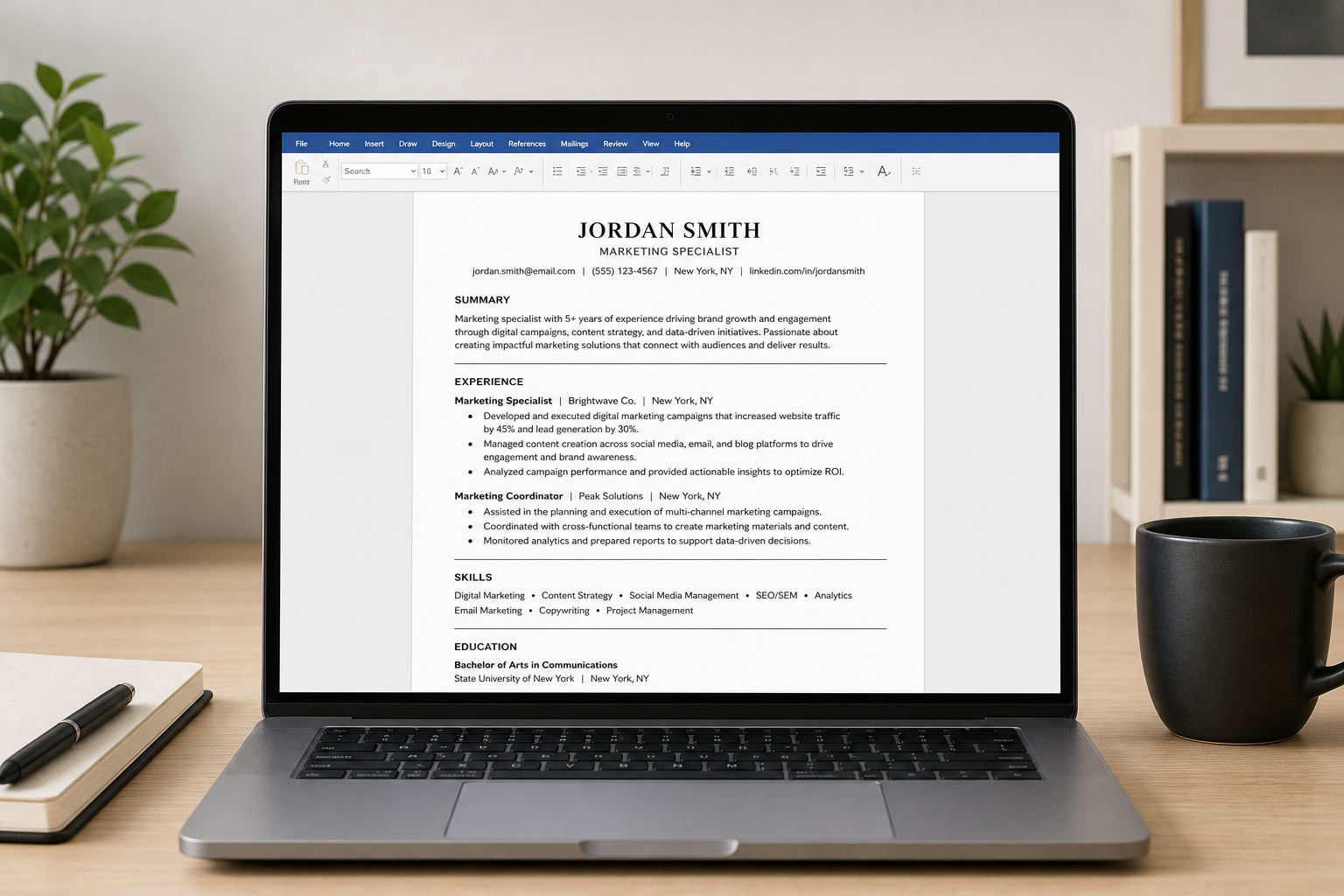
Not every Word resume template survives an applicant tracking system. Here’s how to pick and customize one that actually gets read.
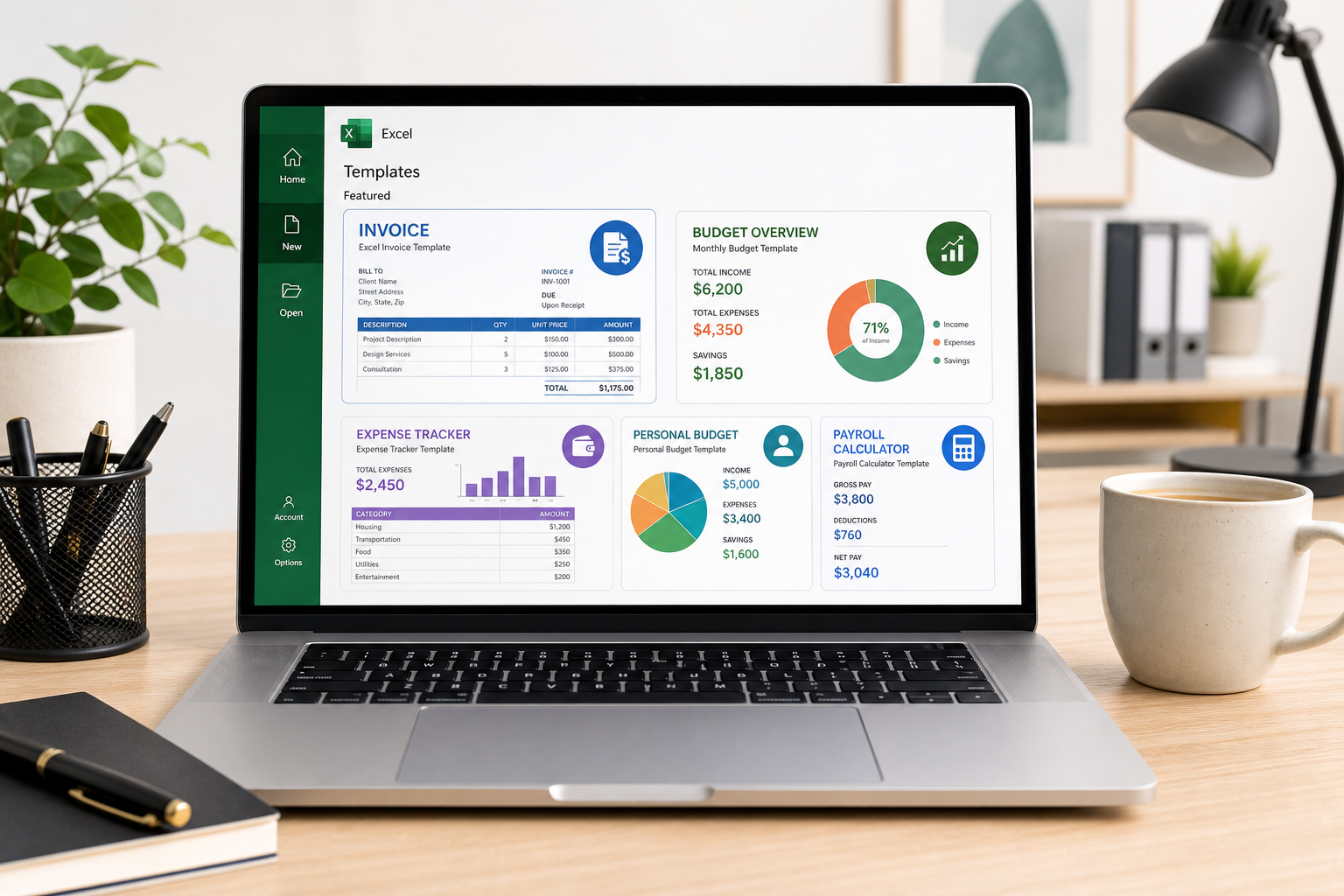
Ready-to-use spreadsheet templates for invoicing, budgeting, inventory, and cash flow—plus how to customize them and connect them to Office.
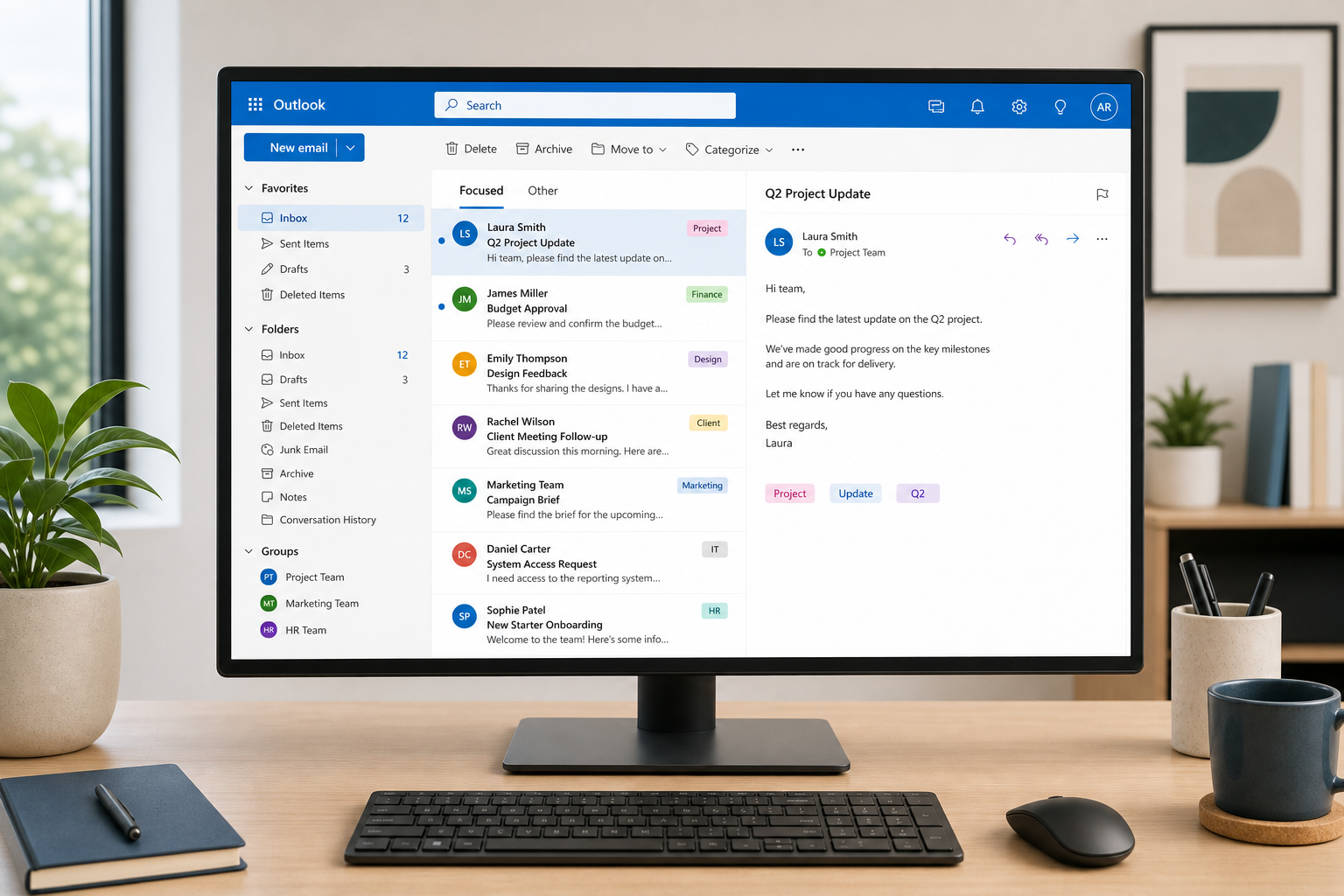
Practical Outlook management tactics — folder automation, search operators, smarter rules, and Teams integration — to tame a chaotic inbox for good.
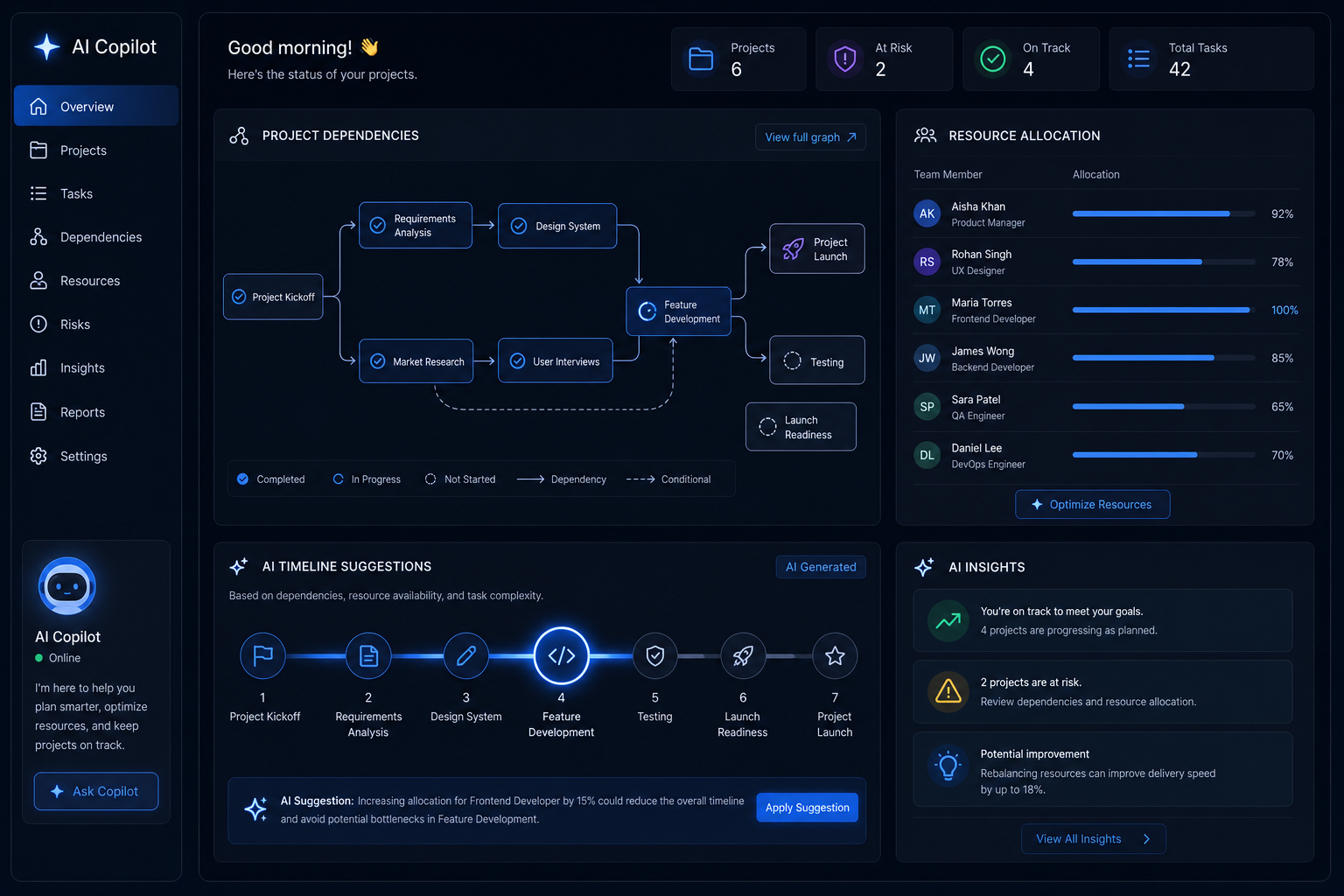
AI copilots now handle project dependencies, resource conflicts, and timeline clashes automatically. Here’s how intelligent scheduling is replacing the manual Gantt chart grind.

Rules, categories, and the underused Focused Inbox feature can cut email noise by 70%. Here’s how to set them all up in Outlook right now.
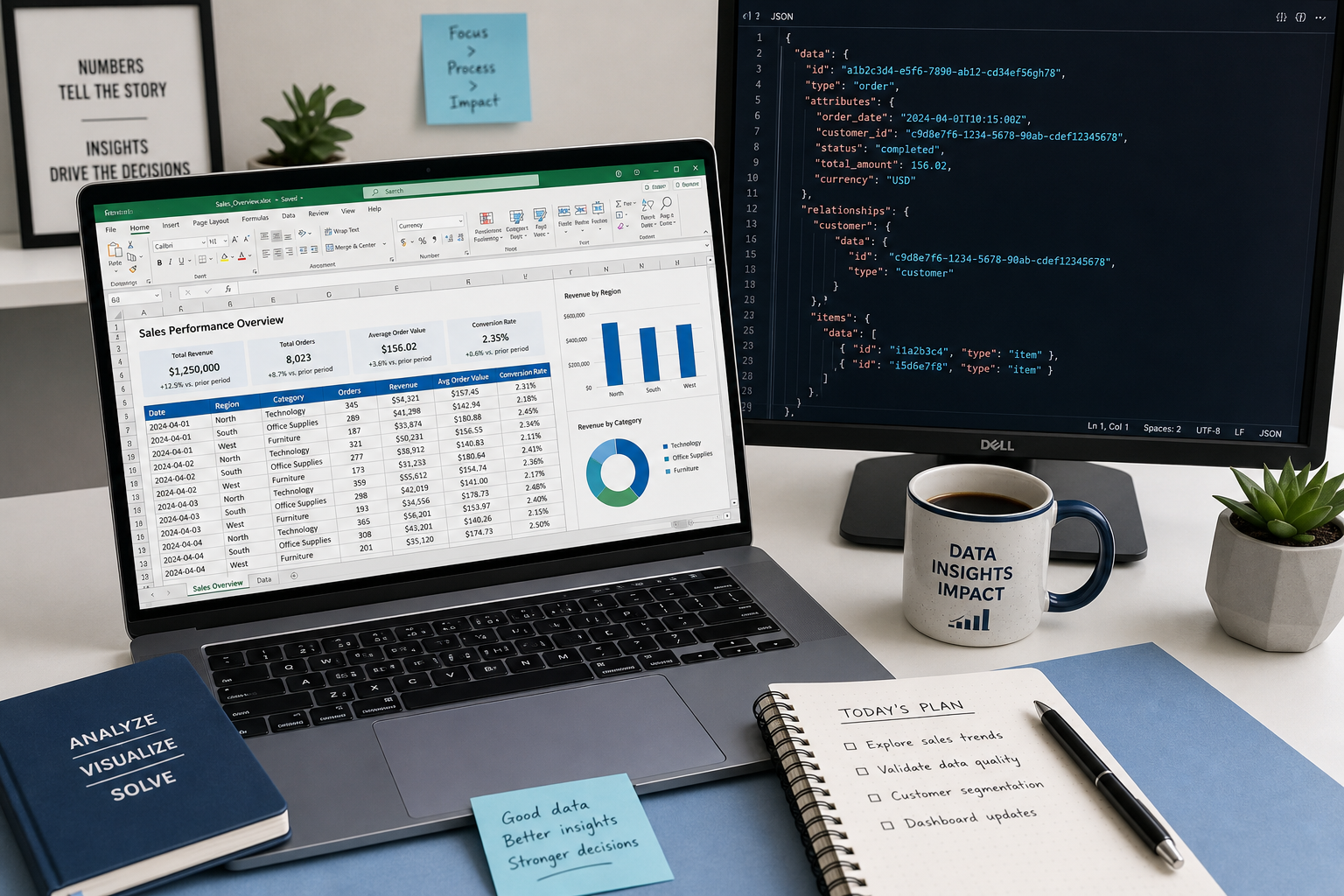
Need to move data between JSON and CSV without sign-ups or subscriptions? Here are the best free tools that slot straight into your Excel workflow.
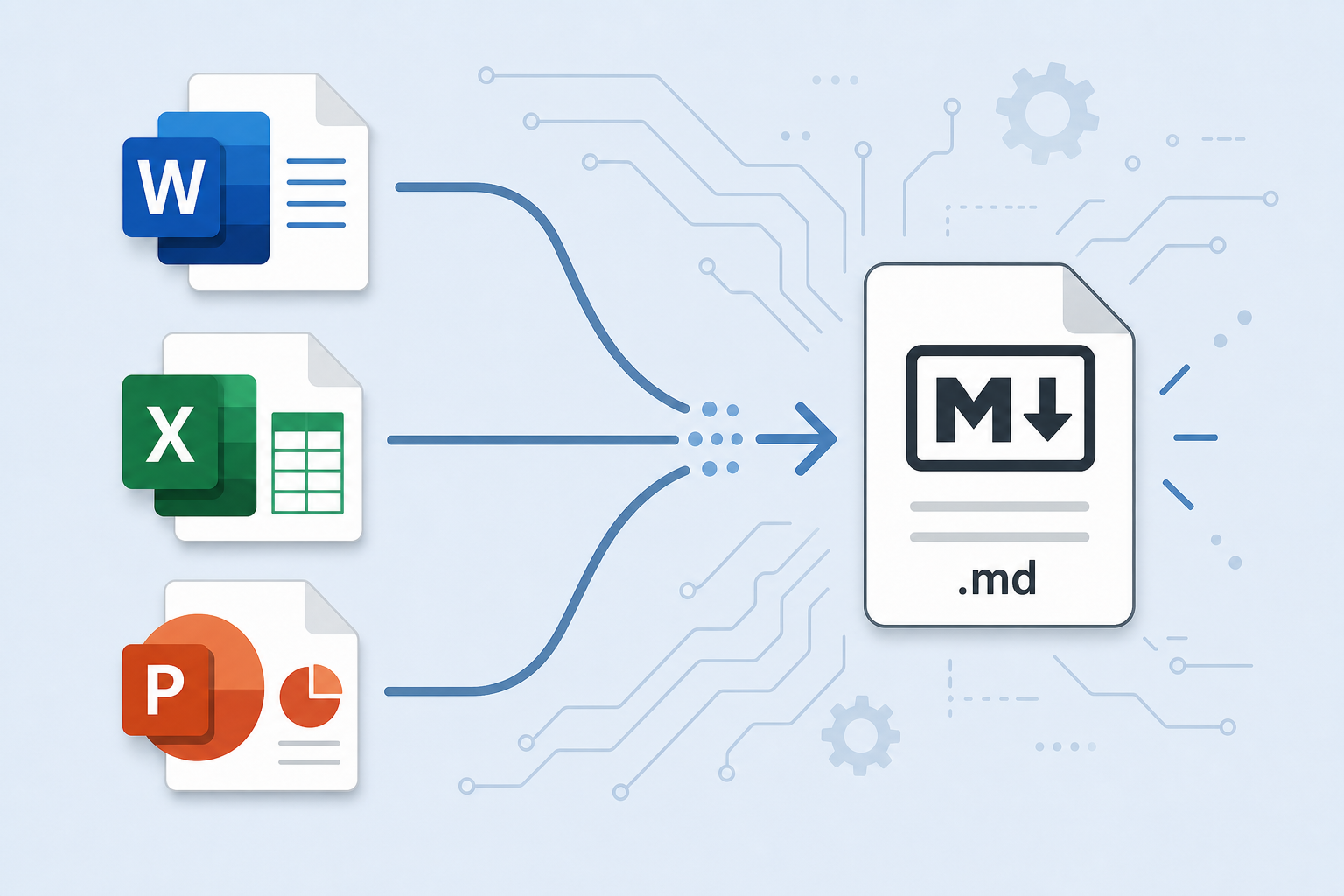
Anydoc converts Word, Excel, and PowerPoint files to Markdown, PDF, and more in milliseconds. Here’s how conversion-first workflows can save you serious time.

OfficeCLI lets AI agents programmatically read, write, and edit Word, Excel, and PowerPoint files — opening a new era of document workflow automation at scale.
Apply the code EXTRA10 at the cart or checkout page to get your 10% Discount.
Enjoy Safe & Secure payment via PayPal or Stripe!
One-time use per customer!
