
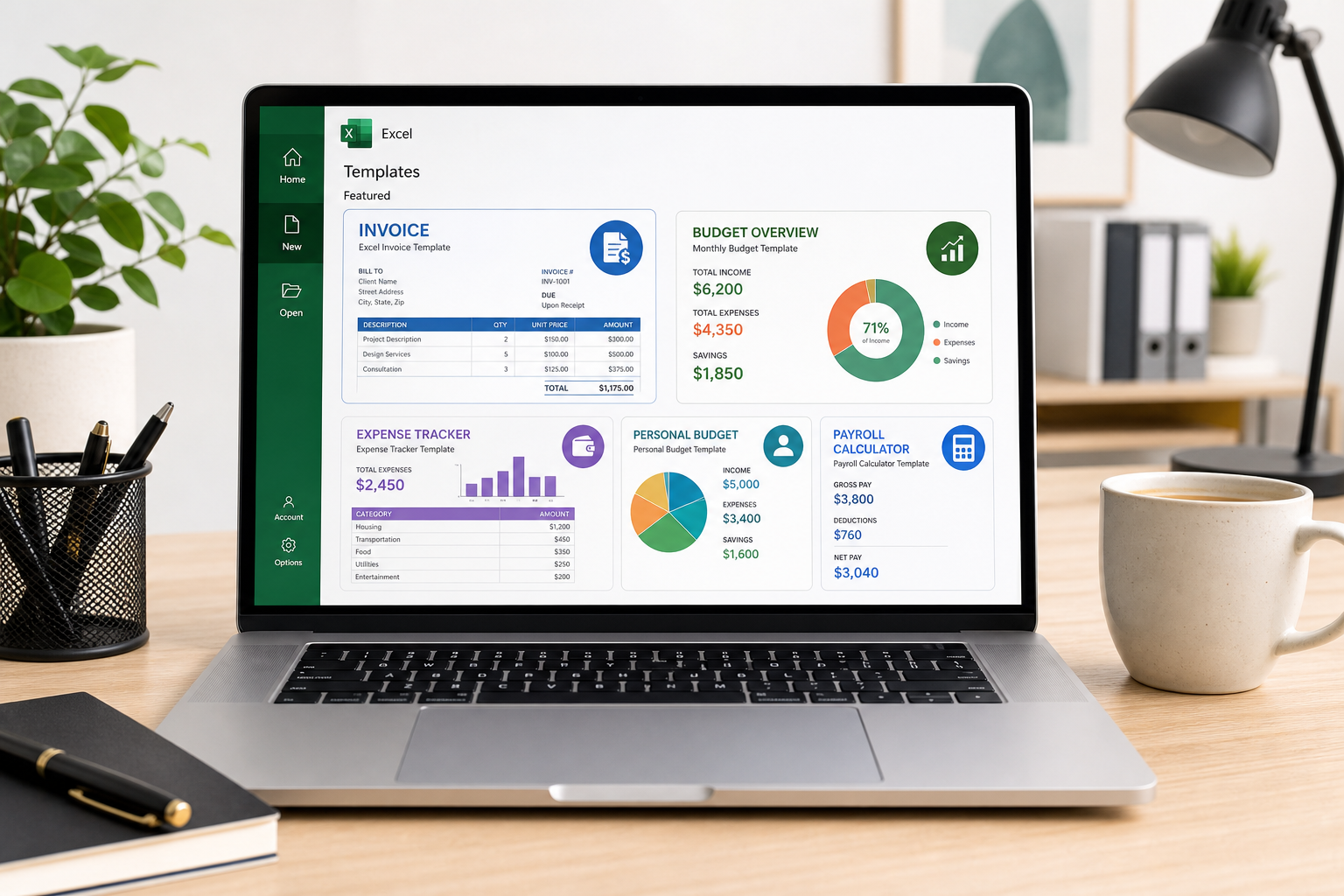
Spreadsheet templates are pre-built Excel files with formulas, formatting, and layouts already in place, so you can start tracking invoices, budgets, inventory, or cash flow in minutes instead of building a workbook from scratch. For small business owners juggling a dozen jobs at once, that head start matters more than almost any other productivity shortcut.
This guide rounds up the spreadsheet templates that actually earn a permanent spot in a small business’s toolkit, explains how to adapt them without breaking the formulas, and shows how to connect them with the rest of Microsoft Office so data moves between apps instead of getting re-typed three times.
What Are Spreadsheet Templates and Why Do Small Businesses Need Them?
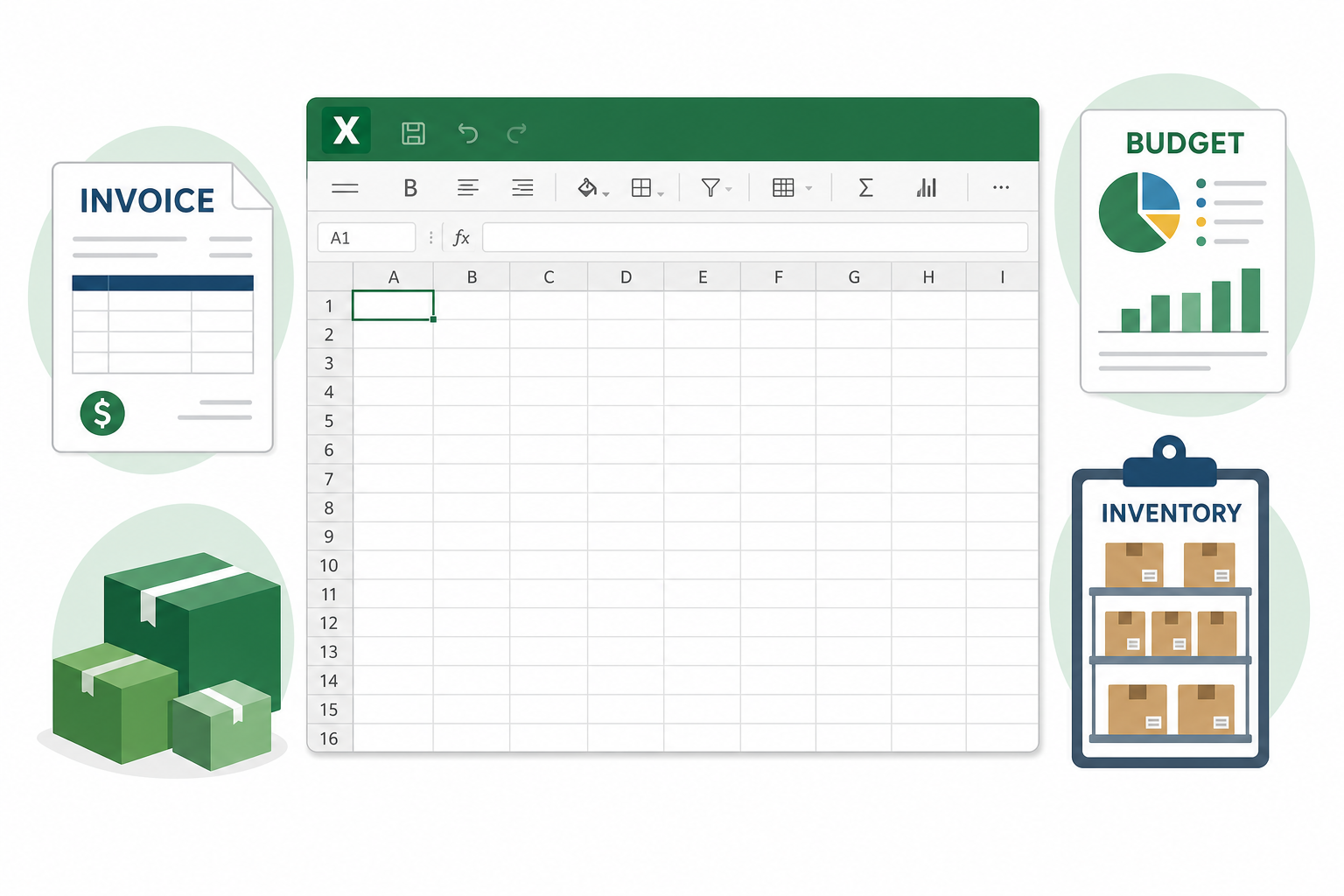
A spreadsheet template is a reusable Excel file that already contains the structure, formulas, and formatting for a specific task, so the only thing left to do is enter your own numbers. Instead of designing columns, writing SUM formulas, and formatting currency every time you need a new invoice or budget sheet, you open the template and start typing.
For a small business, this isn’t just about saving a few minutes. Consistent spreadsheet templates mean every invoice looks the same, every budget tracks the same categories month to month, and every team member who touches the file understands it immediately. That consistency is what makes year-over-year comparisons and tax-season prep far less painful.
Invoicing Spreadsheet Templates That Get You Paid Faster
A good invoicing template automatically calculates totals, tax, and due dates so you only enter line items and a client name. Microsoft’s own template library includes several free invoice layouts that cover product sales, hourly services, and recurring billing, all built on standard Excel formulas you can edit freely.
- Line-item invoices with automatic subtotal and tax calculation
- Service invoices with hourly rate and time tracking columns
- Recurring invoice templates for retainer or subscription clients
Whichever invoicing spreadsheet template you choose, lock the formula cells before sharing the file with anyone else on your team — it’s the single most common way totals get accidentally overwritten.
Budgeting Spreadsheet Templates to Control Costs
Budgeting spreadsheet templates work by comparing planned spending against actual spending in real time, flagging categories that are running over before they become a real problem. Most include a monthly overview tab plus a rolling annual summary, so you can see both the short-term picture and the longer trend in one file.
For a small business, the categories that matter most are usually payroll, rent, inventory purchases, software subscriptions, and marketing. A template that lets you add or rename categories without rebuilding formulas will save you from starting over every time your business structure changes.
Inventory Spreadsheet Templates for Accurate Stock Counts
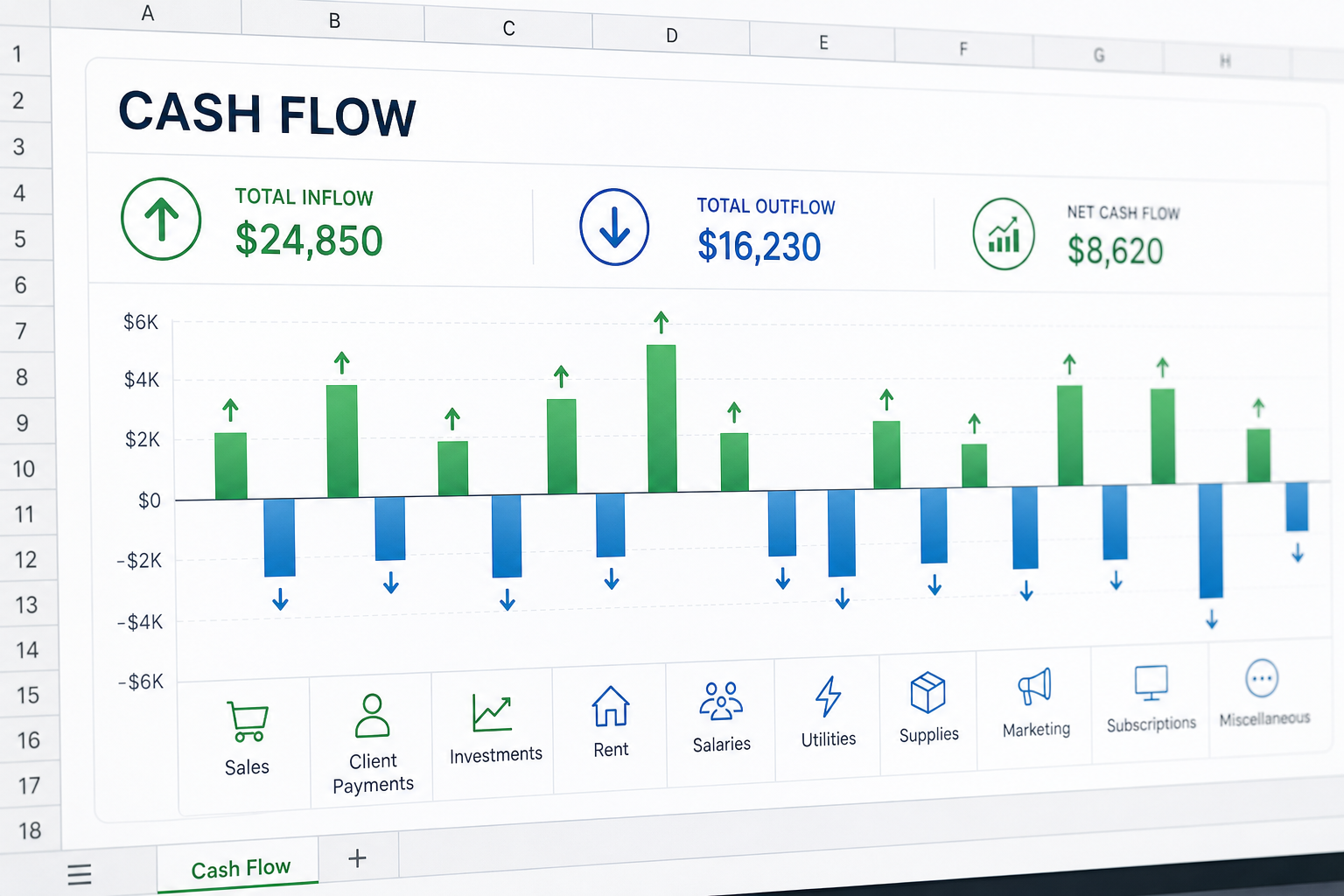
Inventory spreadsheet templates track what you have, what you’ve sold, and what needs reordering, usually with a reorder-point column that highlights low stock automatically. This matters most for businesses selling physical products, where a stockout or an overstock both cost real money.
What a Good Inventory Template Includes
- SKU, product name, and category columns for fast filtering
- Automatic quantity-on-hand updates linked to a sales log tab
- Conditional formatting that flags items below a reorder threshold
If you sell across multiple channels, look for inventory spreadsheet templates that separate online and in-store stock, so you’re not double-counting the same units.
Cash Flow Spreadsheet Templates to Avoid Surprises
Cash flow spreadsheet templates forecast money in and money out week by week or month by month, which is what actually determines whether you can pay bills on time — not just whether you’re profitable on paper. A business can be profitable overall and still run out of cash if invoices are paid late.
A solid cash flow template separates operating cash flow from one-off items like loan repayments or equipment purchases, and projects at least 8-12 weeks forward. That forward view is what gives you time to act — chasing a late invoice or delaying a non-urgent purchase — before a shortfall actually happens.
How to Customize Spreadsheet Templates for Your Business
Customizing spreadsheet templates well means changing the labels, categories, and branding without touching the underlying formulas. Most templates are built so the calculation cells and the input cells are visually distinct — respect that boundary and the template keeps working correctly.
Match Your Branding and Formulas
Swap in your logo, business name, and brand colors on invoice and quote templates — this takes a few minutes and makes every document you send look professional. Keep the formula cells (totals, tax calculations, running balances) untouched; copy the formatting instead of rebuilding the formula itself when you need a new row.
Protect Formulas with Data Validation
Use Excel’s “Protect Sheet” feature to lock formula cells while leaving input cells open, so a colleague entering data can’t accidentally delete a SUM formula. Add data validation drop-downs for fields like payment status or category, which keeps the data clean and makes filtering far more reliable later on.
Integrating Spreadsheet Templates with Other Office Apps
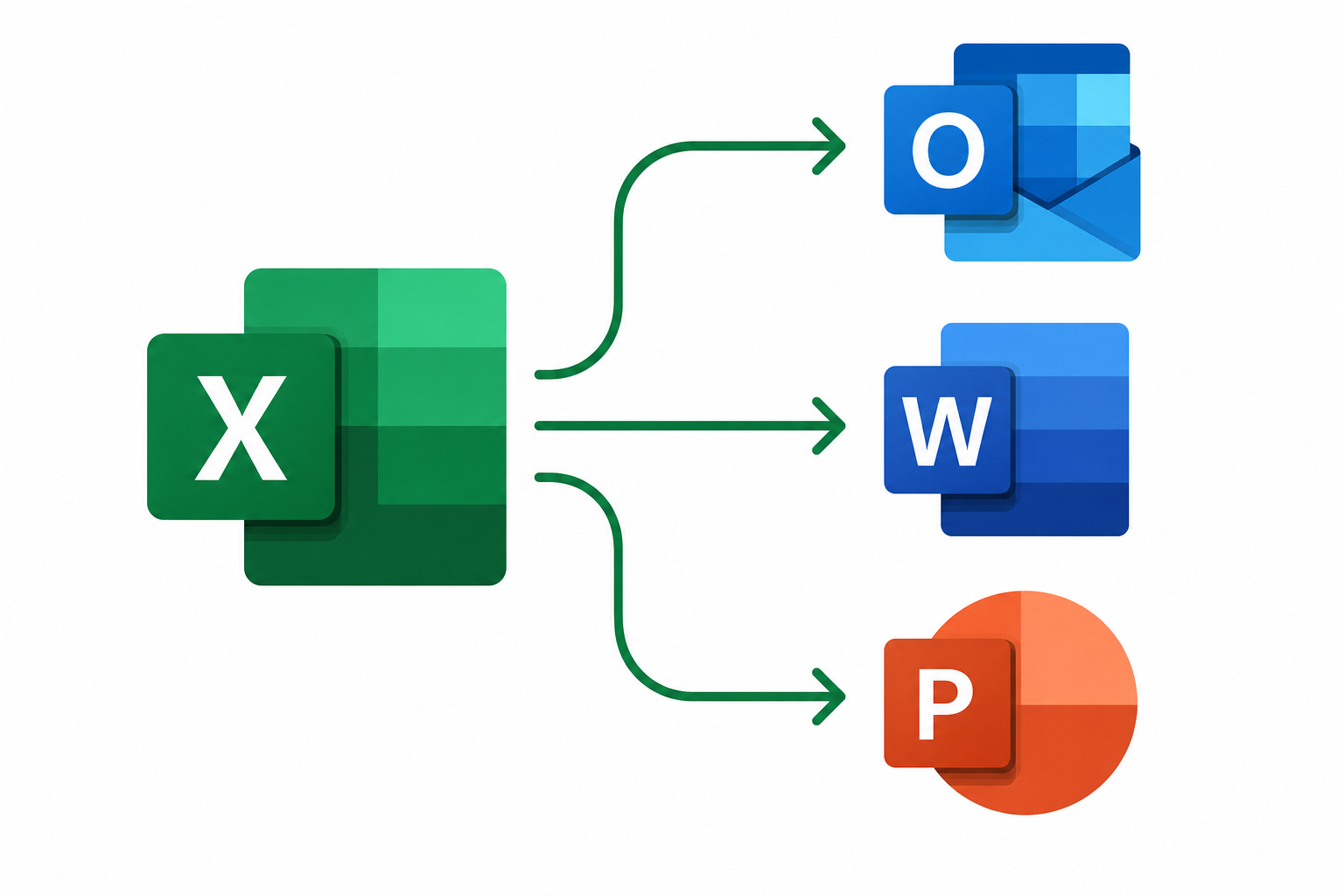
Spreadsheet templates deliver the most value when they connect to the rest of Office instead of sitting in isolation — pulling data into Outlook, Word, or PowerPoint eliminates the manual re-typing that eats up a surprising amount of a small business owner’s week.
Connect Excel and Outlook for Automatic Reminders
Export due dates from your invoicing or cash flow spreadsheet templates and set calendar reminders in Outlook, or use mail merge to send personalized payment reminders to a whole list of clients at once. This turns a static spreadsheet into an active follow-up system.
Pull Data Into Word and PowerPoint Reports
Paste a linked Excel chart or table into Word for a monthly report, or into PowerPoint for an investor or team update — linked objects update automatically whenever the source spreadsheet changes, so you’re never presenting stale numbers. If macros are involved in any automated template, make sure they’re enabled correctly first; our guide to enabling macros in Microsoft Office covers every version and platform.
Where to Find Reliable Spreadsheet Templates
The safest source for spreadsheet templates is Microsoft’s own template library built into Excel, accessible from File > New, which includes free, pre-tested invoice, budget, and inventory layouts. Microsoft documents a full set of these free templates, including financial trackers and planners, in its own support library for Excel templates.
If you’re still running an older copy of Office or haven’t activated a licensed version yet, none of these templates will open with full formula support in trial or unlicensed installs. A standalone copy of Excel 2024 for Windows (from €42.90) gives you full template access without a subscription, and if you want deeper formula skills to adapt templates further, our breakdown of Excel power-user functions that still matter is a good next read.
FAQ
What is the best free spreadsheet templates source for small businesses?
Microsoft’s built-in template gallery, available from File > New inside Excel, is the most reliable free source because the templates are tested against current Excel formulas and update automatically with the app. It includes dedicated invoice, budget, inventory, and cash flow layouts.
Can I use spreadsheet templates in Google Sheets instead of Excel?
Most Excel-based spreadsheet templates import into Google Sheets with basic formulas intact, but advanced features like dynamic arrays, certain pivot table styles, and some conditional formatting rules may not convert cleanly. For business documents you’ll share with accountants or other Excel users, staying in Excel avoids compatibility surprises.
How do I protect formulas in an Excel template?
Select the formula cells, open Format Cells, confirm they’re set to “Locked,” then turn on sheet protection from the Review tab. This stops anyone entering data from accidentally editing or deleting a formula while still letting them fill in the input cells.
Do spreadsheet templates work with Microsoft 365 online?
Yes — templates built in desktop Excel open and edit normally in Excel for the web under a Microsoft 365 subscription, and the reverse is also true. The core formulas and formatting carry over; only a handful of advanced add-ins may not be supported in the browser version.
What’s the difference between a workbook and a template file?
A template file (.xltx) opens as a new, unsaved copy every time, protecting the original layout from being overwritten. A workbook (.xlsx) is the regular file you save and edit directly, which is why converting your finished invoice or budget template into a .xltx file is worth doing once you’re happy with the layout.
Is it worth paying for a one-time Excel license instead of a subscription?
It depends on how long you plan to use the same version — a one-time license avoids recurring fees but won’t receive new feature updates, while a subscription stays current but costs more over several years. Our comparison of a lifetime Microsoft Office license versus Microsoft 365 breaks down the real cost difference.
