Practical Outlook management tactics — folder automation, search operators, smarter rules, and Teams integration — to tame a chaotic inbox for good.
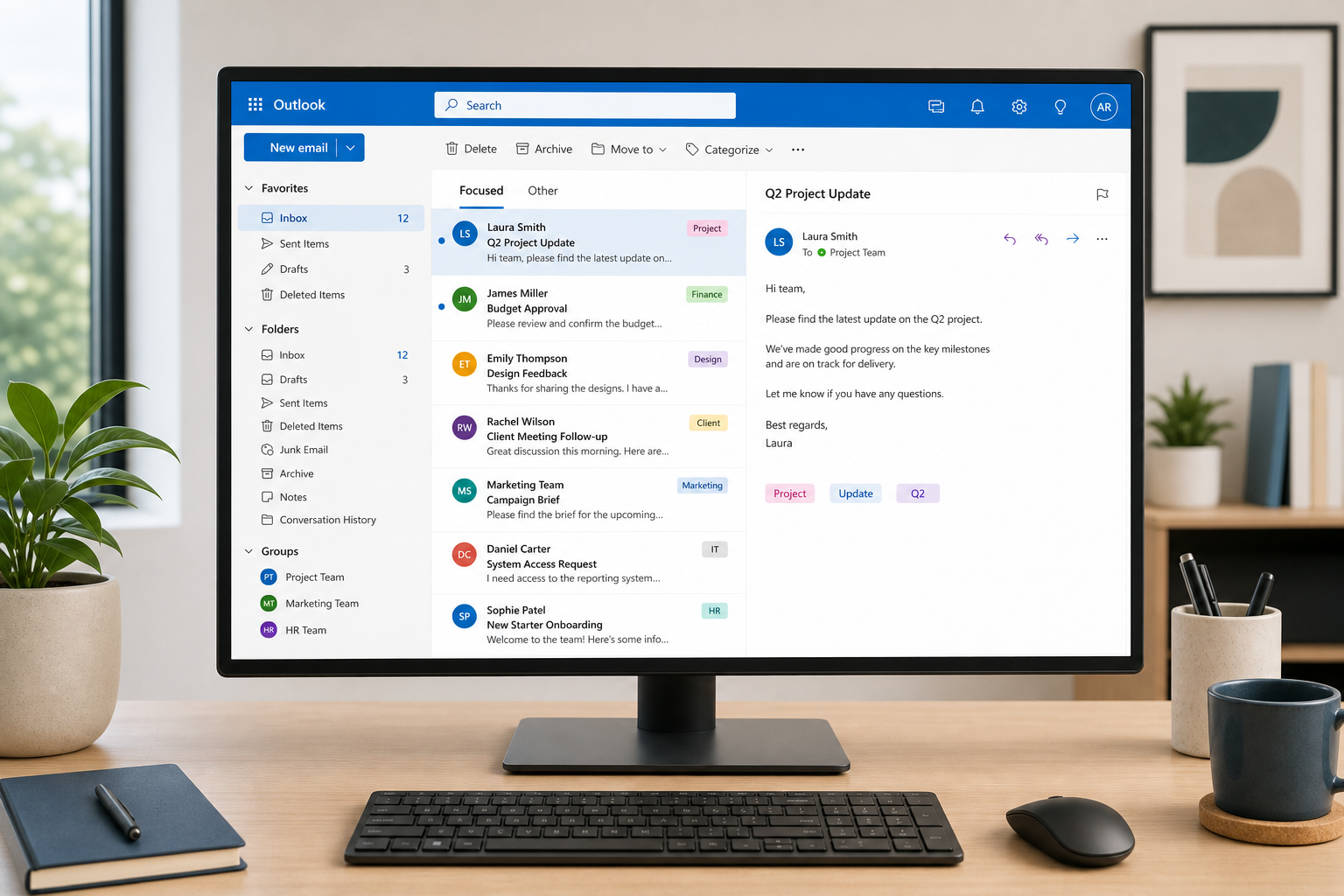

Practical Outlook management tactics — folder automation, search operators, smarter rules, and Teams integration — to tame a chaotic inbox for good.

A dangling COM object registration sounds obscure, but it’s a real Windows privilege escalation path. Here’s what admins actually need to check.

Microsoft’s own explanation of shutdown vs restart reveals why one clears far more processes and drivers than the other — and when to use each.

KB5129195 was meant to fix broken domain logins on Windows 11 — but admins confirm it doesn’t. Here’s what’s happening and the workaround to deploy now.
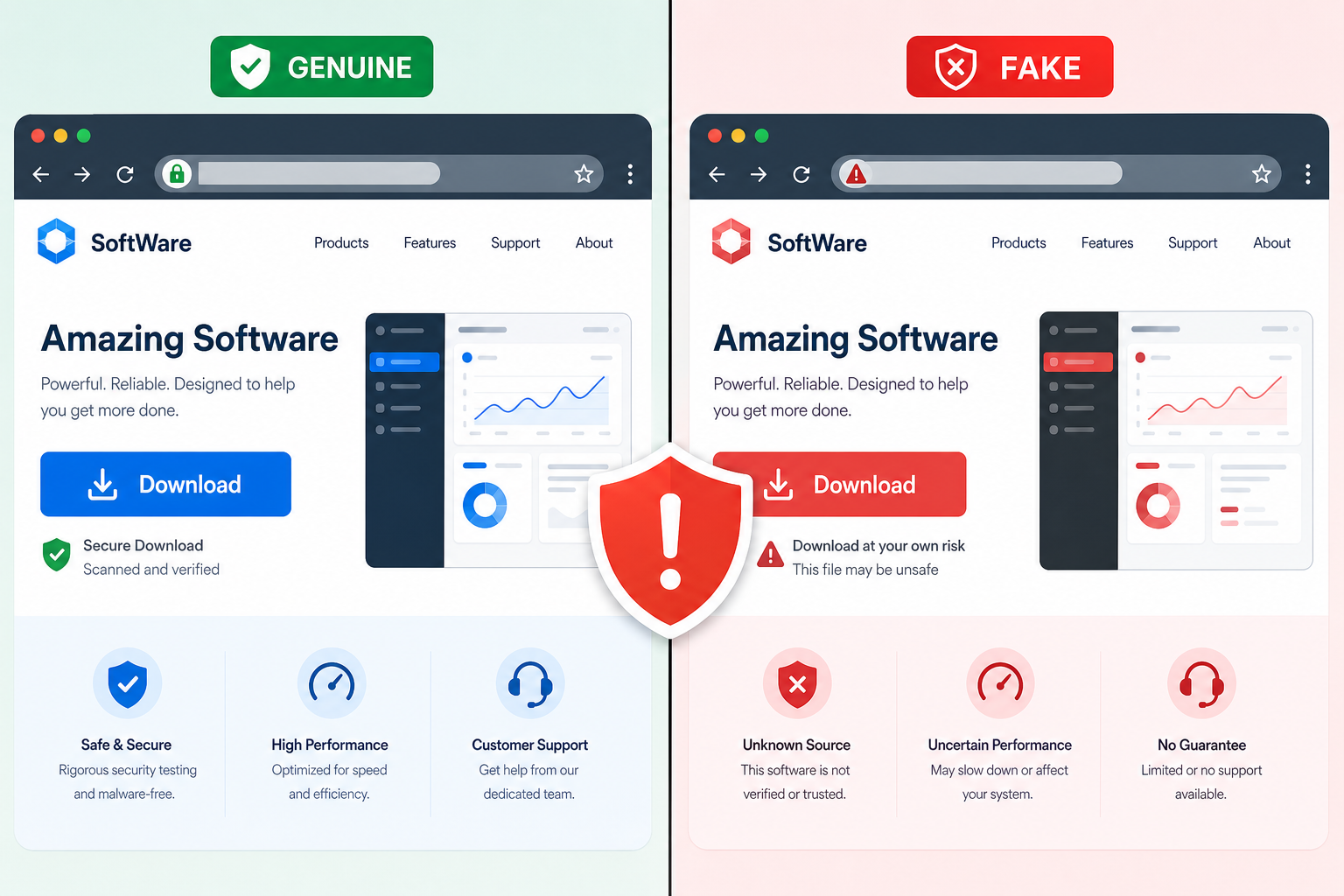
Fake download pages for popular apps are injecting backdoors during install. Here’s how the multi-stage attack works — and how to verify what you’re really installing.
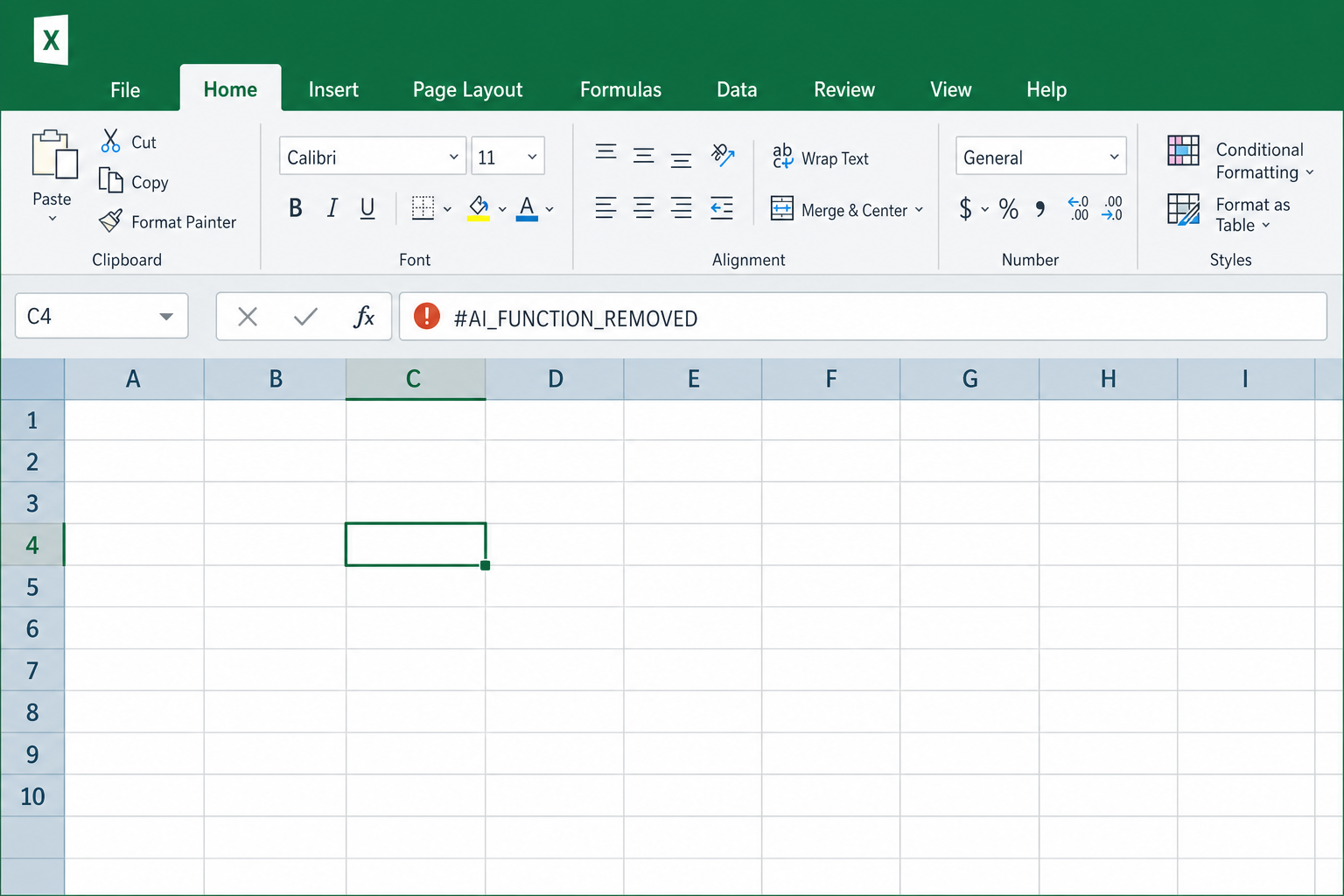
Microsoft pulled the =COPILOT() function from Excel after just a year. Here’s why it failed and what formula automation tools actually work.
Excel’s copy-paste stopped working after a September 2026 update. Here’s exactly what broke, who’s affected, and how to fix it without losing data.
Microsoft is now pushing full-screen promotional images directly onto Windows 11 desktops via the Bing Wallpaper app. Here’s who’s affected and how to reclaim your desktop in minutes.
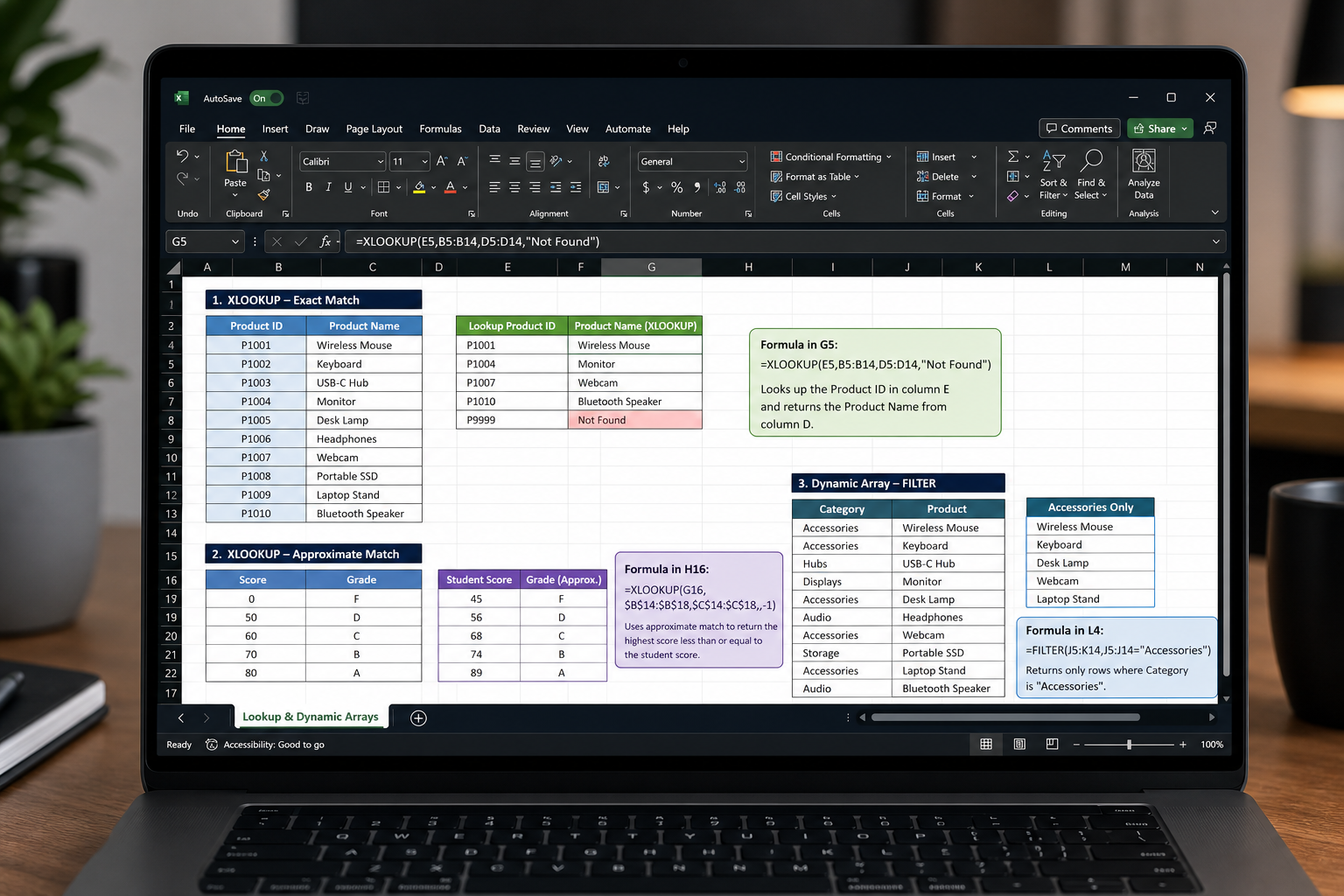
BI tools are everywhere, yet Excel formulas remain irreplaceable. Here are the high-impact Excel power user functions — XLOOKUP, dynamic arrays, and more — that still deliver serious value in 2026.

Windows silently collects your typing and inking data by default. Here’s exactly which settings to change in Windows 10 and 11 to stop Microsoft from logging your keystrokes.
Apply the code EXTRA10 at the cart or checkout page to get your 10% Discount.
Enjoy Safe & Secure payment via PayPal or Stripe!
One-time use per customer!
