Microsoft has shipped five meaningful Windows 11 fixes in 2026 — from a movable taskbar to smarter search. Here’s what changed, whether it matters, and how to access each one.
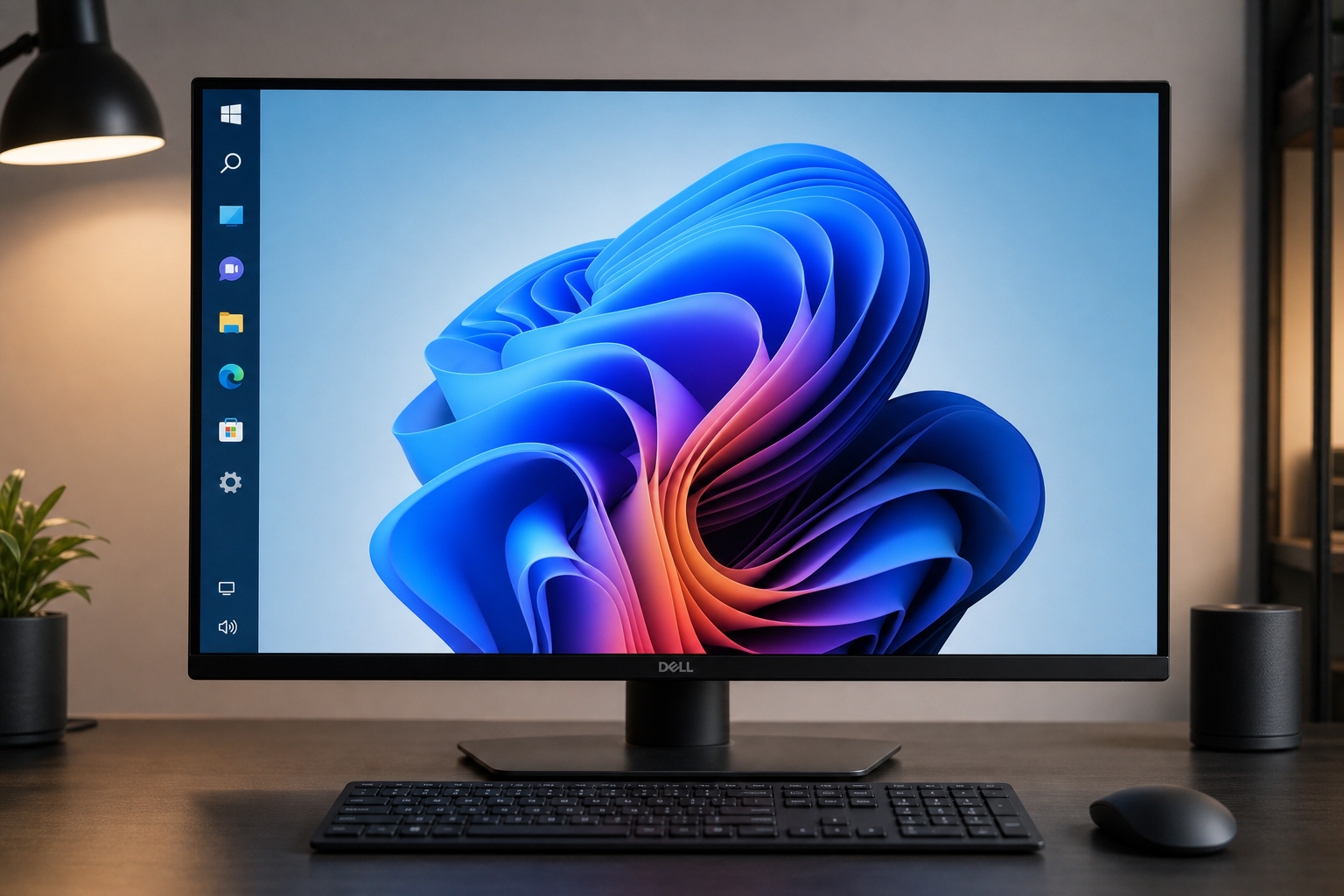

Microsoft has shipped five meaningful Windows 11 fixes in 2026 — from a movable taskbar to smarter search. Here’s what changed, whether it matters, and how to access each one.
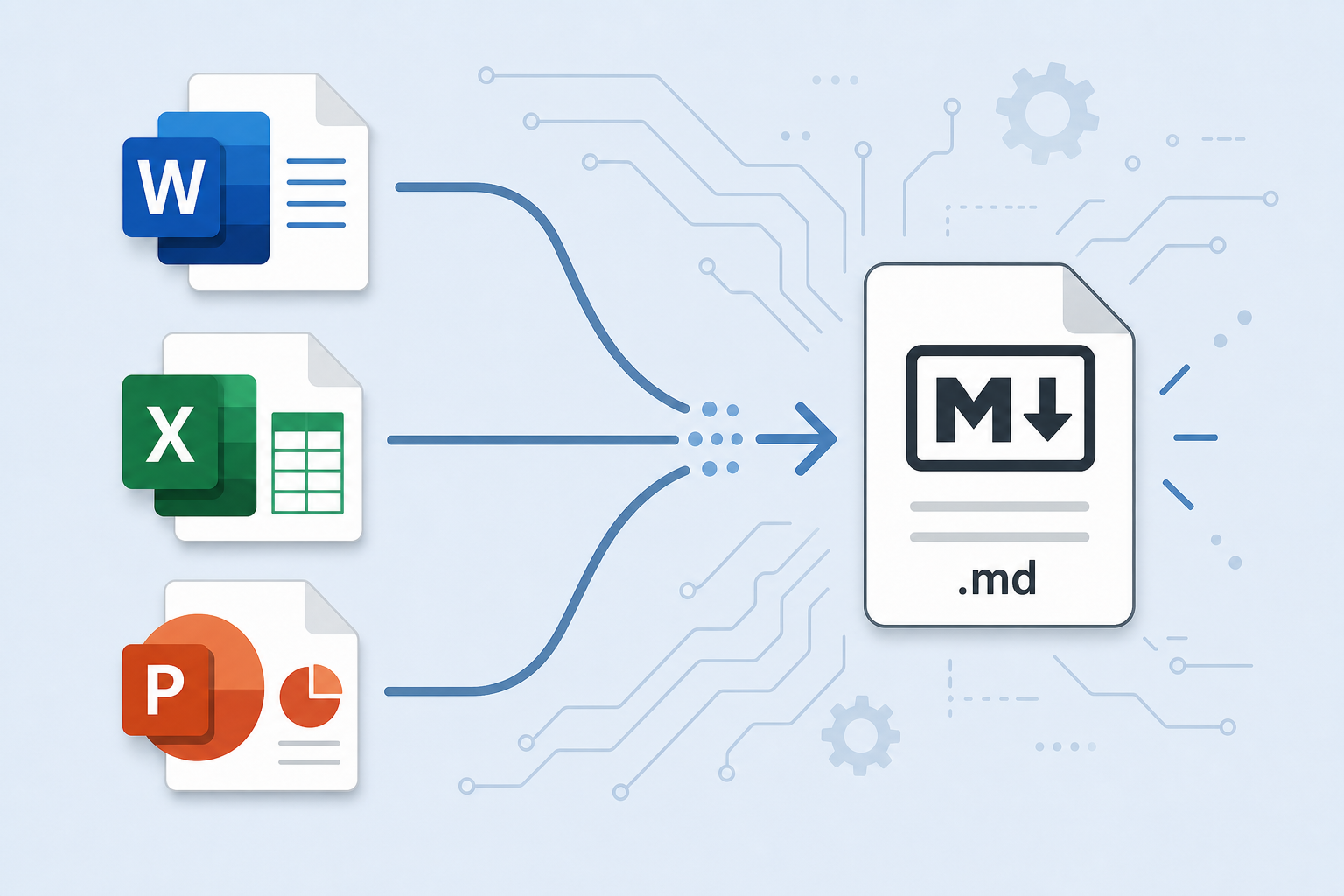
Anydoc converts Word, Excel, and PowerPoint files to Markdown, PDF, and more in milliseconds. Here’s how conversion-first workflows can save you serious time.

Microsoft’s mid-year progress report reveals what actually changed after its March 2026 quality pledge — from USB4 fixes to File Explorer overhauls. Here’s the real picture.

Microsoft is silently pushing OneDrive Photos onto Windows 11 PCs as a default image viewer. Here’s what the app does, why users are frustrated, and exactly how to disable it.
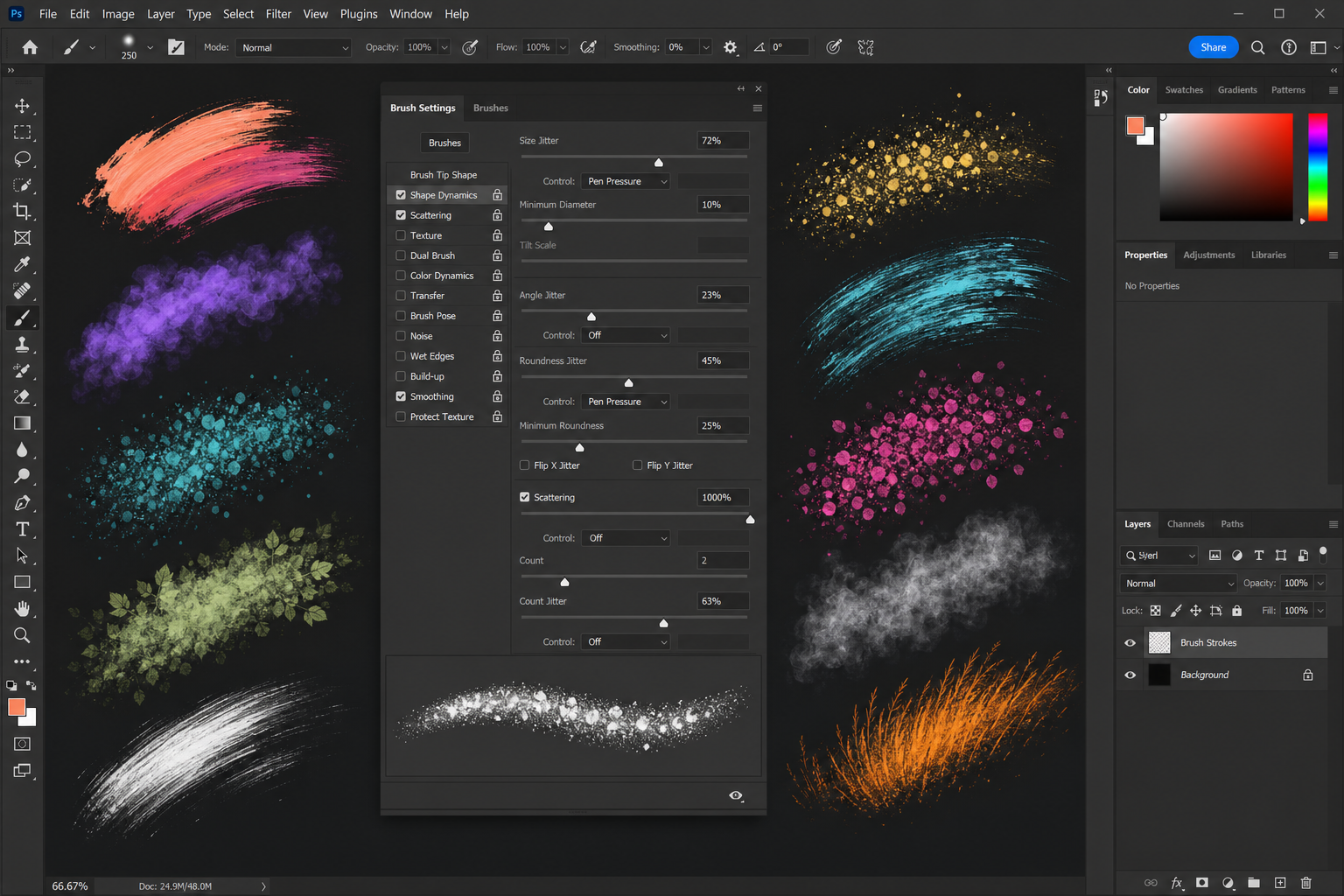
From shape dynamics to scattering and texture, mastering Photoshop brush settings customization turns a basic tool into a powerhouse for painting, retouching, and special effects.

OfficeCLI lets AI agents programmatically read, write, and edit Word, Excel, and PowerPoint files — opening a new era of document workflow automation at scale.

Microsoft confirmed a Windows 11 disk space bug that silently consumes up to 500GB of storage. Here’s how to detect it and get your space back fast.

Blocked macros in Word, Excel, or PowerPoint? This guide covers every scenario — yellow warning bars, downloaded files, Trust Center settings, and Mac — so your macros run safely.
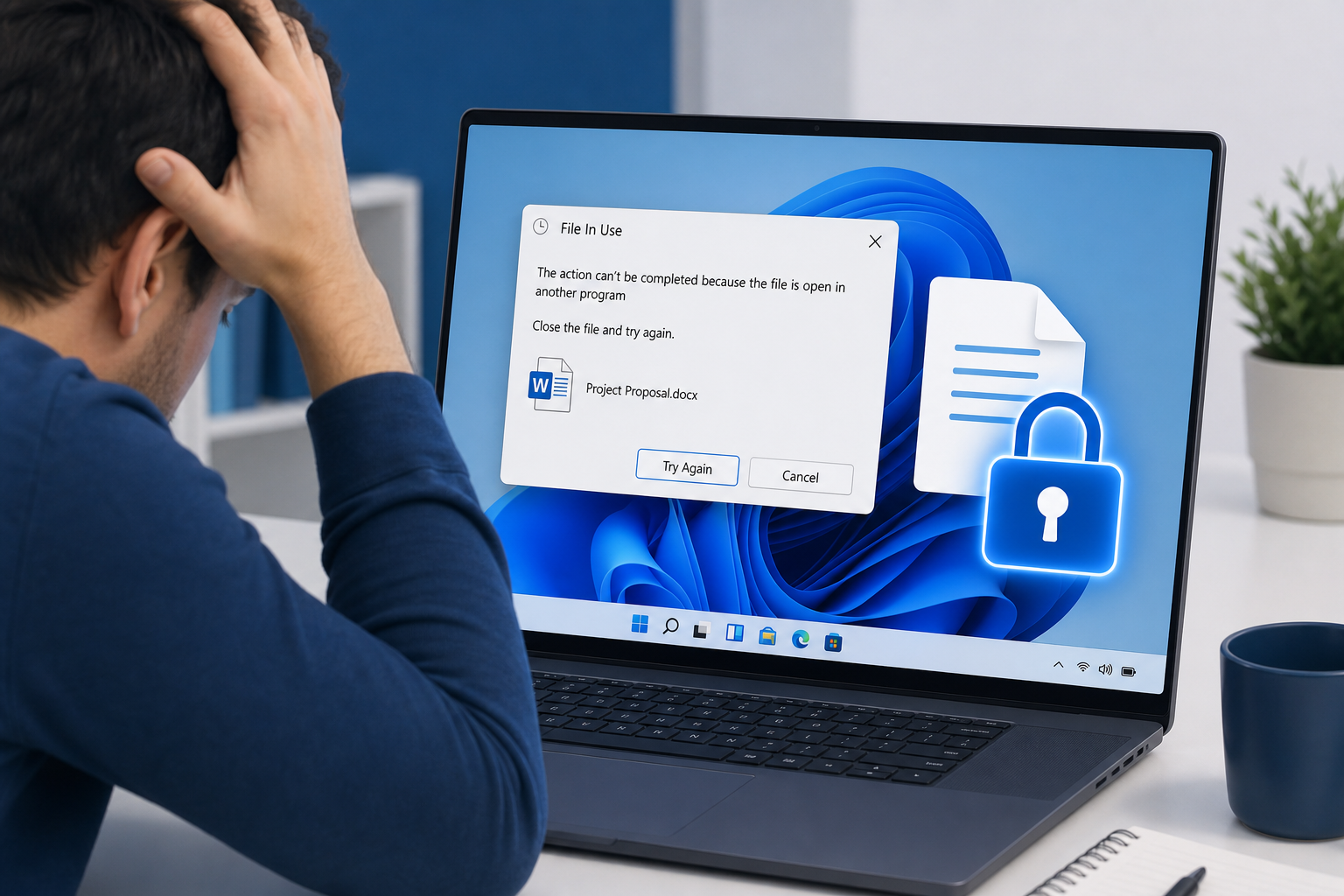
Microsoft has revealed the real reason Windows 11 keeps reporting a file as in-use even after you close the app — and released an official fix. Here’s everything you need to know.
Apply the code EXTRA10 at the cart or checkout page to get your 10% Discount.
Enjoy Safe & Secure payment via PayPal or Stripe!
One-time use per customer!
