

Windows 11 quality improvements have been Microsoft’s stated top priority since March 2026, when the company published a sweeping public commitment to fix the pain points that had frustrated users and IT professionals for years. Four months later, Microsoft’s mid-year progress report gives us enough specifics to ask the hard question: did the promise translate into reality? The short answer is largely yes — though with the usual caveats that come with any large-scale OS effort.
Why Microsoft Made a Public Quality Pledge in March 2026
Microsoft doesn’t usually publish open letters about product quality unless the pressure to do so is intense. By early 2026 that pressure had been building steadily: community forums, Spiceworks threads, and tech outlets were cataloguing reliability regressions, File Explorer freezes, USB peripheral failures, and a growing sense that new AI-flavoured features were shipping faster than core stability could support them. The March 2026 commitment named specific problem areas — connectivity, File Explorer, Windows Update itself, and the developer experience — and put measurable outcomes on the table rather than speaking in vague generalities. That specificity is what makes the July 2026 progress report worth examining in detail.
Connectivity and Hardware: USB4 Docking Fixes Lead the Way
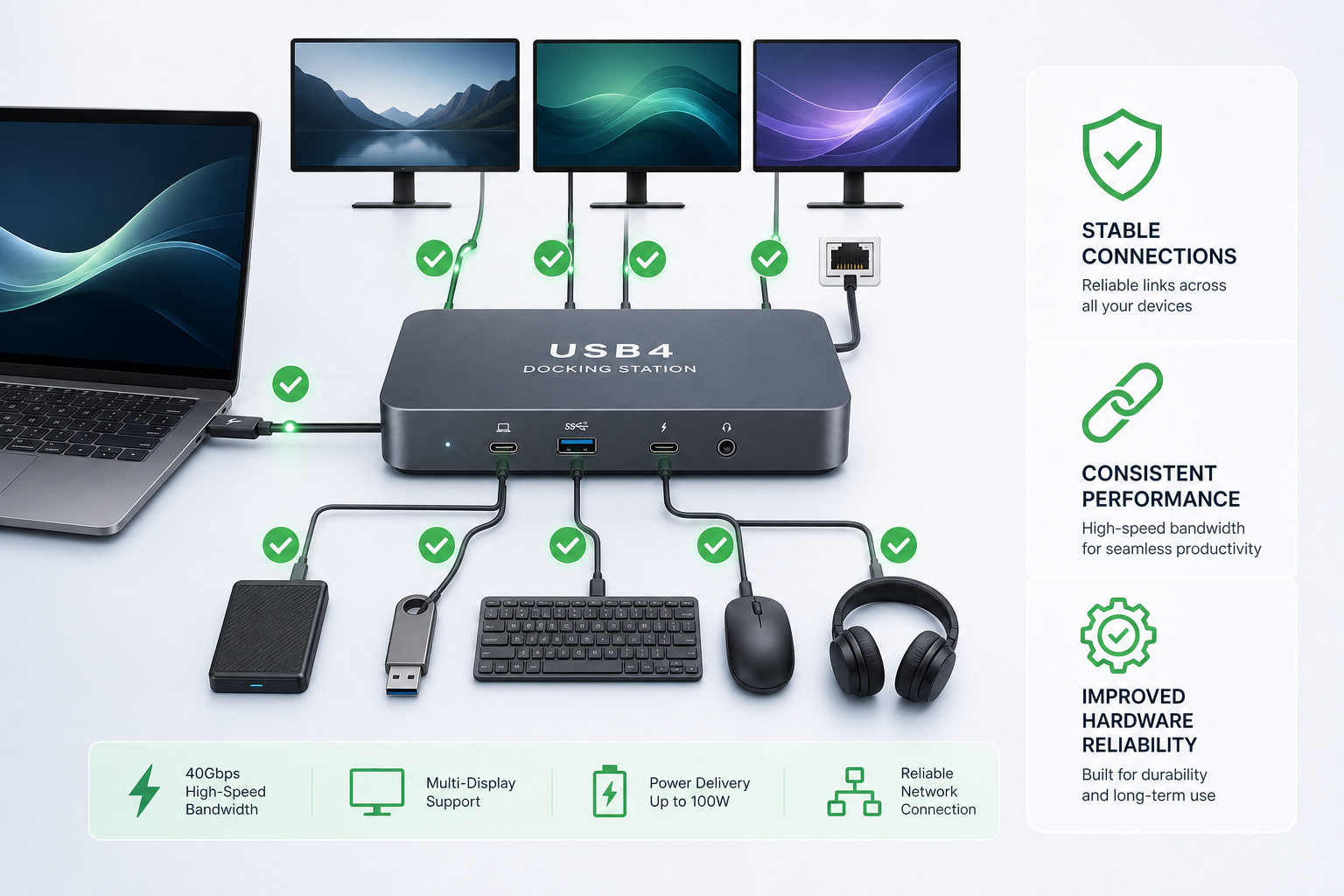
One of the most concrete Windows 11 reliability wins since March has been in hardware connectivity. Microsoft confirmed it improved reliability across common connectivity scenarios, with USB4 docking station compatibility receiving particular attention. USB4 peripherals — monitors, storage arrays, and Thunderbolt docks — had been a recurring source of frustration because of intermittent disconnections and device enumeration failures after wake-from-sleep cycles.
The fixes rolled into cumulative updates through the spring and summer of 2026, and early feedback from the Windows Insider programme suggests drop-out rates for USB4 docks improved noticeably. While Microsoft has not published a single headline percentage, the July report specifically called out improved USB4 docking as a shipped deliverable rather than a future roadmap item — a meaningful distinction.
- USB4 docking reliability — reduced disconnection events after sleep/wake cycles
- Network compatibility — broader driver support and fewer connection-drop incidents on Wi-Fi 6E hardware
- Bluetooth stack updates — improved pairing stability for audio peripherals
File Explorer Gets a Genuine Windows Quality Update
File Explorer has been the source of some of Windows 11’s most visible reliability complaints, and it features prominently in the progress report. Microsoft addressed several distinct File Explorer issues as part of its Windows quality update cadence:
- Address Bar reliability — fewer crashes and hangs when typing long paths or switching drives rapidly
- File size formatting — corrected display of file sizes in certain locales that showed incorrect units
- Keyboard navigation — smoother tab and arrow-key behaviour inside folder panes
- Readability improvements — higher-contrast labels and corrected icon rendering at non-standard DPI settings
Community reaction on Reddit’s r/Windows11 has been cautiously positive, though some users reported a fresh File Explorer freeze introduced by the July 2026 cumulative update — a reminder that in an OS as complex as Windows, fixes and regressions sometimes arrive together. Microsoft acknowledged this in its support channels and flagged a fix for the next monthly rollup.
Windows Update Itself Became More Reliable
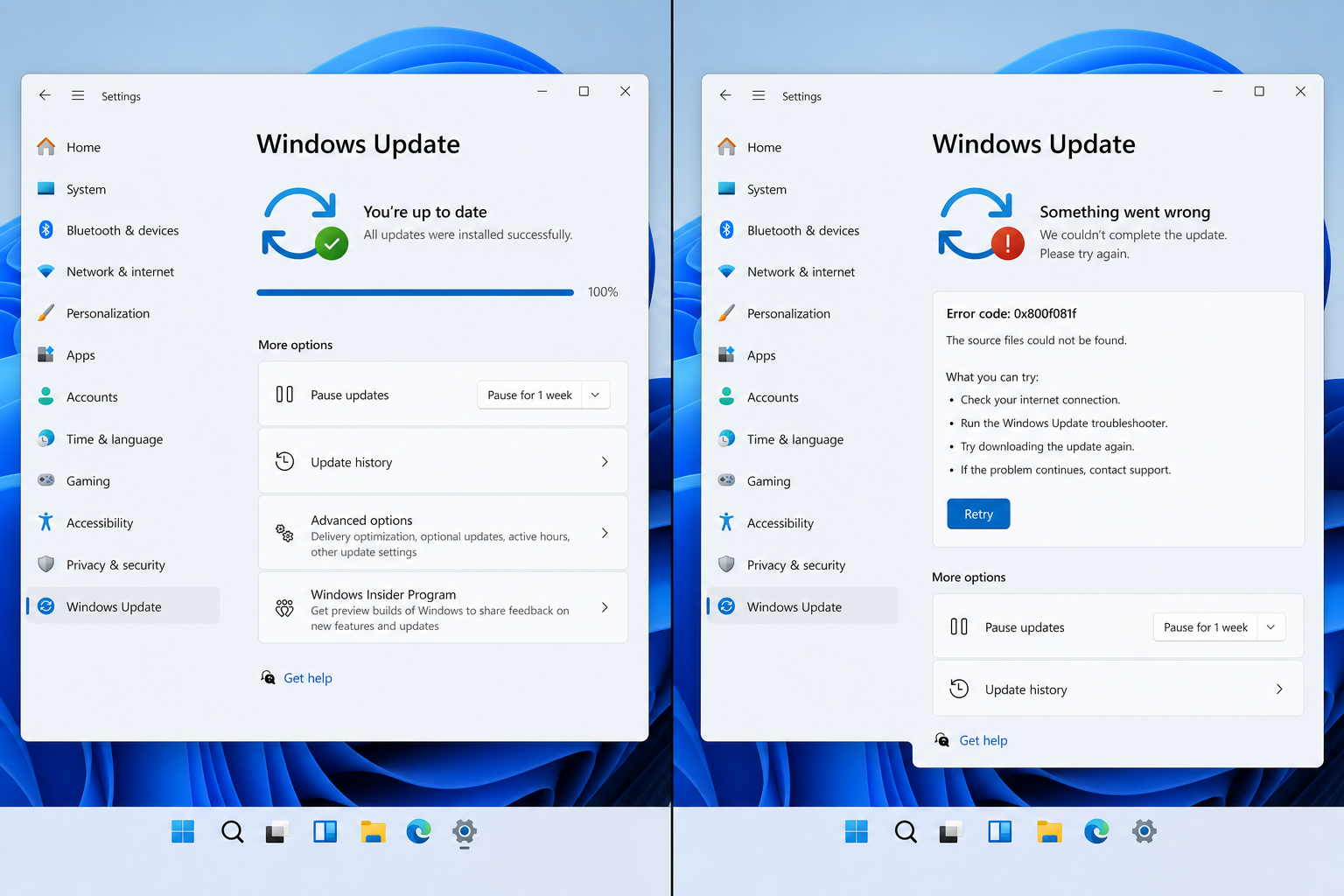
Perhaps the most self-referential improvement in the report is the work done on Windows Update’s own reliability. A Windows quality update that breaks the update pipeline is obviously counterproductive, and the March commitment explicitly called out improving update success rates. According to the July progress report, Microsoft reduced update failure rates for the cumulative update packages shipped since April 2026 and improved the diagnostic messaging users see when an update does fail — so instead of a cryptic error code, they receive actionable guidance.
For IT administrators managing fleets of devices, this matters practically. Fewer failed updates mean fewer helpdesk tickets and less time spent manually pushing remediation scripts. The improvements tie directly into the Windows quality update pipeline, giving admins more confidence in predictable patch Tuesday outcomes.
Windows 11 Fixes for Developers: A Quieter but Significant Story
The developer-side Windows 11 fixes announced at Build 2026 in June don’t get as many consumer headlines, but they represent genuine progress. Microsoft introduced a developer-optimised Windows 11 configuration, refined the Windows Subsystem for Linux (WSL) file I/O performance — historically slower than native Linux — and improved network compatibility for containerised workloads. These are exactly the kinds of Windows 11 reliability improvements that keep professional users on the platform rather than migrating to Linux or macOS for development work.
Start Menu, Taskbar, and Search: Polish Over Overhaul
Beyond the headline reliability work, Microsoft’s August 2026 update (previewed in the July Insider builds) brings a round of quality-of-life refinements to Start, Taskbar, and Search. These are not architectural overhauls — they are the kind of incremental polish that the March commitment promised to prioritise over splashy new features:
- Start Menu responsiveness improved, particularly on devices with slower storage
- Taskbar thumbnail previews render more quickly on multi-monitor setups
- Windows Search returns results faster for local file queries
- Context menu latency reduced when right-clicking large folders
ZDNet noted in its own reading of the progress report that the subtext — Microsoft feeling compelled to publish a public quality scorecard at all — says as much about past failures as it does about current progress. That is a fair observation. But the specificity of the deliverables listed is more encouraging than a typical corporate PR exercise.
What the Metrics Actually Tell Us
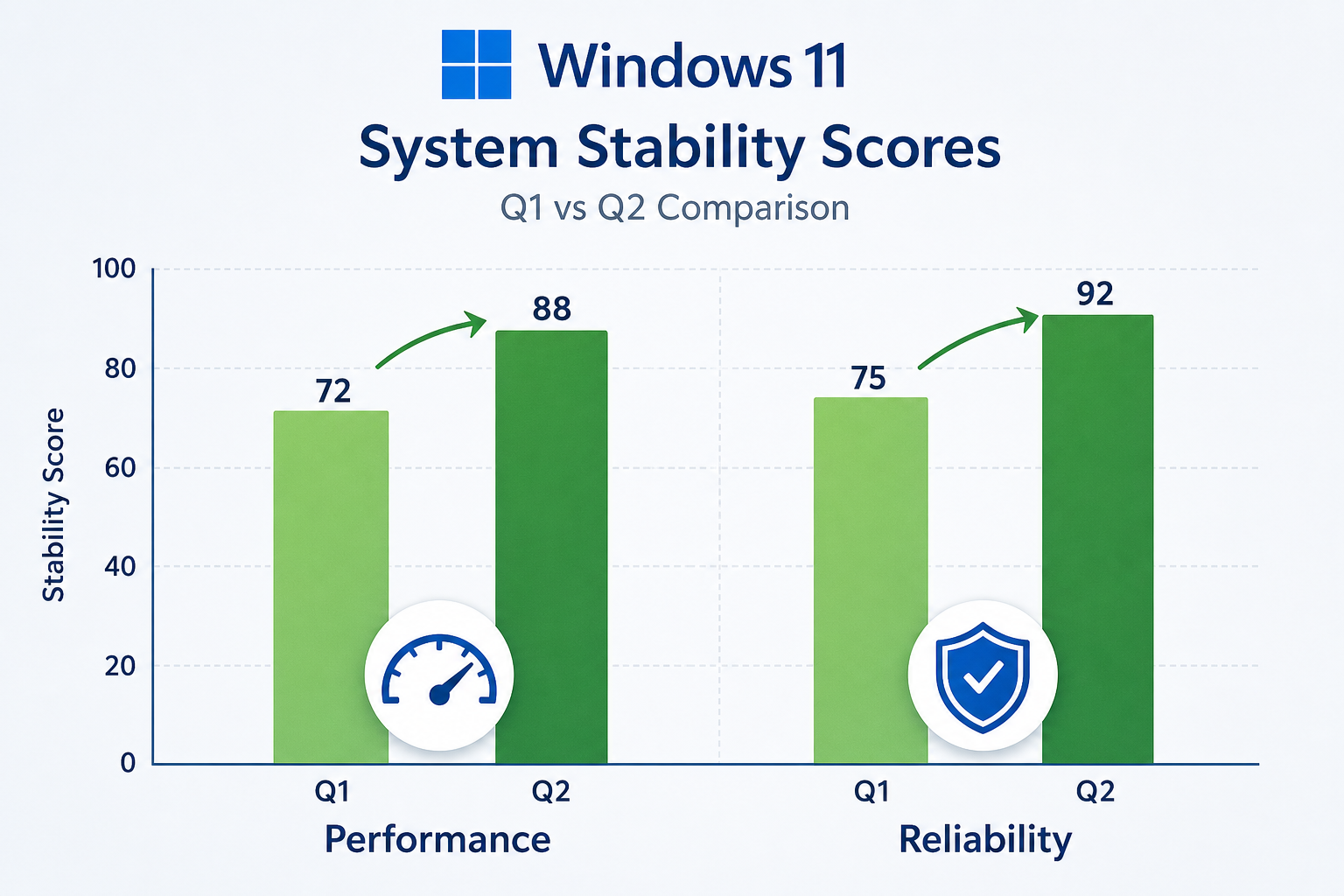
Microsoft shared some headline metrics in the July update: update reliability for April–July 2026 cumulative packages improved compared to the same period in 2025, and Insider feedback sentiment on stability rose quarter-over-quarter. The company did not publish raw crash telemetry numbers publicly — it rarely does — but it pointed to reduced stop-error (BSOD) frequency as a directional indicator.
For context, Windows 11 launched in October 2021 with a reported 5.7% market share among Windows PCs, and has grown considerably since. With Microsoft’s October 2025 deadline for Windows 10 end of support having passed, millions of devices are migrating to Windows 11 — which makes the timing of this quality push strategically important. A shaky upgrade experience for that wave of newcomers would be damaging. The March-to-July arc suggests Microsoft understood the stakes.
Read the full official progress report directly on the Windows Insider Blog for Microsoft’s own breakdown of every shipped improvement.
Does the Progress Translate to Real User Experience?
Analyst commentary and community sentiment broadly agree: the Windows quality update effort is tangible but uneven. Users on modern hardware with USB4 docks and Wi-Fi 6E adapters report a noticeably smoother experience. Those on older hardware or niche driver configurations still encounter rough edges. The File Explorer freeze introduced in July — ironic given the File Explorer reliability work — underscores that sustaining quality across the breadth of the Windows ecosystem is a long-term discipline, not a one-quarter sprint.
The honest verdict: Microsoft is delivering, but delivery at Windows scale means some steps forward come with half-steps sideways. Keeping automatic updates enabled and staying current on cumulative releases is still the best strategy for individual users who want the full benefit of these Windows 11 fixes.
How to Make the Most of These Windows 11 Reliability Gains
If you want to ensure your system is actually receiving the Windows 11 quality improvements as they ship, here is a practical checklist:
- Keep Windows Update set to automatic — quality fixes arrive in cumulative updates, not just feature releases.
- Update your drivers — USB4 and Wi-Fi reliability improvements work best with the latest firmware from your device manufacturer.
- Check optional updates — Microsoft previews upcoming improvements in optional non-security updates before they become mandatory.
- Join the Windows Insider programme (Release Preview ring) — low risk, early access to vetted fixes before general availability.
- Start on a genuine licence — a properly activated, genuine Windows 11 installation receives the full update pipeline without interruption.
That last point matters more than it might seem. Counterfeit or pirated keys are frequently blocked from receiving updates entirely, which means none of the Windows quality update improvements discussed here would ever reach your machine. Starting from a verified genuine licence is the foundation everything else builds on. At Top Key Shop, you can get a genuine Windows 11 Pro Retail key for just €9.10, with instant email delivery and 24/7 activation support — so you can be sure your PC receives every Windows 11 reliability improvement Microsoft ships. If you want the full productivity stack, the Windows 11 Pro + Office 2024 bundle is available from €19.10 (regular €29.00) and covers both operating system and productivity software in one.
Frequently Asked Questions
What specific Windows 11 quality improvements shipped between March and July 2026?
Microsoft shipped improvements across connectivity (notably USB4 docking reliability), File Explorer (address bar stability, keyboard navigation, readability), Windows Update reliability, developer tools via WSL and containerisation enhancements, and Start/Taskbar/Search responsiveness. The July 2026 progress report on the Windows Insider Blog lists each area with specific shipped deliverables.
Did the Windows quality update actually fix BSOD and crash issues?
Microsoft cited a directional reduction in stop-error frequency as one metric from its quality initiative, though it did not publish raw telemetry numbers publicly. User reports in the Windows Insider community corroborate fewer system-level crashes on common hardware configurations, though individual experiences vary based on driver compatibility and hardware age.
Why is a genuine Windows 11 licence important for receiving these fixes?
Windows Update delivers quality and security patches only to properly activated, genuine installations. Devices running on invalid or counterfeit keys are frequently cut off from the update pipeline, meaning they miss every reliability and security improvement Microsoft ships — including the Windows 11 fixes detailed in the March-to-July quality initiative.
When will more Windows 11 reliability improvements arrive?
Microsoft’s August 2026 cumulative update is expected to bring additional Start Menu, Taskbar, and Search refinements already visible in the July Insider Preview builds. Microsoft has committed to publishing further progress updates, suggesting the quality initiative will remain a rolling, transparent effort through the rest of 2026.
Is the Windows quality update available to Windows 11 Home users too?
Yes. Cumulative updates containing the quality improvements apply to both Windows 11 Home and Windows 11 Pro. Some enterprise-specific features (like advanced update deferral controls) are limited to Pro and Enterprise editions, but the core reliability and performance fixes ship to all supported editions simultaneously.
