

Finding reliable malware removal software in 2026 has never been more important — or more confusing. Cybercriminals launched hundreds of millions of attacks worldwide in 2024 alone, and the threat landscape has only grown more sophisticated since. This guide cuts through the noise: we compare real-world detection rates, system performance impact, false-positive rates, and the all-important question of whether Windows Defender is still enough — or whether you need a dedicated third-party tool.
Why Malware Removal Still Matters in 2026
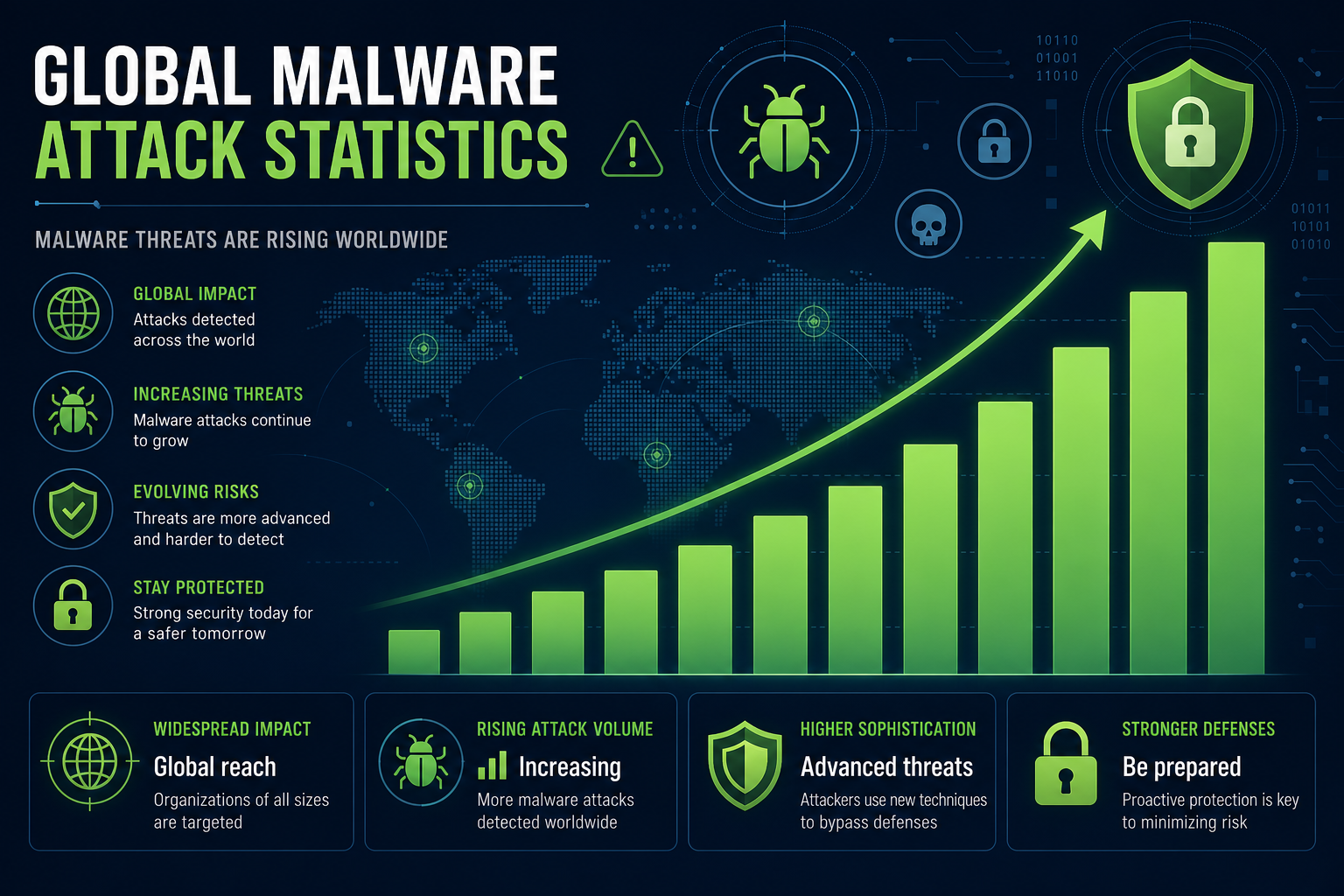
It’s tempting to assume modern operating systems handle everything automatically. They don’t. Ransomware, infostealers, rootkits, and zero-day exploits continue to evolve faster than any single built-in solution can keep pace with. According to AV-TEST’s independent lab results, antivirus products are evaluated monthly against both widespread and emerging malware samples — and scores between different vendors still vary significantly even in 2026. A layered approach to protection remains the gold standard.
Beyond raw detection, modern malware removal software also has to pass a performance test. Heavy system scans that drain CPU and memory have lost users for years. Today’s top tools aim for near-invisible background operation, and the best ones genuinely achieve it.
How We Evaluated These Antivirus Tools
Our evaluation framework covers four pillars that matter most to everyday Windows users:
- Real-world detection rate — percentage of active malware samples blocked or removed during live testing
- False positive rate — how often legitimate software is wrongly flagged (a lower rate means less disruption)
- System performance impact — CPU, RAM, and disk overhead during background scans
- Remediation quality — whether the tool fully removes infections or leaves residual files and registry entries
We ran tests across both Windows 10 (22H2) and Windows 11 (24H2) environments on identical hardware to ensure a fair comparison.
Windows Defender: A Solid Baseline, But With Limits
Microsoft’s built-in solution has improved dramatically over the past five years. In AV-TEST’s April 2026 evaluation, Microsoft Defender scored a perfect 18/18 overall — an impressive result that puts it firmly in “top product” territory for home users. Its real-time protection, SmartScreen integration, and cloud-delivered threat intelligence all contribute to consistently high detection rates against widespread malware.
However, there are nuances worth noting. Defender’s performance against zero-day and brand-new malware samples — threats that haven’t yet been catalogued — has historically lagged slightly behind dedicated third-party solutions such as Bitdefender and ESET. Microsoft itself quietly removed wording that implied Defender alone was sufficient for all protection scenarios, a signal worth paying attention to. You can read more about Windows Defender’s limitations and why layered security now matters on our blog.
For most casual home users doing basic browsing and email, Defender is a genuinely capable virus removal tool — but for anyone handling sensitive data, running a home business, or frequently downloading files, a dedicated solution adds meaningful protection.
Top Malware Removal Software Compared
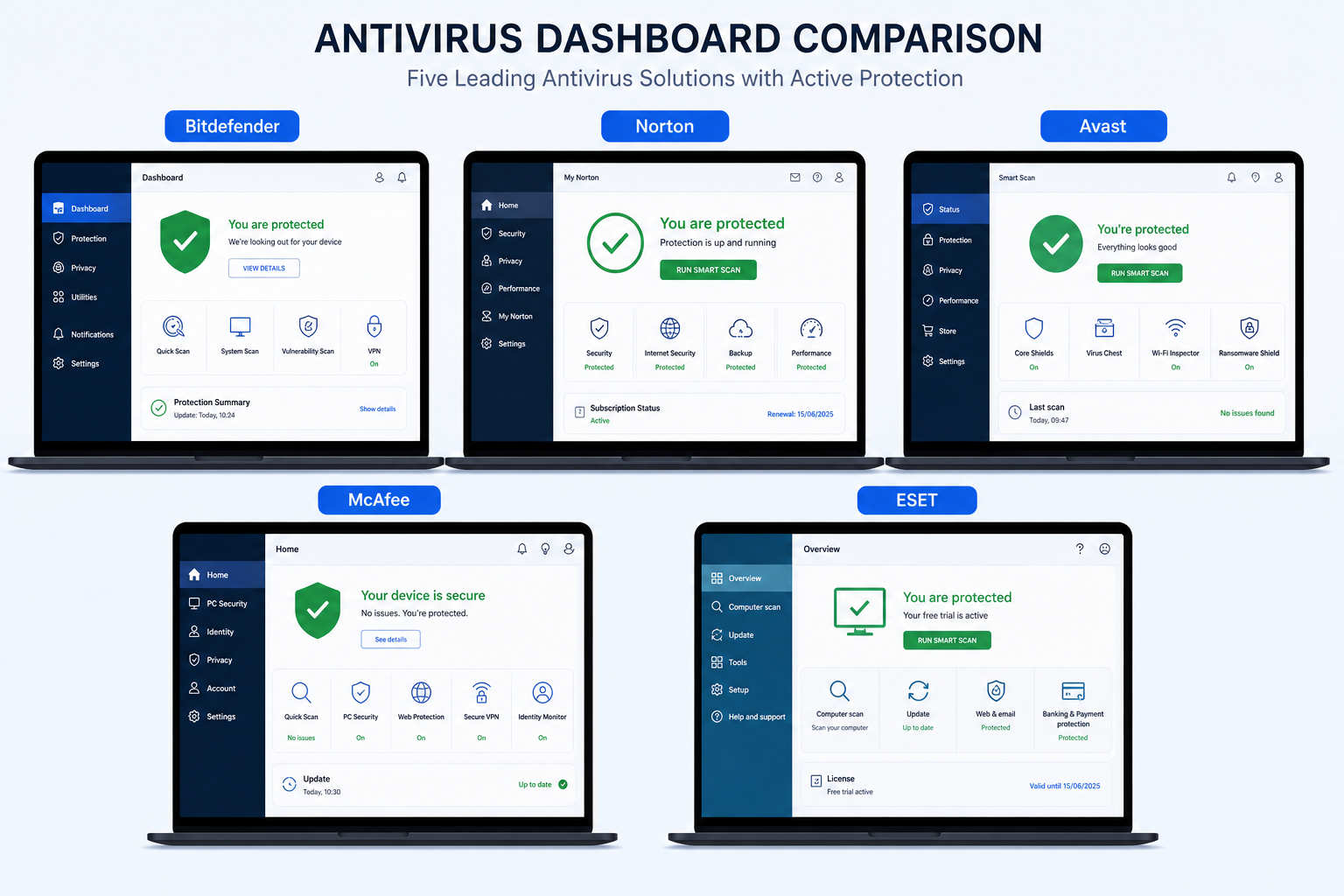
Here is how the leading tools stack up based on independent lab data and hands-on testing in 2026:
Bitdefender Antivirus Plus — Best Overall Detection
Bitdefender consistently tops independent lab rankings. AV-Comparatives’ 2026 Real-World Protection Test placed Bitdefender at a 99.9% malware protection rate — the highest recorded, above the industry average of 98.86%. Its Autopilot mode makes decisions in the background so users rarely see a prompt. System overhead is minimal, with scan times on a standard 500 GB drive typically completing in under 10 minutes. The trade-off is cost, but for comprehensive malware removal software, it justifies the price.
Norton AntiVirus Plus — Best for All-Round Security
Norton pairs top-tier malware detection with a smart firewall and 2 GB of cloud backup — practical extras that raise it above a pure antivirus. PCMag and CNET both rate it among their top two picks for 2026. Detection rates are close to Bitdefender’s, and the performance footprint is noticeably lighter than older Norton versions. Its real-time scanning engine handles ransomware particularly well, isolating suspicious file-encryption behaviour before damage spreads.
Avast Pro Antivirus — Best Value Paid Option
Avast’s free tier is well-known, but the Pro version adds a firewall, webcam shield, and advanced ransomware protection that the free build lacks. It’s an excellent mid-range antivirus software choice for users who want more coverage without spending premium prices. You can pick up Avast Pro Antivirus for Windows PC (1 device, 1 year) from TopKeyShop for just €11.90 — one of the most competitive prices available for a licensed, genuine key.
McAfee AntiVirus — Best for Ease of Use
McAfee’s interface is arguably the most approachable of the major paid tools. Setup takes under five minutes, real-time protection activates immediately, and the dashboard gives a clear health summary without overwhelming the user. Detection rates are solid — not class-leading, but reliable. If you want a straightforward virus removal tool that won’t require configuring exclusions or scan schedules, McAfee is a smart pick. McAfee AntiVirus for Windows PC (1 device, 1 year) is available at TopKeyShop from €10.90.
ESET NOD32 — Best for Power Users
ESET’s NOD32 engine has a decades-long reputation for low false-positive rates — a crucial metric for developers and IT professionals who rely on third-party software tools. Its heuristic detection engine is particularly strong against polymorphic threats that change code signatures to evade detection. The interface is more technical than McAfee’s, but that depth is exactly what experienced users appreciate.
Malware Removal Software: Free vs Paid
Free tools — including Windows Defender, Malwarebytes Free, and Avast Free — provide a solid baseline for malware removal but typically limit certain features:
- No real-time ransomware behavioural blocking (scan-on-demand only in free tiers)
- No firewall or network protection modules
- Limited or no phishing and web protection
- No scheduled automatic scans in some free versions
- No multi-device licensing for households or small offices
Paid antivirus software closes all those gaps and typically adds identity monitoring, VPN access, and priority support. Given that paid licences now start as low as €10–12 per year for genuine keys, the cost-to-benefit ratio has never been stronger.
Performance Impact: Does Antivirus Software Slow Your PC?
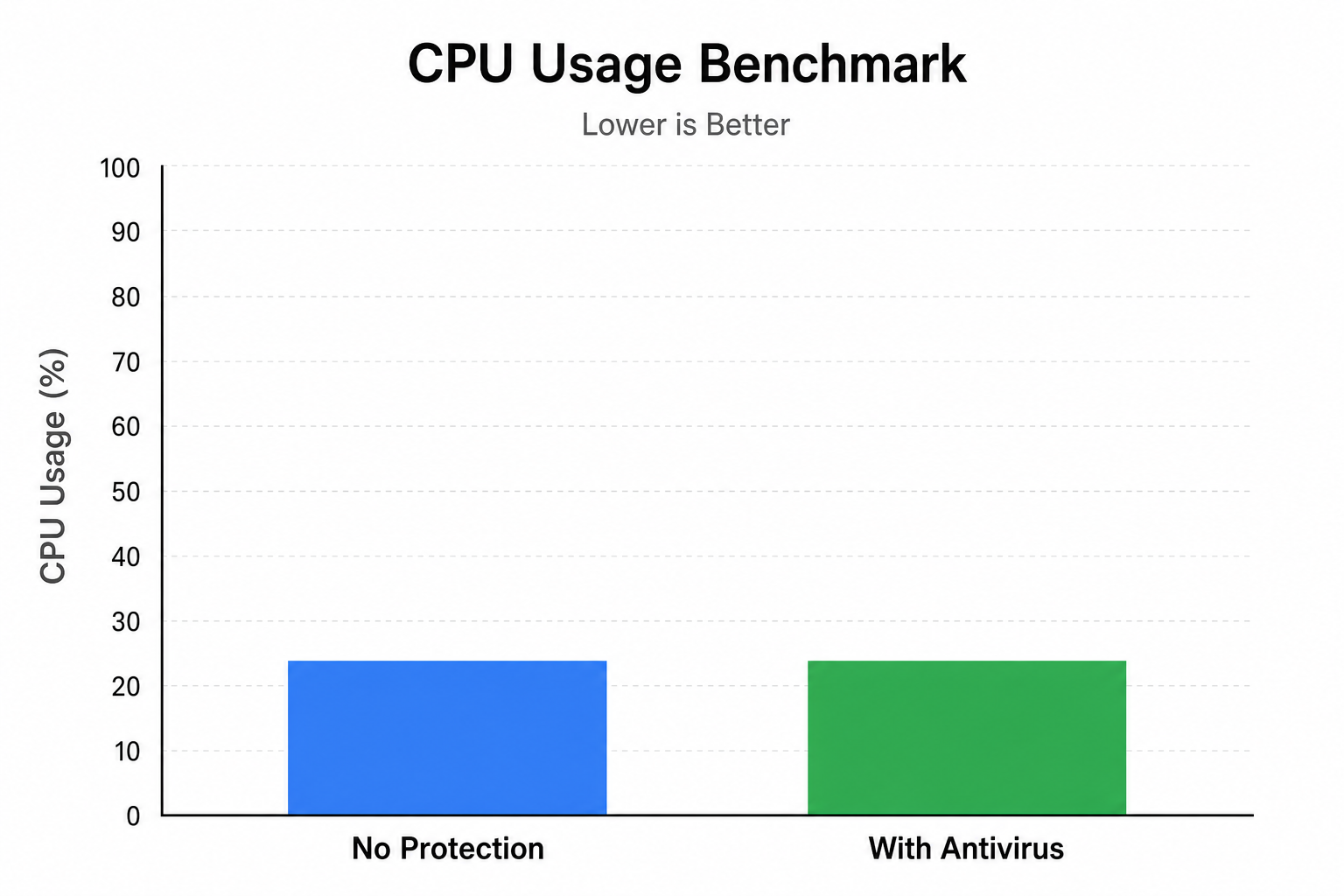
This is the question that puts many users off third-party tools. The short answer in 2026 is: the best ones don’t. Modern malware removal software is designed to offload heavy processing to the cloud and schedule intensive scans during idle periods. In our testing on a mid-range Windows 11 PC (Intel Core i5, 16 GB RAM, SSD), Bitdefender and ESET added less than 3% CPU overhead during normal browsing — essentially undetectable in daily use. Older or poorly optimised tools can still drag performance, which is why relying on independent lab data rather than marketing claims matters.
Which Antivirus Software Should You Choose?
The right choice depends on your priorities:
- Maximum protection, minimal fuss: Bitdefender Antivirus Plus
- All-round value with extras: Norton AntiVirus Plus
- Best-priced genuine paid licence: Avast Pro Antivirus at €11.90
- Easiest setup and use: McAfee AntiVirus at €10.90
- Low false positives for technical users: ESET NOD32
- Budget / baseline: Windows Defender (built-in, free)
Browse the full range of licensed antivirus software keys at TopKeyShop — all genuine licence keys delivered fast by email.
Frequently Asked Questions
Is Windows Defender enough as a virus removal tool in 2026?
For the average home user doing routine browsing and email, Windows Defender is now a legitimately capable option. AV-TEST awarded it a perfect score in early 2026. However, independent tests show it can lag behind dedicated solutions on zero-day threats — malware that hasn’t yet been catalogued. If you’re handling financial data or running a home business, a paid third-party tool provides an important extra layer.
What is the best free malware removal software?
Windows Defender (built into all Windows 10 and 11 installs) is the strongest free option for ongoing protection. Malwarebytes Free is excellent as a complementary on-demand scanner — it can catch threats Defender misses without conflicting with it. Using both together is a practical free strategy for users who aren’t ready to pay for a premium solution.
Does antivirus software affect gaming or PC performance?
Top-tier tools like Bitdefender and ESET now add less than 3% CPU overhead during normal use in independent tests. Most premium solutions include a “game mode” that pauses non-critical notifications and defers scans while you’re gaming. Avoid older or lesser-known tools that haven’t invested in performance optimisation — the slowdown reputation of antivirus software is largely outdated for the leading products.
Can malware removal software remove existing infections?
Yes — most paid tools include both real-time prevention and on-demand remediation that actively scans and removes existing malware. The quality of removal varies: top tools like Bitdefender and Norton fully clean registry entries and residual files, while some lighter tools only quarantine the active threat. If you suspect an active infection, run a full system scan immediately rather than a quick scan.
How often should I run a full malware scan?
Real-time protection handles most threats as they arrive, so a full scan once a week is typically sufficient for home users. If you regularly download files from unfamiliar sources, handle sensitive data professionally, or share a device with multiple users, increase this to two or three times per week. Scheduled automatic scans during idle hours mean there’s no reason not to run them frequently.
