
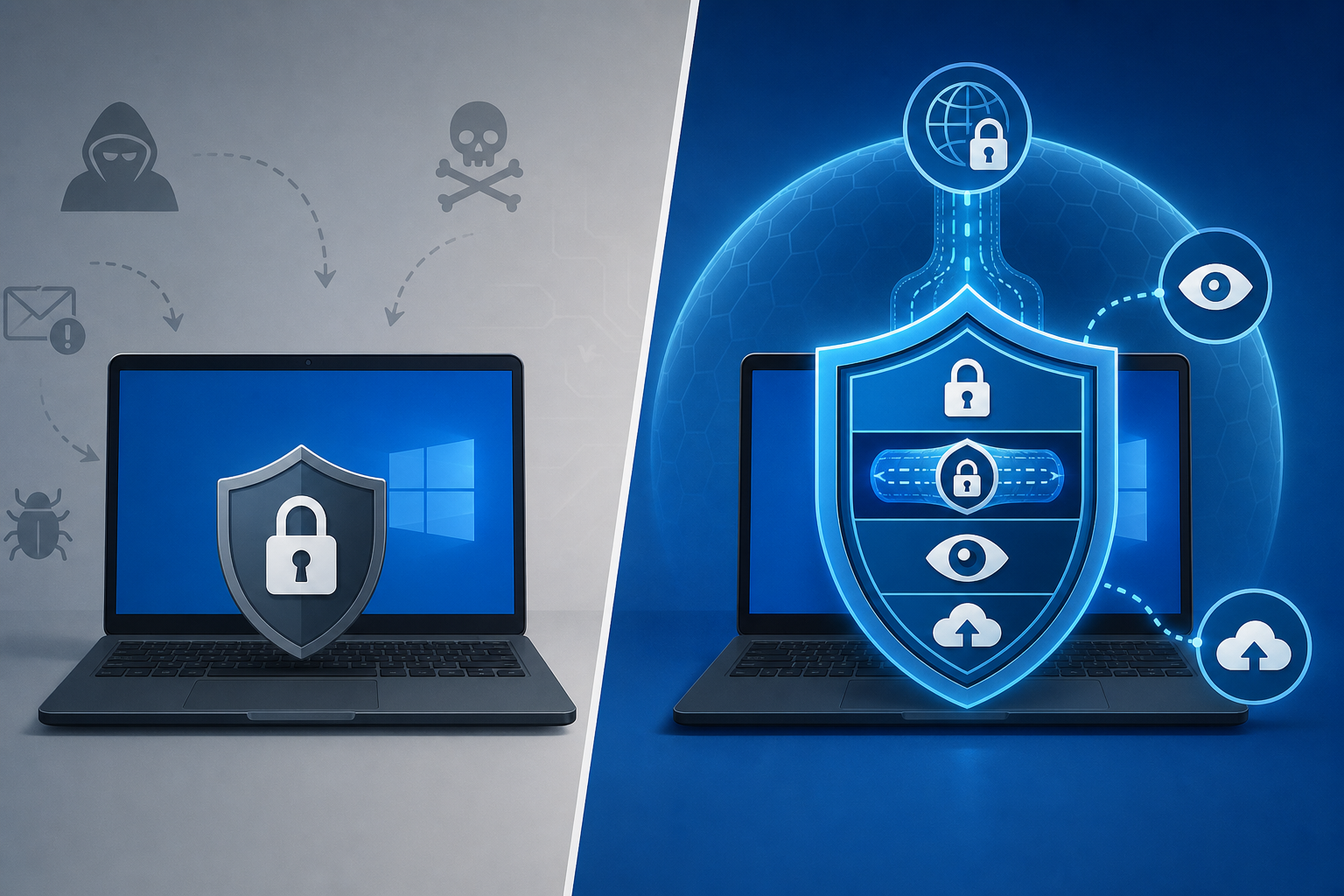
The biggest antivirus limitations in free tools come down to three things: no ransomware rollback, no built-in VPN, and no identity theft monitoring. Free antivirus still catches known malware signatures well, but it stops short of the deeper protection layers that paid suites are built around. If you’re deciding whether to upgrade, understanding exactly what’s missing — not just that “paid is better” — is the only way to make that call rationally.
This isn’t a sales pitch for upgrading across the board. Plenty of cautious, well-informed Windows users genuinely don’t need every paid feature. But a lot of people are also unaware of what their free tool quietly leaves uncovered, and that gap is where real damage happens — a ransomware infection with no recovery path, a leaked password with no monitoring, a public Wi-Fi session with no encryption.
What Are the Core Antivirus Limitations in Free Software?
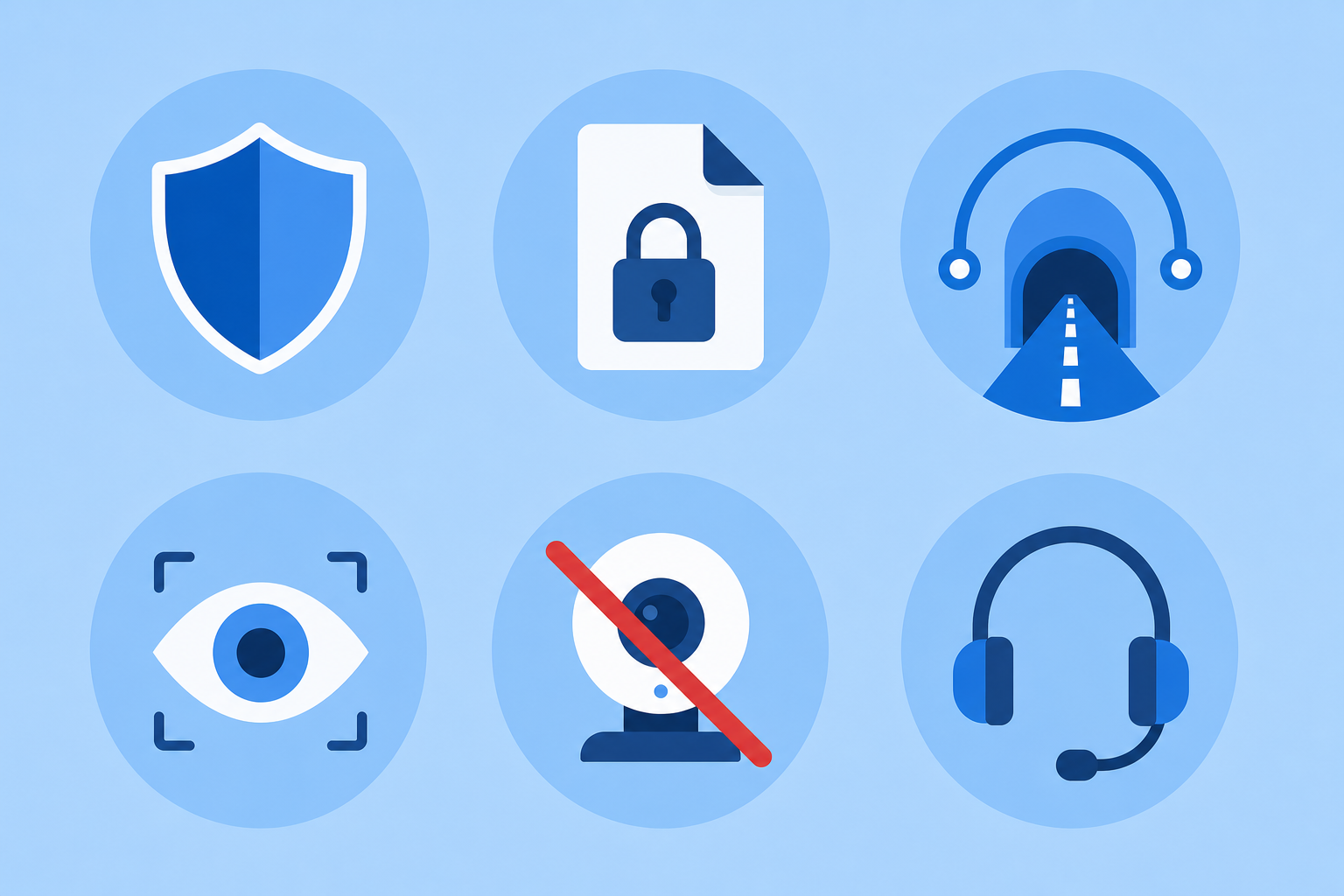
Free antivirus tools are built to do one job well: detect and remove malware using signature and basic heuristic scanning. Everything outside that core job is usually where the antivirus limitations show up.
- No real-time behavioral monitoring — most free tiers rely heavily on known malware signatures, so brand-new or modified threats can slip through until the database updates.
- No ransomware rollback — if files get encrypted, free tools can usually detect and block the process, but they can’t restore what’s already been locked.
- No VPN or limited VPN data — public Wi-Fi traffic stays unencrypted, or you get a few hundred MB a month that won’t cover real use.
- No identity or dark web monitoring — free tools won’t tell you if your email or passwords show up in a data breach.
- No webcam/mic protection or firewall tuning — these sit behind paywalls in most product lines, including Microsoft’s own built-in protection.
- Limited or no live support — free users often get forum help only, while paid tiers include direct technical support.
None of this means free antivirus is useless. It means it’s a floor, not a ceiling — and for anyone handling sensitive data, banking, or remote work, that floor can be too low.
Windows Defender’s Own Antivirus Limitations
Microsoft Defender, built into every modern Windows PC, sits in an interesting middle ground: it’s free, genuinely well-rated for malware detection, and improves every year. But its antivirus limitations are well documented. Microsoft itself has scaled back language suggesting Defender alone is sufficient for every user, and independent testing labs consistently show paid suites adding features Defender doesn’t touch — ransomware file recovery, VPN, and identity monitoring among them. If you want a deeper breakdown of exactly where Defender’s coverage ends, we’ve covered that in detail in our piece on Windows Defender limitations and layered security.
Ransomware Rollback: The Biggest Gap in Free Tools
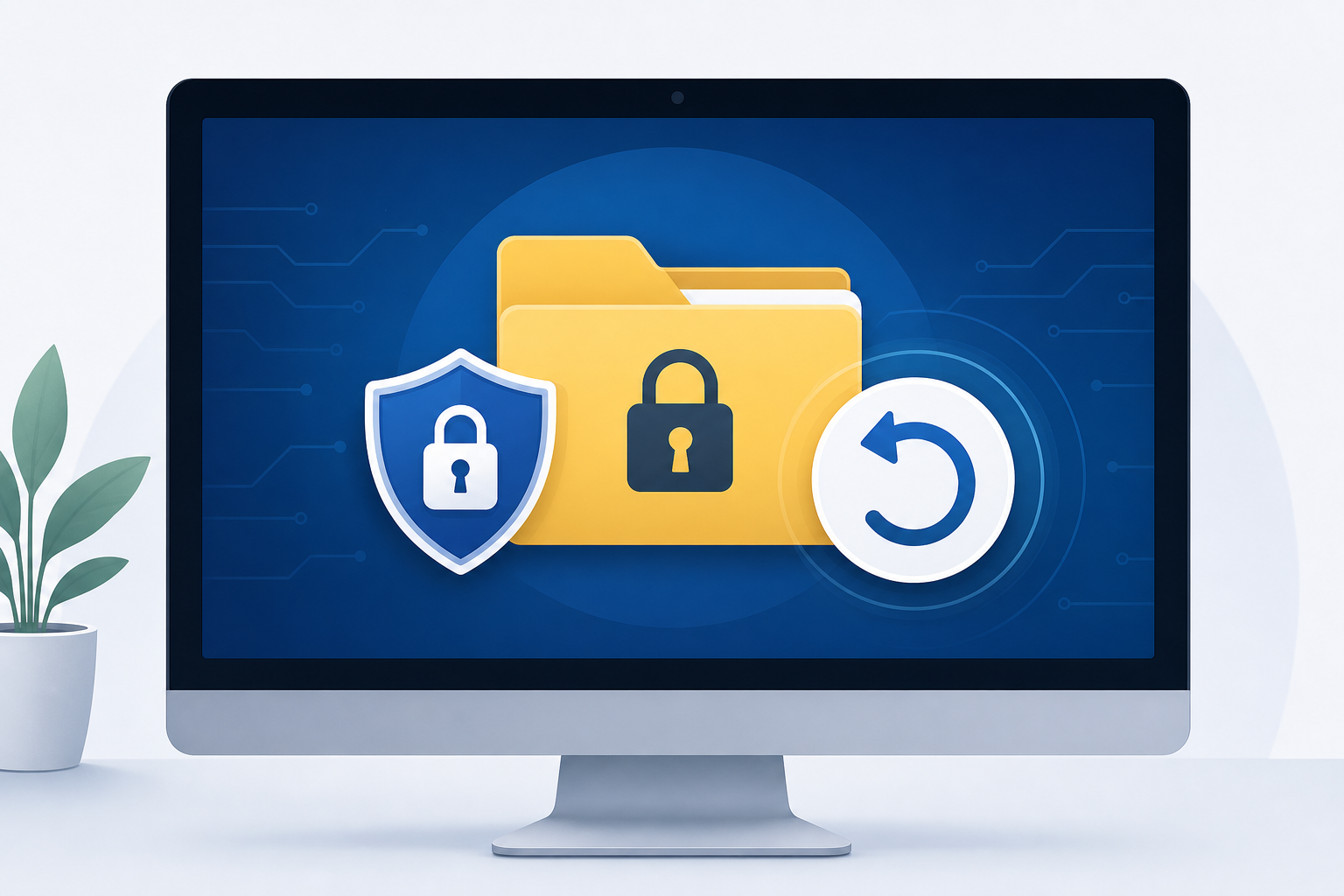
Ransomware rollback — the ability to automatically restore encrypted files to their pre-attack state — is almost never included in free antivirus tiers. This single feature is arguably the most consequential antivirus limitation for everyday users, because ransomware doesn’t just infect a device, it destroys access to irreplaceable files: photos, tax documents, work projects.
Free tools generally detect and quarantine known ransomware strains. What they can’t do is reverse the damage once encryption starts, because rollback requires continuously cached file snapshots running in the background — a resource-intensive feature reserved for paid tiers. Paid antivirus suites that include rollback keep rolling backups of modified files specifically so they can restore them the moment ransomware behavior is detected, often within seconds of the first encrypted file.
We go into how modern ransomware defense actually works, including what separates basic blocking from true rollback, in our article on whether antivirus stops ransomware in 2026.
VPN Coverage: Another Common Antivirus Limitation
A VPN isn’t technically antivirus software, but most paid security suites now bundle one — and its absence from free antivirus is a real-world risk, not a nice-to-have. Free antivirus protects the files on your device; it does nothing for the data traveling between your device and the internet.
- Public Wi-Fi at airports, cafes, and hotels is a common point for data interception.
- Without encryption, login credentials and session data can be exposed on unsecured networks.
- Paid suites typically include unlimited or high-cap VPN data; free antivirus either omits it entirely or caps it at a few hundred MB monthly — enough for occasional checks, not daily use.
If your Windows PC regularly connects to networks you don’t control, this particular antivirus limitation is one of the more tangible reasons people upgrade.
Identity Monitoring: What Free Antivirus Doesn’t Watch
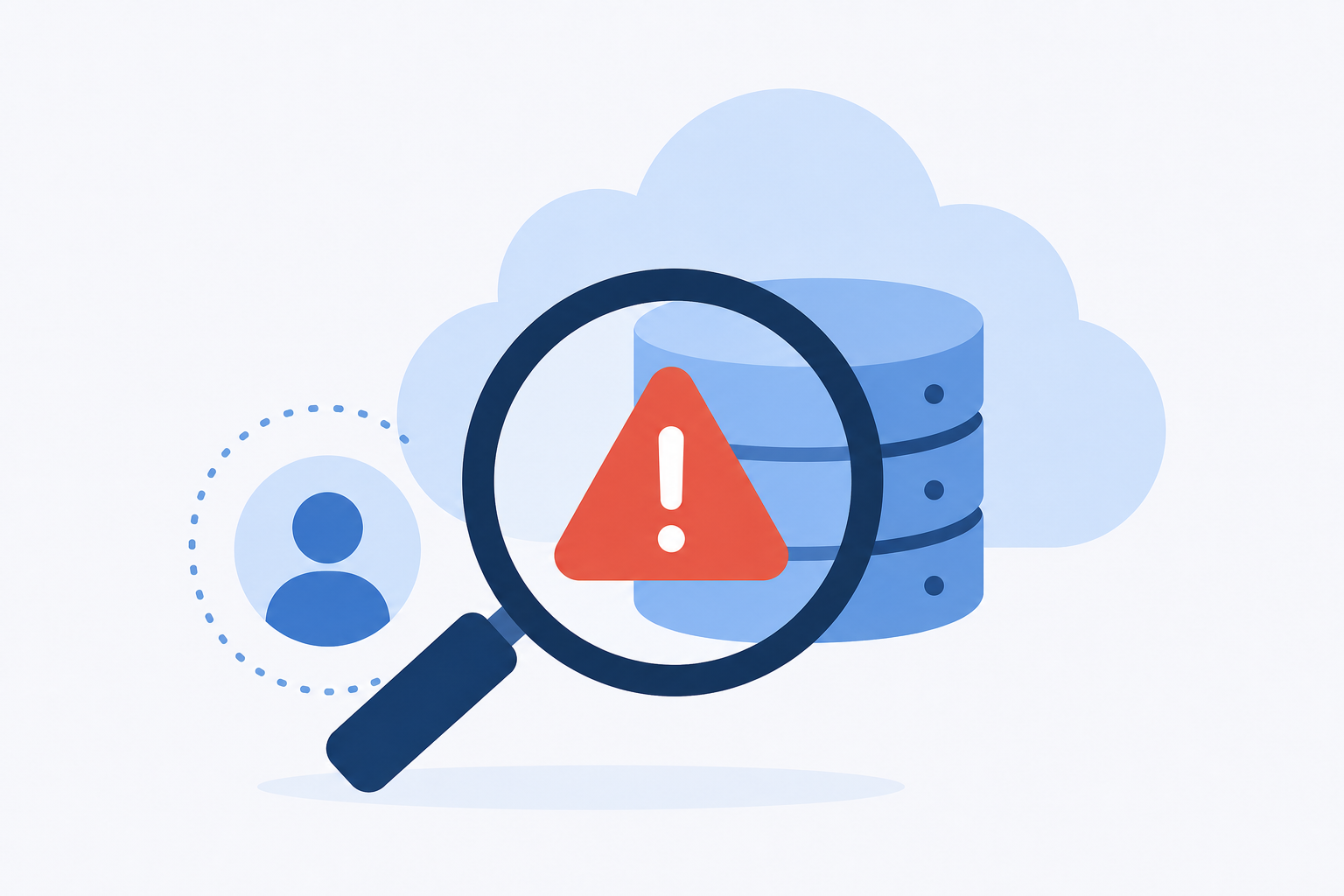
Identity and dark web monitoring alert you when your email, passwords, or personal details appear in a known data breach — and it’s one of the clearest antivirus limitations separating free and paid tiers. Free antivirus has no visibility into breach databases at all; it only scans the files already on your machine.
Paid suites with identity monitoring typically scan breach databases continuously and notify you within hours to days of a new exposure, giving you a window to change passwords before stolen credentials get used. For anyone who reuses passwords across services, or who has financial accounts tied to an email address that’s been online for years, this gap matters more than most people realize.
Support, Updates, and Other Smaller Antivirus Limitations
Beyond the headline features, there are quieter antivirus limitations that add friction over time:
- Update frequency — paid tiers often get threat definition updates and engine improvements faster.
- Device coverage — free tiers are usually single-device; paid plans cover multiple PCs, phones, and tablets under one license.
- Ad-driven upsells — free antivirus often nags with in-app prompts to upgrade, which isn’t a security issue but is a daily annoyance.
- Firewall and network tools — free versions typically rely on the OS firewall rather than offering their own tuned, application-aware firewall.
- Parental controls — rarely included free, standard in family-tier paid plans.
Is Upgrading From Free Antivirus Worth It?
Upgrading is worth it if you handle sensitive data, connect to public networks often, or want ransomware recovery rather than just ransomware blocking. It’s less urgent if your PC is used for light browsing on a secured home network and you’re diligent about backups and software updates.
A useful way to decide: list what you actually do on the device. Online banking, remote work, storing family photos, or using public Wi-Fi each push the case toward paid protection. Casual browsing on a single home PC with regular backups pushes it the other way.
According to independent testing from AV-TEST’s ongoing home-user evaluations, both free and paid products can score well on raw malware detection — the difference consistently shows up in the extra protection layers, not detection rates alone. That lines up with what we’ve found: the antivirus limitations of free tools are rarely about catching less malware, and almost always about what happens before and after detection.
Paid Antivirus Options Worth Comparing
If you’ve decided the gaps are worth closing, two well-established paid options are Avast Pro Antivirus, priced at €11.90 for a 1-year single-device license, and McAfee AntiVirus, priced at €10.90 for the same term. Both add real-time protection layers and support well beyond what free tiers offer, and both include genuine activation keys with official download links. You can compare the full range of available options in our antivirus category.
FAQ
What’s the single biggest antivirus limitation in free software?
The lack of ransomware rollback is usually the most consequential. Free tools can block known ransomware but can’t restore files that are already encrypted, which means a successful attack can still cost you everything on the device.
Does Windows Defender have the same antivirus limitations as other free tools?
Largely yes. Defender is a capable free antivirus with strong detection rates, but it doesn’t include a VPN, identity monitoring, or ransomware file recovery — the same gaps found across most free antivirus products.
Is a free VPN enough if my antivirus doesn’t include one?
Free VPNs vary widely in quality, and many log or throttle data in ways a paid, bundled VPN usually doesn’t. If you rely on public Wi-Fi often, a VPN included in a paid security suite is typically more consistent.
Can I add identity monitoring separately instead of upgrading my antivirus?
Yes, standalone identity monitoring services exist, but bundling it into a paid antivirus suite is usually cheaper and simpler to manage than running separate subscriptions.
Will upgrading to paid antivirus slow down my PC?
Modern paid suites are generally optimized to run efficiently in the background, and most independent testing labs now factor system performance impact into their scoring, so reputable paid products rarely cause noticeable slowdown.
How do I know if my current antivirus already covers these gaps?
Check your product’s feature list against VPN, identity monitoring, and ransomware rollback specifically — these are the three areas where antivirus limitations most often appear, even in some paid entry-level tiers.
