
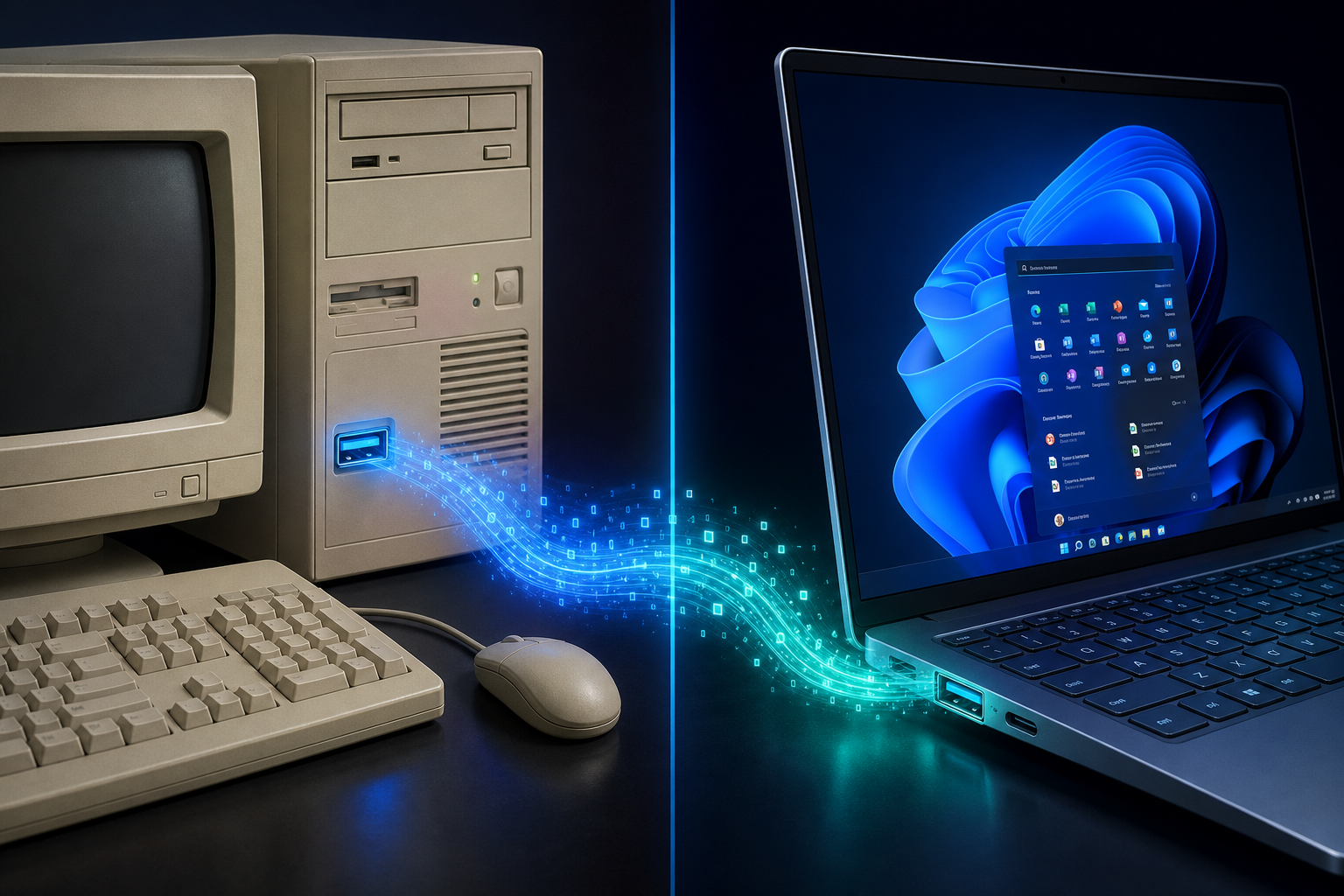
USB driver support has always been one of the most critical bridges between hardware and operating system — and in 2026, a developer named Yeo Kheng Meng proved that bridge can still be built for operating systems nearly 30 years old. The xHCI98 project delivers working USB host controller drivers for Windows 98, Windows ME, and Windows 2000, letting vintage machines communicate with modern USB 3.x ports for the first time. Whether you maintain a retro rig or simply want to understand how Windows USB drivers work under the hood, this story is a masterclass in low-level software engineering.
What Is the xHCI98 Driver and Why Does It Matter?
The xHCI98 driver is an open-source Windows USB driver project created by Singaporean developer Yeo Kheng Meng. Its purpose is to give Windows 98 SE and Windows 2000 SP4 the ability to communicate with eXtensible Host Controller Interface (xHCI) USB controllers — the very same type found in virtually every modern motherboard sold today. Before xHCI98, running Windows 98 on any PC built after roughly 2015 meant no USB at all, because modern boards have dropped legacy OHCI/UHCI/EHCI controllers entirely in favour of xHCI. That made booting a vintage OS on current hardware essentially impossible without USB input devices.
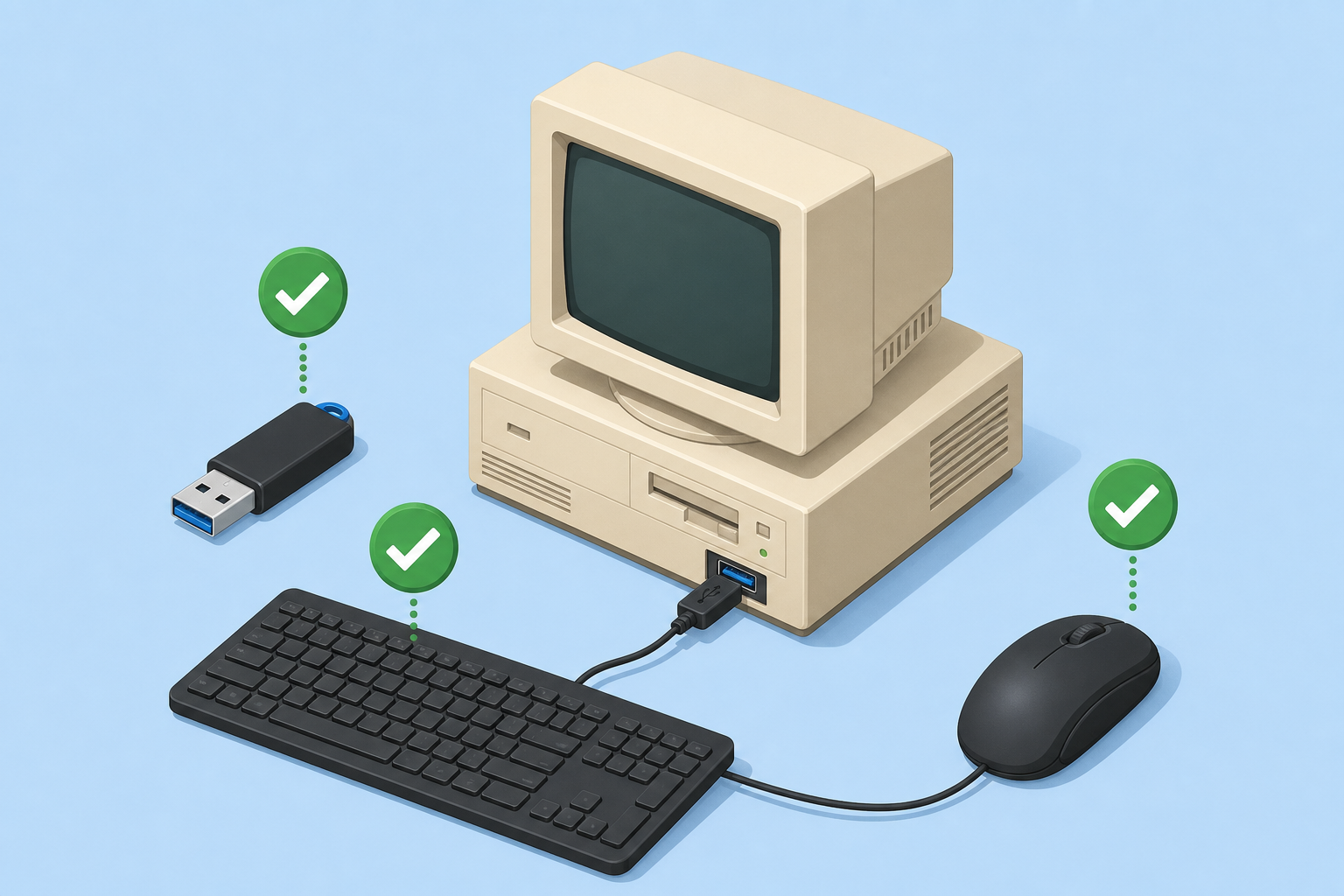
The driver fills that gap. It implements just enough of the xHCI specification to allow USB 2.0-speed communication through a USB 3.x port — meaning you can plug in a keyboard, mouse, or USB flash drive and have Windows 98 recognise it. It does not unlock full USB 3.0 speeds (those require OS-level changes far beyond one driver), but USB 2.0 headroom — up to 480 Mbps — is more than sufficient for vintage computing tasks.
How Legacy USB Support Was Lost in the First Place
Legacy USB support in Windows 98 and 2000 was written for a completely different era. When those operating systems shipped — Windows 98 in June 1998 and Windows 2000 in February 2000 — USB 1.1 was the prevailing standard. Microsoft implemented OHCI (Open Host Controller Interface) and UHCI (Universal Host Controller Interface) drivers, which served well for years. When USB 2.0 arrived in 2000–2001, the EHCI (Enhanced Host Controller Interface) driver was later backported to Windows 2000 and included in Windows XP, but Windows 98 and ME never received full official EHCI support from Microsoft.
Fast-forward to 2013 and the introduction of xHCI as the dominant host controller standard for USB 3.0 and beyond, and the final thread connecting vintage Windows to modern hardware was cut. Motherboard manufacturers stopped including EHCI controllers, and the Windows 9x/2000 driver stack had no answer. That gap persisted for over a decade until xHCI98 arrived in 2026.
The Technical Achievement Behind Windows USB Drivers for Vintage Systems
Building a USB host controller driver for Windows 98 is genuinely difficult. The Windows 9x driver model (VxD and WDM hybrids) is archaic, poorly documented by today’s standards, and has almost no modern toolchain support. Yeo Kheng Meng’s approach was to write a WDM (Windows Driver Model) minidriver that hooks into the existing NUSB (Natural USB) 3.3 stack — a community project that extended Windows 98’s USB capabilities — and translates xHCI register-level commands into something the vintage OS’s USB class drivers can consume.
Key technical facts about xHCI98:
- Works on Windows 98 SE and Windows 2000 SP4 (the most stable releases of each OS).
- Requires the NUSB 3.3 add-on stack to be installed first on Windows 98.
- Provides USB 2.0-speed (up to 480 Mbps) access through physical USB 3.x ports.
- Compatible with Intel chipset xHCI controllers; AMD support is ongoing.
- Pairs with existing Windows 98 USB mass storage and HID drivers for keyboards and mice.
- Source code is publicly available, encouraging community testing and contributions.
The driver correctly implements ring buffer management, TRB (Transfer Request Block) scheduling, and interrupt handling within the constraints of a 32-bit protected-mode 1990s kernel — no small feat. Full technical documentation is available on Yeo Kheng Meng’s project write-up, which remains the authoritative source for implementation details.
USB Host Controller: A Primer for the Curious
If you’ve never dug into how USB actually works at the hardware level, the xHCI98 story is a good excuse to start. A USB host controller is the chip on your motherboard (or PCIe card) that manages all USB traffic. The host controller standard defines how the operating system talks to that chip — what registers to read, what commands to write, and how to sequence data transfers.
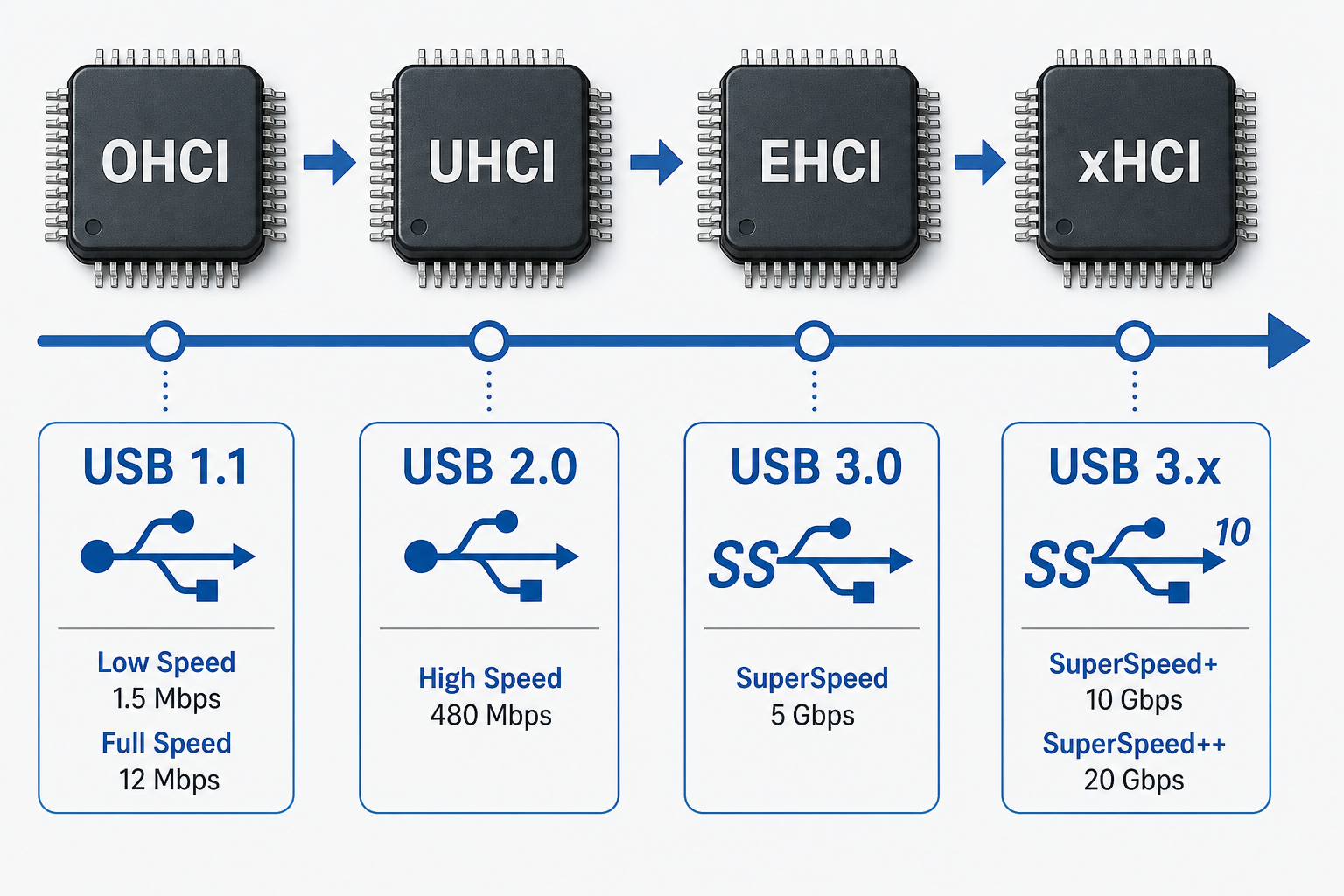
There have been four major host controller standards:
- OHCI — Open Host Controller Interface, USB 1.1, used by many chipsets in the late 1990s.
- UHCI — Universal Host Controller Interface, also USB 1.1, favoured by Intel in the same era.
- EHCI — Enhanced Host Controller Interface, USB 2.0, introduced around 2001.
- xHCI — eXtensible Host Controller Interface, USB 3.0 and above, the current universal standard since 2013.
Because xHCI is backwards-compatible at the hardware level (a USB 2.0 device plugged into a USB 3.x port still works), xHCI98 can leverage that backwards compatibility to give Windows 98 USB 2.0 functionality through a modern port — even though the OS has no concept of USB 3.0 whatsoever.
Who Benefits from This Legacy USB Support Breakthrough?
The xHCI98 driver is a niche but genuinely useful tool. The people most likely to benefit fall into a few clear groups:
- Retro gaming enthusiasts who want to run Windows 98-era titles on actual period-accurate (or period-approximate) hardware without hunting for obsolete USB cards.
- Industrial and laboratory users who maintain measurement or control equipment running Windows 2000 and cannot — legally or economically — migrate to a modern OS.
- Archivists and historians preserving software that must run on its original OS, including government, academic, and creative archives.
- Developers and reverse engineers studying vintage OS internals, who now have an easier path to running those OSes on current test hardware.
For most everyday users, this project serves more as a fascinating proof of concept than a practical necessity. If your goal is a fast, secure, and fully supported PC experience, the right answer is a modern operating system — not a 1998 one held together with community patches.
Windows USB Driver Support in Modern Windows: Where Things Stand Today
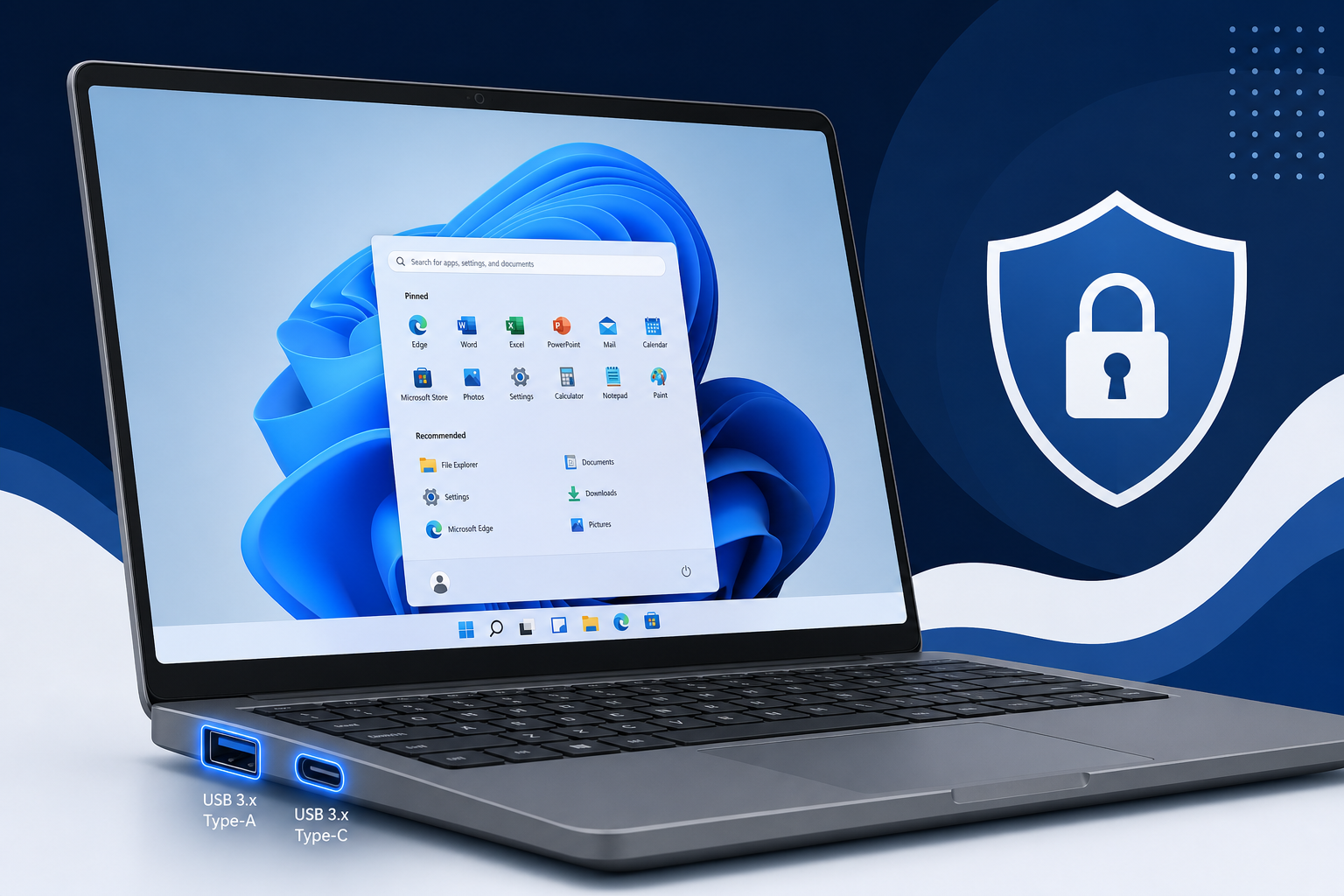
While the retro community celebrates xHCI98, it’s worth stepping back to appreciate how mature Windows USB driver support has become in current operating systems. Windows 10 and Windows 11 ship with native xHCI drivers that handle USB 3.2 Gen 2×2 (up to 20 Gbps) and USB4 (up to 40 Gbps) out of the box — no manual driver hunting required. Windows Update automatically delivers updated USB host controller drivers as chipset vendors release them, so users rarely think about USB driver support at all.
That “it just works” experience is the product of decades of driver framework evolution. Windows 10 introduced the WDF (Windows Driver Framework) model that simplified driver development, and Windows 11 extended USB4 support and improved Thunderbolt 4 interoperability. The contrast with the painstaking manual work required to build xHCI98 for Windows 98 is stark — and serves as a reminder of how much engineering effort underpins a modern operating system.
If you’re still running Windows 10 or haven’t yet moved to Windows 11, it’s also worth knowing that Microsoft has extended free Windows 10 security updates, though eventually migrating to Windows 11 remains the recommended path for full hardware compatibility — including the best possible USB driver support for next-generation peripherals.
Should You Upgrade from a Legacy Windows OS?
The xHCI98 project is inspirational, but it also highlights the real limitations of running a legacy OS in a modern world. USB driver support is just one of dozens of compatibility layers that need patching on vintage systems. Security is a far more pressing concern — Windows 98 and 2000 receive no security patches and should never be connected to the internet. Even Windows 7, which only reached end of support in January 2020, carries significant risk for internet-connected machines.
For anyone running a legacy system for non-specialist reasons, upgrading to a genuinely supported OS is the practical move. Windows 11 brings the strongest USB driver support of any Windows release, along with hardware security features, DirectStorage for faster game loading, and a development roadmap that runs well into the 2030s. If the hardware requirement hurdle is a concern, Windows 10 remains a solid, supported option through October 2025 for most editions.
You can explore genuine Windows 11 licence keys, or grab a Windows 11 licence from TopKeyShop starting from just €14.70, with fast email delivery and official Microsoft download links included. If Windows 10 is still the right fit for your hardware, the Windows 10 licence category has Home and Pro options from €12.40.
Legacy Software on Modern Windows: A Practical Middle Ground
For users who need to run older applications but don’t want to maintain an actual vintage OS, modern Windows offers several compatibility paths that are far more practical than xHCI98-style driver archaeology. Windows 11’s built-in compatibility modes, virtual machines via Hyper-V, and sandboxed environments let most legacy Windows software run safely on current hardware. Our in-depth guide to running legacy Windows software on Windows 11 covers the practical options — from 32-bit app support to DOSBox for truly ancient titles.
The xHCI98 driver is a testament to what dedicated open-source developers can accomplish. For the retro community, it’s a landmark achievement. For everyone else, it’s a vivid reminder that a modern, supported Windows licence is the simplest path to hardware compatibility — including flawless USB driver support for whatever peripheral you plug in next.
Frequently Asked Questions
What does the xHCI98 driver actually do?
The xHCI98 driver gives Windows 98 SE and Windows 2000 SP4 the ability to communicate with modern xHCI USB host controllers — the type built into virtually every PC motherboard made since 2013. Without this driver, those vintage operating systems cannot recognise any USB device on modern hardware. With it, USB 2.0-speed access becomes possible through USB 3.x physical ports.
Does xHCI98 give Windows 98 full USB 3.0 speed?
No. The driver uses the xHCI controller’s backwards-compatible USB 2.0 mode, meaning maximum transfer speeds are capped at 480 Mbps — the USB 2.0 ceiling. Full USB 3.0 (5 Gbps) or higher speeds would require fundamental changes to the Windows 9x kernel that go far beyond a single driver. For retro computing tasks, USB 2.0 headroom is more than adequate.
Is Windows USB driver support automatic on Windows 10 and 11?
Yes. Both Windows 10 and Windows 11 include native xHCI drivers that handle USB 3.2 and USB4 automatically. Windows Update keeps these drivers current, so users almost never need to manually install or update USB drivers on modern systems. This is one of the key advantages of running a supported, up-to-date operating system.
Can I run Windows 98 software on Windows 11 instead of maintaining a vintage OS?
In many cases, yes. Windows 11 supports a large subset of legacy 32-bit applications natively, and tools like DOSBox, virtual machines, or compatibility layers handle many older titles. Our guide to legacy Windows software on Windows 11 details the options. It’s generally far simpler and more secure than maintaining an actual Windows 98 installation.
What is a USB host controller, and why does it matter for driver support?
A USB host controller is the hardware chip that manages all USB communication on your PC. The operating system needs a matching driver to talk to it. Modern PCs use xHCI controllers; older ones used OHCI, UHCI, or EHCI. When the hardware standard changes and the OS has no matching driver — as happened with Windows 98 and xHCI — USB stops working entirely. The xHCI98 project solves exactly this mismatch.
Where can I get a genuine Windows 11 licence to replace a legacy OS?
TopKeyShop offers genuine Windows 11 Home and Pro licence keys with fast email delivery and official Microsoft download links. Prices start from €14.70 for Windows 11 Home, making it one of the most cost-effective ways to get fully modern USB driver support and all the security benefits of a current, maintained operating system.
