

The Windows 11 July update (KB5062553, released 8 July 2025 for 24H2) didn’t arrive with fanfare, but beneath the security fixes sits a set of genuinely useful improvements. Whether you care about squeezing more battery life from a laptop, getting smoother performance on everyday tasks, or streamlining a voice-heavy workflow, at least one change in this update will affect how you use your PC every single day.
What Is the Windows 11 July Update (KB5062553)?
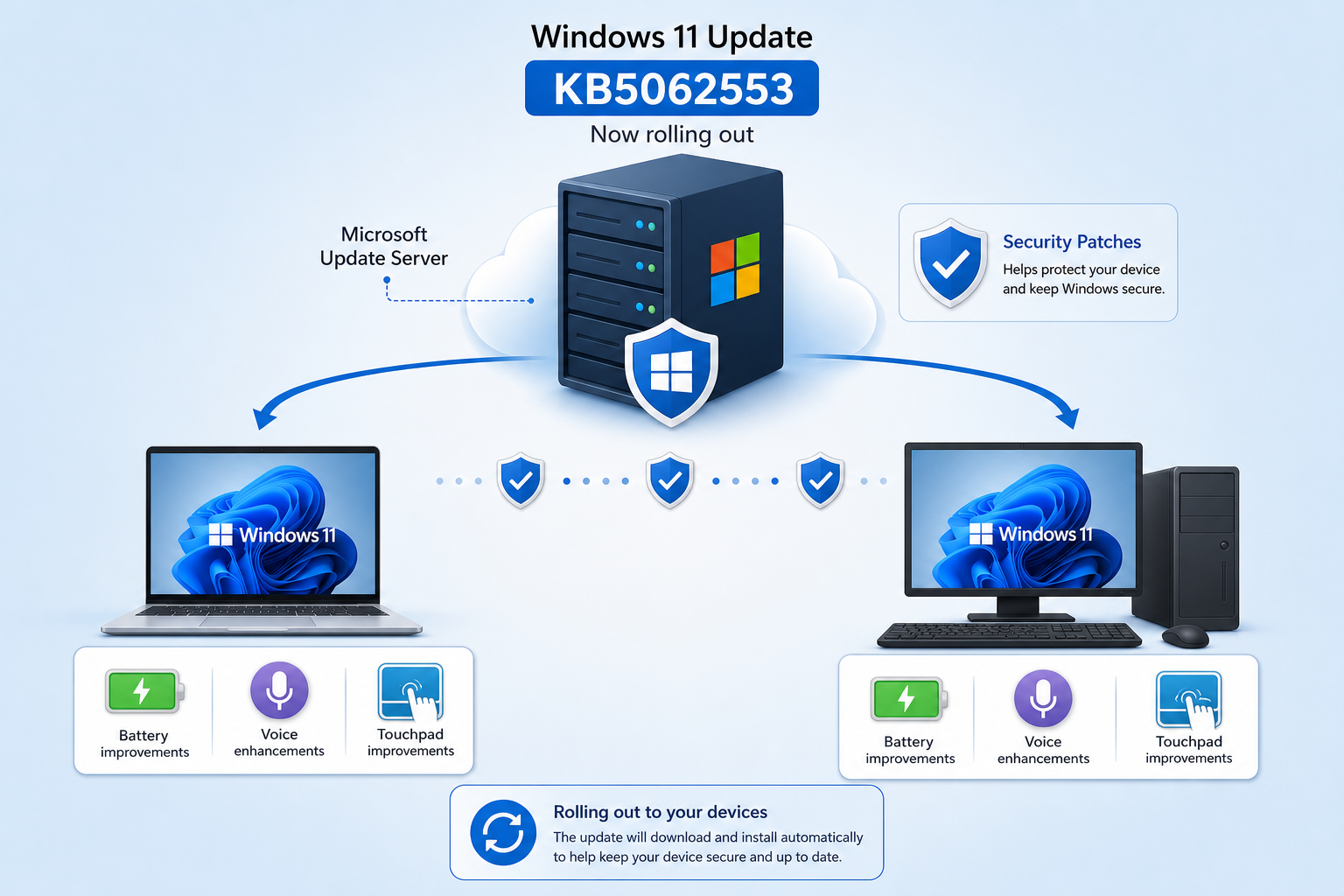
KB5062553 is Microsoft’s July 2025 Patch Tuesday cumulative update for Windows 11 version 24H2, landing devices on OS Build 26100.4652. It rolls in the usual security patches but also ships new functionality — voice isolation, custom battery power-saving levels, reworked touchpad gestures, improved File Explorer search, and more. The update is delivered automatically through Windows Update, so most machines already have it. What most users haven’t done is explore the new settings it unlocked.
1. Voice Isolation Makes Voice Access Actually Usable
Voice Access has been one of Windows 11’s most underappreciated accessibility tools — but background noise made it unreliable in real-world environments. The July 2025 Windows update adds a Voice Isolation toggle that filters out other speakers, ambient sound, and echo before the speech engine ever processes your words.
-
Open Settings → Accessibility → Voice Access and enable Voice Isolation from the options panel.
-
Works in real time — no reboot needed after toggling.
-
Particularly valuable in open-plan offices or shared home workspaces.
-
Compatible with any microphone, though external mics benefit most.
The improvement is substantial. In noisy conditions that previously caused misrecognition every few sentences, Voice Isolation reduces errors dramatically — making hands-free PC control finally practical for sustained use.
2. Custom Battery Power-Saving Levels Give Laptops New Flexibility
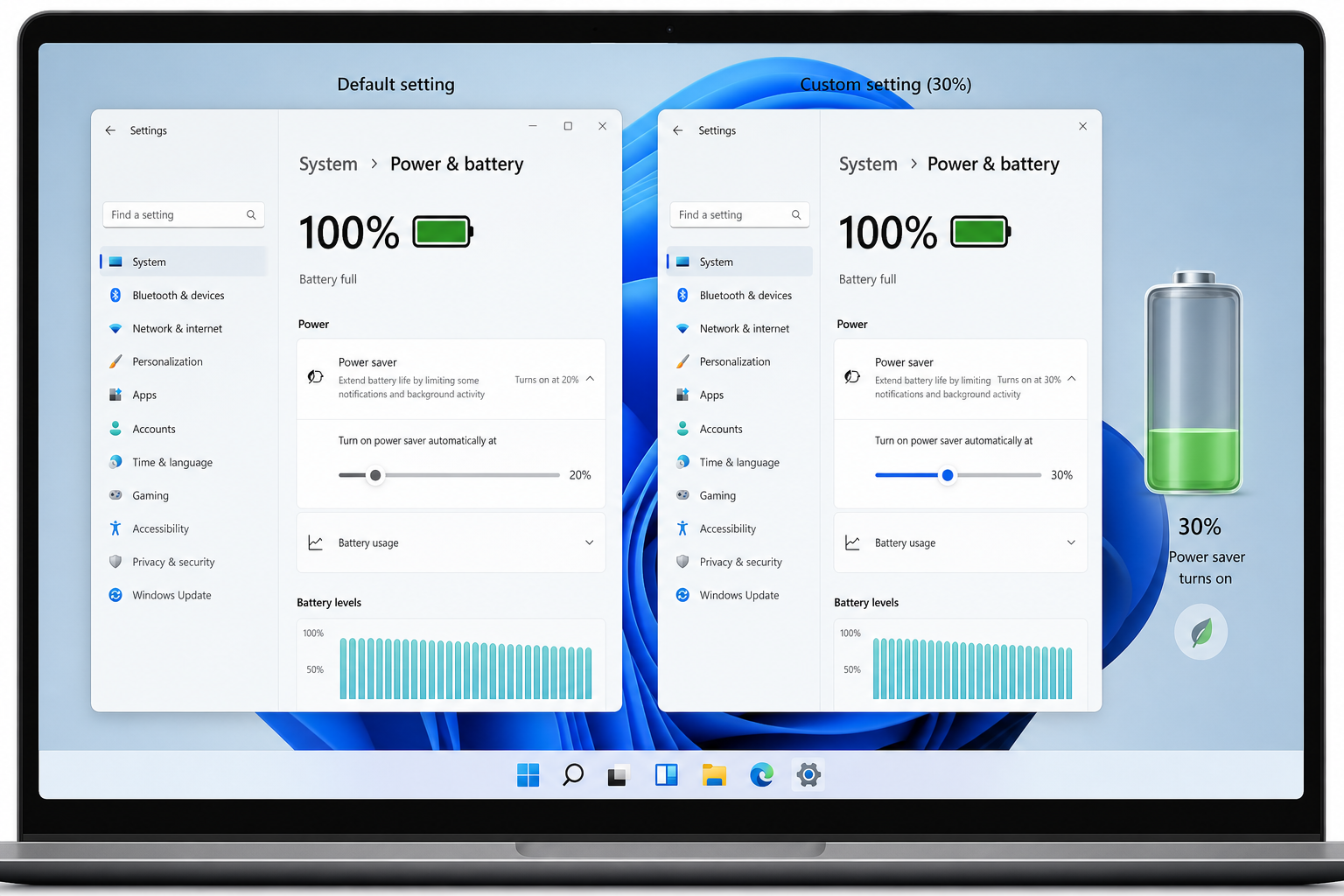
Battery management was one of the headline additions in this Windows 11 performance update. Previously, Windows 11’s power slider offered three presets — Best Performance, Balanced, and Battery Saver — with no middle ground. KB5062553 introduces custom battery power-saving thresholds: you can now define exactly what battery percentage triggers Power Saver mode, and configure independent performance targets for plugged-in versus on-battery states.
To access these settings, go to Settings → System → Power & Battery → Battery Saver. You’ll see a new slider alongside a percentage field for the trigger threshold. Setting Battery Saver to kick in at 30% rather than the default 20%, combined with a custom on-battery performance cap, can extend unplugged runtime by a measurable margin without forcing your machine into sluggish territory too early.
This is particularly relevant for users on older hardware where battery capacity has degraded — granular control lets you compensate in software what you’ve lost in chemistry.
3. Touchpad Gesture Improvements Benefit the Windows 11 Update Features
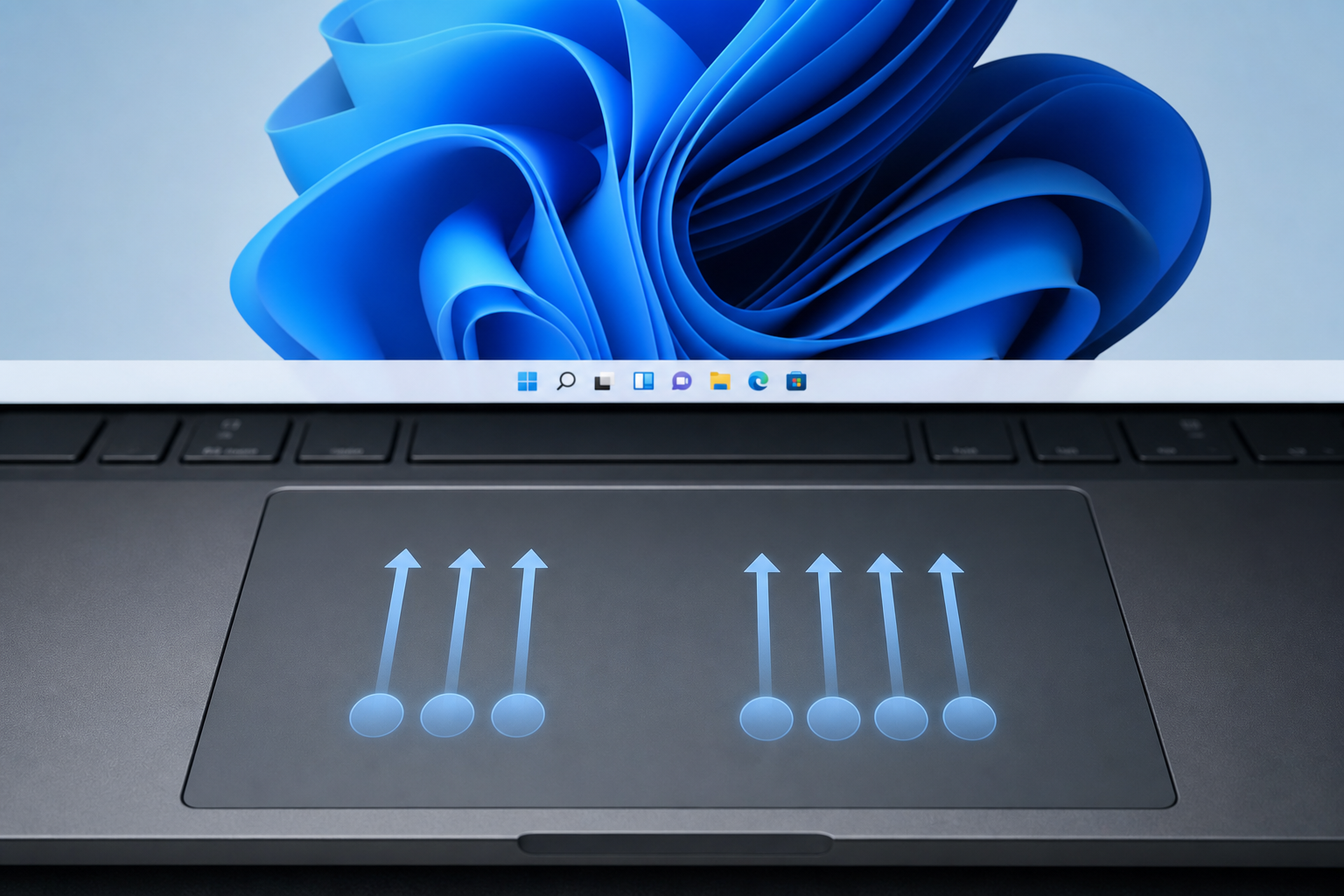
The July update quietly expanded the touchpad gesture vocabulary for compatible hardware. Three-finger swipes now have more configurable actions, and the gesture recognition latency has been reduced — the difference is subtle but real when you’re switching between browser tabs and virtual desktops dozens of times a day.
-
Go to Settings → Bluetooth & devices → Touchpad to see the new gesture assignment options.
-
Three-finger taps can now be mapped to custom shortcuts rather than just the fixed defaults.
-
Four-finger gestures (previously limited to desktops switching) now support volume and media controls.
-
Sensitivity fine-tuning has an additional step in the slider, reducing accidental palm triggers.
Laptop users who rely on the touchpad rather than an external mouse will notice the gesture latency improvement immediately — it makes the interaction feel closer to a precision trackpad experience.
4. File Explorer Search Gets Faster and More Accurate
Search inside File Explorer has been a long-standing frustration. The Windows 11 update features introduced in July address two specific complaints: the delay before results appear, and the tendency for the engine to miss files that clearly matched the query.
The update ships an updated indexing pipeline that processes newly created or modified files more quickly, reducing the gap between saving a document and being able to find it through the search bar. Microsoft has also improved the relevance ranking so that exact filename matches appear at the top, above loosely related results.
For power users who work across deeply nested folder structures or large project directories, this is a workflow win that compounds over every search you run. Pair it with the existing Windows Search index settings (found under Settings → Privacy & security → Searching Windows) to ensure your important folders are fully indexed.
5. Windows Hello Fingerprint Now Supports ESS Hardware More Broadly
Enhanced Sign-in Security (ESS) — Microsoft’s architecture for protecting biometric data inside a secure enclave — has been extended to a wider range of fingerprint readers with this July update. Previously, ESS was limited to devices specifically designed with matched hardware. KB5062553 expands compatibility, meaning more mid-range laptops shipped in 2023 and 2024 can now enrol fingerprints under the ESS framework.
Why does this matter? ESS ensures that your fingerprint template is processed and stored in isolated hardware — it never touches the main OS memory, significantly reducing the attack surface for credential theft. If your device now supports ESS, Windows will automatically migrate your fingerprint enrolment the next time you sign in. You can verify your status under Settings → Accounts → Sign-in options → Fingerprint recognition.
Performance and Battery Life: The Bigger Picture
Beyond the feature-specific changes, the Windows 11 July update includes under-the-hood work on the servicing stack — the component responsible for installing updates — that reduces the CPU and disk overhead during background update operations. In practice, this means fewer moments where your laptop fan spins up unexpectedly or your battery drains faster than expected while the machine is nominally idle.
The update also carries forward improvements to the AI-based power management system Microsoft has been developing throughout 2025, which dynamically adjusts CPU frequency based on the type of workload detected. Combined with the new custom battery thresholds, users on Copilot+ PCs will see the largest gains — but even standard Windows 11 hardware benefits from the reduced background processing load.
For an in-depth look at how Microsoft’s AI power features interact with Windows 11’s battery management, see our post on AI-based power management in Windows 11 — it covers the full 2025 roadmap for these improvements.
Should You Apply the July 2025 Windows Update Now?
Yes — with one caveat. A subset of users on certain hardware configurations reported issues including unexpected shutdowns and elevated battery drain immediately after installing KB5062553. Microsoft has since issued a revised cumulative update that addresses those edge cases. If you deferred the July update for that reason, it is now safe to apply.
To check your update status: Settings → Windows Update → Check for updates. If you’re already on Build 26100.4652 or later, you have the July changes. You may also see a follow-up update available if your device was one of those affected by the early-release issues.
Get the Most from Windows 11 with a Genuine Licence
These Windows 11 update features are only available to users running a genuine, activated copy of Windows 11. If you’re still running an unactivated installation or haven’t yet upgraded from Windows 10, now is a practical moment to sort that out — you’re missing every improvement Microsoft ships.
At TopKeyShop, you can grab a Windows 11 Home Retail licence for as low as €14.70, with fast email delivery and official Microsoft download links. If you want to pair your OS upgrade with a fresh productivity suite, the Windows 11 Home + Office 2024 bundle is currently just €19.90 — a significant saving on retail pricing. Both come with full activation support.
Frequently Asked Questions
What is KB5062553 and do I need it?
KB5062553 is Microsoft’s July 8, 2025 cumulative update for Windows 11 version 24H2 (OS Build 26100.4652). It contains security fixes plus new features including Voice Isolation, custom battery levels, and improved touchpad gestures. Yes — you should install it. Apply any follow-up updates too if your device flagged issues with the initial release.
Will the Windows 11 July update slow down my PC?
For most users, the opposite is true. The update reduces background servicing overhead, which lowers unexpected CPU spikes during idle periods. A small number of hardware configurations experienced performance regressions immediately after the initial release, but Microsoft’s revised update resolves those. Check Windows Update for any available follow-up patch.
How do I enable Voice Isolation after the July update?
Navigate to Settings → Accessibility → Voice Access and look for the Voice Isolation toggle in the options section. No reboot is required. Make sure Voice Access itself is enabled before looking for the isolation option — it only appears when the feature is active.
Does the battery saver improvement work on all laptops?
The custom battery power-saving threshold setting is available on all Windows 11 24H2 laptops after installing KB5062553. The AI-driven power management enhancements deliver the largest gains on Copilot+ PCs with Neural Processing Units (NPUs), but the configurable threshold and performance cap work on any laptop running Windows 11.
Is the July 2025 Windows update the same as the annual feature update?
No. The annual feature update (like 24H2 released in late 2024) is a major version release. The July 2025 update is a monthly cumulative update that adds incremental improvements and security fixes on top of the existing 24H2 base. You need to be on 24H2 to receive all the new July features listed in this article.
For the full official change log, see Microsoft’s KB5062553 support page — it lists every fix and known issue in the July 2025 Patch Tuesday release.
