
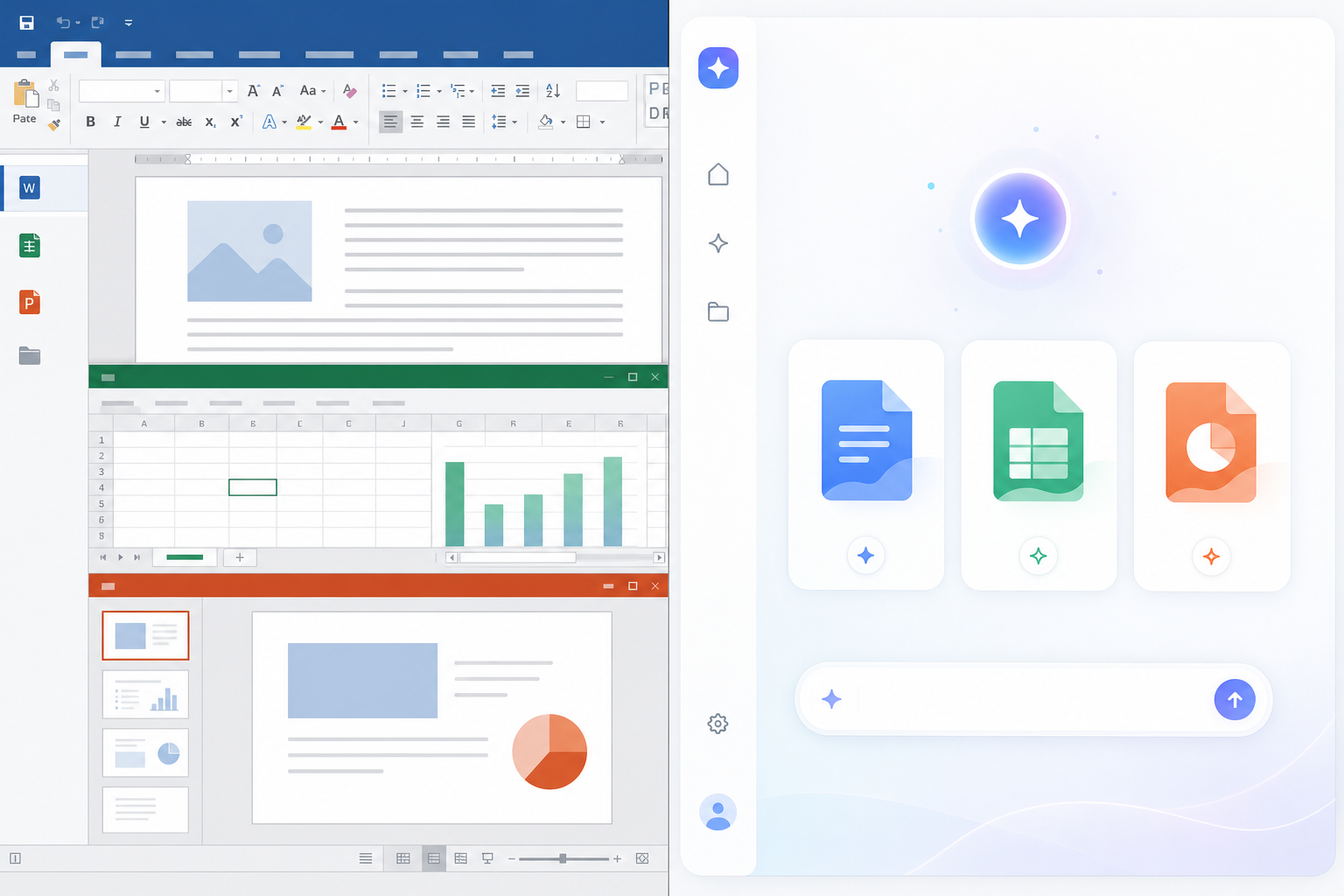
AI clones of office apps are free, AI-generated recreations of Word, Excel, and PowerPoint that mimic the look and basic functions of Microsoft’s suite — but they are not ready to replace it for most office workers, students, or small businesses doing real work. They’re useful for casual tasks and interesting as a technical demo, but they lack the file fidelity, formula depth, and support that paid productivity software still provides.
Over the past few months, a wave of these “vibe-coded” tools has spread across developer forums and tech news sites. A single developer who previously built free clones of Adobe’s Creative Cloud apps turned the same AI-assisted coding approach toward Microsoft Office, releasing lookalike versions of Word, Excel, and PowerPoint built almost entirely with AI coding assistants. The story picked up traction on Hacker News, where developers debated whether this marks the start of a real threat to Microsoft’s dominance or just a clever open-source curiosity.
What Are AI Clones of Office Apps?
AI clones of office apps are lightweight programs, often open-source, that an AI coding assistant generated to copy the interface and core features of Word, Excel, and PowerPoint. The developer describes the process as “vibe coding” — prompting an AI model repeatedly until the tool produces a working app, rather than hand-writing the code line by line.
These clones typically cover the basics: a word processor with formatting and export options, a spreadsheet grid with common formulas, and a slide editor with templates and transitions. They’re usually free to download, run locally or in the browser, and don’t require a subscription or license key. That alone explains why they’re drawing attention from people frustrated with the cost of Microsoft 365.
Where the Vibe-Coding Trend Came From
This isn’t the first time AI coding tools have been used to clone commercial software. The same developer previously built free alternatives to Photoshop, Illustrator, and other Adobe apps, and reportedly turned to Microsoft Office next after seeing how much attention the Adobe clones received. We covered a similar pattern of AI-rebuilt creative tools in our breakdown of AI-built Photoshop alternatives, and the same strengths and weaknesses apply here: fast to build, functional for light use, but missing the depth that comes from decades of engineering.
What makes this trend notable isn’t the novelty of open-source office software — LibreOffice and OpenOffice have existed for years. It’s the speed. A single person, using AI as a coding partner, produced working clones of three complex applications in a fraction of the time a traditional development team would need.
What AI Clones of Office Apps Can Actually Do
AI clones of office apps can genuinely handle simple, everyday tasks — typing a letter, building a basic budget, or putting together a short slide deck. Where they struggle is anything that depends on advanced formatting, complex formulas, macros, or working inside a team that’s standardized on Microsoft’s file formats.
Word Clones for Simple Documents
The Word-style clones generally handle text entry, basic styling, and exporting to common formats without issue. Problems tend to show up with footnotes, tracked changes, mail merge, and tight layout control — features office workers and students rely on for reports, theses, and formal correspondence.
Excel Clones for Basic Spreadsheets
Spreadsheet clones can usually manage simple formulas, sorting, and basic charts. They typically fall apart with pivot tables, array formulas, and macros — the exact features power users depend on. If you lean on advanced functions regularly, our guide to Excel power user functions that still matter in 2026 shows how much of that depth an AI clone would need to replicate just to match the original.
PowerPoint Clones for Quick Slides
Slide-building clones can produce decent basic decks with templates and simple animations. They tend to lose fidelity with custom master slides, embedded media, and precise object alignment — details that matter in client-facing presentations.
Where AI Clones of Office Apps Fall Short
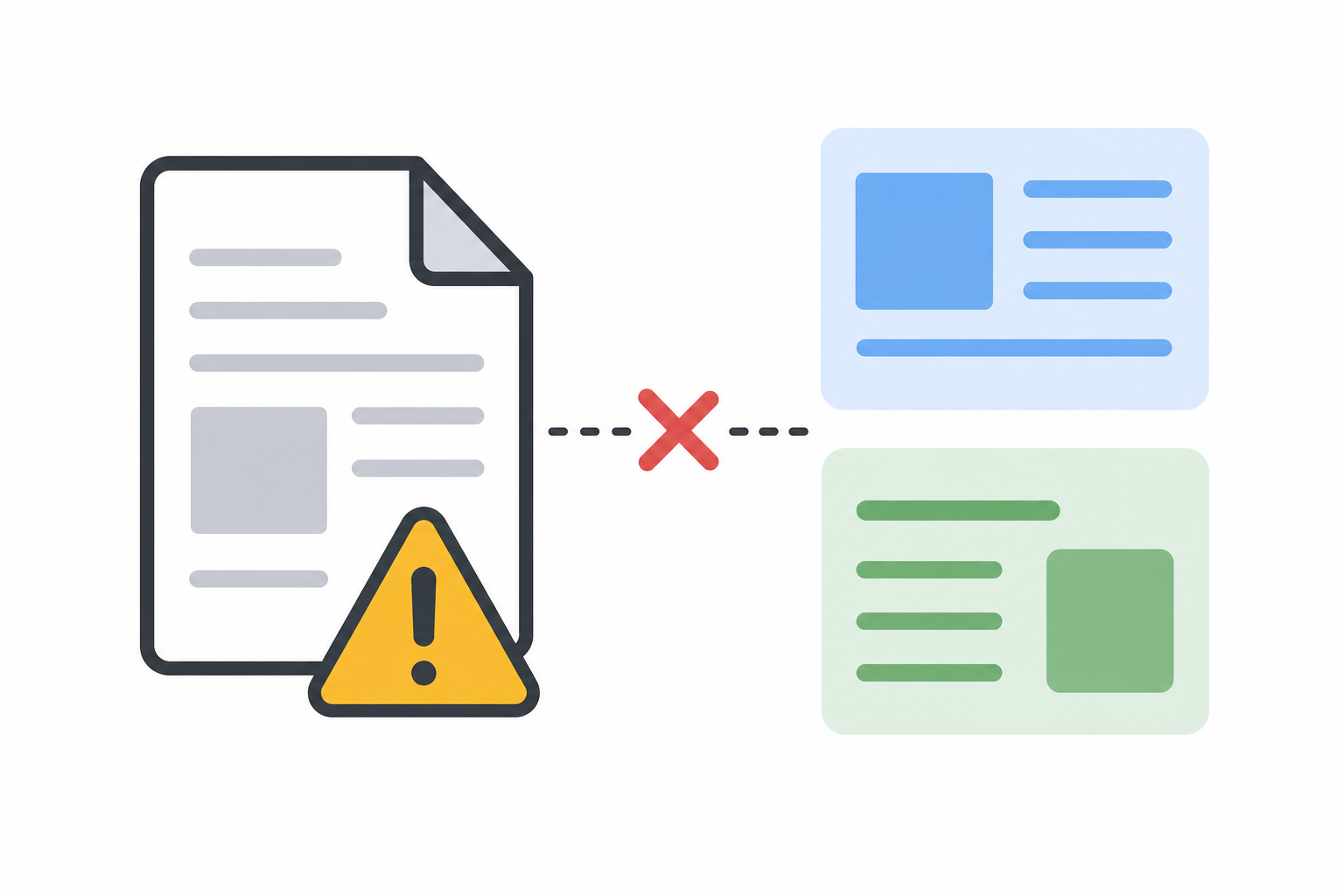
AI clones of office apps fall short in the areas that matter most for professional and academic use: file compatibility, long-term support, security, and collaboration. These gaps are the real reason they’re unlikely to displace Microsoft Office anytime soon.
- File fidelity: Complex .docx, .xlsx, and .pptx files built in Microsoft Office can render incorrectly or lose formatting when opened in a clone.
- No real support channel: A single developer or small open-source project can’t match dedicated customer support or a patch cycle for security issues.
- Limited collaboration: Real-time co-authoring, comments, and version history — core to how teams work in Word and Excel today — are inconsistent or missing entirely.
- Formula and macro gaps: Business-critical spreadsheets built on VBA macros or advanced array formulas generally won’t run correctly.
- Uncertain longevity: AI-generated open-source projects can be abandoned quickly if the developer moves on, leaving users stranded mid-workflow.
None of this means the clones are worthless — for a student typing a quick essay or someone building a one-off budget, they can do the job for free. But for anyone handling client documents, shared spreadsheets, or formal reports, the gaps above are dealbreakers.
Why Microsoft Office Still Dominates Productivity Software
Microsoft Office still dominates productivity software because of scale, file-format control, and the sheer depth of features built over more than three decades. Microsoft’s own latest quarterly earnings report showed its productivity and business processes segment growing revenue by 16%, with Microsoft 365 commercial products and cloud services as the biggest driver — a sign that demand for the full suite hasn’t softened even as free alternatives multiply.
Microsoft also controls the file formats the rest of the business world builds around. A clone that can open a .docx file is not the same as one that preserves every formatting nuance a corporate template depends on. That compatibility gap is why most IT departments, schools, and freelancers doing client work still buy or license genuine copies rather than risk a document breaking in transit.
For budget-conscious buyers who still want the real software without a subscription, a permanently licensed copy is often the more practical move than gambling on an AI clone. A genuine Office 2021 Home and Student license or a bundled OEM key brings full file compatibility and official support, often for less than a single year of a Microsoft 365 subscription — a comparison we break down in detail in our lifetime Microsoft Office license price breakdown.
Should You Replace Microsoft Office With an AI Clone?
For most office workers, students, and small business owners, replacing Microsoft Office entirely with an AI clone is premature. These tools are worth trying for casual, low-stakes tasks, but swapping out the software your job, school, or clients depend on introduces real risk for very little savings.
A more sensible approach is to treat AI clones of office apps as a supplementary option rather than a full replacement:
- Use a clone for personal, throwaway documents where formatting doesn’t matter.
- Keep genuine Office software for anything shared with colleagues, clients, teachers, or institutions.
- Watch the space — as AI coding tools improve, today’s rough edges may shrink, but they haven’t yet.
- If subscription cost is the real issue, compare a one-time license against a year of Microsoft 365 before assuming a free clone is the only affordable path.
FAQ
Are AI clones of office apps safe to use for business documents?
Not for anything sensitive or client-facing. Most AI clones of office apps are built by individual developers without formal security audits, so there’s no guarantee of the same data protection standards as established software. For contracts, invoices, or shared business files, genuine software remains the safer choice.
Can AI clones of office apps open native Word and Excel files?
Many can open basic .docx and .xlsx files, but complex formatting, embedded objects, macros, and advanced formulas often don’t translate correctly. Always check a document after opening it in a clone before sending it on to someone else.
Why are developers building free clones of Word, Excel, and PowerPoint?
The same developer behind these tools previously built free Adobe app clones using AI coding assistants and is now applying the same approach to Microsoft’s suite, partly to demonstrate what AI-assisted development can produce and partly as a response to subscription pricing.
Will AI clones of office apps eventually replace Microsoft Office?
Unlikely in the near term. Microsoft’s revenue from its productivity suite is still growing, and the clones currently lack the collaboration tools, file fidelity, and long-term support that businesses and institutions depend on.
Is it cheaper to buy a Microsoft Office license than use a subscription?
Often, yes. A one-time Office license can cost less than two years of a Microsoft 365 subscription, which is why many budget-conscious buyers choose a permanent license over either a subscription or an unproven free clone.
