

KB5129195 does not fix the secure domain login failures that Windows 11 devices have been experiencing since a prior cumulative update — administrators across enterprise networks have confirmed machines still lose their secure channel with Active Directory even after installing this emergency patch. If you manage domain-joined Windows 11 endpoints, you need a manual workaround right now, not a wait for the next patch cycle.
This guide breaks down what actually broke, who is affected, why KB5129195 didn’t solve it, and the steps you can deploy today to keep users logging in.
What Went Wrong With Secure Domain Logins
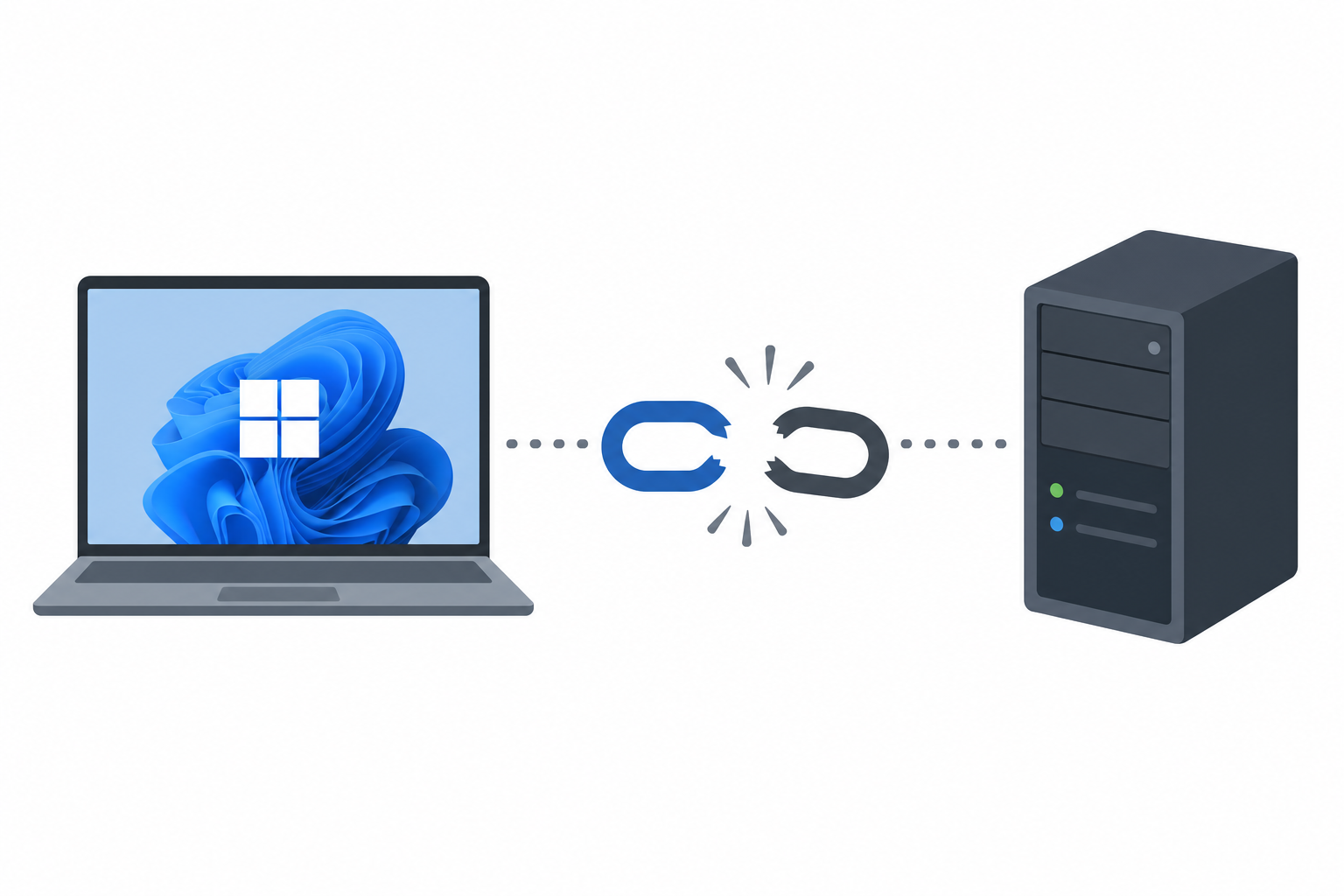
The root cause traces back to an earlier Windows 11 cumulative update, KB5124008, which introduced a defect affecting the secure channel between domain-joined machines and their Active Directory domain controllers. After installing that update, some Windows 11 workstations began losing their machine account trust relationship — the cryptographic handshake that lets a PC prove its identity to the domain and let users sign in with domain credentials.
When that secure channel breaks, affected machines typically show one or more of these symptoms:
- Users receive “The trust relationship between this workstation and the primary domain failed” errors at logon
- Running
Test-ComputerSecureChannelin PowerShell returnsFalse - Cached credentials work temporarily, but new authentication attempts against the domain controller fail
- Group Policy updates and other domain-dependent tasks silently stop applying
Microsoft acknowledged the issue and shipped an out-of-band update to address it. That update is KB5129195.
Why KB5129195 Failed to Fix the Domain Trust Problem
KB5129195 was released specifically to patch the secure channel defect from KB5124008, but field reports from IT administrators show it does not resolve the underlying issue for a meaningful share of affected environments. Machines that already lost their secure channel before installing KB5129195 generally remain broken after the update — the patch does not automatically repair a trust relationship that has already failed, and in some reported cases, previously healthy machines have broken after installing the fix.
This distinction matters for planning: KB5129195 appears to address the code path that caused the original failure going forward, but it is not a remediation tool for machines already stuck in a broken state. That gap is why admins on forums like AskWoody and Reddit’s r/sysadmin have flagged it as an incomplete fix rather than a resolved incident.
Who Is Affected by the KB5129195 Domain Login Issue
Based on reports collected by IT communities and Microsoft’s own support channels, the affected population centers on:
- Domain-joined Windows 11 workstations running the builds that received KB5124008
- Enterprise networks using on-premises Active Directory with regular secure channel checks
- Organizations with automated password/machine account rotation policies, which appear more likely to trigger the failure
- IT environments that deployed the update broadly via Windows Server Update Services (WSUS) or Intune without staged rollout
Home users and non-domain-joined devices are not affected, since the defect is specific to the machine-to-domain-controller trust mechanism used in managed environments.
Immediate Workaround for KB5129195 Secure Channel Failures

Until Microsoft ships a confirmed permanent fix, the practical workaround IT teams are using falls into three tiers, roughly in order of how disruptive they are to end users.
1. Reset the Secure Channel Without Rejoining the Domain
For machines already showing broken trust, the fastest non-disruptive fix is resetting the secure channel using PowerShell, run with domain admin credentials:
Test-ComputerSecureChannel -Repair -Credential (Get-Credential)- Alternatively, use
nltest /sc_reset:yourdomain.comfrom an elevated command prompt
This re-establishes the trust relationship without a full domain leave/rejoin, which avoids losing local profiles and reduces downtime for the end user.
2. Hold or Pause the Update on Unaffected Machines
For machines that have not yet installed KB5124008 or KB5129195, pausing the rollout via WSUS, Intune, or Windows Update for Business gives your team time to test in a staging ring before wider deployment. This is the standard patch-management discipline that limits blast radius when a cumulative update misbehaves.
3. Script the Secure Channel Reset for Scale
In environments with dozens or hundreds of affected endpoints, manually resetting each machine is not practical. A short PowerShell script looping through machines using Test-ComputerSecureChannel and triggering a repair when it returns false — deployed via a Group Policy scheduled task or an RMM tool — lets you remediate at scale without waiting on Microsoft.
If a machine’s account password has already desynced badly enough that the reset command fails, the fallback is disjoining and rejoining the domain, which is disruptive but reliable.
How to Confirm Whether Your Network Is Affected
Run Test-ComputerSecureChannel across a sample of domain-joined Windows 11 machines, particularly any that installed cumulative updates in the affected window. A result of False confirms the secure channel is broken and the workaround above should be applied. Checking Event Viewer for Netlogon service errors (Event ID 5719 and related) on affected machines can also confirm the pattern before you roll out a fix organization-wide.
It’s worth noting this is not the first time a Netlogon-related update has caused disruption for domain administrators — Microsoft has previously shipped changes to Netlogon secure channel behavior that required manual registry or policy adjustments, so building a habit of testing cumulative updates against a small pilot group before full deployment is good practice regardless of this specific incident.
Longer-Term Steps After the KB5129195 Incident
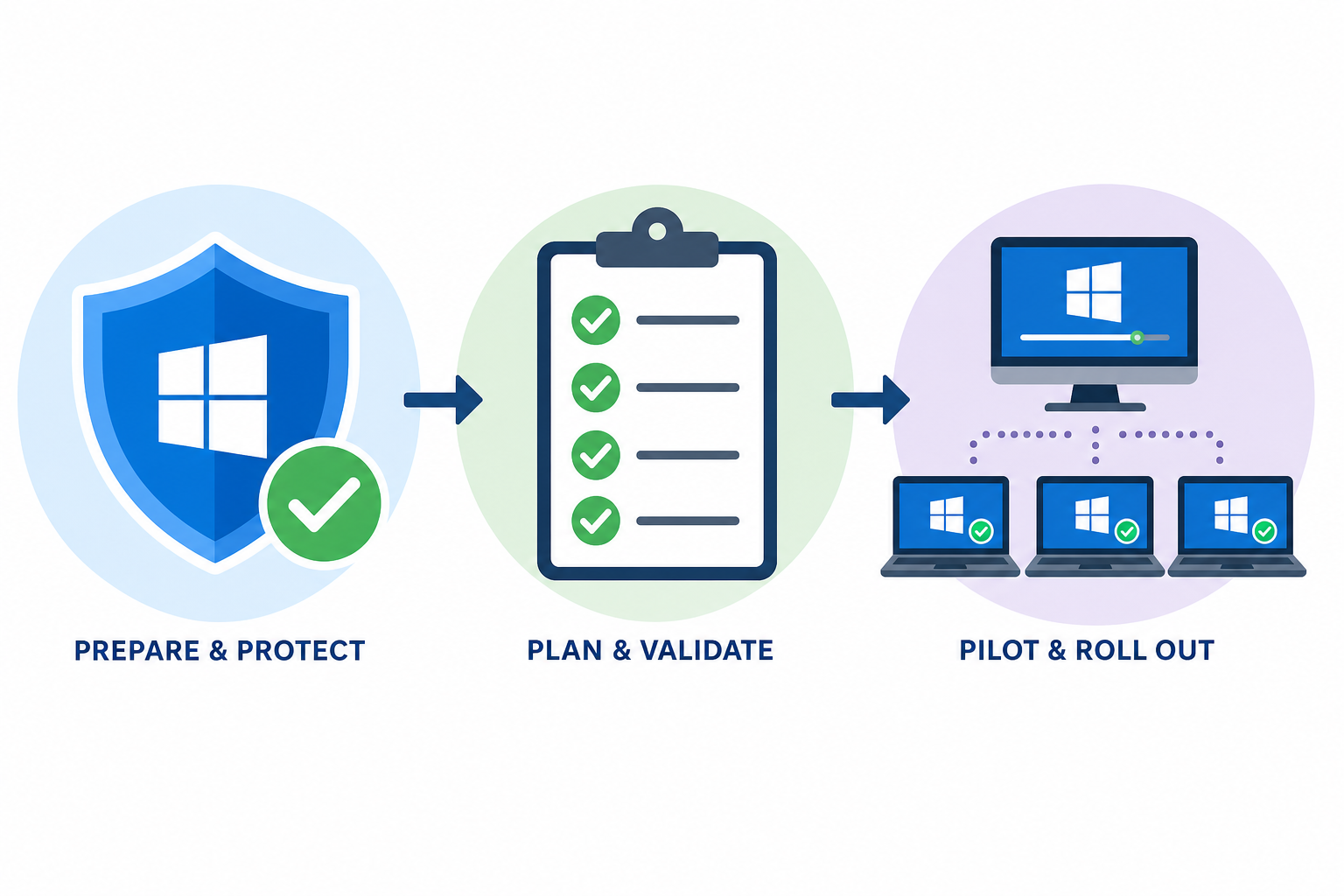
Once the immediate fires are out, a few longer-term actions reduce your exposure to the next update-related domain trust incident:
- Build a dedicated pilot ring of 5-10% of domain-joined machines that receive updates a week ahead of the broader fleet
- Document a standard secure channel repair runbook so any technician on your team can act without waiting for escalation
- Keep Windows 11 licensing and activation records centralized so replacing or rebuilding affected machines doesn’t stall on missing keys
- Subscribe to Microsoft’s release health dashboard and community trackers like AskWoody for early warning on known issues
If part of your remediation involves rebuilding or reimaging affected workstations, having a ready supply of genuine Windows 11 Pro license keys on hand avoids delays during an already stressful incident. Top Key Shop’s Windows 11 Pro OEM key is priced at €7.95 and delivers activation details by email within minutes, which matters when you’re racing to get a rebuilt machine back on the domain.
Is This Related to Other Netlogon Vulnerabilities?
This KB5129195 domain login failure is a functional bug rather than a security vulnerability, but it sits in the same Netlogon-adjacent territory that has caused problems before. Earlier in 2026, a separate and more serious issue — an actively exploited Netlogon remote code execution vulnerability — required urgent patching across enterprise networks. If your team hasn’t reviewed that incident, it’s worth reading our coverage of the Windows Netlogon RCE vulnerability alongside this one, since both point to the same lesson: Netlogon and secure channel components are high-impact failure points, and any update touching them deserves extra scrutiny before wide deployment.
For full technical detail on the original defect and Microsoft’s fix attempt, see the Neowin report on KB5129195 failing to resolve the domain login issue, and Microsoft’s own support thread tracking admin-reported cases of the secure channel break.
FAQ
What does KB5129195 actually fix?
KB5129195 was released as an out-of-band emergency update intended to correct the secure channel defect introduced by an earlier Windows 11 cumulative update. It addresses part of the underlying code issue but, based on admin reports, does not automatically repair machines whose domain trust had already broken before the update was installed.
Why does Test-ComputerSecureChannel return False after installing KB5129195?
If a machine’s secure channel was already broken before you installed KB5129195, the update does not retroactively restore that trust relationship. You need to manually run a secure channel repair command, such as Test-ComputerSecureChannel -Repair, after the update is applied.
Can I just uninstall KB5124008 to fix the problem?
Uninstalling the update that introduced the defect can help in some environments, but it also removes any security fixes bundled in that cumulative update, which may not be acceptable for compliance reasons. Resetting the secure channel directly is generally the safer, more targeted fix.
Does this issue affect Windows 10 as well as Windows 11?
Reports of this specific secure channel failure center on Windows 11 devices that received the affected cumulative update. Windows 10 domain-joined machines have not been widely reported with the same symptom, but any organization running mixed environments should test both operating systems before broad deployment of related updates.
How do I prevent this from happening with future updates?
Stage your Windows Update rollout through a small pilot group before deploying to your full fleet, monitor Microsoft’s release health dashboard and independent IT community trackers for known issues, and keep a documented secure channel repair runbook ready so your team can respond quickly if a similar problem recurs.
Domain trust failures like this one are disruptive, but they’re manageable with the right workaround in place. Reset the secure channel on affected machines, hold the update on unaffected ones until Microsoft confirms a complete fix, and keep your patch-testing pipeline tight so the next problematic cumulative update doesn’t catch your whole network at once.
