
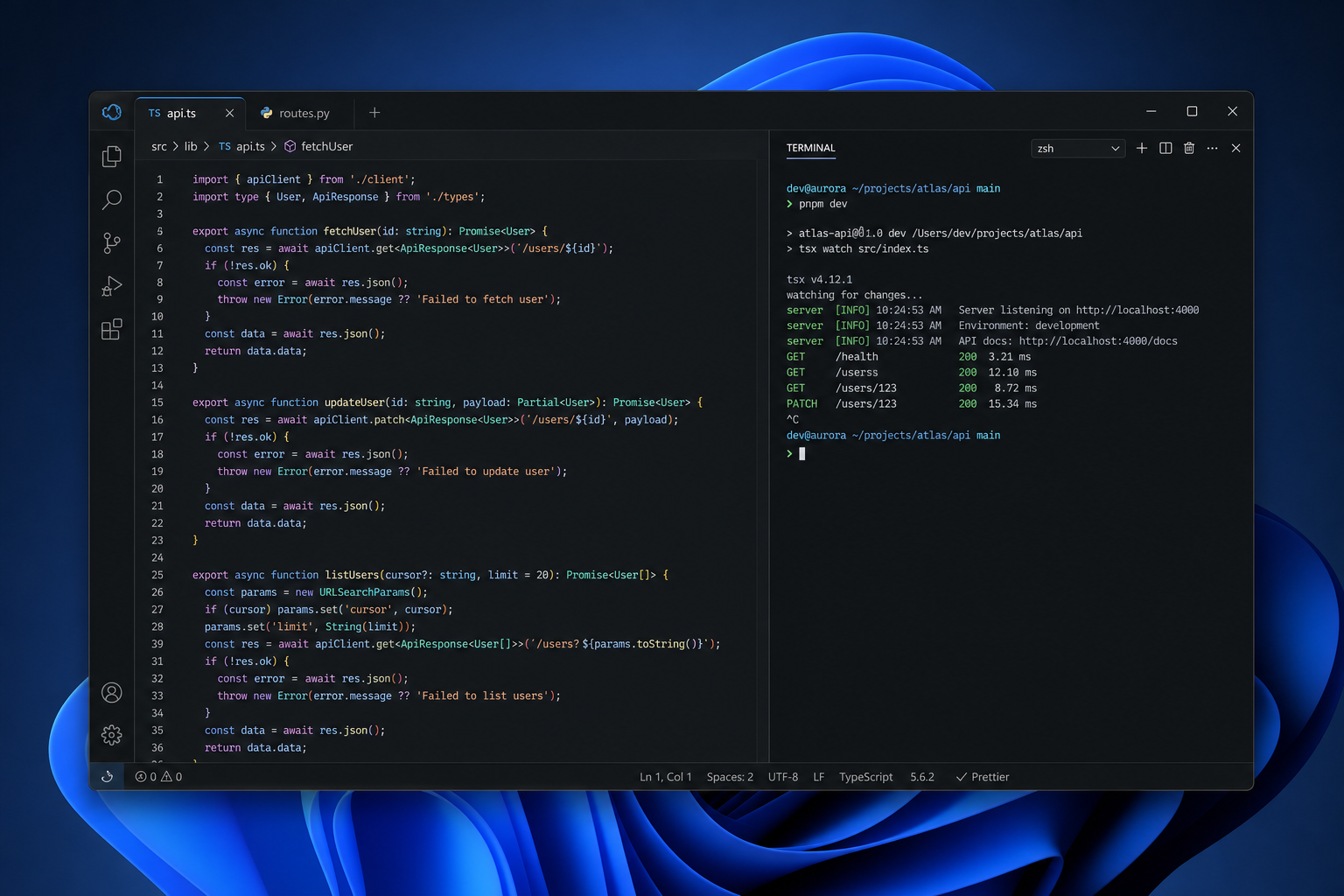
Project Zenith is Microsoft’s boldest attempt yet to make Windows 11 genuinely developer-first — a dedicated, distraction-free Windows experience that silences notifications, strips back the Start menu, and hides every non-essential system element so you can stay deep in your code. Announced in September 2026 on the Windows Developer Blog, it targets a very specific class of machine and a very specific kind of user: developers who need their OS to get out of the way and stay out of the way.
What Exactly Is Project Zenith?
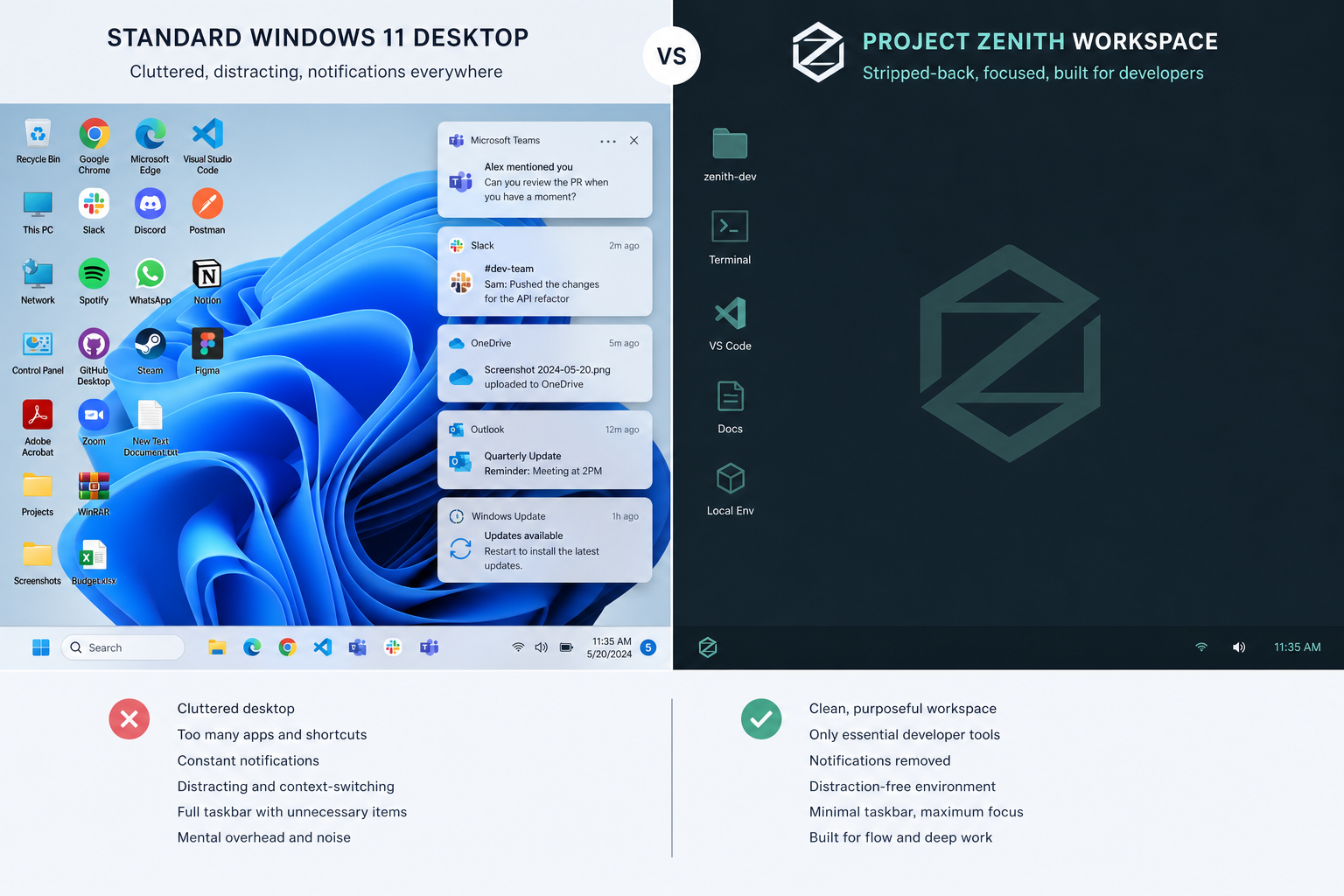
Project Zenith is a curated out-of-box Windows 11 configuration built around a single principle: the OS should serve the developer, not the other way around. Rather than shipping a completely separate operating system, Microsoft has designed Zenith as a mode layered on top of Windows 11 — one that aggressively removes consumer-facing clutter and pre-configures the environment for coding workflows from the moment you first boot.
According to Microsoft’s official announcement, Zenith targets developer-class devices equipped with at least 64 GB of unified memory and memory bandwidth exceeding 250 GB/s. That hardware floor is intentional. At those specs, the machine can comfortably run large language models with 30 billion or more parameters locally, making Project Zenith as much about local AI-assisted development as it is about a clean desktop.
Key Features of the Distraction-Free Windows Experience
Distraction-free Windows in Zenith goes well beyond simply turning off notifications. Microsoft has rethought the full desktop shell to eliminate anything that pulls attention away from your editor, terminal, or browser. The main changes include:
- Simplified Start menu — consumer app tiles and recommendations are removed; only development-relevant entries remain.
- Notification suppression — system-level and app-level notifications are silenced by default, with no badges or toast alerts competing for your attention.
- Hidden system UI elements — non-essential taskbar icons, widgets, and Meet Now-style shortcuts are stripped from the shell.
- Pre-uninstalled consumer apps — the bloatware that ships with standard Windows 11 builds (games, streaming apps, social shortcuts) is not present out of the box.
- Ready-to-code state — the machine arrives (or is configured) with development tooling pre-staged, so setup time between unboxing and writing your first line of code is minimal.
The result is a desktop that looks and behaves far more like a purpose-built Linux development workstation than the general-audience Windows 11 most users know.
Windows 11 Developer Mode vs Project Zenith — What’s the Difference?
Windows 11 developer mode has existed for years — it enables sideloading apps, exposes remote tooling, and unlocks certain debugging capabilities. Project Zenith is a different animal entirely. Developer mode is a toggle inside Settings; Zenith is a holistic shell reconfiguration applied at the OS level, affecting everything from what you see on first boot to which processes run in the background.
Think of existing Windows 11 developer mode as a permission switch, and Project Zenith as an entirely different personality for the operating system. One opens a door; the other rebuilds the room behind it.
For teams already using the latest Windows developer tools announced at Build 2026 — including WSL containers, the Intelligent Terminal, and on-device AI APIs — Zenith is the natural hardware companion: a machine that arrives configured to use those tools at full capacity without an afternoon of manual de-cluttering first.
Hardware Requirements: Who Actually Qualifies?
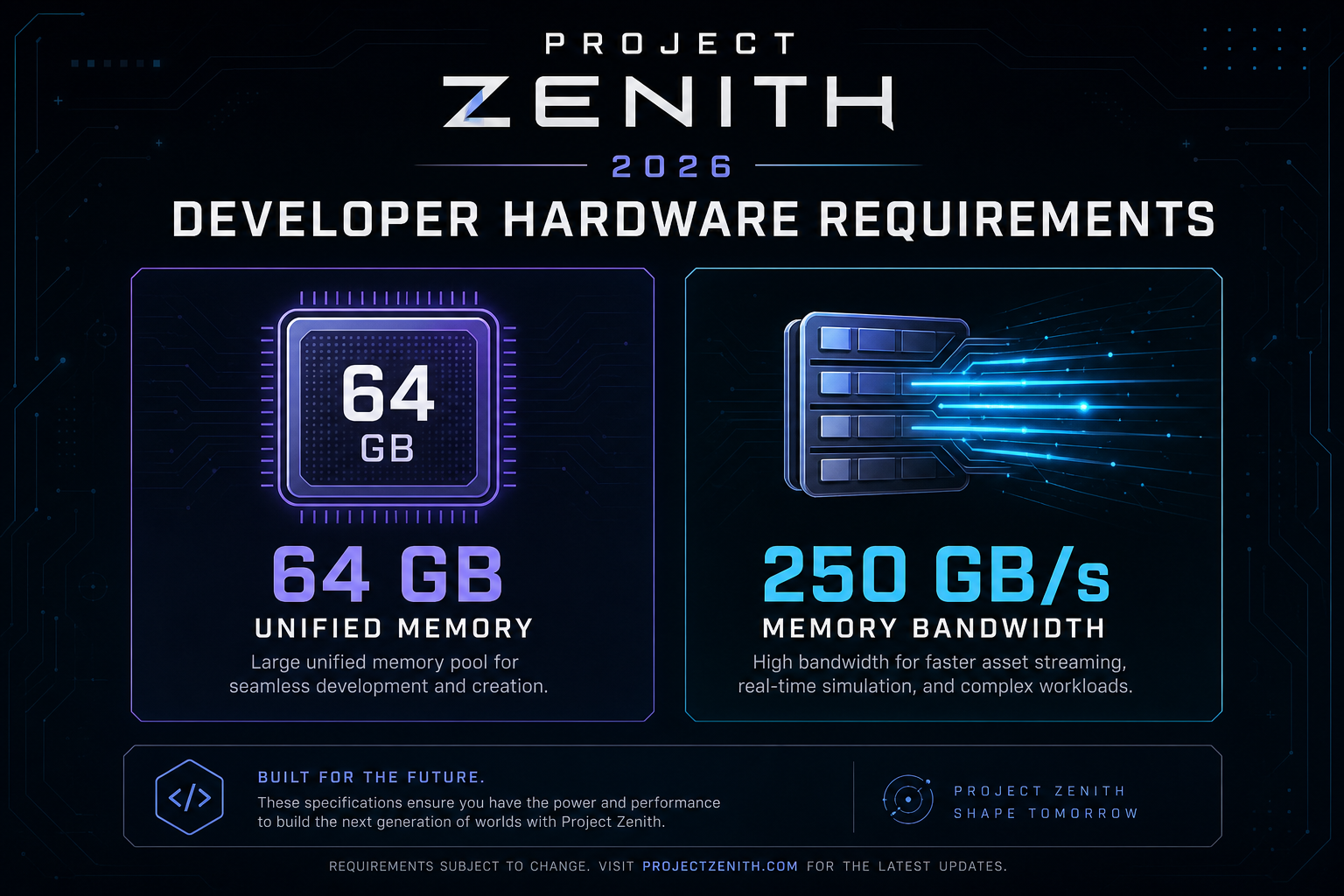
This is where Project Zenith narrows its audience considerably. The minimum hardware specification as announced by Microsoft is:
- 64 GB or more of unified memory
- Memory bandwidth of 250 GB/s or higher
- Developer-class device designation (Microsoft has not yet published an exhaustive list of qualifying hardware)
Those numbers immediately rule out the vast majority of consumer laptops and desktops on the market in 2026. Even many professional workstations fall below the memory bandwidth threshold. Project Zenith, at least in its initial form, is squarely aimed at high-end silicon — think Apple M-series competitors and next-generation ARM-based developer boxes capable of running large models locally.
That said, Microsoft has signalled this is an evolving project, not a locked feature set. Hardware requirements could soften as the mode matures, or elements of Zenith could trickle down to more accessible configurations via Windows Insider builds.
Developer Focus Windows: Why Local AI Changes Everything
The 30-billion-parameter local model requirement embedded in Project Zenith’s specification is a telling detail. Developer focus Windows in the Zenith era isn’t simply about removing distractions from the shell — it’s about creating a machine where the entire AI inference stack runs on-device, without cloud round-trips, API latency, or data privacy concerns.
For developers building with or for large language models, this matters enormously. Running a 30B+ parameter model locally on a Zenith-class device means you can iterate on prompts, test outputs, and fine-tune behaviour without sending proprietary code or data to an external endpoint. The distraction-free shell simply ensures the rest of the OS isn’t competing for the memory bandwidth and CPU cycles that local inference demands.
It also positions Windows 11 more directly against macOS as a developer platform. Apple has long marketed the M-series unified memory architecture as a reason to choose Mac for ML development. Project Zenith is Microsoft’s answer: Windows can do the same, and it will streamline the OS experience to prove it.
Distraction-Free Windows in Practice: What Developers Can Expect
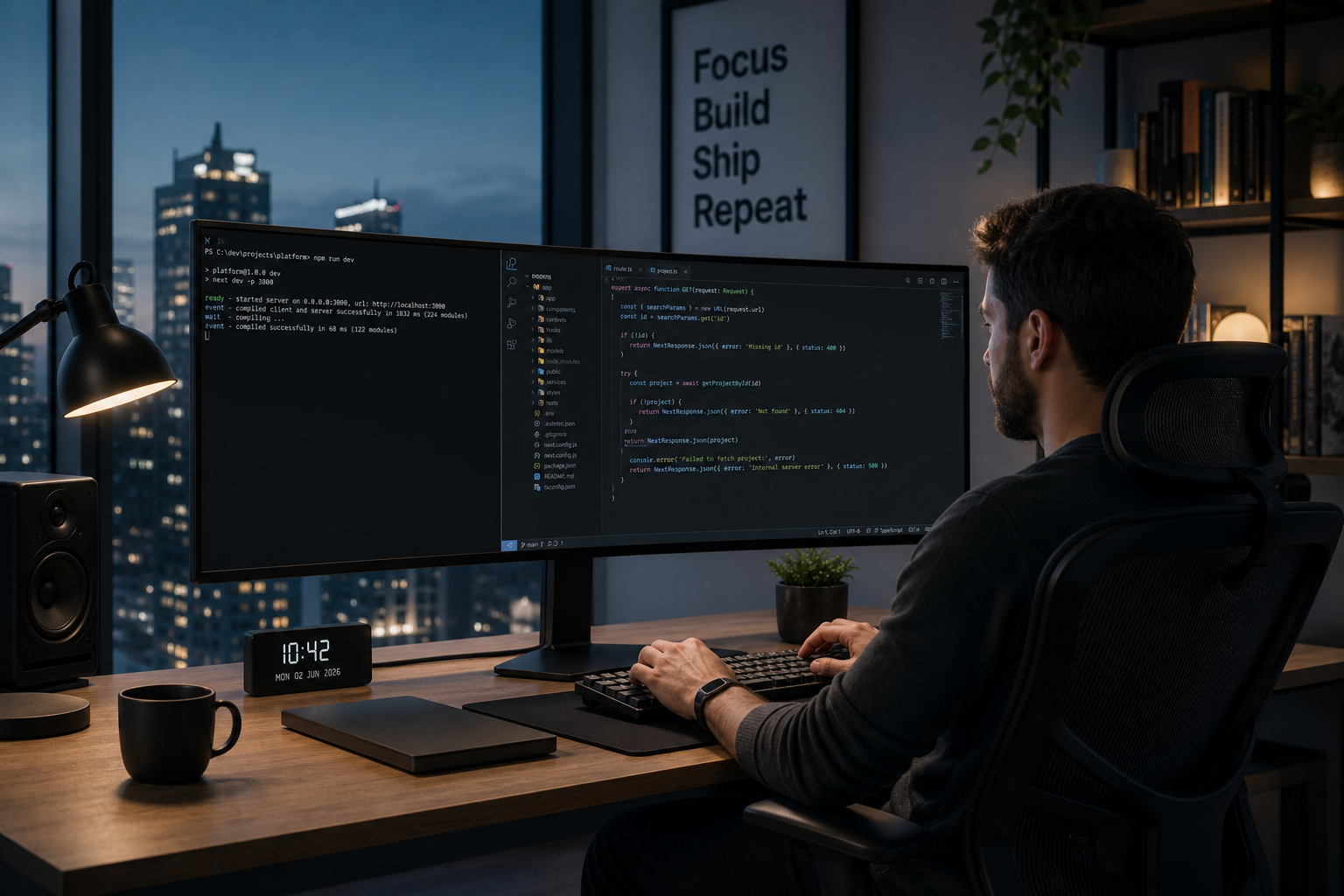
For day-to-day coding, the practical difference of a distraction-free Windows setup is substantial. Studies on developer productivity consistently show that context switching — triggered by a notification, a widget refresh, or an intrusive system prompt — can cost 20 minutes or more of focused work to fully recover from. Eliminating those interrupts isn’t cosmetic; it directly affects output quality and throughput.
In the Zenith configuration, a typical session might look like this: you open your terminal, spin up your editor, start a local model inference session, and work uninterrupted. No toast notifications. No widget panel refreshing stock prices in your peripheral vision. No Start menu recommendation algorithm surfacing apps you didn’t ask for. Just your code, your tools, and a machine resourced to handle them.
Combined with features already available in Windows 11 — WSL for Linux environment integration, Windows Terminal, and Dev Home — Zenith creates a coherent end-to-end developer experience that Windows has historically struggled to match against macOS and Linux.
Project Zenith Availability: When Can You Get It?
As of the September 2026 announcement, Project Zenith is positioned as an out-of-box experience on qualifying hardware rather than a downloadable Windows update available to all existing users. Microsoft has not confirmed whether existing Windows 11 machines — even those meeting the hardware bar — will be able to opt in through an Insider or Settings toggle.
The most pragmatic read of the announcement is that Zenith will initially ship pre-configured on new developer-class devices, similar to how Microsoft has handled Surface-specific features in the past. Broader availability timelines remain unconfirmed.
If you are running Windows 11 on current hardware and want to approximate the Zenith experience today, the approach is manual but achievable: use Focus Assist (now called Do Not Disturb), remove consumer apps via Settings or PowerShell, disable taskbar widgets, and configure a clean Start menu layout. You won’t get the integrated local AI stack, but you’ll eliminate most of the shell noise Zenith targets.
Should You Upgrade to Windows 11 Now?
Project Zenith is a preview of where Windows 11 is heading for professional users — but you don’t need to wait for Zenith-class hardware to benefit from Windows 11’s developer capabilities today. Windows 11 Pro already includes Hyper-V, BitLocker, Group Policy, and deeper WSL integration than Windows 11 Home, making it the stronger baseline for development work on current hardware.
If your current machine is still running Windows 10 or an older Windows 11 build, moving to a fully licensed, genuine Windows 11 installation is the first step toward any serious developer workflow — including taking advantage of future Zenith features if and when they become more broadly available. You can find a genuine Windows 11 Home key at Top Key Shop from €14.70, with instant email delivery and a full money-back guarantee. For developers who need Pro-tier features, the full Windows 11 range at Top Key Shop covers both Home and Pro licences at competitive prices, all genuine and activated against Microsoft’s own servers.
The Bigger Picture: What Project Zenith Signals for Windows
Project Zenith is not just a productivity feature — it’s a strategic statement. Microsoft is acknowledging, more explicitly than ever, that the standard Windows 11 experience carries consumer-facing design decisions that work against professional developers. The notification system, the widget panel, the recommended apps in Start — these are all revenue-generating or engagement-driving features for Microsoft as a platform. Zenith says: for developers, we’ll trade those off in favour of your workflow.
That’s a meaningful concession, and it mirrors moves developers have been making for years by switching to macOS or tiling window managers on Linux. If Zenith’s feature set eventually becomes available on more accessible hardware — even partially, via Insider channels — it could genuinely shift the balance of which OS developers choose as their daily driver.
For now, watch the official Windows Developer Blog announcement for hardware partner details and Insider programme updates. The project is active, the direction is clear, and for developers who live in their terminal and editor, Windows 11’s most focused upgrade yet may be closer than it looks.
FAQ
What is Project Zenith in Windows 11?
Project Zenith is a distraction-free Windows 11 configuration announced by Microsoft in September 2026. It removes consumer UI clutter — notifications, widget panels, preinstalled apps, and Start menu recommendations — and pre-configures the environment for coding workflows. It is designed for developer-class hardware with 64 GB or more of unified memory.
Is Project Zenith the same as Windows 11 developer mode?
No. Windows 11 developer mode is a settings toggle that enables sideloading and debugging features. Project Zenith is a full shell reconfiguration applied at the OS level, affecting the entire desktop environment from first boot. They are complementary but entirely separate features.
What hardware does Project Zenith require?
Microsoft’s announced minimum specification includes at least 64 GB of unified memory and memory bandwidth of 250 GB/s or higher. This targets high-end developer workstations capable of running large language models with 30 billion or more parameters locally. Most current consumer and mid-range professional machines do not meet this threshold.
Can I get a distraction-free Windows experience on existing hardware?
You can approximate it manually. Enable Do Not Disturb (Focus Assist), remove preinstalled apps via Settings or PowerShell, disable the widget panel, and clean up your Start menu. You won’t have the integrated local AI stack or the pre-configured ready-to-code state, but the core shell clutter can be eliminated on any Windows 11 installation today.
Will Project Zenith come to non-qualifying devices?
Microsoft has not confirmed broader availability, but the project is described as evolving. Elements of the Zenith experience could arrive via Windows Insider builds or as configurable options in a future Windows 11 update. The hardware requirements may also be revised as qualifying device categories expand.
Do I need Windows 11 Pro for the best developer experience?
For most professional development workflows, Windows 11 Pro is the better choice. It includes Hyper-V for virtualisation, BitLocker for encryption, and more granular Group Policy controls — all relevant to development environments. Windows 11 Home is suitable for lighter workflows, but Pro removes more constraints for serious developers.
