
The best antivirus for Mac in 2026 is one that stops real-world malware without burying that protection under tools you’ll never open. In our comparison, Avira Prime is a useful case study: its core scanning engine performs well, but several of the add-ons bundled around it add bulk more than value — a pattern worth understanding before you buy any Mac security suite.
macOS has solid built-in defenses, but they don’t catch everything. Phishing pages, adware, cross-platform malware, and malicious browser extensions all slip past Apple’s own protections regularly. A dedicated antivirus for Mac closes those gaps — but only if you pick one that actually earns its place on your system.
Do Mac Users Really Need Antivirus Software?
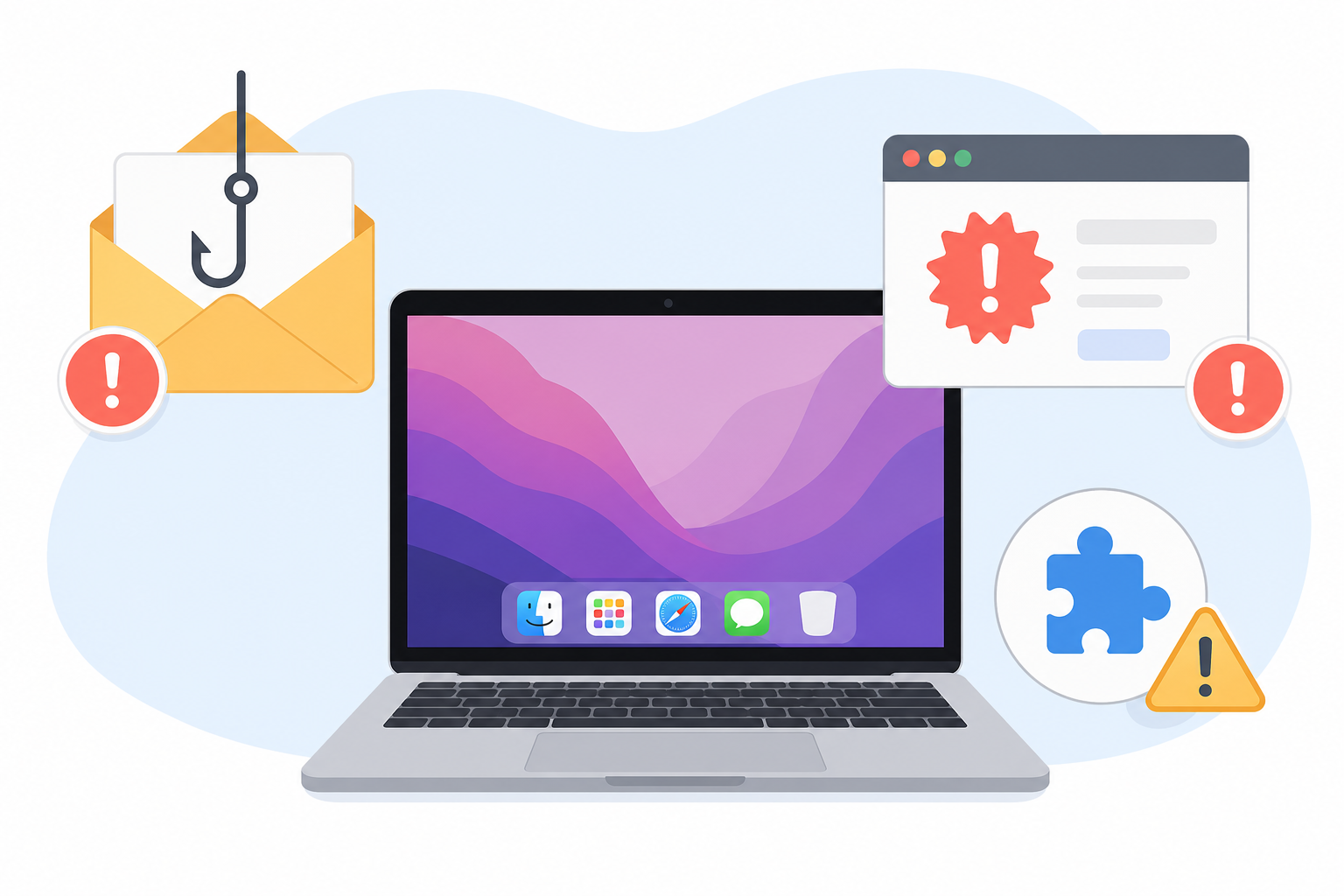
Yes — macOS’s built-in XProtect and Gatekeeper block known malware signatures and unsigned apps, but they don’t stop phishing sites, malicious documents, or threats that arrive through email and browser downloads. These are the categories where most Mac infections actually originate.
- Phishing pages designed to steal Apple ID or banking credentials
- Adware and browser hijackers bundled with free downloads
- Cross-platform malware that spreads through shared files and cloud drives
- Malicious browser extensions that quietly harvest data
None of these require a security flaw in macOS itself — they rely on the user clicking something. That’s exactly the gap a well-built antivirus for Mac is meant to cover.
What Separates the Best Antivirus for Mac From the Rest
The best antivirus for Mac combines high independent detection scores with a light system footprint and no unnecessary bloat. Vendors differentiate mostly through what they add on top of the scanning engine — and that’s where quality varies the most.
Core Malware Protection vs. Bloatware
Every major Mac security suite ships with a VPN, password manager, system cleaner, or “optimization” tool bundled in. Some of these genuinely add value. Others duplicate free tools already built into macOS, or run constant background processes that slow the machine down without materially improving protection.
Independent Lab Results Matter
Marketing claims are easy to make; lab results are harder to fake. In AV-Comparatives’ 2026 Mac Security Test, protection rates among consumer products ranged from roughly 99.0% to 99.9%, with enterprise-grade tools like CrowdStrike Falcon reaching 100%. That tight spread means the real differences between suites usually come down to usability and extras, not raw detection.
Avira Prime: A Case Study in Strong Scanning, Weak Extras
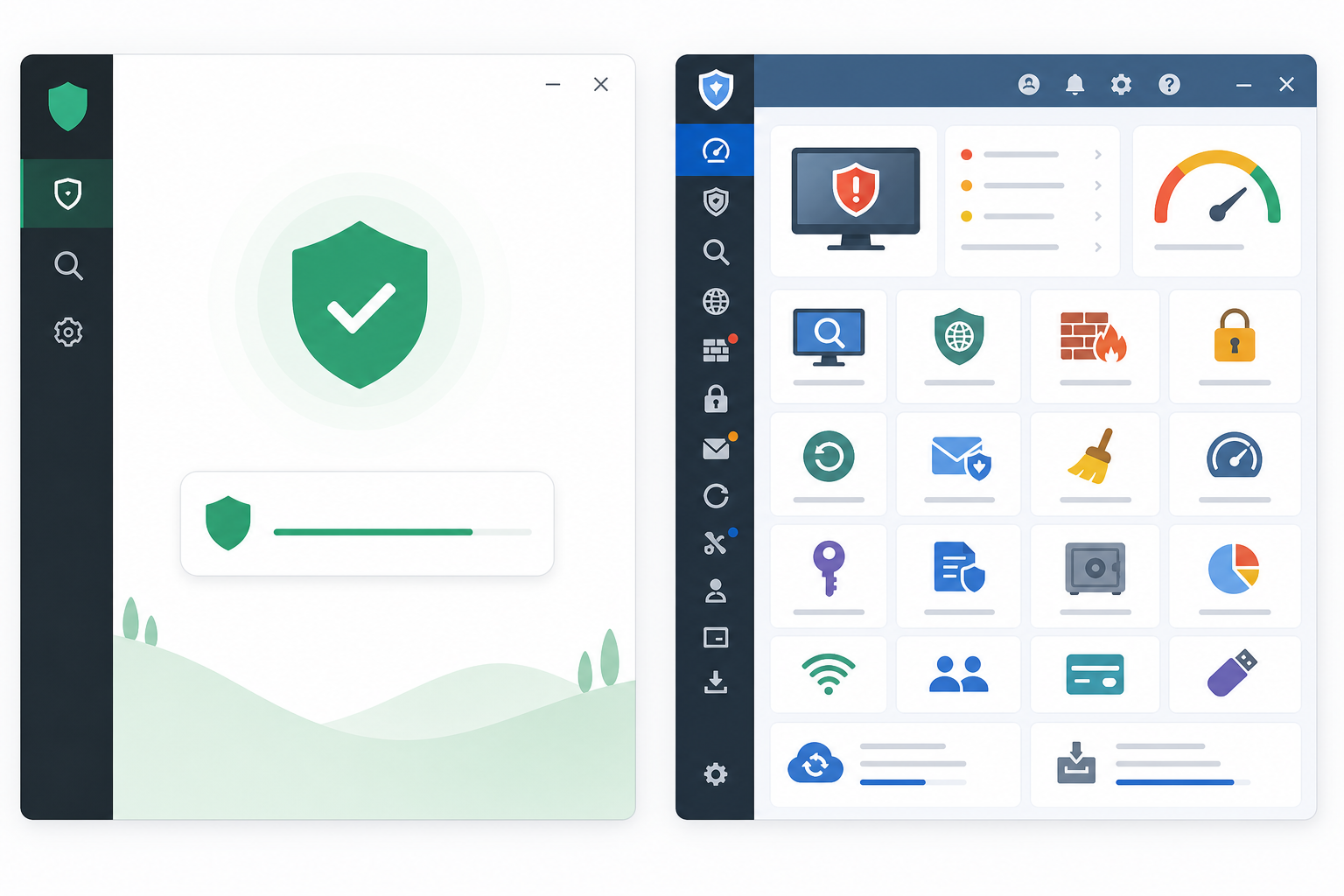
Avira Prime illustrates a common pattern among Mac security suites: a genuinely capable malware engine wrapped in extras that don’t hold up as well. Independent reviews consistently rate Avira’s core scanning as fast and effective at catching known threats without heavy system slowdown.
Where recent coverage has been less flattering is the bundle around that engine. Avira Prime packages in a VPN, software updater, password manager, and junk cleaner — and reviewers have noted that several of these feel like afterthoughts rather than fully developed tools. If you’re paying for an all-in-one subscription expecting every component to match the quality of the antivirus engine, that’s the part most likely to disappoint.
This matters for anyone comparing options, because it’s a reminder that “all-in-one” doesn’t always mean “all excellent.” A suite can absolutely be the best antivirus for Mac on pure malware protection while still being a mediocre VPN or password manager.
How Avira Prime Compares to Other Best Antivirus for Mac Picks
Avira Prime isn’t the only option built around this trade-off between core protection and bundled extras. Here’s how it stacks up against other suites commonly recommended for Mac:
- Bitdefender Antivirus for Mac — Strong lab scores, low system impact, and a leaner feature set than Avira Prime, making it a solid pick if you want protection without a crowded dashboard.
- Norton 360 for Mac — Full-featured like Avira Prime, with backup and dark web monitoring added in; works well if you’ll actually use the extras.
- Malwarebytes for Mac — Minimal, scanning-focused, and a good fit for users who specifically want to avoid bundled VPNs and system tools.
- Intego Mac Internet Security — Built Mac-first rather than ported from Windows, with a lighter interface aimed at macOS conventions.
The common thread: the suites that score best on usability tend to be the ones that keep their extras focused rather than trying to replace five other apps at once.
Lightweight Options When You Just Want Malware Protection
If your priority is pure malware protection without a bundled VPN or cleanup tool, scanning-focused products like Malwarebytes or Bitdefender’s standalone antivirus are usually a better fit than full suites like Avira Prime or Norton 360. You get the scanning engine without paying for — or running — tools you won’t use.
It’s also worth thinking about your whole household, not just your Mac. If you or someone else in the house also runs Windows PCs, pairing a lean Mac-focused tool with a dedicated PC antivirus license is often more cost-effective than one oversized cross-platform bundle. Top Key Shop’s antivirus software options cover that Windows side if you need a separate license for a PC alongside your Mac setup.
How We Evaluated the Best Antivirus for Mac Suites

This comparison weighs independent lab results, real-world reviewer feedback, and the quality of bundled extras, not just marketing claims. We leaned on AV-Comparatives’ 2026 Mac Security Test for detection and performance data, and cross-referenced recent product reviews for how each suite’s non-scanning features actually hold up in daily use.
It’s also worth understanding what antivirus software can and can’t do in the first place. Malware protection is only one layer of a safe setup — things like software updates, careful downloading habits, and knowing what free antivirus tools typically miss compared to paid plans all factor into how protected you really are. The same logic applies to newer threats: as covered in our breakdown of modern ransomware protection, signature-based scanning alone isn’t enough against encrypting malware — behavioral detection matters on Mac too, not just Windows.
Choosing the Best Antivirus for Mac for Your Needs
The right choice depends less on brand reputation and more on what you’ll actually use day to day. A few starting points:
- If you want minimal bloat: choose a scanning-focused tool like Malwarebytes or a standalone Bitdefender license.
- If you’ll use the extras: a full suite like Norton 360 or Avira Prime can be worthwhile — but only if you’ll genuinely use the VPN and password manager, not just the scanner.
- If you manage multiple devices: look for a suite with per-device pricing that doesn’t force you to pay for Mac-specific tools on Windows machines, or vice versa.
- If budget matters most: compare per-year pricing against what each suite’s core scanning engine actually scores in independent lab tests, not its marketing page.
Whatever you pick, the best antivirus for Mac for your household is the one whose core protection you trust and whose extras you’ll actually open — not the one with the longest feature list.
FAQ
Is antivirus software really necessary for Mac in 2026?
It’s not strictly required, since macOS includes baseline protections like XProtect and Gatekeeper, but dedicated antivirus closes real gaps around phishing, adware, and cross-platform malware that Apple’s built-in tools don’t fully address.
What is the best antivirus for Mac if I don’t want extra features?
Scanning-focused products like Malwarebytes or a standalone Bitdefender license are good picks if you specifically want to avoid bundled VPNs, password managers, and cleanup tools.
Why does Avira Prime get mixed reviews for Mac users?
Its core malware scanning consistently performs well in independent tests, but reviewers often point to its bundled VPN, password manager, and junk cleaner as weaker than dedicated standalone tools in those categories.
Does a higher price mean better malware protection?
Not necessarily. Independent lab tests show detection rates among major consumer Mac security suites are often within a percentage point of each other, so price frequently reflects bundled extras rather than core protection quality.
Can I use a free Mac antivirus instead of a paid suite?
Free tools can catch known malware, but they typically skip real-time behavioral protection, phishing filters, and ransomware-specific defenses that paid plans include — worth weighing against how much risk you’re comfortable carrying.
How often should I run a malware scan on my Mac?
Most modern antivirus for Mac tools run continuous real-time protection in the background, so manual full-system scans are mainly useful periodically, such as monthly or after downloading software from outside the App Store.
