
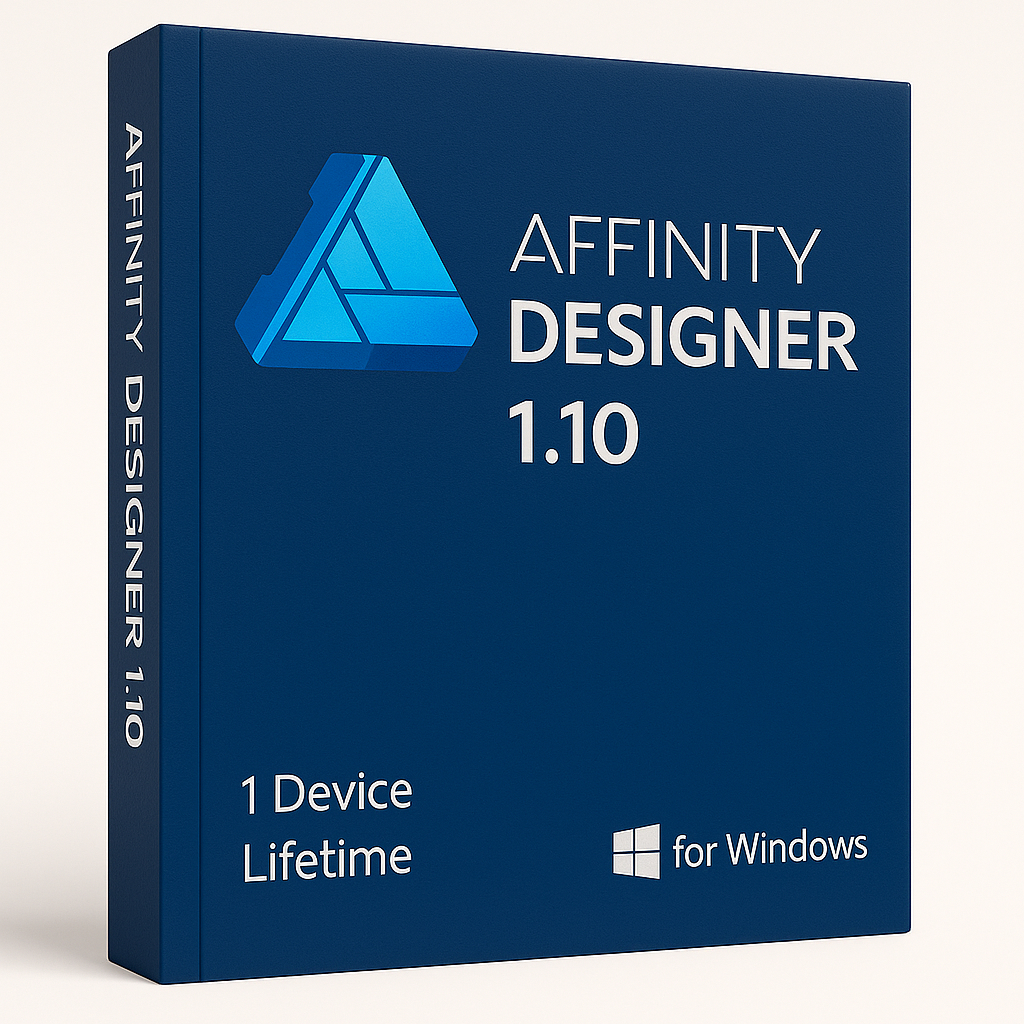

Affinity Designer 1.10 For Windows — Professional Vector & Raster Design
The industry-standard alternative to subscription-based creative tools
Affinity Designer is an award-winning vector and raster design application trusted by professional illustrators, web designers, UI/UX specialists, game developers, and brand creatives worldwide. Unlike subscription-based alternatives, this is a genuine one-time-purchase lifetime licence — you pay once and own it permanently, with no monthly fees and no cloud lock-in.
-
Language: Multi-Language
-
Licence Duration: Lifetime
-
Operating System: Windows 10 / Windows 11 (64-bit)
-
Devices: 1
Key Features of Affinity Designer 1.10
-
⚡ Faster Rendering Engine: Version 1.10 brought significant GPU rendering improvements, allowing Affinity Designer to handle highly complex documents — thousands of objects, intricate paths, and layered effects — with noticeably less lag and snappier response times.
-
🖌️ Dual Vector & Raster Workspaces: Switch fluidly between the Vector persona and the Pixel persona within the same project. Add hand-painted brush textures, pixel-level edits, and masking without ever leaving the application.
-
⏱️ Smart Workflow Tools: Speed up repetitive tasks with symbols, constraints, linked attributes, custom grids and guides, snap-to-geometry, and fully saved workspaces tailored to your creative process.
-
🔍 Pixel-Perfect Export Previews: Toggle pixel preview mode to confirm precisely how your artwork will appear at standard and retina resolutions before you export — no surprises in the final file.
-
🎨 Unlimited Artboards: Design entire systems — social media template sets, multi-screen app mock-ups, icon libraries, or poster series — on as many artboards as your project demands, all within a single file.
-
✏️ Professional Typography Controls: Flow text along custom paths, apply ligatures, manage character and paragraph styles, and build sophisticated typographic layouts that print and export cleanly.
-
🌐 Cross-Platform File Format: The native Affinity file format is fully cross-compatible across Windows, Mac, and iPad — switch devices or collaborate with colleagues without conversion or quality loss.
-
📂 Broad File Compatibility: Open and export industry-standard formats including SVG, PDF, PSD, EPS, PNG, JPEG, TIFF, GIF, and DWG/DXF, making it straightforward to integrate into any existing design pipeline.
Who Is Affinity Designer Built For?
Affinity Designer is versatile enough to serve a wide range of creative disciplines. Here are some of the most common professional use cases:
-
Brand & Identity Design: Build complete visual identities — logos, colour palettes, style guides, and stationery — with precise vector tools and professional colour management.
-
UI & UX Design: Prototype app interfaces and web layouts using artboards, constraints, and export slices optimised for screen deliverables.
-
Illustration & Concept Art: Combine vector line work with raster brush painting in a single document — ideal for editorial illustration, character design, and concept art.
-
Print & Publication Design: Produce press-ready print artwork — posters, packaging, infographics, and marketing materials — with full CMYK and ICC colour profile support.
-
Icon & Asset Creation: Design icon sets and UI components at any scale with vector precision and export at multiple resolutions in one click.
System Requirements
Windows:
-
Windows 10 or Windows 11 (64-bit)
-
DirectX 10-compatible graphics card or higher
-
Hardware GPU acceleration support
-
4 GB RAM minimum (8 GB recommended for complex documents)
-
Approximately 1.5 GB available disk space
Looking for More Design Software?
If you need a broader creative toolkit, browse our full range of titles in the Design & Illustration category, or explore all software available under the Affinity brand at Top Key Shop. For teams or users who require the full Adobe ecosystem, our Creative Cloud category offers flexible subscription options alongside standalone titles.




Reviews
There are no reviews yet.